
Your landing page’s weakest score is Trust.
How Hopper ranks
68Growth scoreupdated
category scores
category scoresShowHide
Score over time
Trust
38PoorProof that the product is real, competent, and safe to try.

| Trust read | |
|---|---|
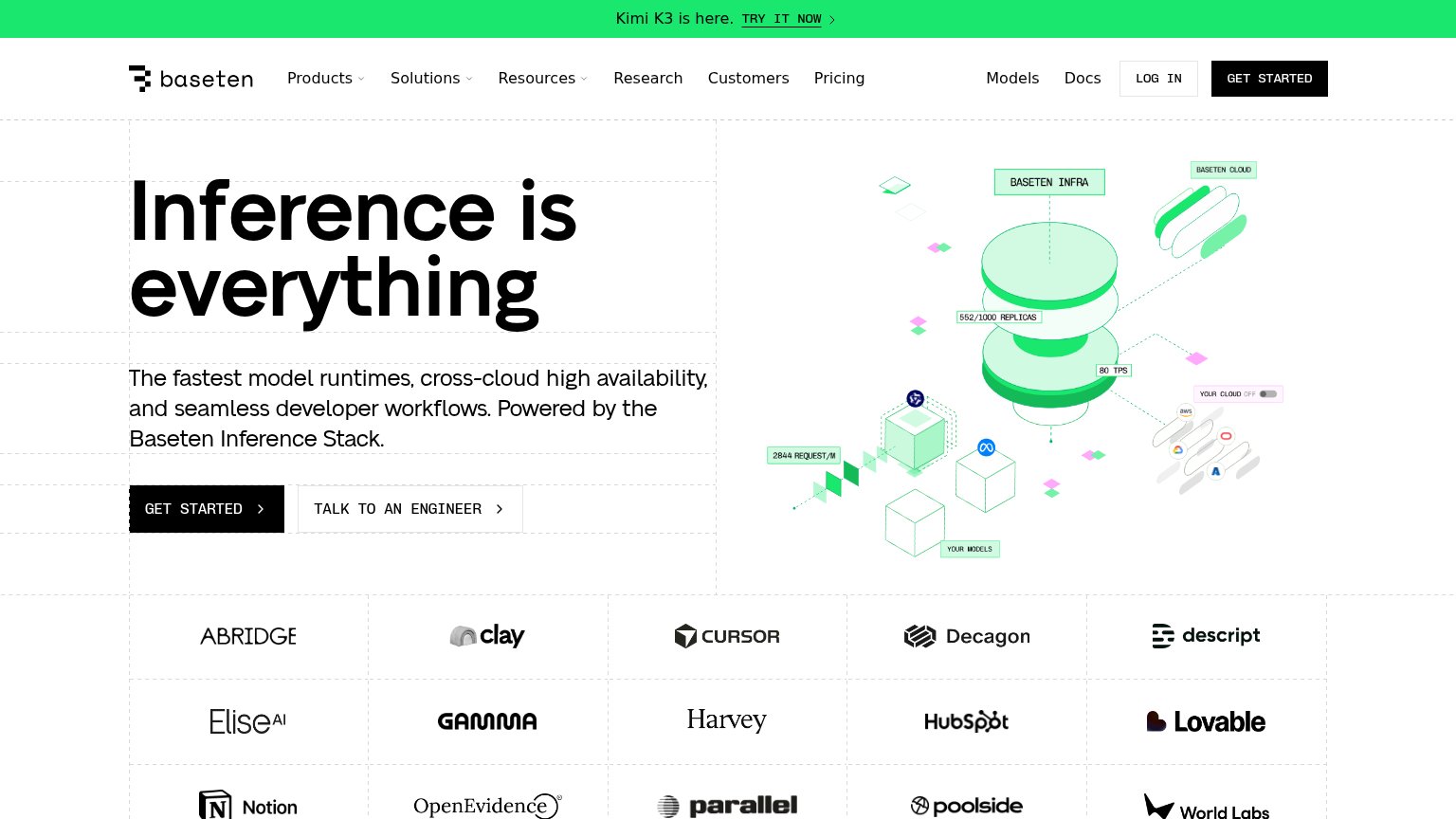
| Hopper | No visible trust signal identified. |
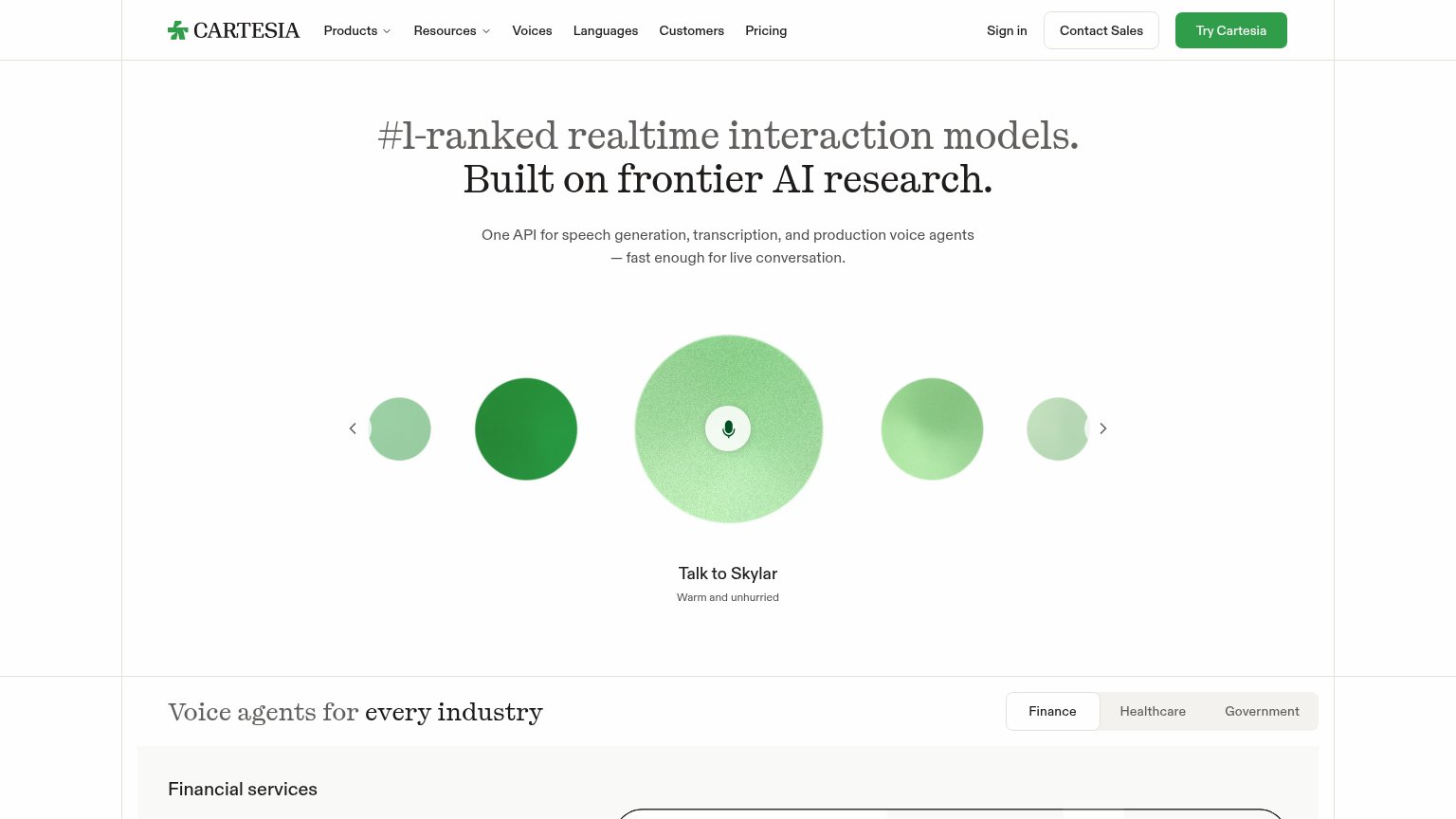
| Interactive "Talk to Skylar" voice demo carousel | |
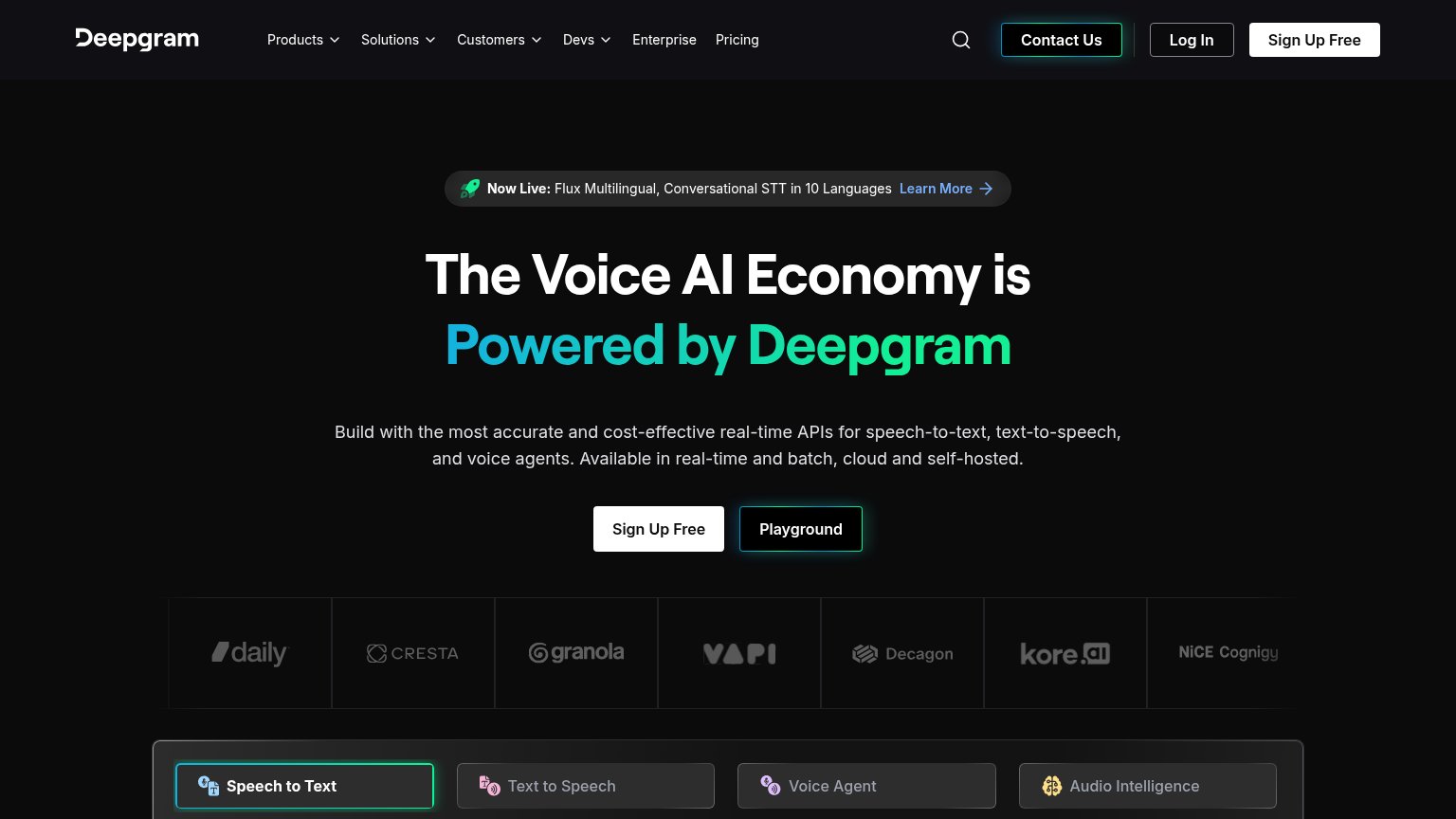
| Customer logo strip: Daily, Cresta, Granola, VAPI, Decagon, kore.ai, NiCE, Cognigy | |
| Customer logo strip including Mayo Clinic, LiveKit, Daily, and Dialpad below the hero CTAs | |
| Customer logo wall featuring Cursor, Notion, HubSpot, Harvey, Descript, and Lovable | |
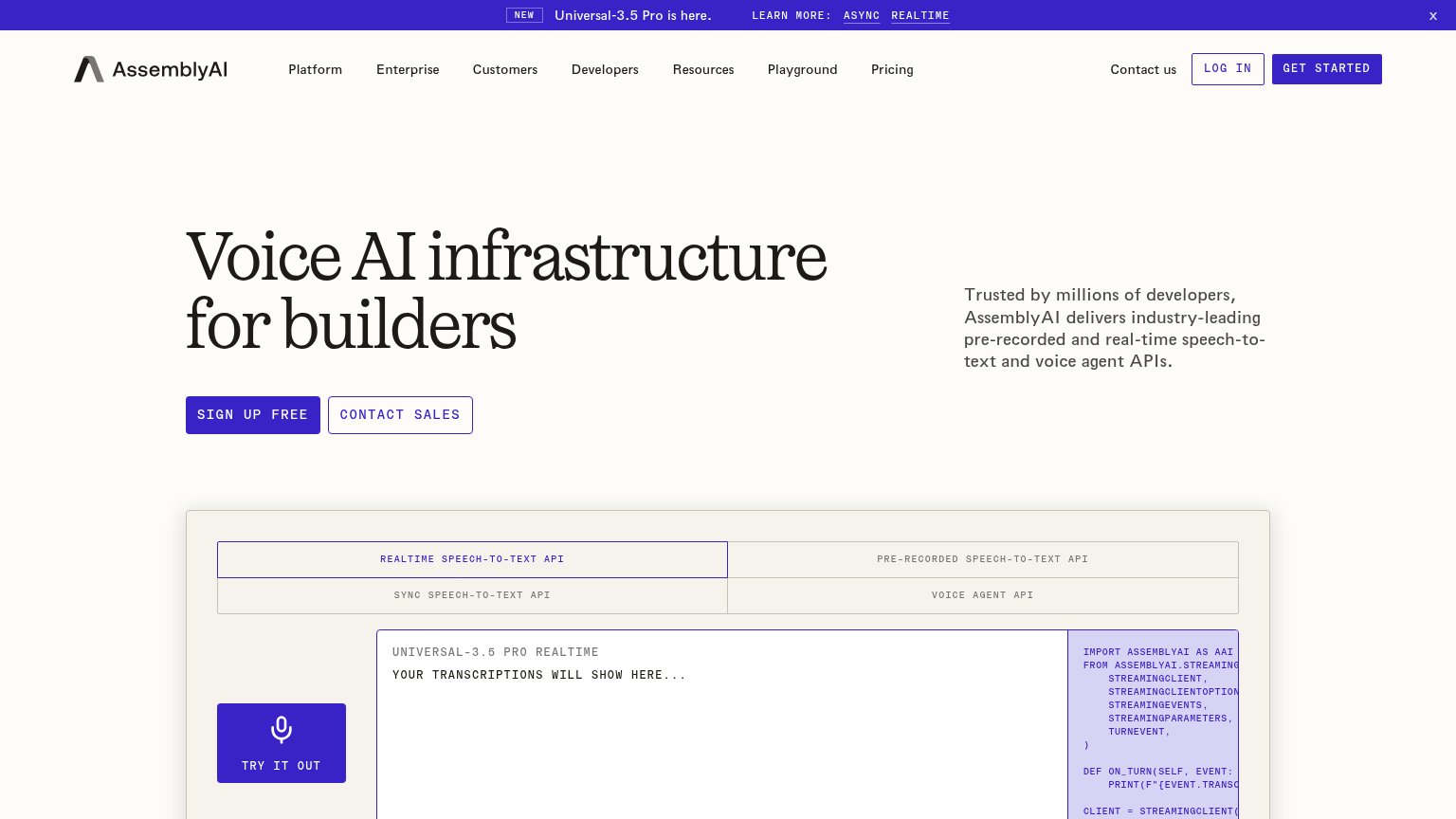
| Interactive 'Realtime Speech-to-Text API' demo widget with 'Try it out' button and live code sample |
CTA
62FairCopy, size, verb, cost-feel — does the primary CTA earn the click?

Problems
- click feels like a sales call
- four words, over the 3-word limit
- small footprint vs headline
- names a person, not the visitor's win
Value props
72FairTitle, subtitle, hero — do they sell the product's true value?
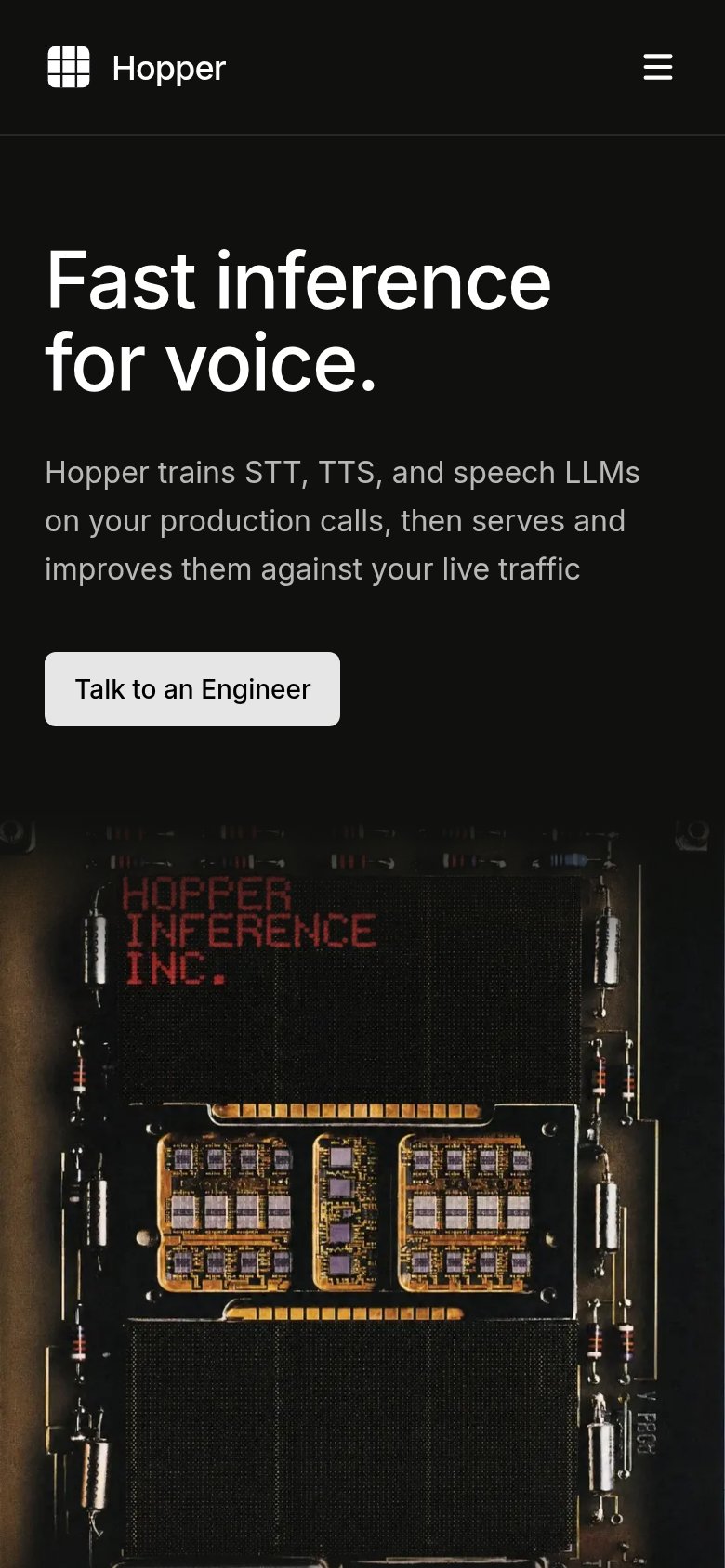
Hopper’s headline sells
Fast inference for voice.
Hopper trains STT, TTS, and speech LLMs on your production calls, then serves and improves them against your live traffic
Working
- Subhead names exact mechanism
- Clear ICP: voice AI teams
- No buzzword abstraction stack
Could improve
- "Fast" has no number behind it
- Hero image decorates, not demos
- No proof points or outcomes
Information hierarchy
82StrongDoes the design help or inhibit what the page is trying to say?
12- Duplicate CTA weight — Nav 'Talk to an Engineer' is styled identically to the hero CTA, splitting scan attention across two equal buttons.
- Hero CTA contrast — The grey 'Talk to an Engineer' button is small and low-key relative to the 76px headline, so the action reads quieter than the message.
Mobile web
84StrongThe phone experience as a first-class citizen.
 1
1- Talk to an Engineer — Desktop-proportioned pill at ~40% column width; on mobile it should stretch near full-bleed for the thumb.