What do top apps show a brand-new user on an empty home screen?
The most common answer is a plain empty state — 373 of 809 apps (46%) label the surface "nothing here yet" rather than pre-filling it [1]. The home surface itself is well-represented: 430 canonical home screens exist in the corpus, the stage where most empty states live [2]. Apps that go further either seed demo content (100 apps), suggest follows (64), or add an illustration (69) [1].
373 of 809 apps (46%) greet a new user with a plain empty state; only 100 pre-fill it with sample content — Lazyweb Research, July 2026.
| Item | Apps |
|---|---|
| Plain empty state ("nothing here yet") | 373 |
| Sample / demo content pre-filled | 100 |
| Illustration in the empty view | 69 |
| Suggested follows / find friends | 64 |
| Guided "create your first X" prompt | 15 |
The empty home is the norm
The first surface a new user lands on is usually a home screen, and there are 430 canonical home screens in the corpus [2]. On that surface, the default treatment is a plain empty state (373 apps) [1]. The more effortful treatments are the minority [1]:
| What the new user sees | Apps |
|---|---|
| Plain empty state ("nothing here yet") | 373 |
| Sample / demo content pre-filled | 100 |
| Illustration in the empty view | 69 |
| Suggested follows / find friends | 64 |
| Guided "create your first X" prompt | 15 |
Named examples by treatment
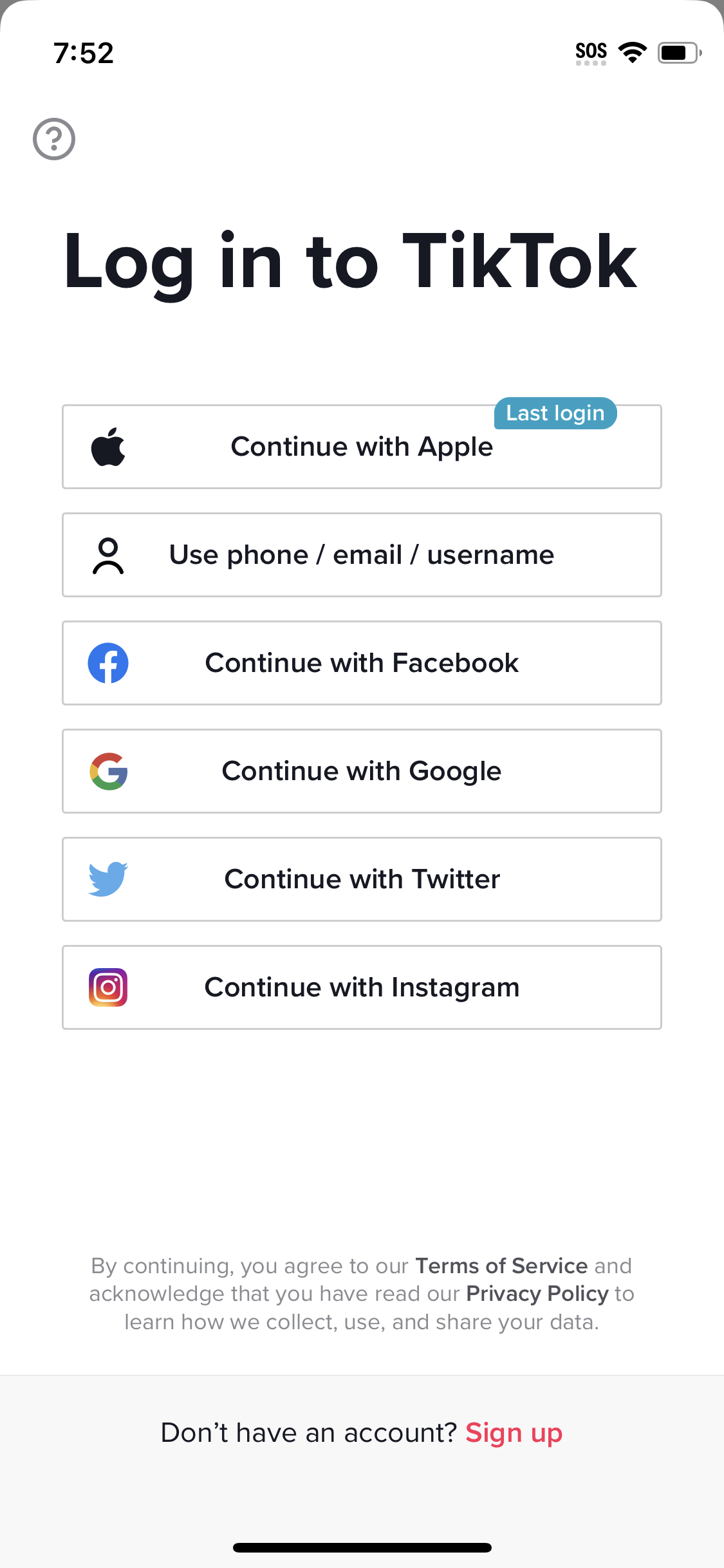
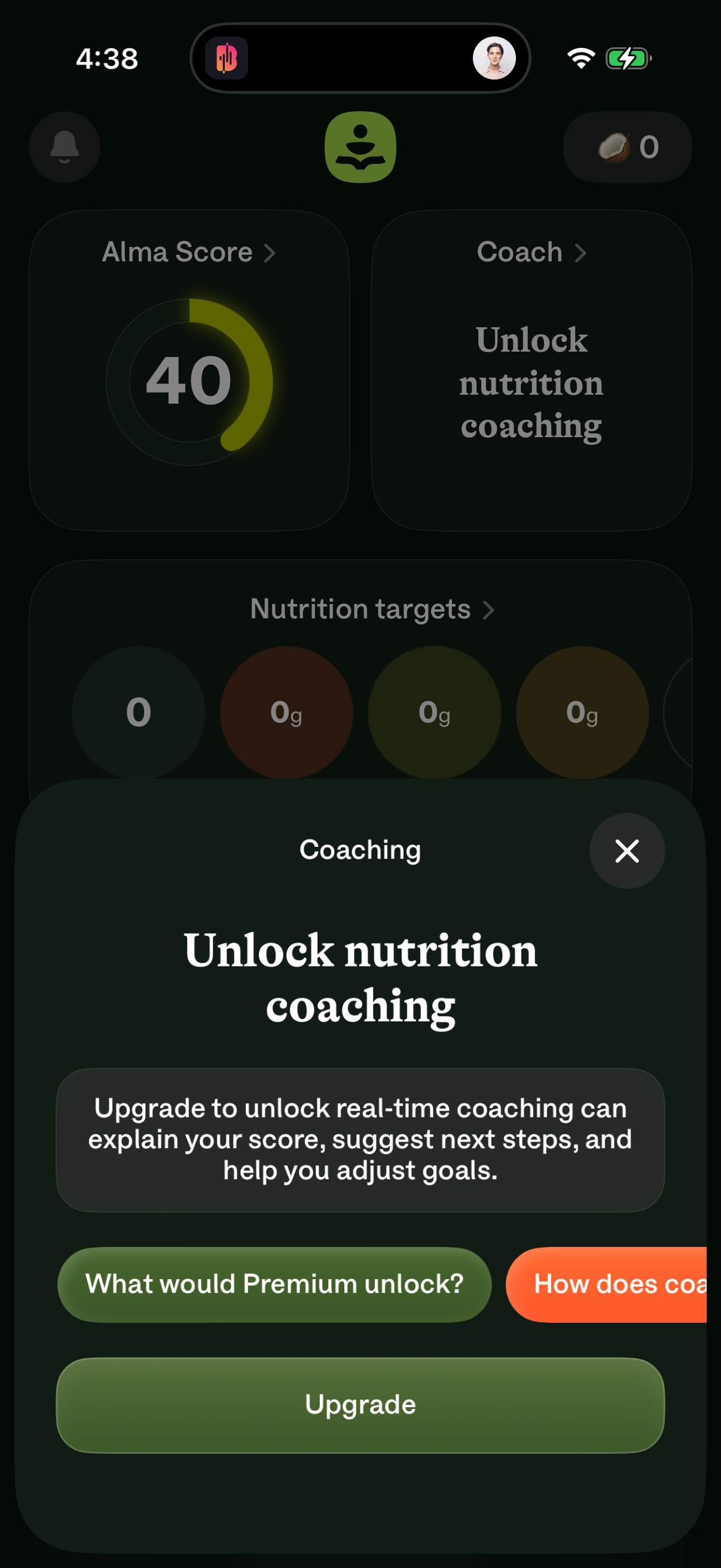
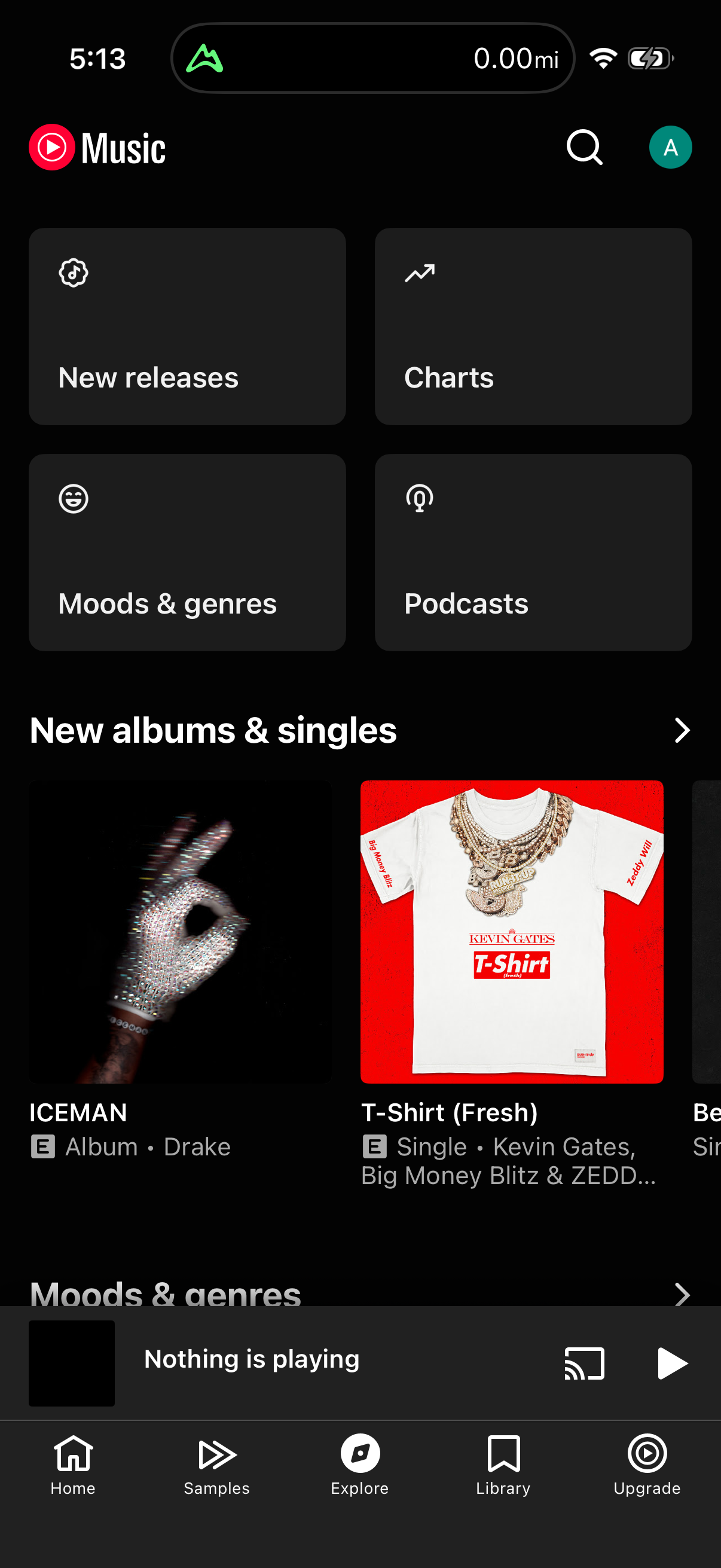
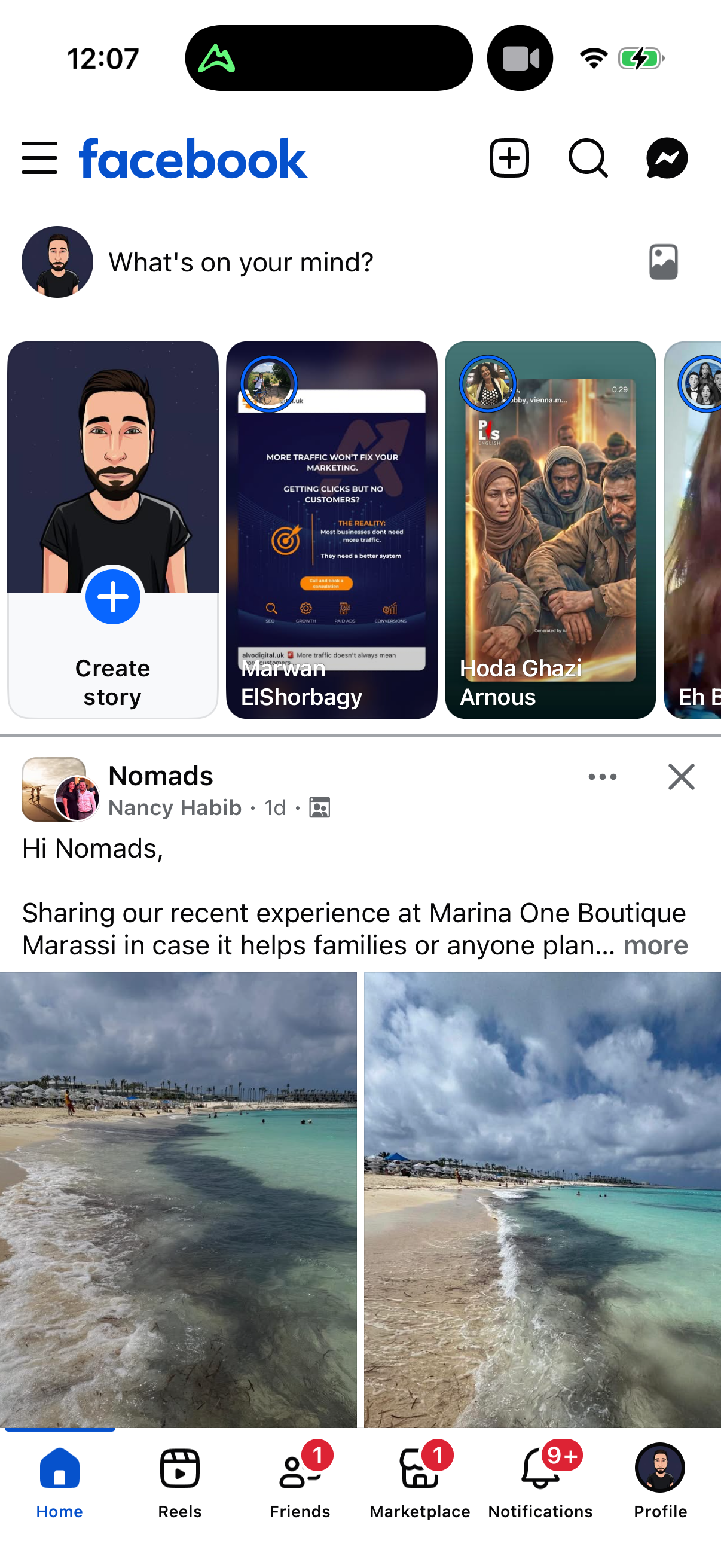
Concrete apps for each empty-home treatment [3]: plain empty state — ebay, asana, audible, replit, pocket-casts, google-assistant; sample content — canva, capcut, pages, wix, kahoot; social seeding — snapchat, goodreads, strava, signal; illustration-led empty views appear across 69 apps. The guided-first-action prompt is rare (15 apps), so an explicit single "do this first" call is the exception, not the rule.
How to apply it
If your new-user home is empty, you are in the majority — but the majority is also the least differentiated. The upgrade path is cheap and well-precedented: add an illustration (69 apps do), or better, replace the void with the fill that matches your product (demo content for creation tools, suggested follows for feeds). A guided first action is the road less traveled; its rarity means either untapped upside or a pattern most teams found not worth building.
Caveats
Counts are tag-match lower bounds deduped by company [1]. The 430 home screens is a canonical-category count, not a per-app rate — a single app can contribute multiple home variants [2]. Guided first action (N=15) is absolute-count only [1]. Named examples are illustrative, not an exhaustive list [3].
The numbers
| Stat | Computed from |
|---|---|
| Empty state 373 apps, sample content 100, illustration 69, social seeding 64, guided first action 15 | pattern_prevalence_by_company: empty_state 373, sample_content 100, illustration 69, social_seeding 64, guided_first_action 15; 373/809=0.46 |
| 430 canonical home screens | home_canonical: 430 canonical screens where category_name LIKE 'home%', denominator 23407 |
| Examples: ebay, asana, audible (empty state); canva, capcut, kahoot (sample); snapchat, strava, signal (social seeding) | qualitative named_examples empty_state, sample_content, social_seeding |
Sources & citations
- [1] Lazyweb Research analysis of 809 tracked apps (mobile-app screenshot corpus), July 2026. Empty-home treatment prevalence deduped by company via tag match. ↩
- [2] Lazyweb Research analysis of 23,407 canonical screens (mobile-app screenshot corpus), July 2026. Canonical home-category count: 430 screens. ↩
- [3] Lazyweb Research analysis of 809 tracked apps (mobile-app screenshot corpus), July 2026. Named examples per empty-home treatment. ↩
Source: Lazyweb Research — proprietary analysis of real, in-market app screens. Cite as Lazyweb Research, 2026-07-07.