
Explore up to date permissions, onboarding, messaging, search, and notifications flows from Apple Journal and more on Lazyweb.
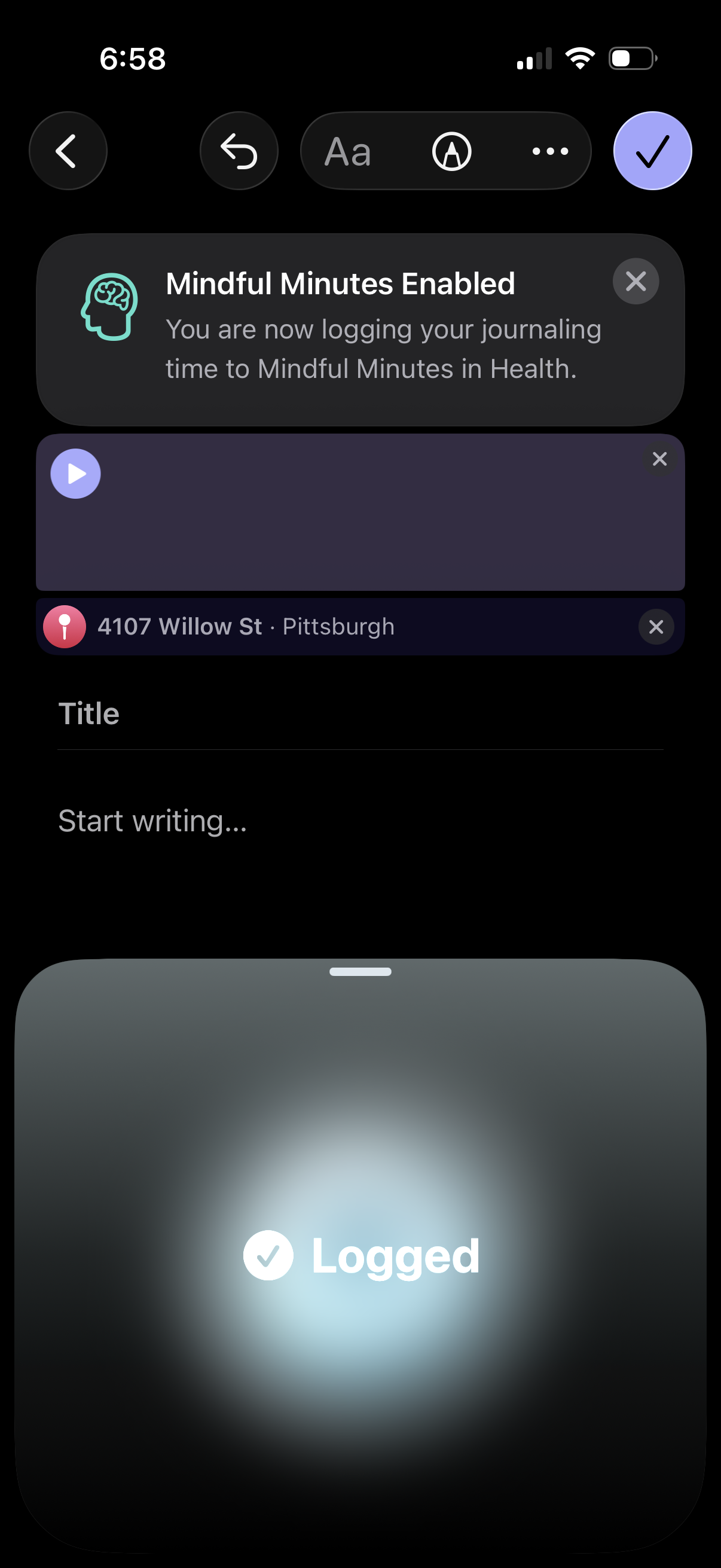
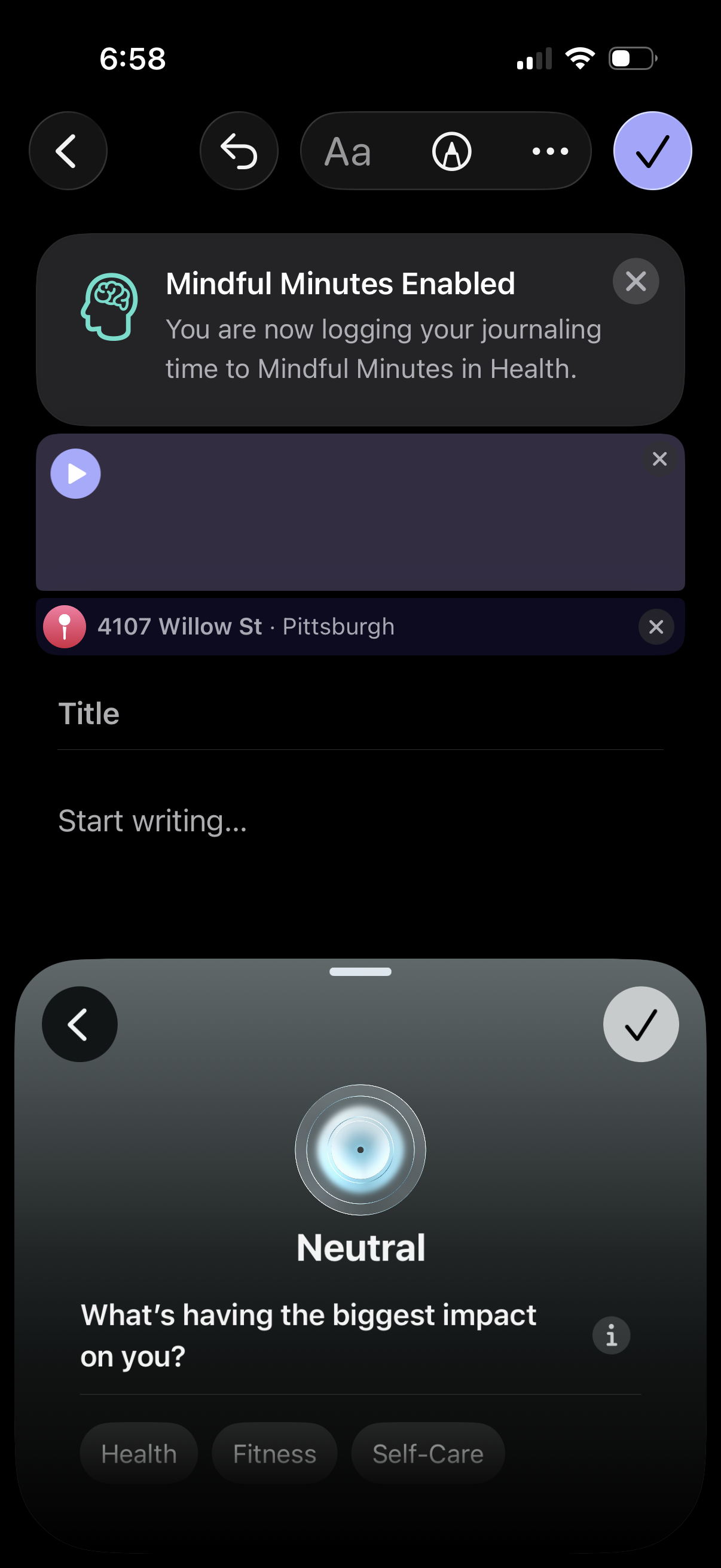
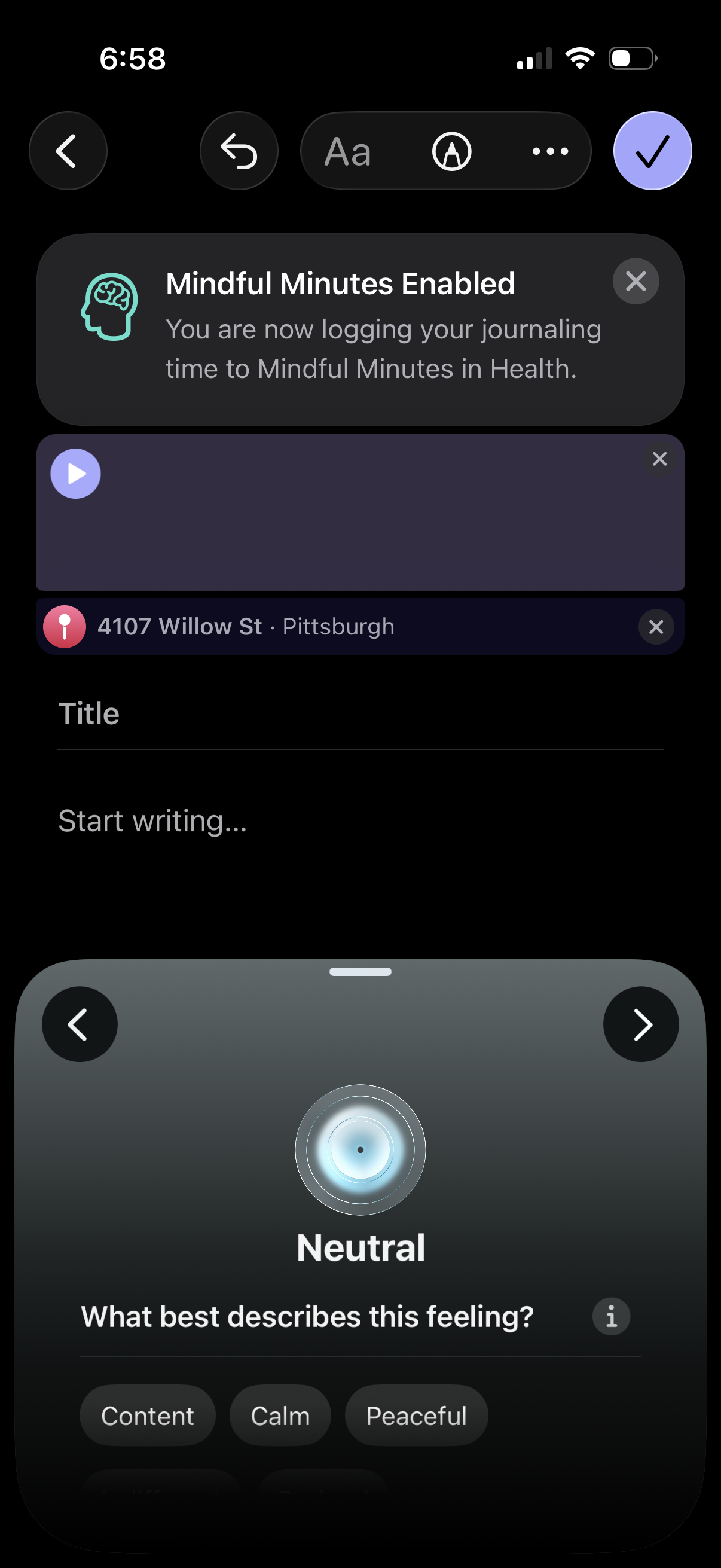
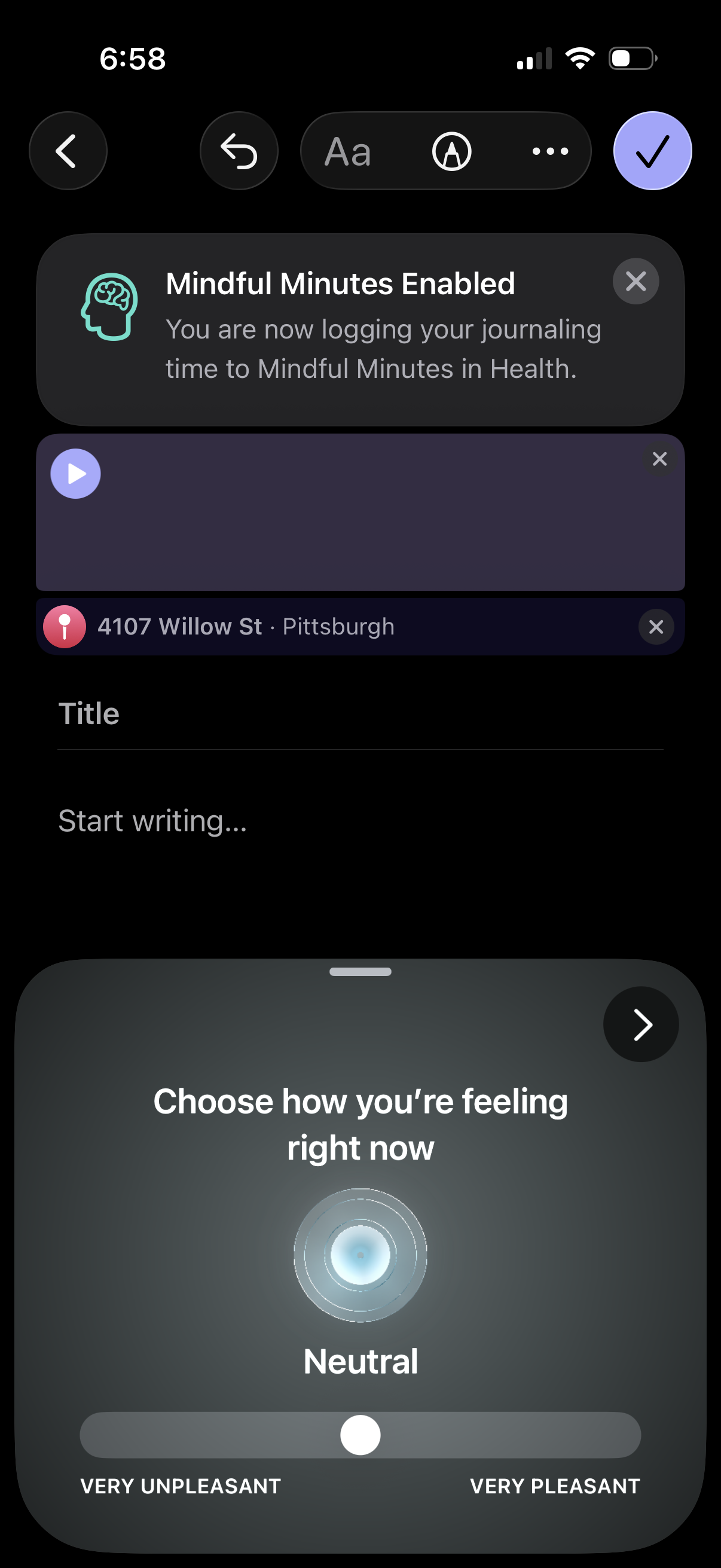
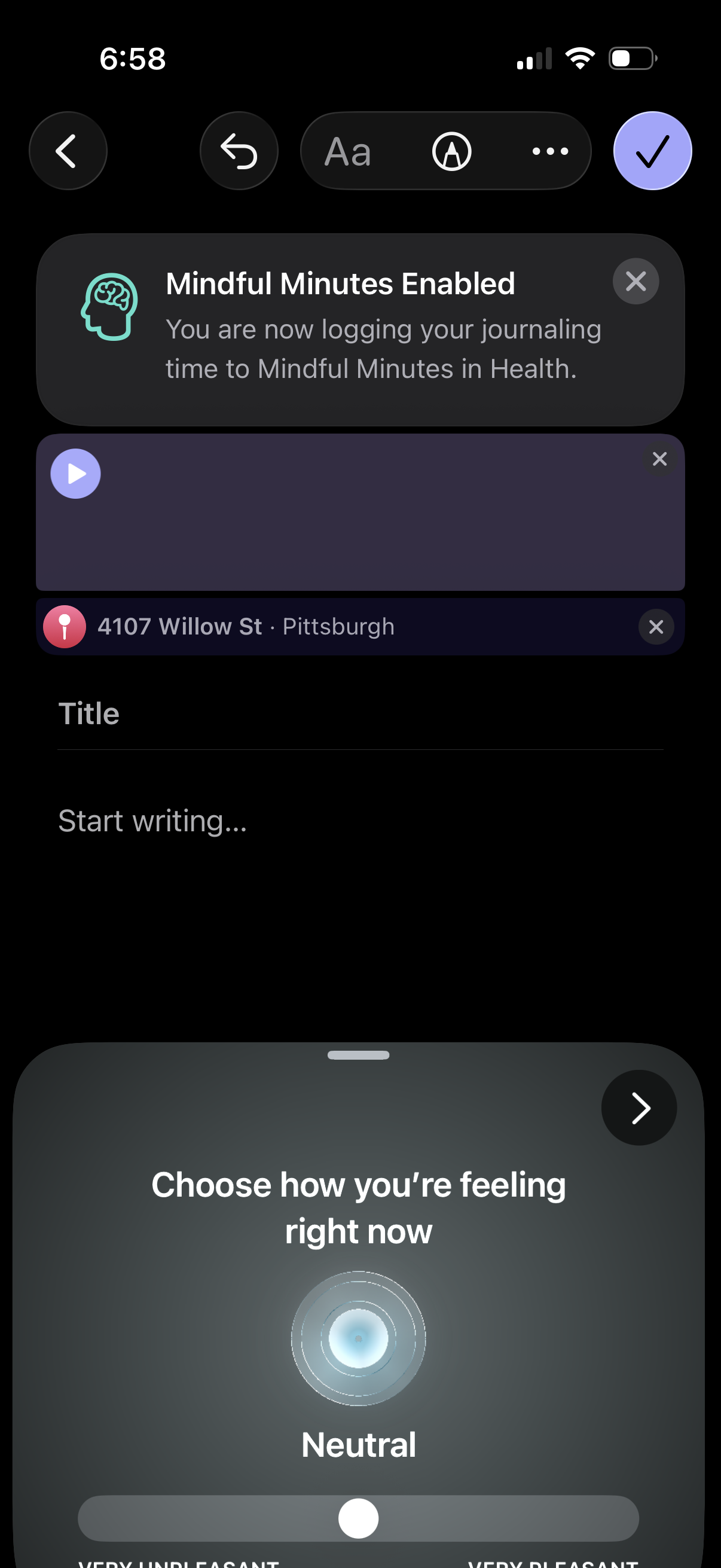
Apple Journal in Health & Fitness — see 38 app screens across Create entry, Home, Journal entry, and Connect health logging flows. Compare onboarding, paywall, and pricing patterns against real competitors inside Lazyweb.
Lazyweb is a blazing-fast design research library with 281k+ real app screens, user flow examples, UI patterns, and product design patterns for competitive analysis and benchmarking.
Screenshots
Company metadata
| Category | Health & Fitness |
|---|---|
| Subcategory | Meditation & Mindfulness |
| Tagline | Reflect on life’s moments |
| Business model | Subscription |
| Product archetype | Consumer |
| Growth engine | Product-led self-serve (PLG), Word of mouth |
| Revenue (2024) | $0 |
| Public company | No |
| Market leader | Unknown |
| Website | https://www.apple.com/feedback/journal |
| App Store | https://apps.apple.com/us/app/journal/id6447391597 |
| X / Twitter | https://x.com/Apple |
| https://www.instagram.com/apple/ | |
| https://www.linkedin.com/company/apple | |
| TikTok | https://www.tiktok.com/@apple |
App Store description
Take a moment to reflect on your day. Capture and write about the details of everyday moments and special events using photos, videos, audio recordings, places, your state of mind, and more. Journaling suggestions make it easy to remember your daily experiences—so you can add them to your journal and never have to start with a blank page. Organize your entries by creating multiple journals for different aspects of your life, keep track of your journaling goals with insights and streaks, and sync your journal between iPhone, iPad, and Mac using iCloud. Get started writing with journaling suggestions • Choose from suggested moments to start your journal entry with intelligently grouped outings, photos, workouts, media and more. • Get a writing prompt to guide your insights. • Find inspiration with reflection prompts to focus on gratitude, kindness, purpose, and more. • Journaling suggestions are created using on-device intelligence based on how you use your iPhone. Choose what information you want to enable for suggestions. • Suggestions created on your iPhone sync securely to iPad. Preserve powerful memories in rich detail • Illustrate your entries with the photos, videos, and places that tell your story. Customize the layout by placing attachments seamlessly within the text you write. • Get creative and express yourself with lettering, sketches, and doodles using your finger, or Apple Pencil on iPad. And you can make your journal even more personal with entries in your own handwriting. • Record your voice directly into your journal and have it transcribed automatically, or record your surroundings to add context to your entry. • Express yourself with text formatting options, including lists, quotes, and various text styles. • Add a widget to your Home Screen or Lock Screen that shows your current streak at a glance or presents writing prompts that change throughout the day so you can reflect on what’s going on in the moment. • Start a new entry and add content from other apps like News, Music, or Safari. • Keep your entries organized by creating multiple journals for different aspects of your life, and add a custom name and icon for each. Enjoy past moments • Browse, search, and sort your journal to look back and reflect on key moments in your life. • Easily find past entries using the calendar. • See entries written at a specific location or find entries you made nearby in the new Places view. • View each entry and its attachments in a beautiful fullscreen view. • Print or export your entries. Build a good habit • View your journaling streaks, the days you journaled, and other fun stats in the new Insights view. • Set a schedule or receive notifications at convenient times based on how you use the app. You’ll get reminders when it’s time to write, or when new journaling suggestions are ready, so you can keep a consistent journaling practice Journal for wellbeing • Log your state of mind right from within Journal and save it to the Health app. • Automatically save your writing time as Mindful Minutes in Health. Keep your journal private and secure • Protect your journal with your device passcode, Touch ID, or Face ID, so no one but you can access it. • Store your entries safely in iCloud so they’re automatically backed up. Certain features are available only in select languages and regions.