edit page title text
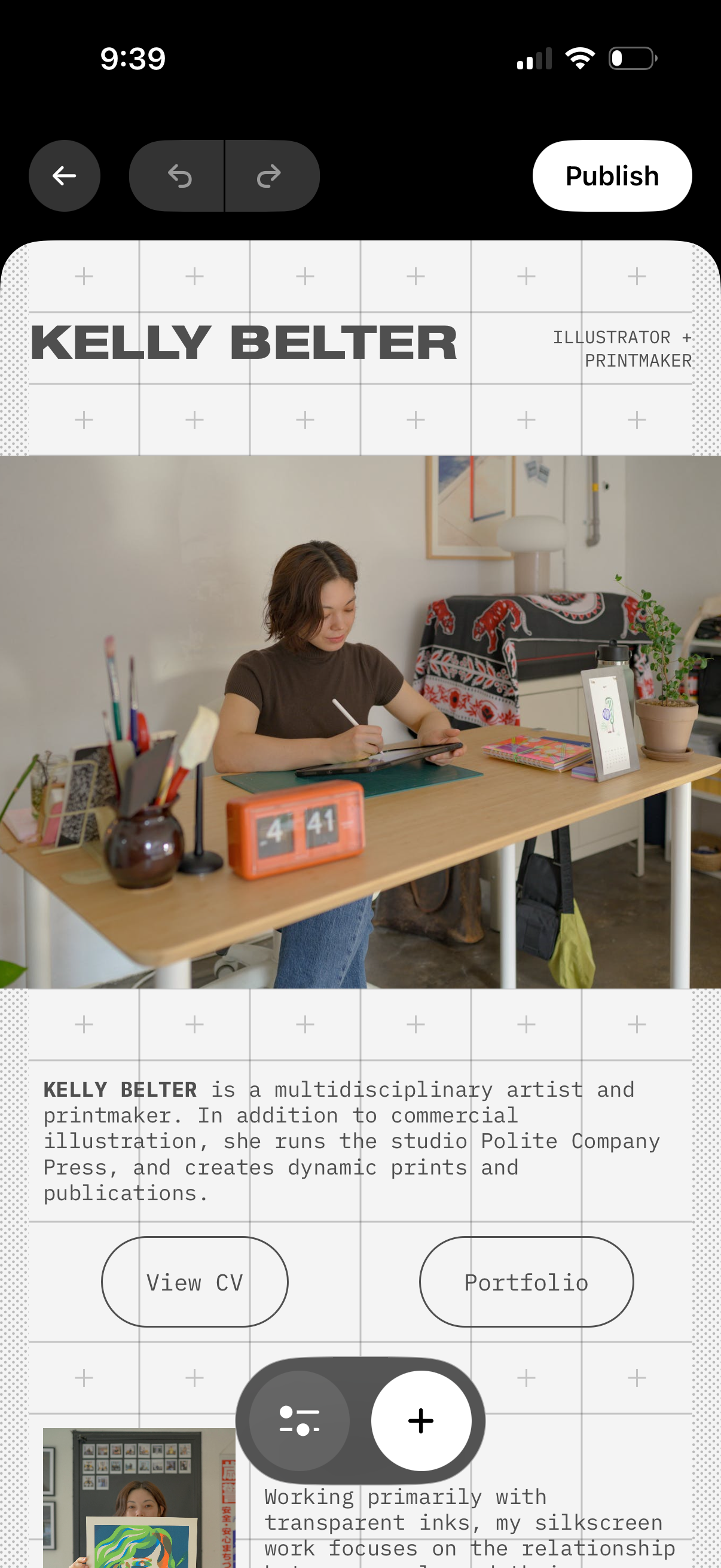
Mobile portfolio website editor showing a hero section with creator name/title, profile photo, and bio text with call-to-action buttons like View CV and Portfolio. Top controls include back navigation, undo/redo, and a Publish button, plus floating add (+) and settings actions to insert or adjust content blocks on the page.
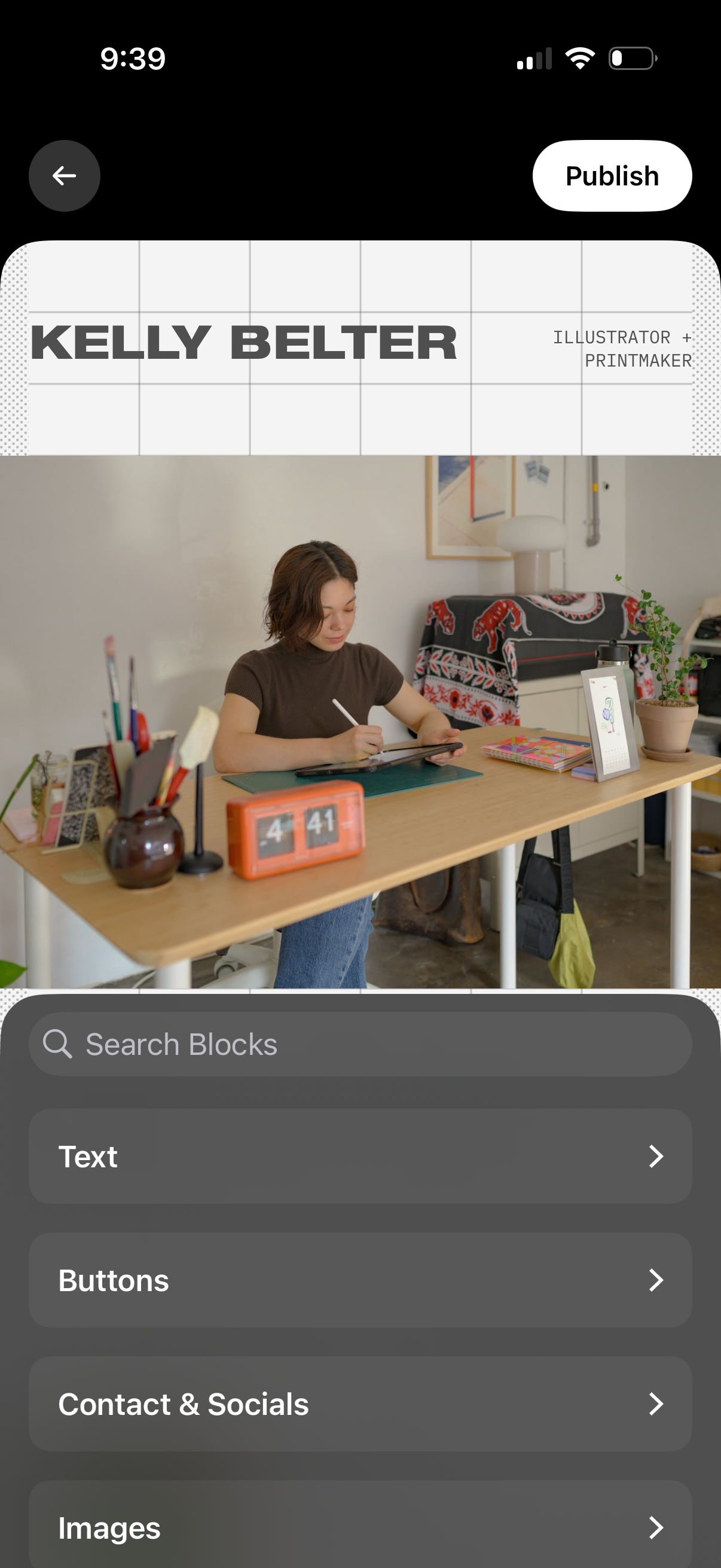
Mobile website builder editor for a personal portfolio page, showing a live preview with a grid overlay and header text while editing content blocks. A bottom sheet lets you search and add blocks like text, buttons, contact/social links, and images, with a top action to publish the site.
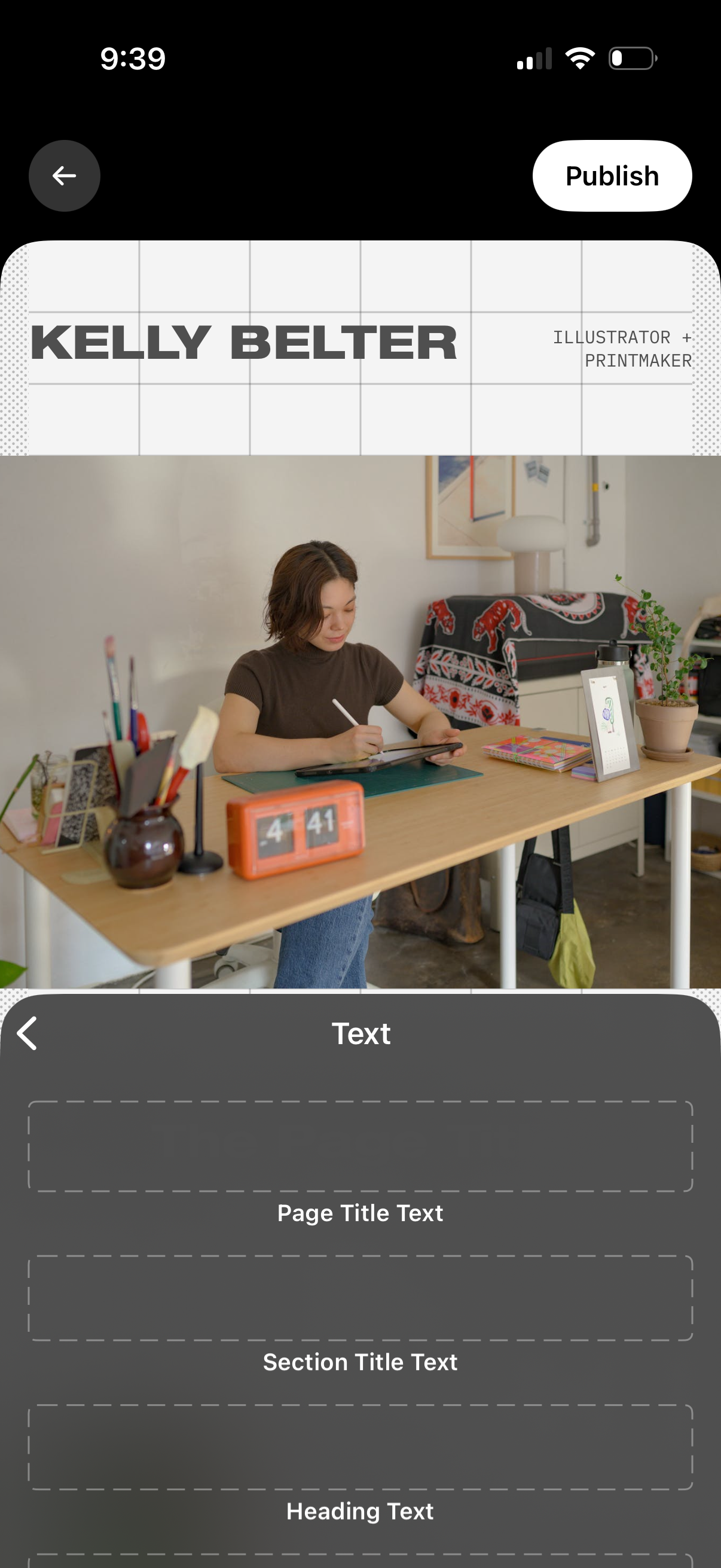
Mobile editor screen for building a portfolio or landing page with a hero image preview and an editable header layout, plus a bottom sheet for entering text fields like page title, section title, and headings. Includes back navigation and a primary Publish button to post the page.
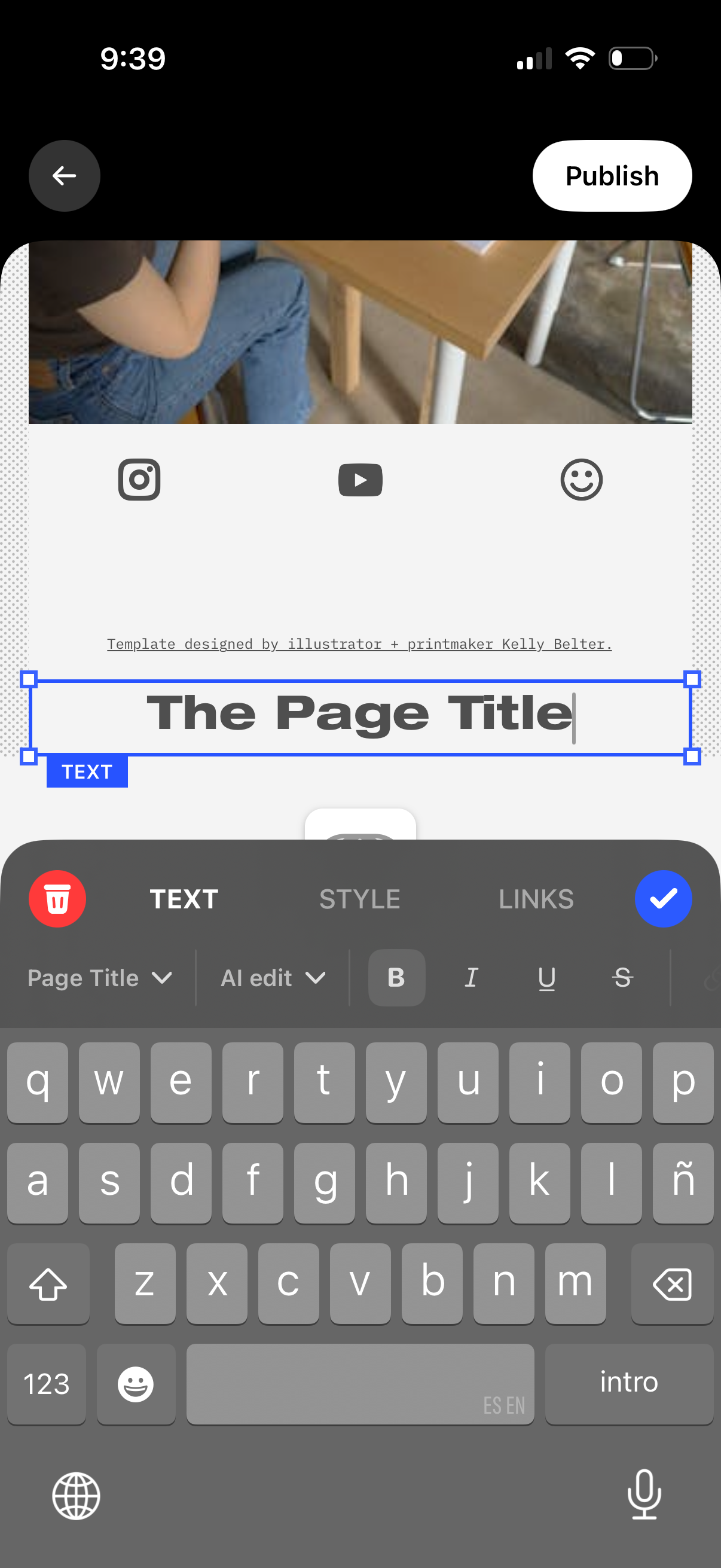
Mobile page editor screen for creating a post, with a selected text box to edit the page title over a template preview and a Publish button. Bottom toolbar lets you switch between Text, Style, and Links, apply formatting (bold/italic/underline), and confirm or delete edits while typing with the keyboard.