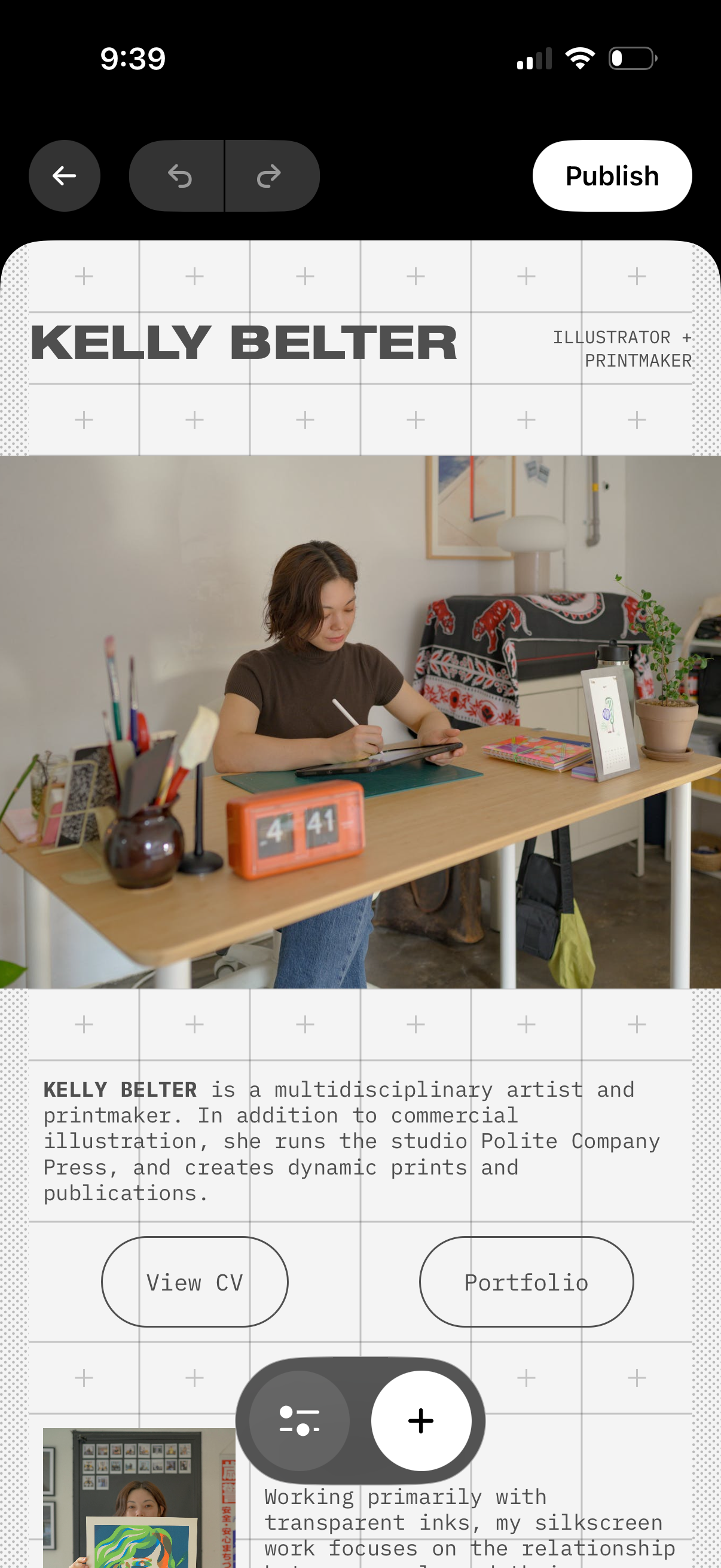
Mobile portfolio website editor showing a hero section with creator name/title, profile photo, and bio text with call-to-action buttons like View CV and Portfolio. Top controls include back navigation, undo/redo, and a Publish button, plus floating add (+) and settings actions to insert or adjust content blocks on the page.
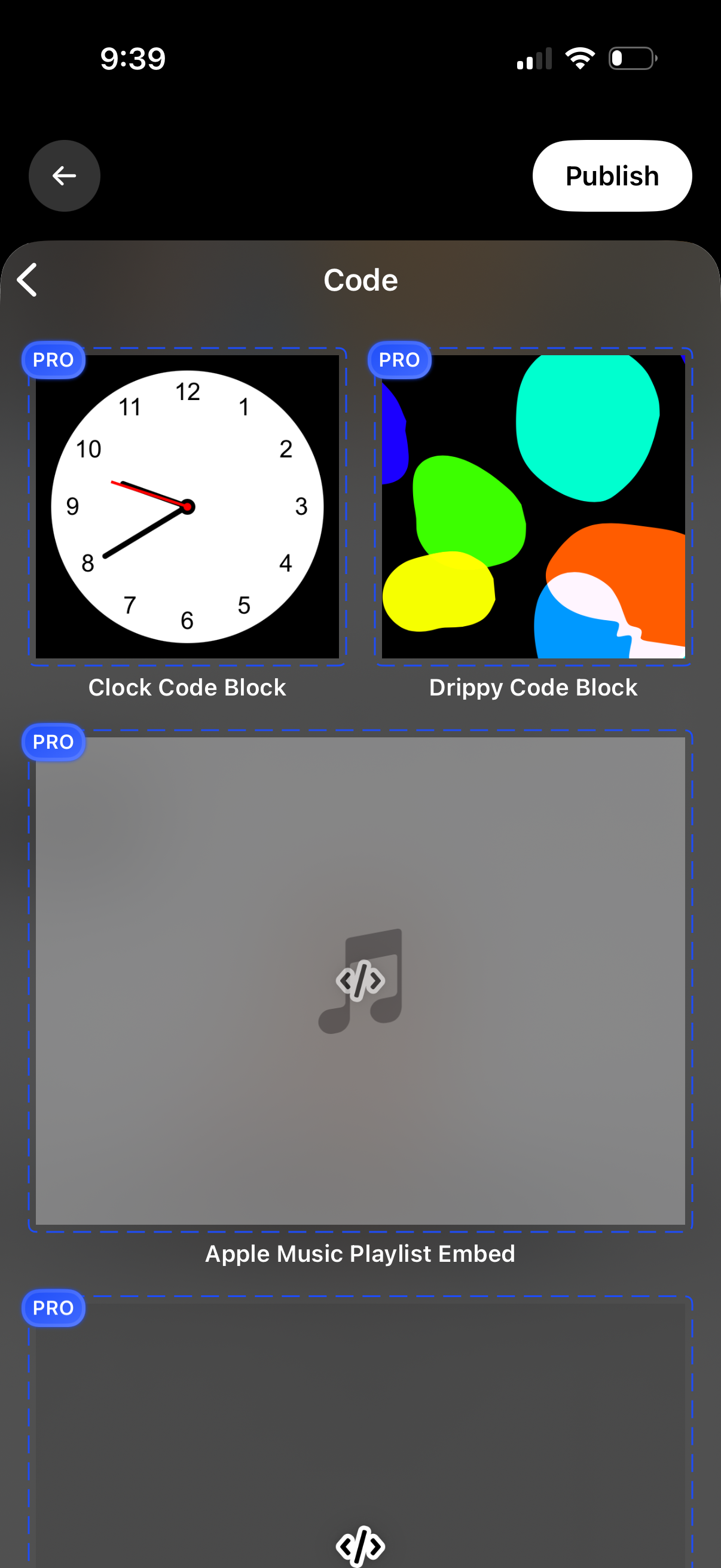
A code widget selection screen showing a grid of reusable code blocks with preview thumbnails and labels, including options like Clock Code Block, Drippy Code Block, and an Apple Music playlist embed, with PRO badges indicating premium templates. Users can navigate back and tap Publish to publish the selected code block/widget.
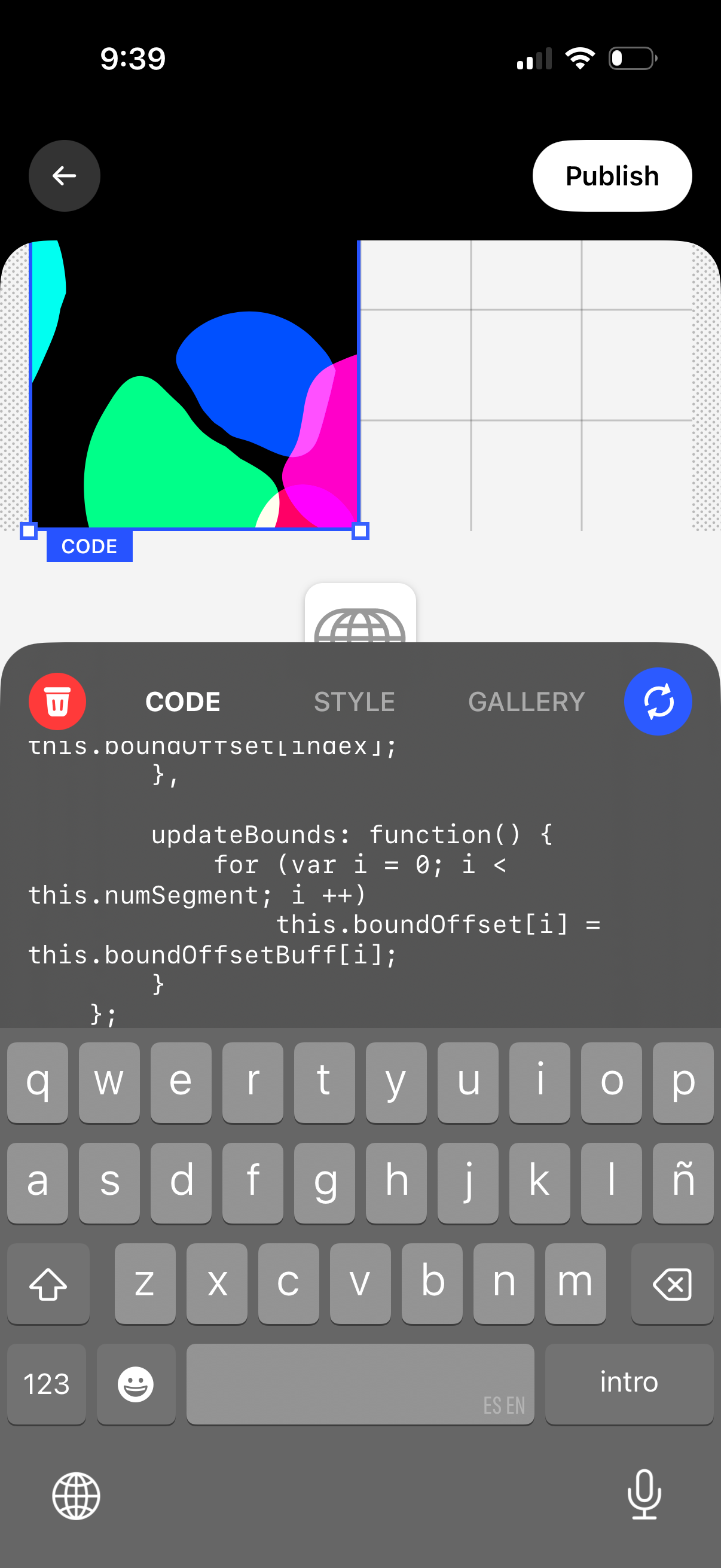
Mobile design editor screen for creating an interactive element, showing a canvas with a selected component and a bottom sheet code editor where users can switch between Code, Style, and Gallery tabs, delete the element, refresh/preview changes, and publish the project.