browse blocks library
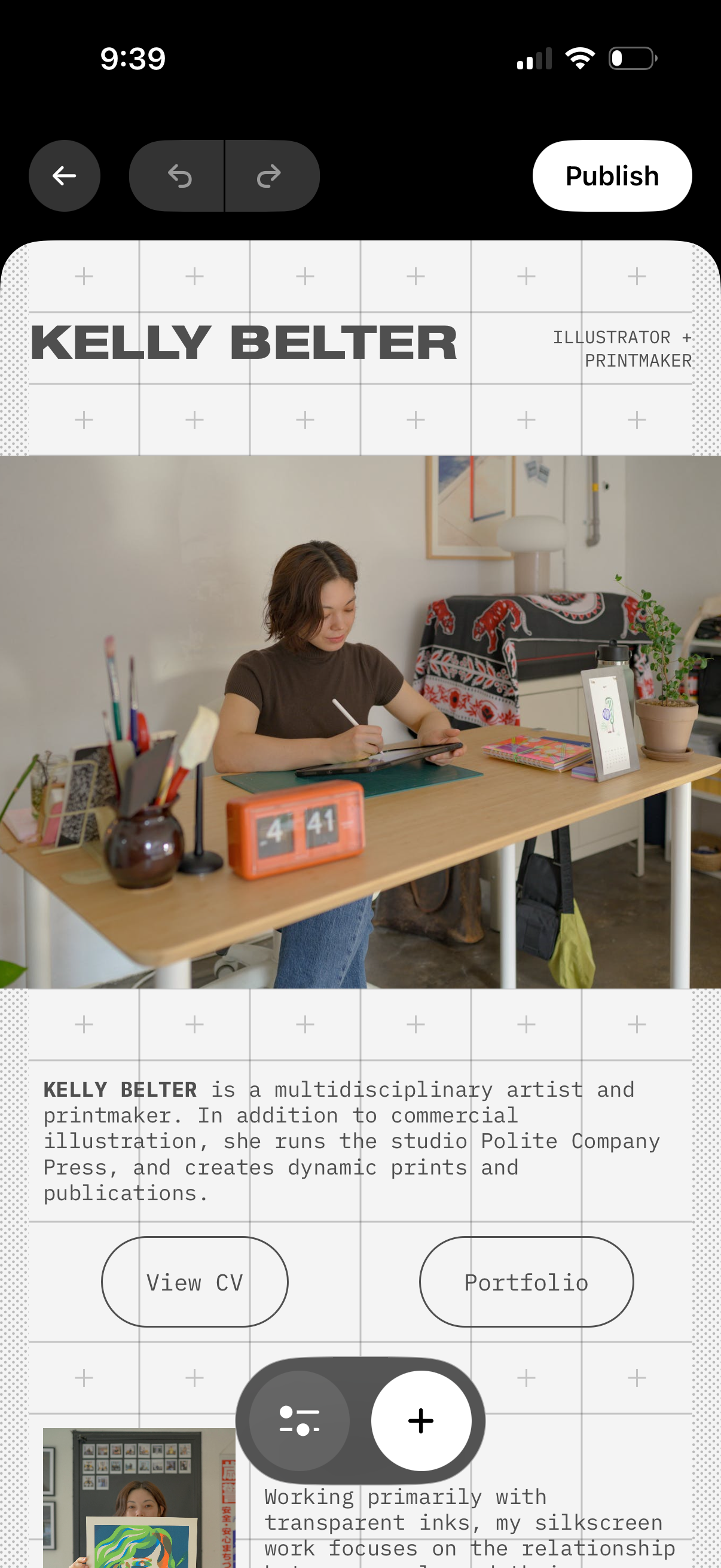
Mobile portfolio website editor showing a hero section with creator name/title, profile photo, and bio text with call-to-action buttons like View CV and Portfolio. Top controls include back navigation, undo/redo, and a Publish button, plus floating add (+) and settings actions to insert or adjust content blocks on the page.
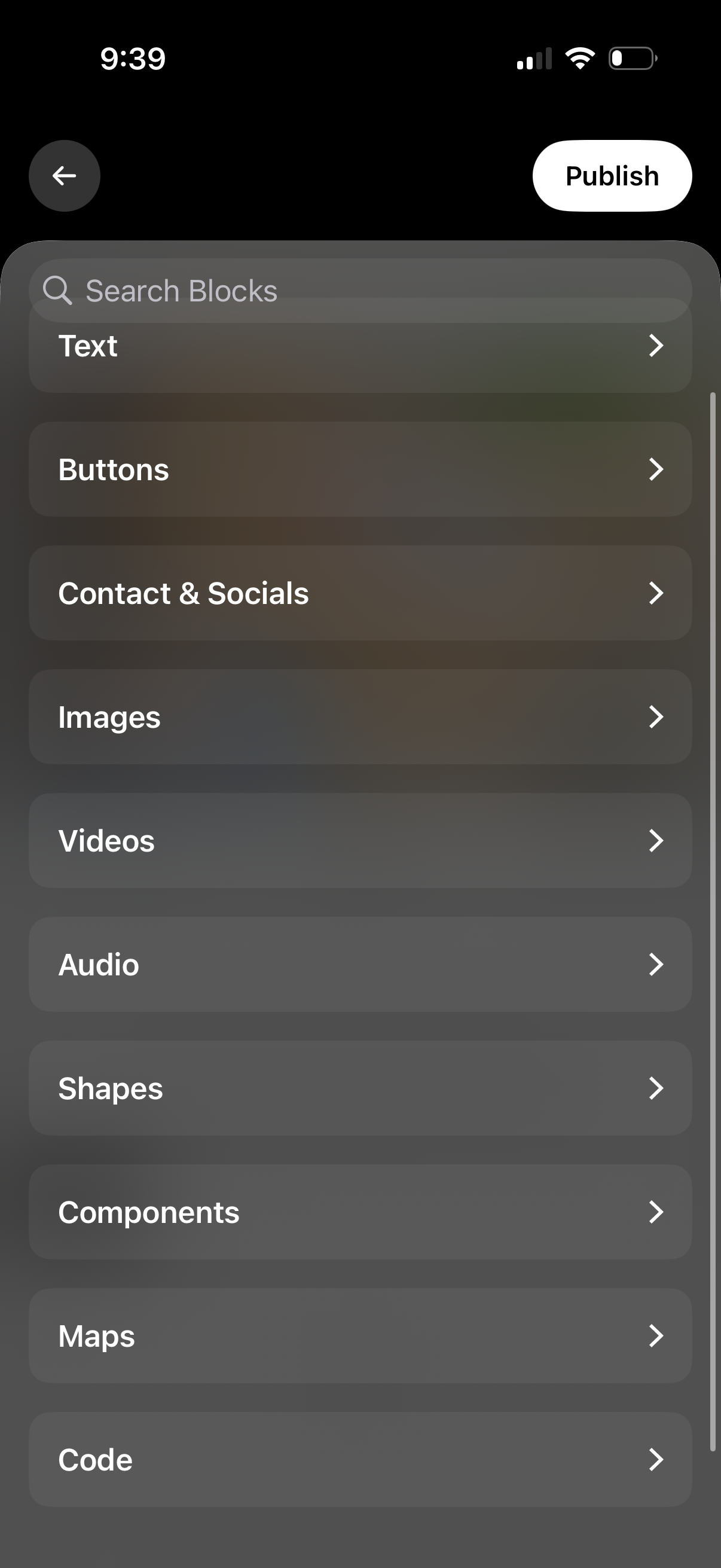
Block library screen for a mobile page or website builder showing a “Search Blocks” field and a categorized list of insertable content blocks (text, buttons, contact & socials, images, videos, audio, shapes, components, maps, code). Includes navigation back and a primary “Publish” action to publish the page.
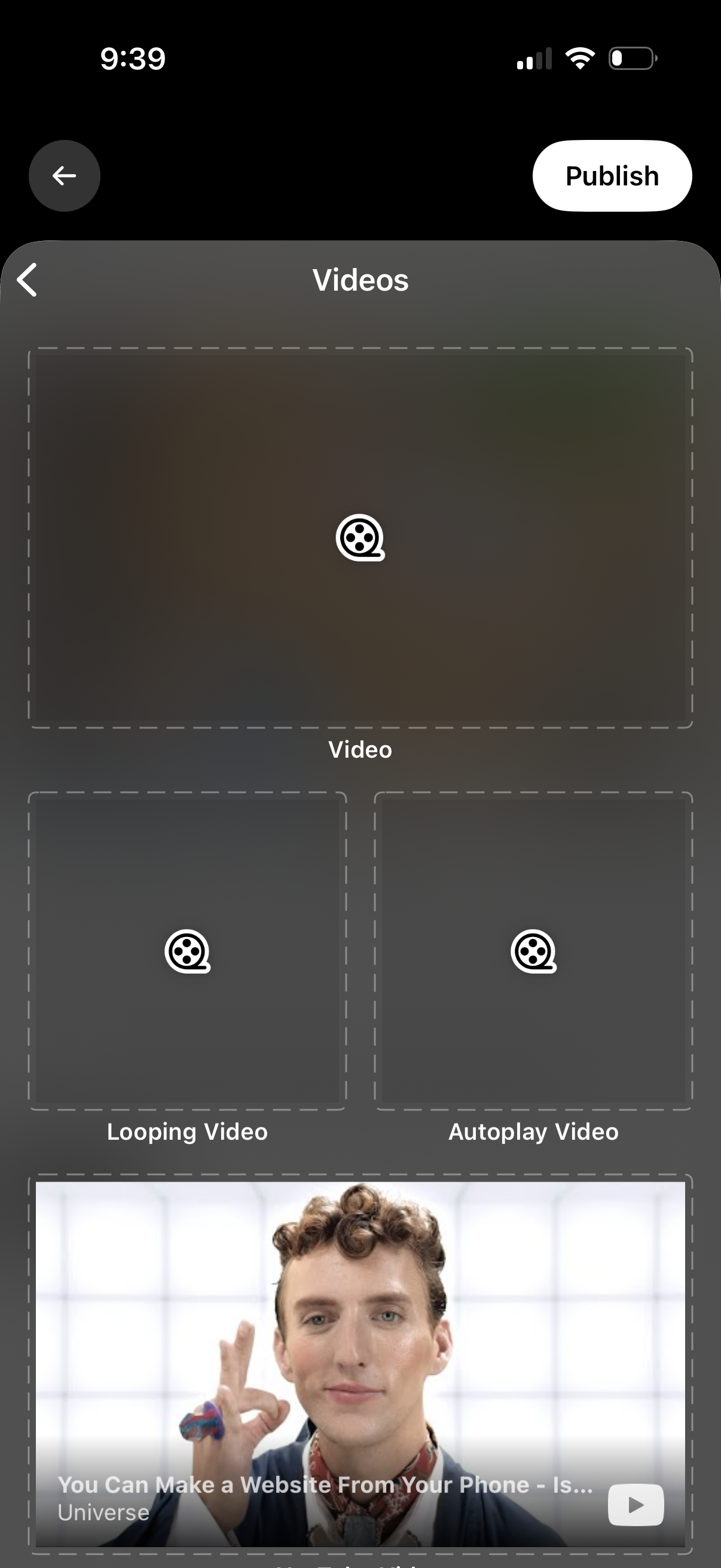
Mobile video publishing editor screen for adding and configuring videos before posting, with slots to upload a main video plus optional looping and autoplay videos and a preview thumbnail. Includes back navigation and a prominent Publish button to finalize and share the content.
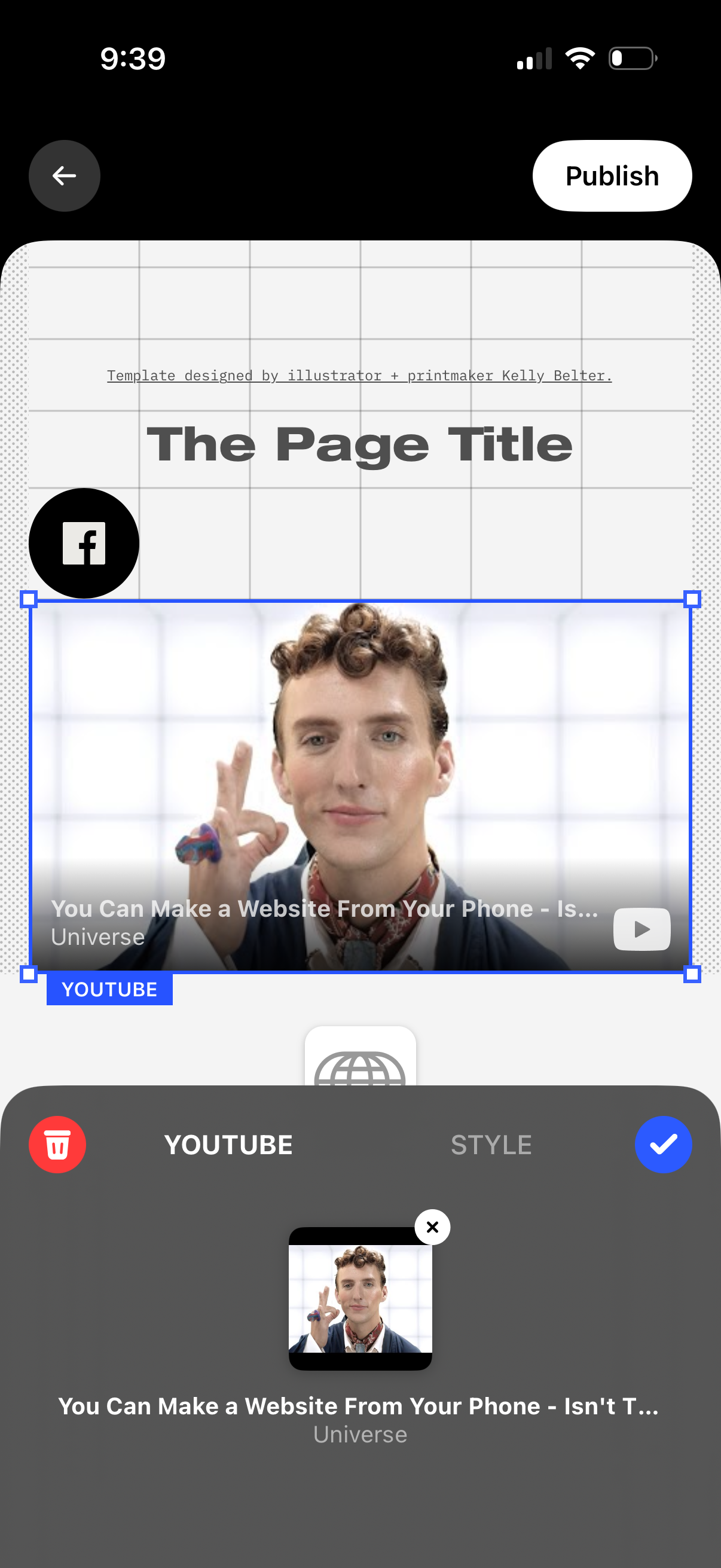
Mobile website/page editor screen for adding an embedded YouTube video block within a page template, showing a selected video preview with resize handles and a bottom sheet to confirm the embed and adjust style. Top navigation includes back and a Publish button to publish the page.
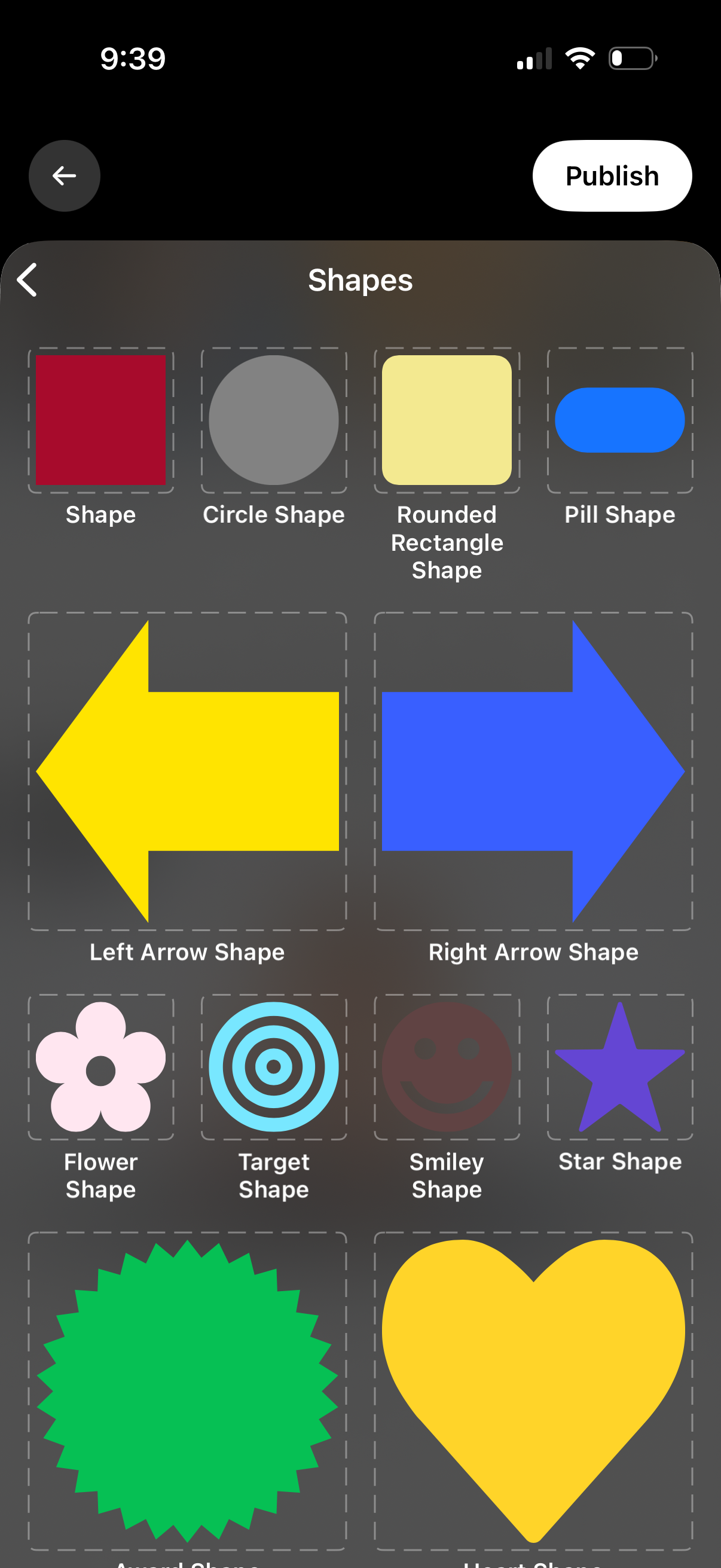
Shape picker screen in a mobile design/editor app showing a grid of selectable shape templates (square, circle, rounded rectangle, pill, left/right arrows, flower, target, smiley, star, heart, burst) with a back button and a prominent Publish action to finalize and share the creation.
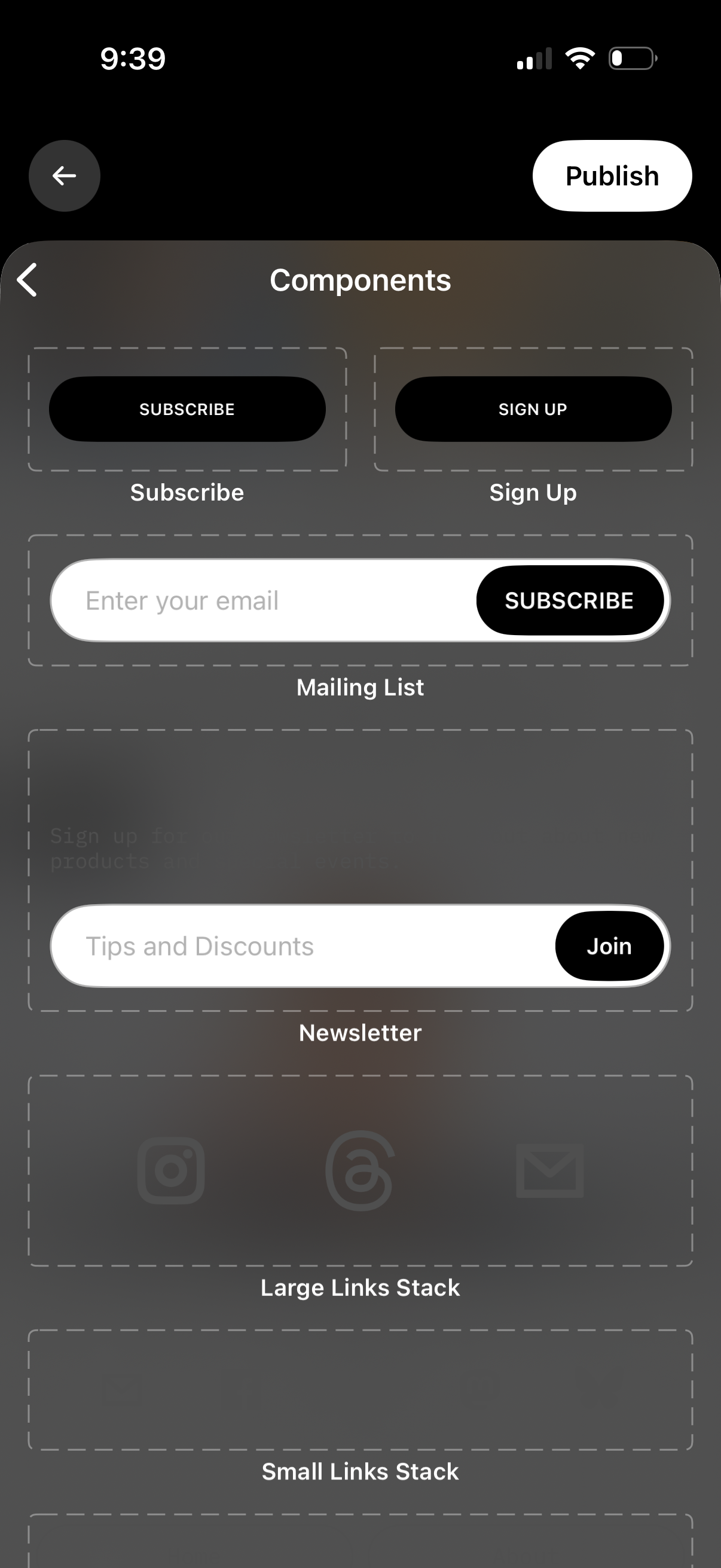
Component library selection screen for a page builder, showing reusable UI blocks like Subscribe and Sign Up buttons, mailing list email input with subscribe CTA, newsletter signup row, and social/links stacks. Includes back navigation and a top-right Publish action to post changes.
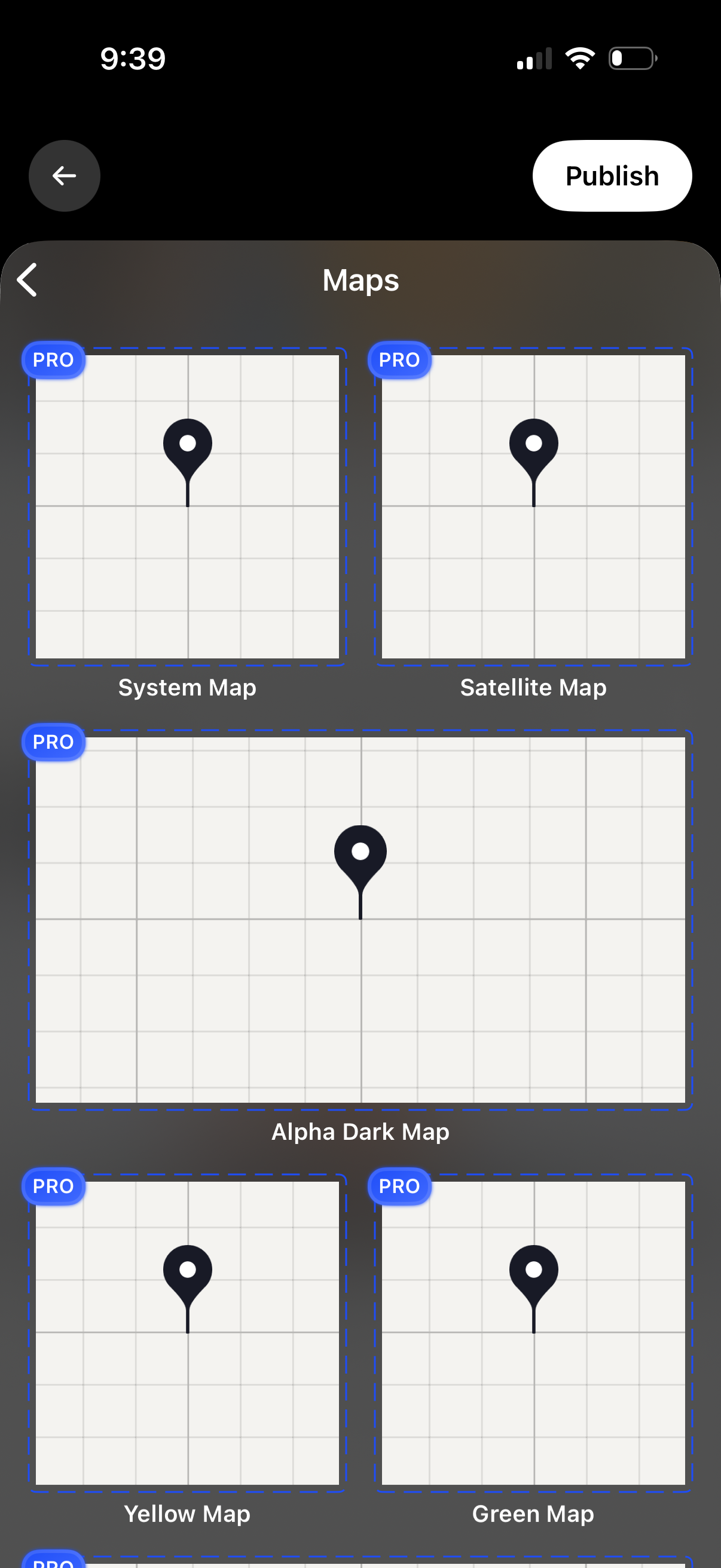
Map style selection screen in an editor, showing a grid of map theme thumbnails (system, satellite, dark, yellow, green) with PRO badges on each option. Users can navigate back and tap Publish to apply and publish the selected map design.
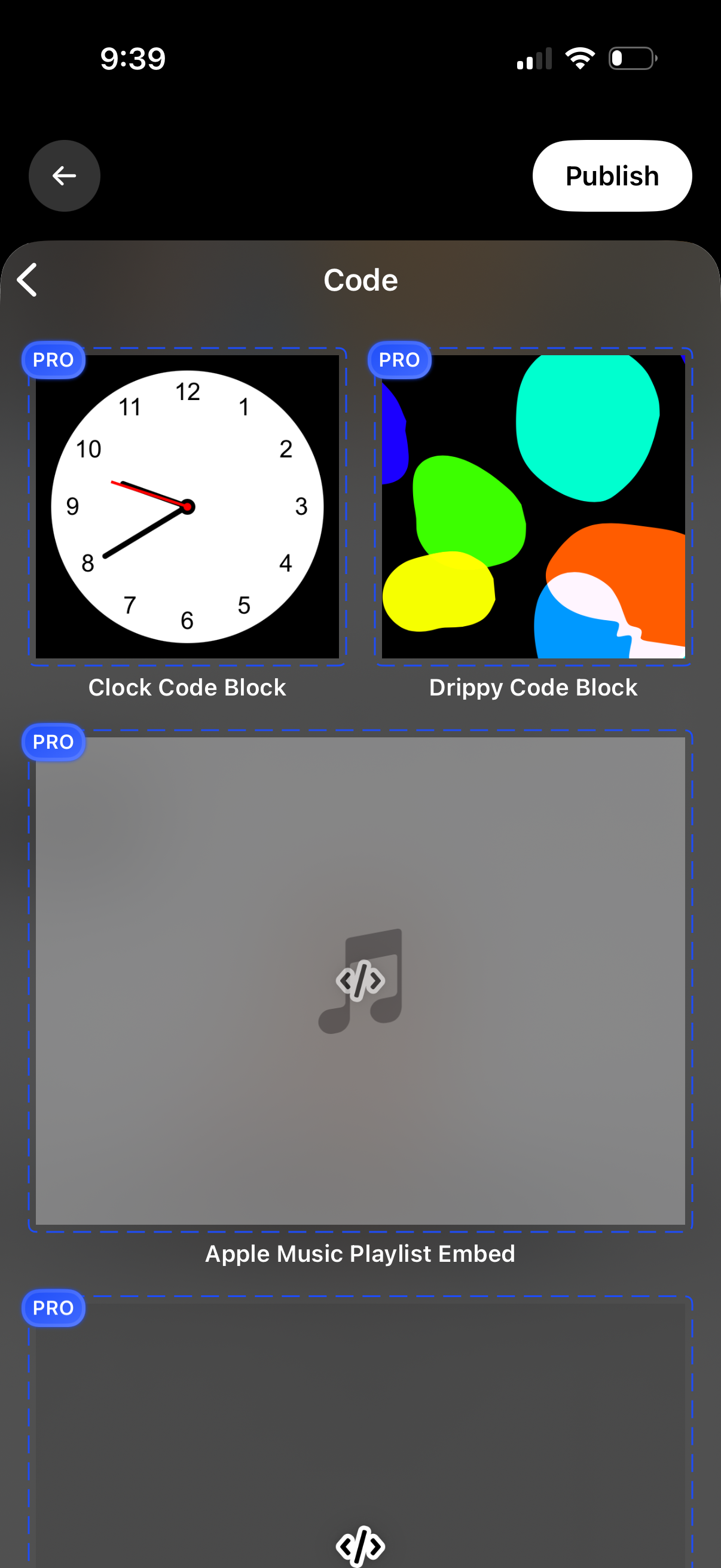
A code widget selection screen showing a grid of reusable code blocks with preview thumbnails and labels, including options like Clock Code Block, Drippy Code Block, and an Apple Music playlist embed, with PRO badges indicating premium templates. Users can navigate back and tap Publish to publish the selected code block/widget.