review notification permission status
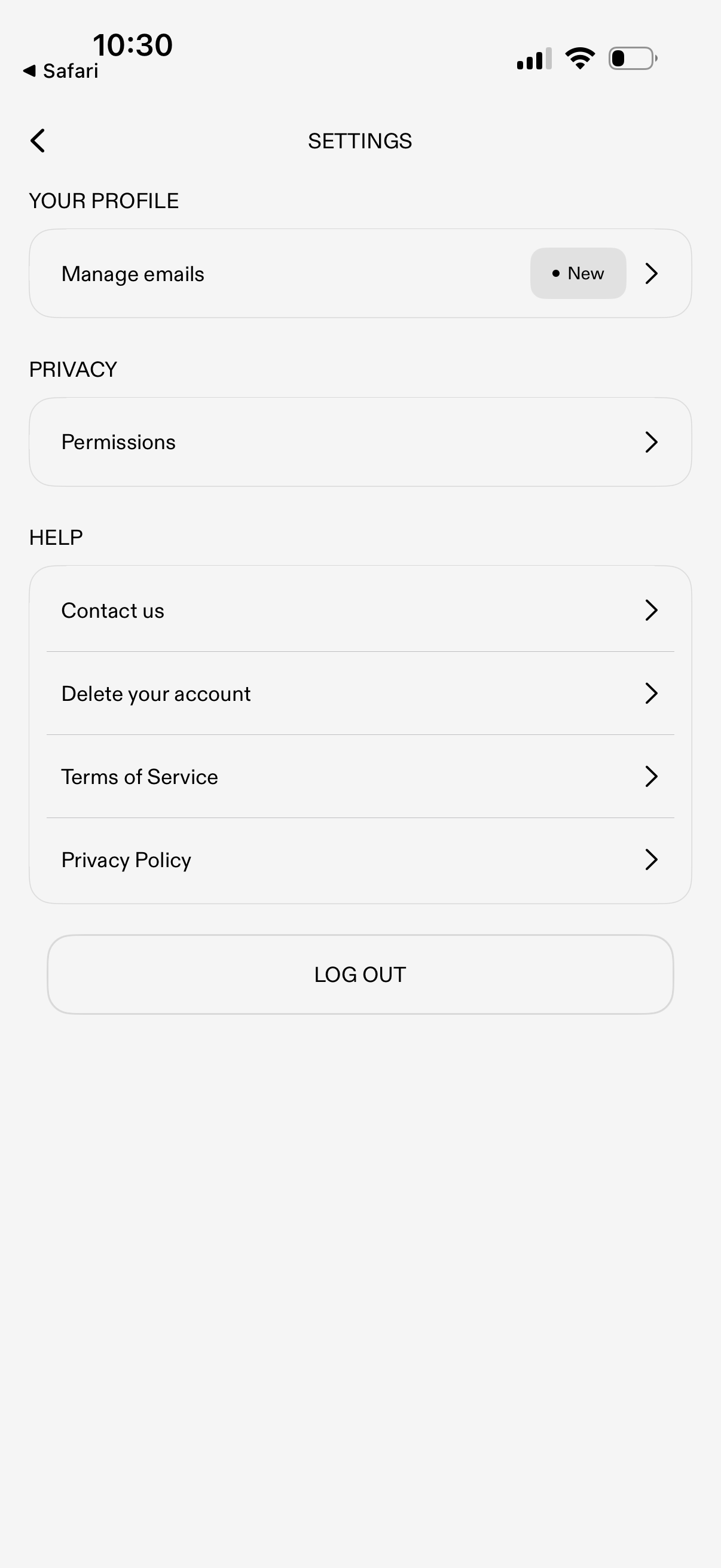
Settings screen with sections for profile and privacy, letting users manage email preferences and review app permissions. Includes help and legal links (contact support, delete account, terms of service, privacy policy) plus a primary log out button.
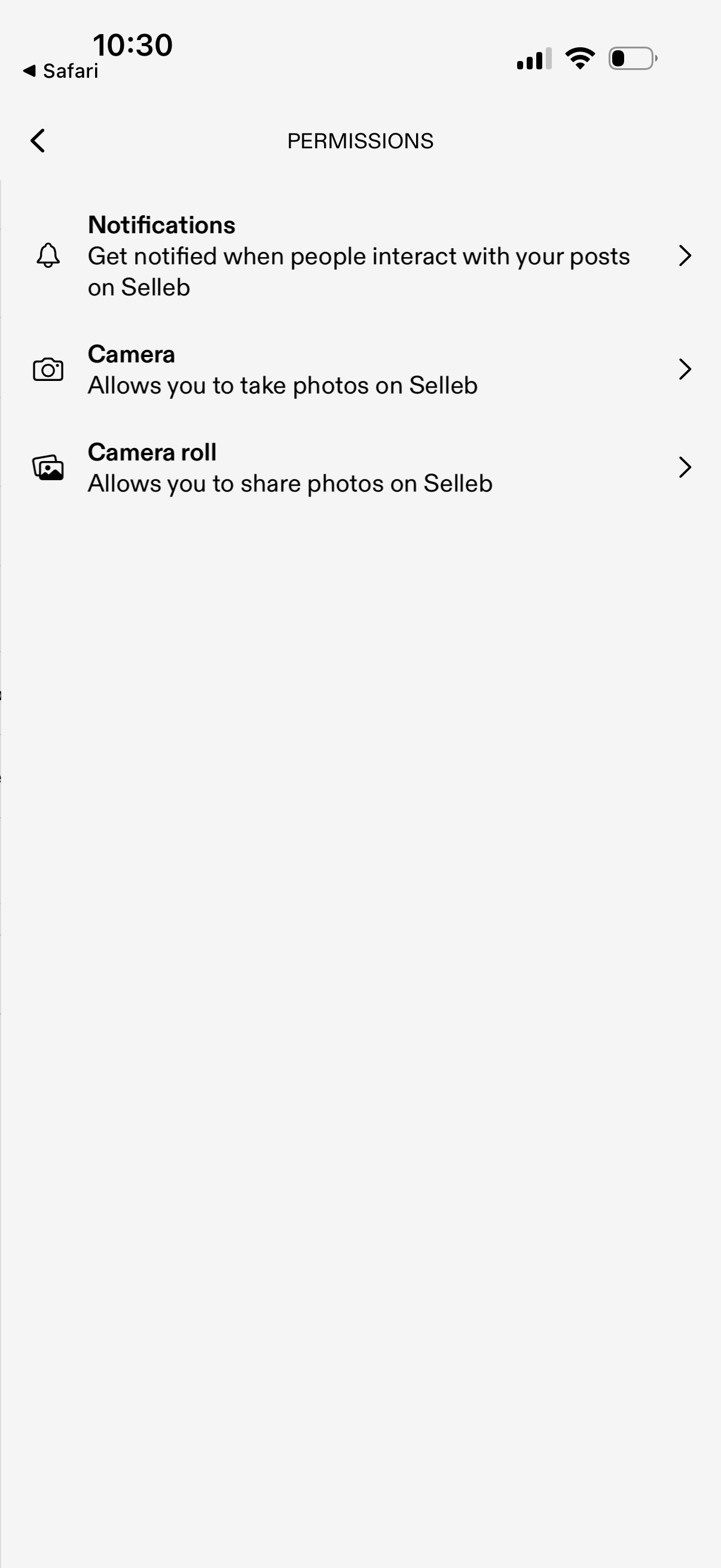
Permissions settings screen listing app access options for Notifications, Camera, and Camera Roll, each with a short explanation and a tap-through row to manage or enable the permission. Includes a back navigation control and a simple list layout for configuring privacy/device access.
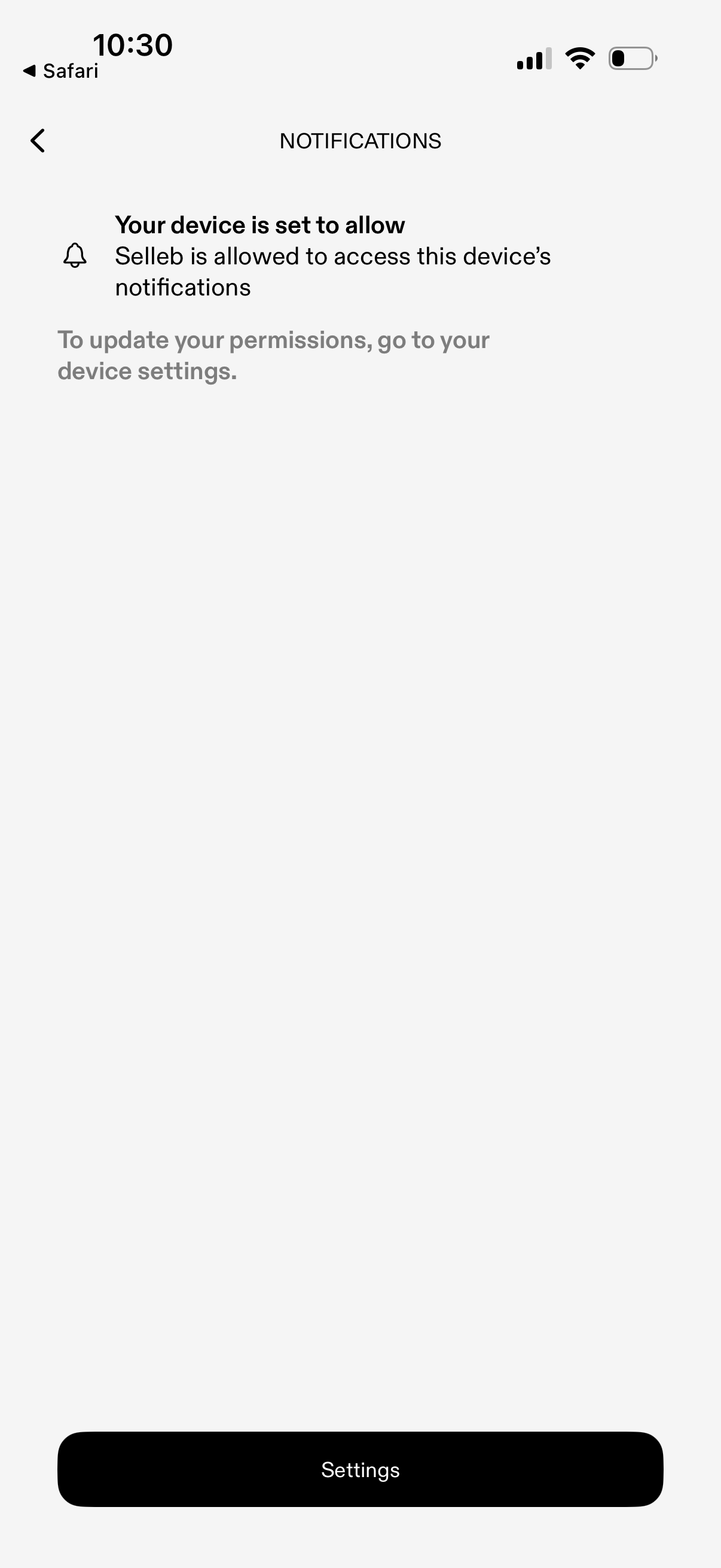
Notification permissions status screen showing that the app is allowed to access the device’s notifications and instructing the user to update permissions in device settings. Includes a primary “Settings” button to open system settings and a back navigation control.
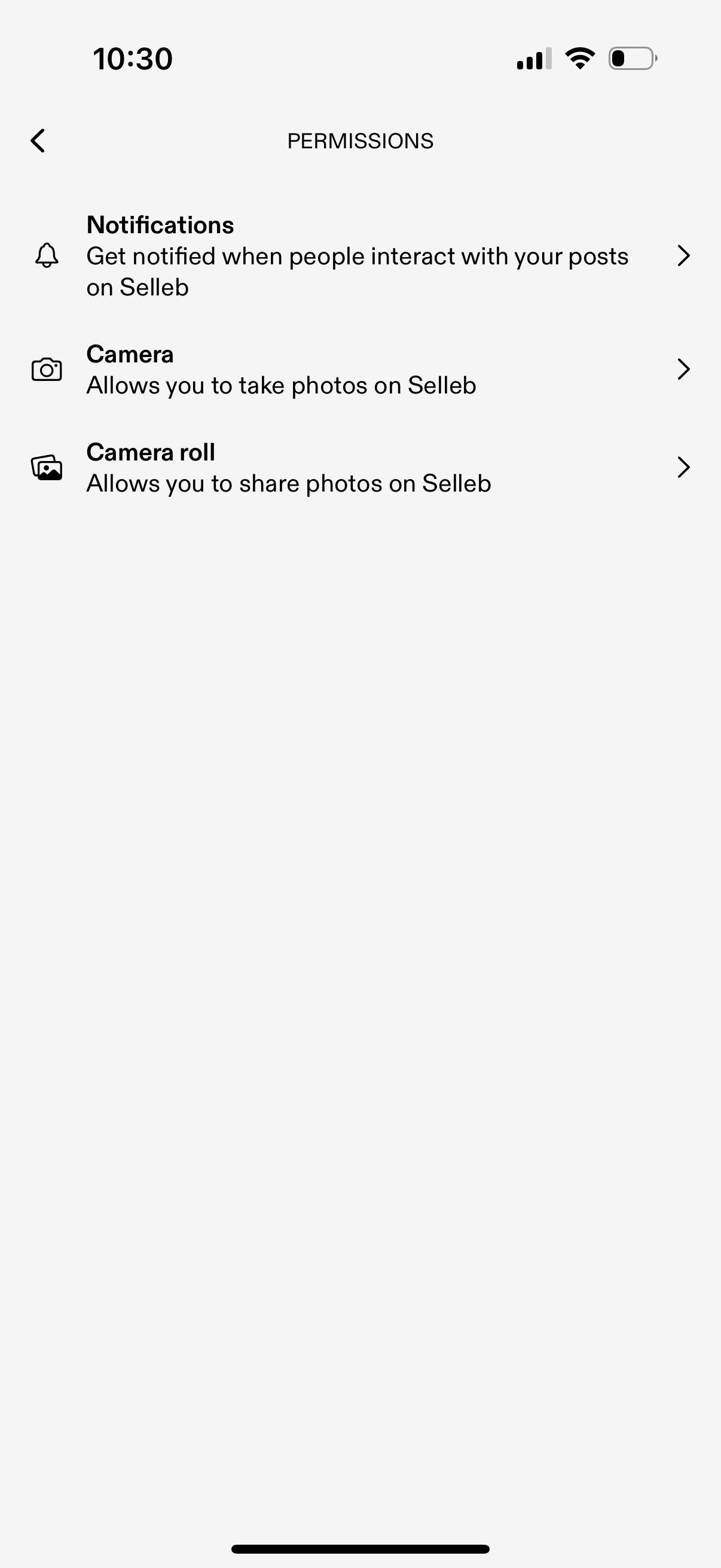
App settings permissions screen listing access options for Notifications, Camera, and Camera Roll with brief explanations of what each enables. Users can tap each row to manage or grant the respective permission, with a back button for navigation.