1
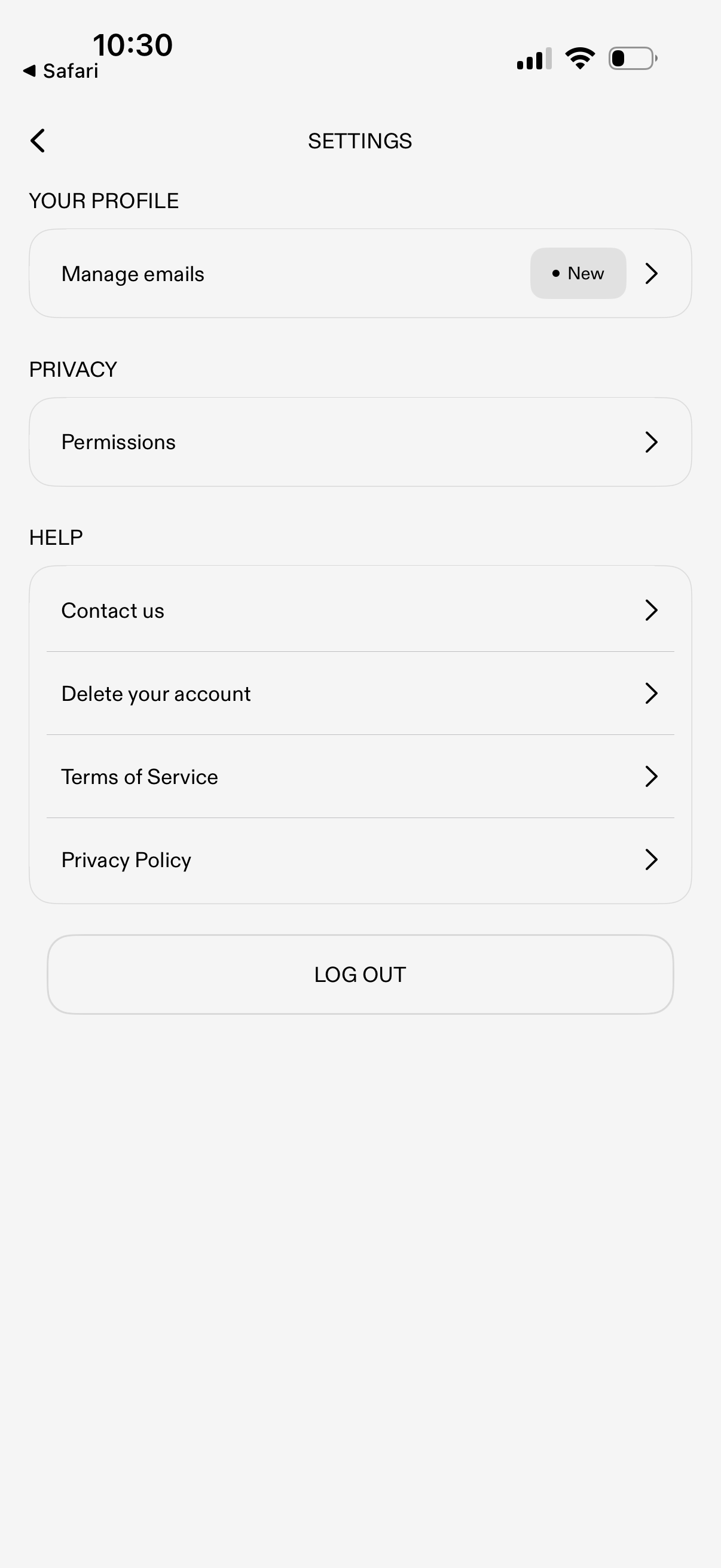
Settings screen with sections for profile and privacy, letting users manage email preferences and review app permissions. Includes help and legal links (contact support, delete account, terms of service, privacy policy) plus a primary log out button.
2
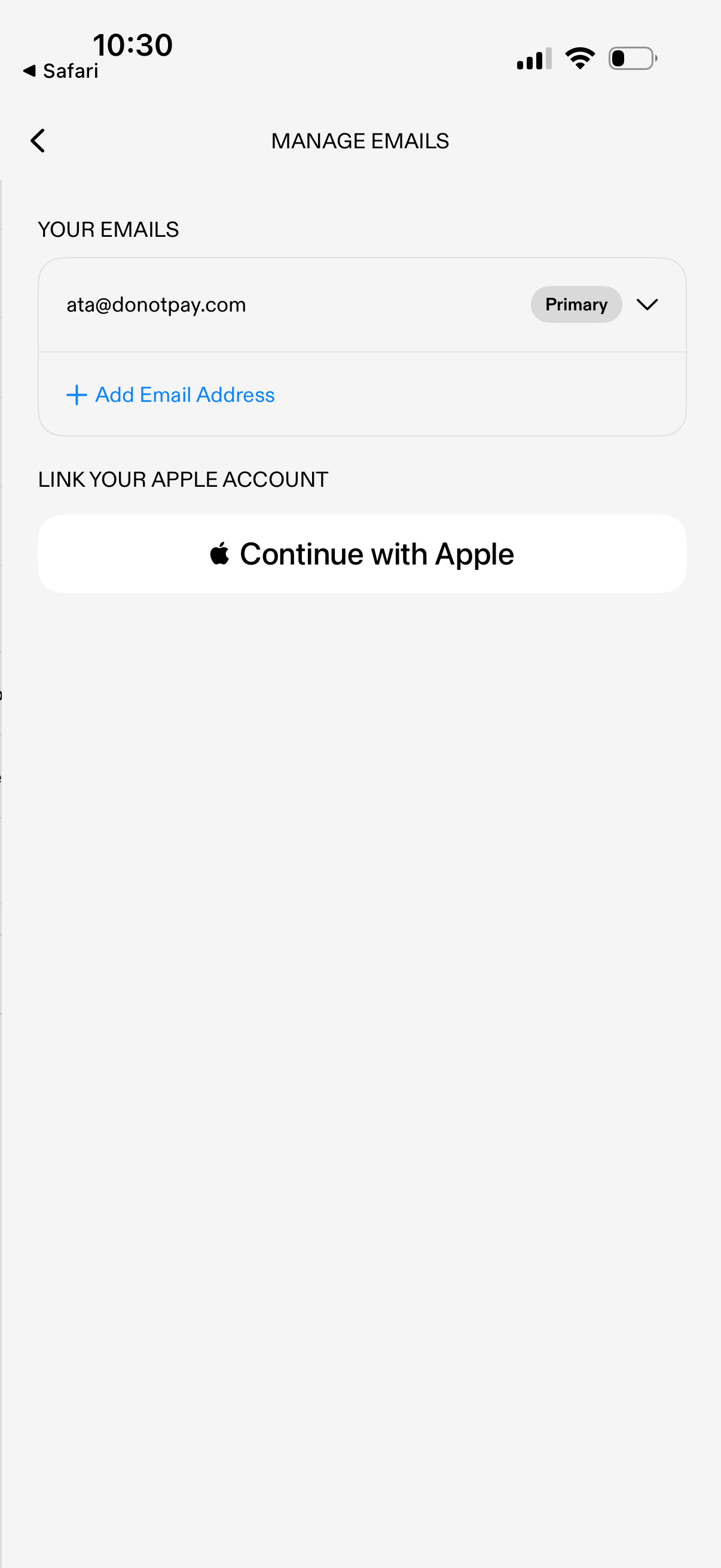
Account settings screen for managing email addresses, showing the current email marked as primary with an option to add another email or change settings via a dropdown. Includes a “Continue with Apple” button to link an Apple account for sign-in.