start onboarding
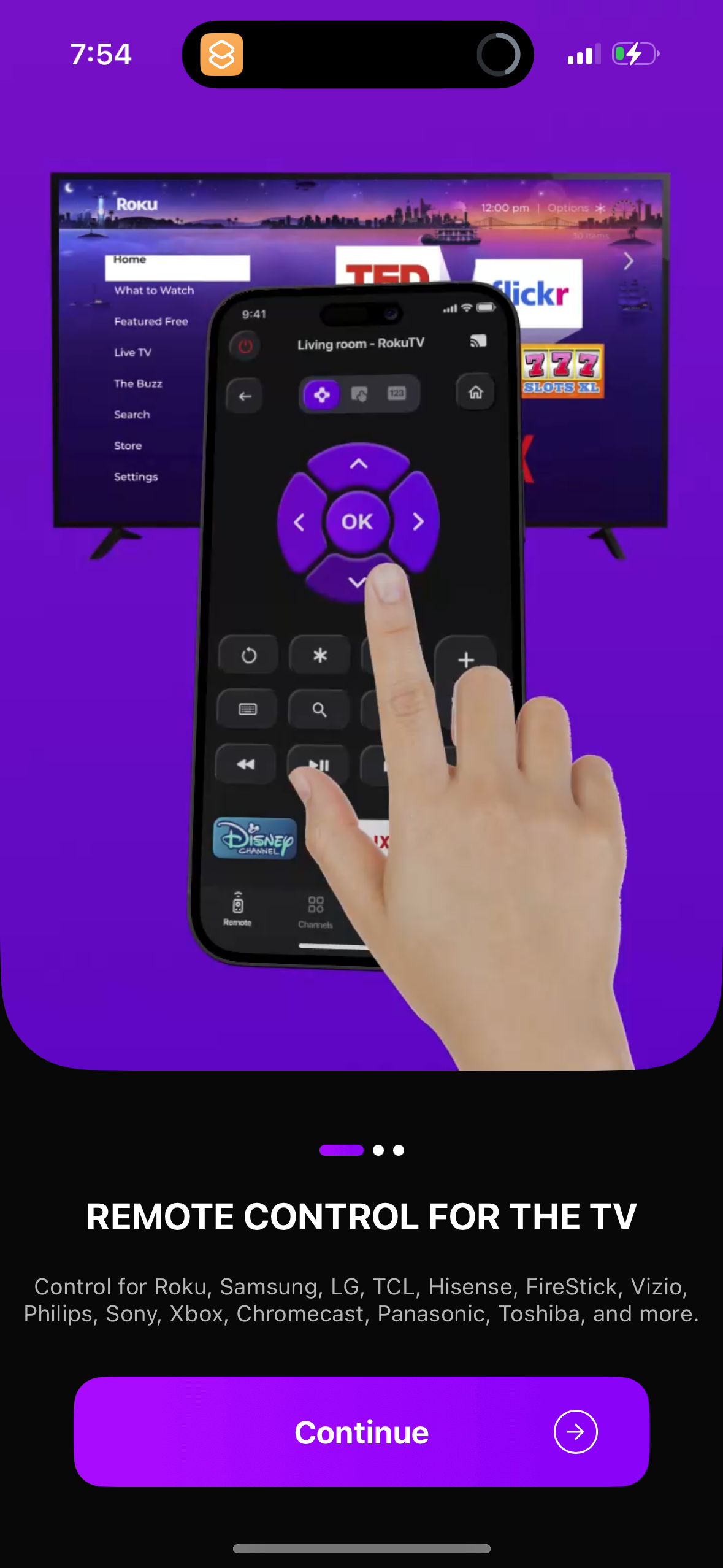
Onboarding promo screen for a universal smart TV remote app, showcasing a phone-as-remote interface with directional pad, playback controls, and shortcuts to control streaming devices/TV brands. Includes a primary “Continue” button to proceed to setup.
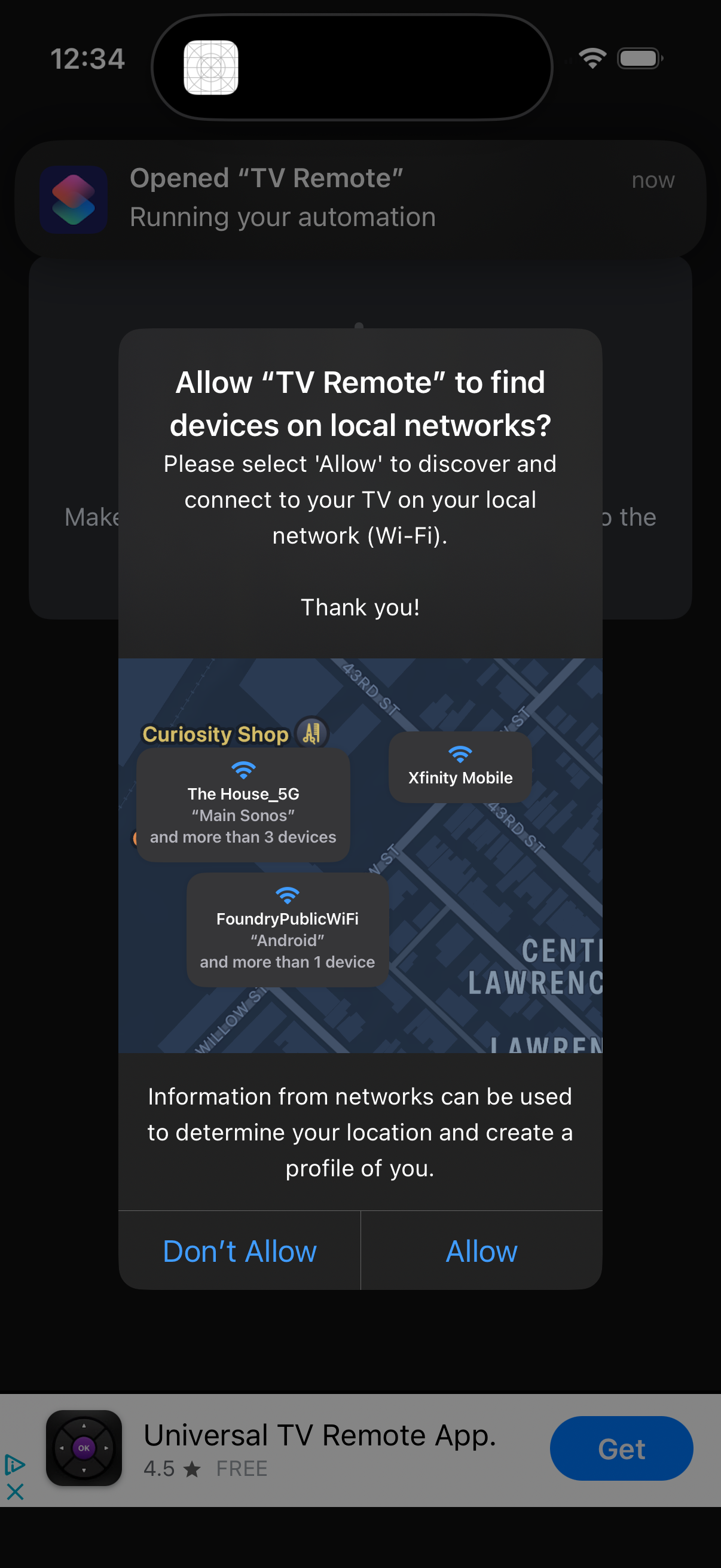
iOS system permission popup asking to allow a TV remote app to find and connect to devices on the local Wi‑Fi network, explaining that network information can be used to determine location. The modal offers two actions: Don’t Allow or Allow.
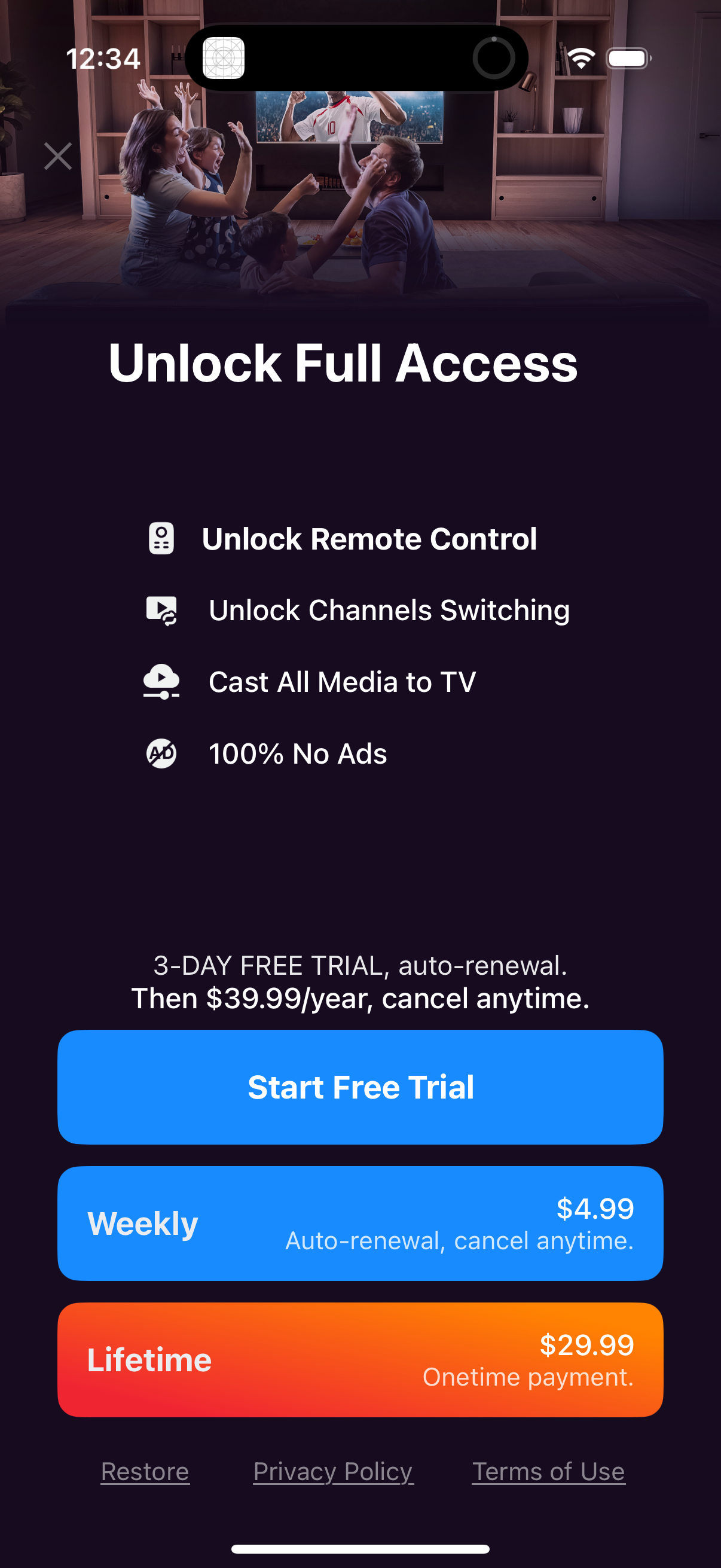
Subscription paywall screen prompting users to “Unlock Full Access,” highlighting premium features like remote control, channel switching, casting media to TV, and ad-free use. Offers a 3‑day free trial with annual pricing plus alternative weekly and lifetime plans, with primary CTA to start the free trial and links to restore purchases, privacy policy, and terms.