1
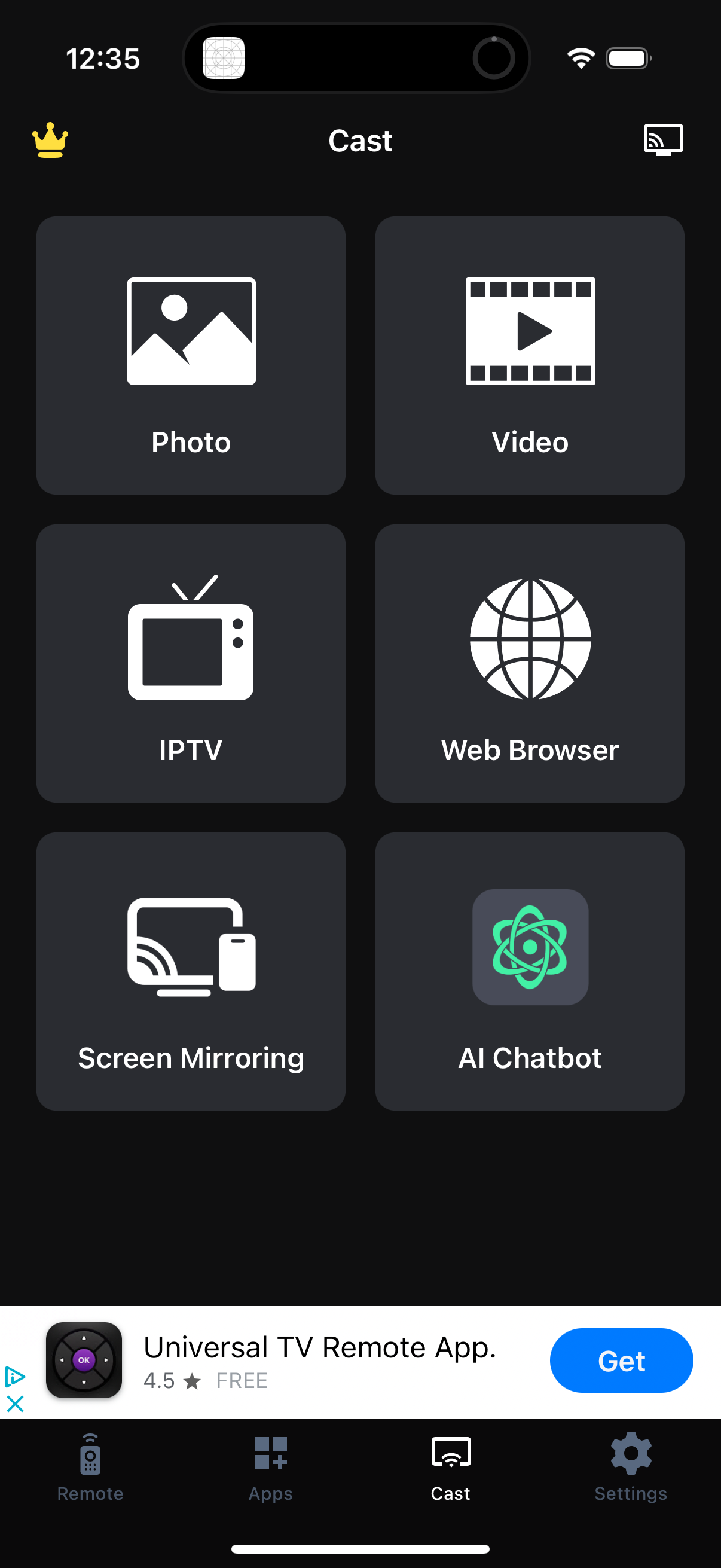
Cast hub screen in a TV remote/casting app showing large shortcut tiles to start casting Photos or Videos, open IPTV, launch a Web Browser, enable Screen Mirroring, or access an AI Chatbot, with a cast/device button in the header. Bottom tab navigation provides access to Remote, Apps, Cast (selected), and Settings.
2
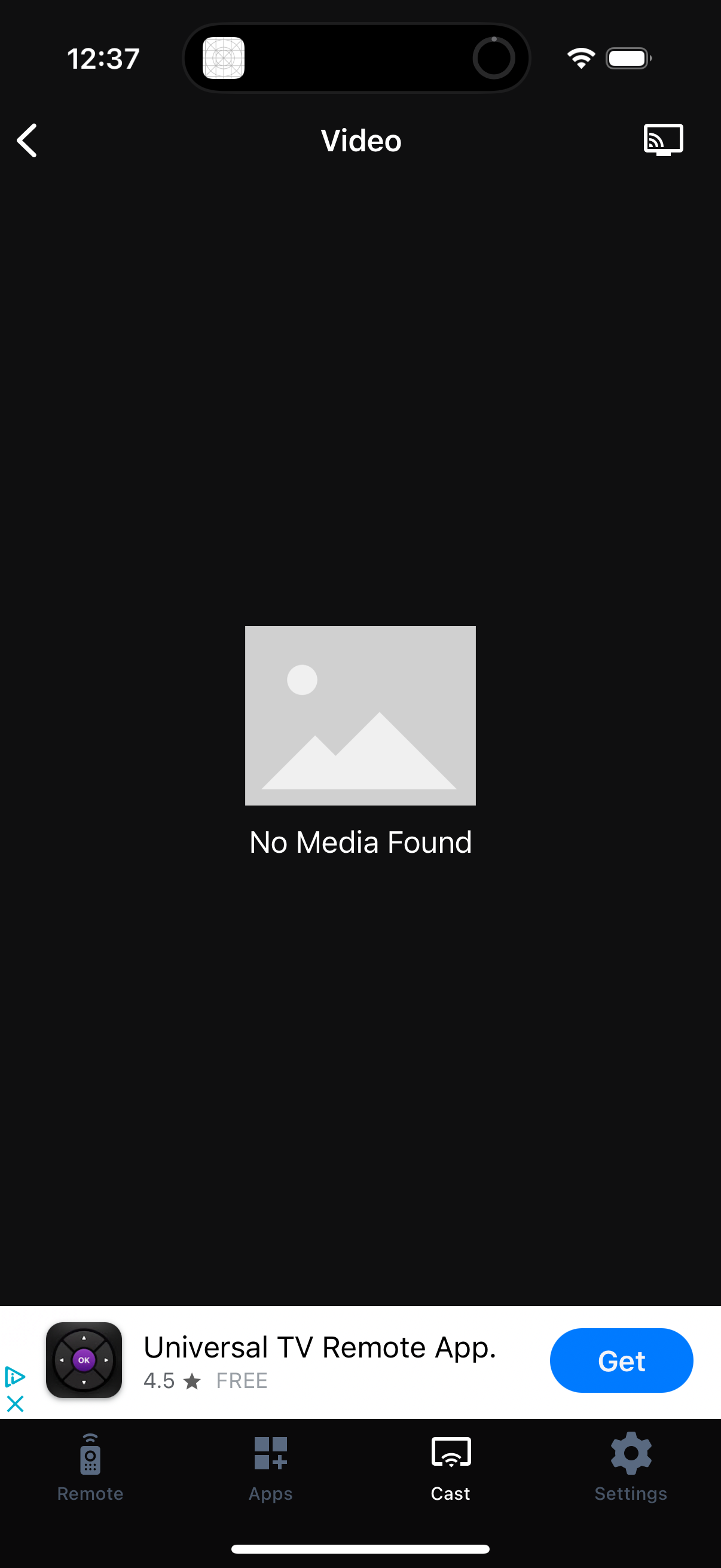
Video casting screen showing an empty state with “No Media Found,” including a back button, a cast icon, and a bottom tab bar for navigating between Remote, Apps, Cast (selected), and Settings.