1
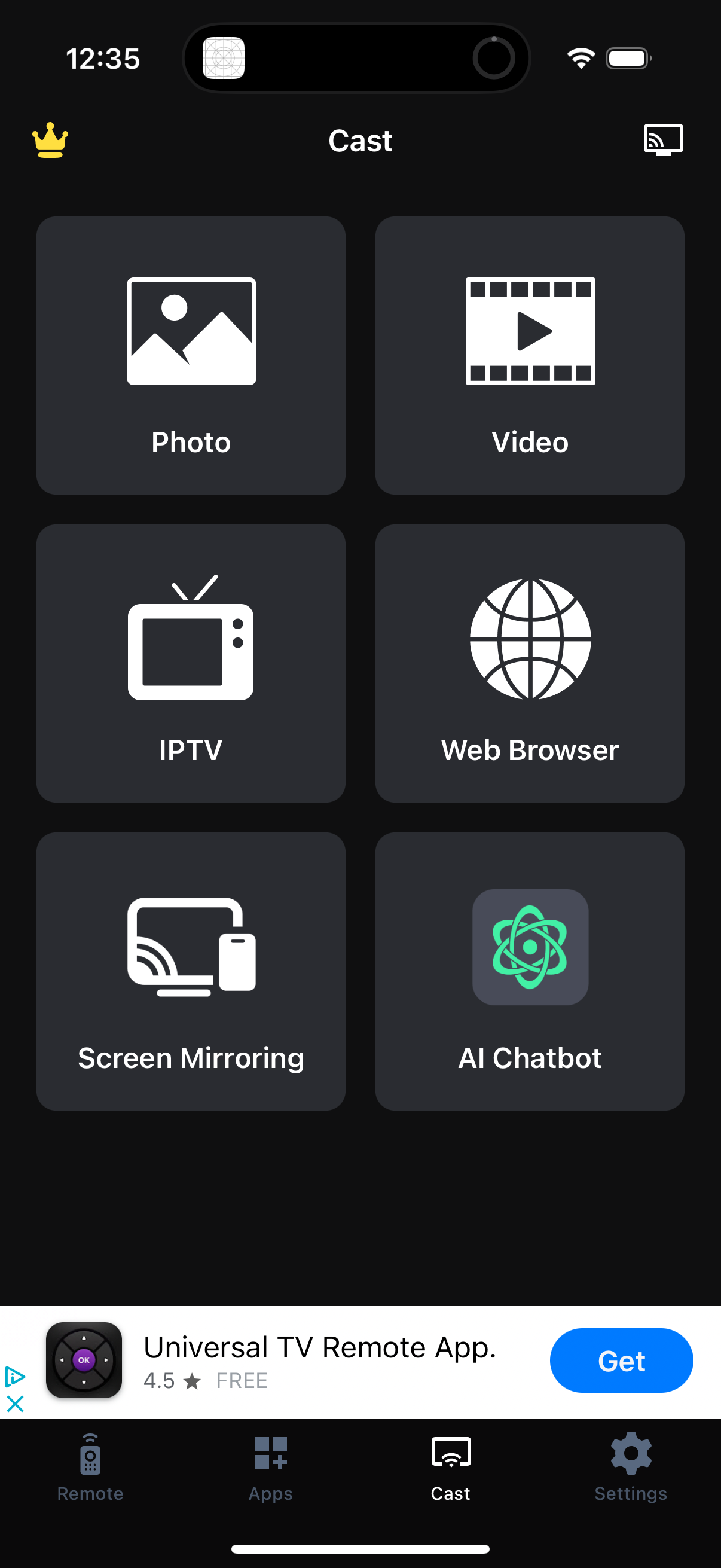
Cast hub screen in a TV remote/casting app showing large shortcut tiles to start casting Photos or Videos, open IPTV, launch a Web Browser, enable Screen Mirroring, or access an AI Chatbot, with a cast/device button in the header. Bottom tab navigation provides access to Remote, Apps, Cast (selected), and Settings.
2
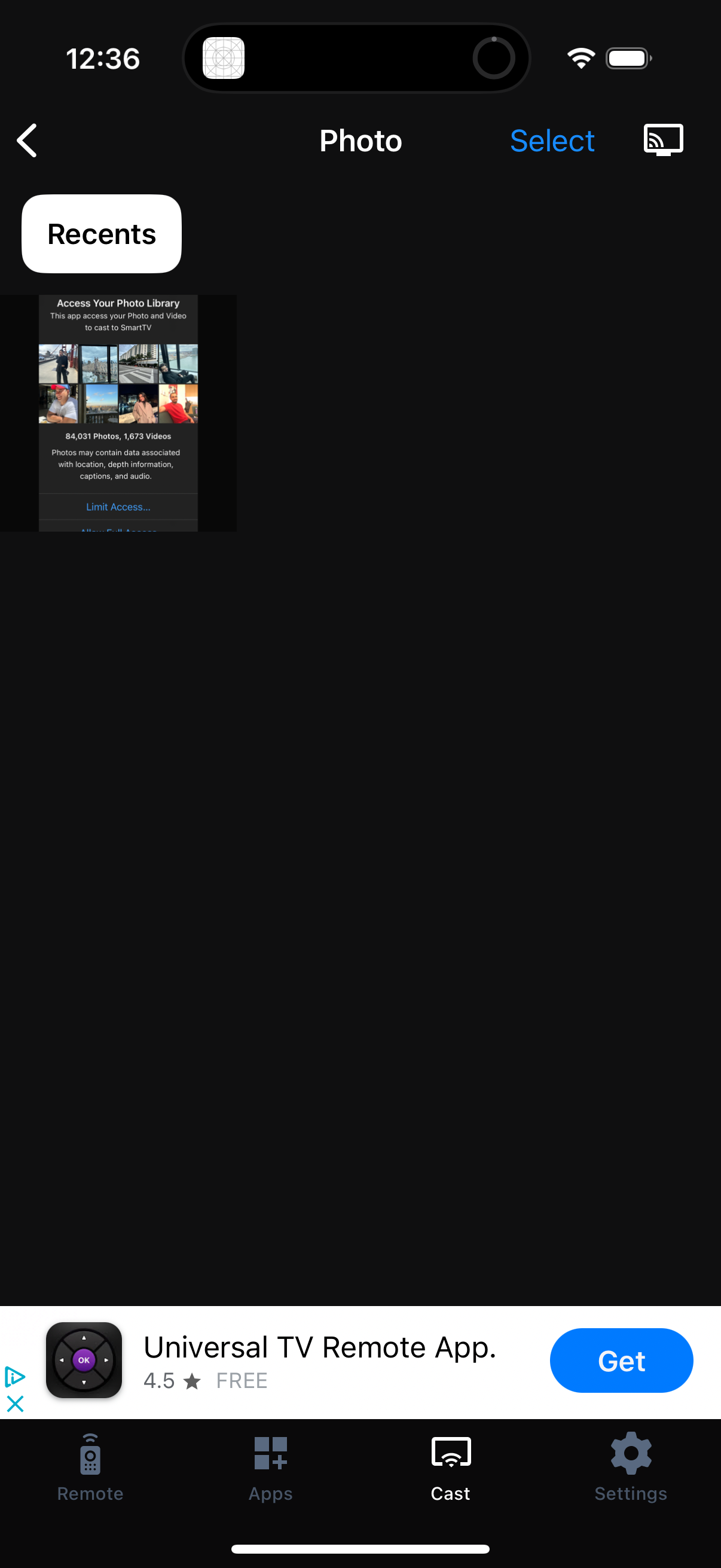
Photo picker screen for selecting images from the phone’s Recents library, with options to go back, tap Select for multi-select, and use a cast button to stream the chosen photo to a TV or device. A bottom navigation bar provides access to Remote, Apps, Cast, and Settings sections.