export document as pdf
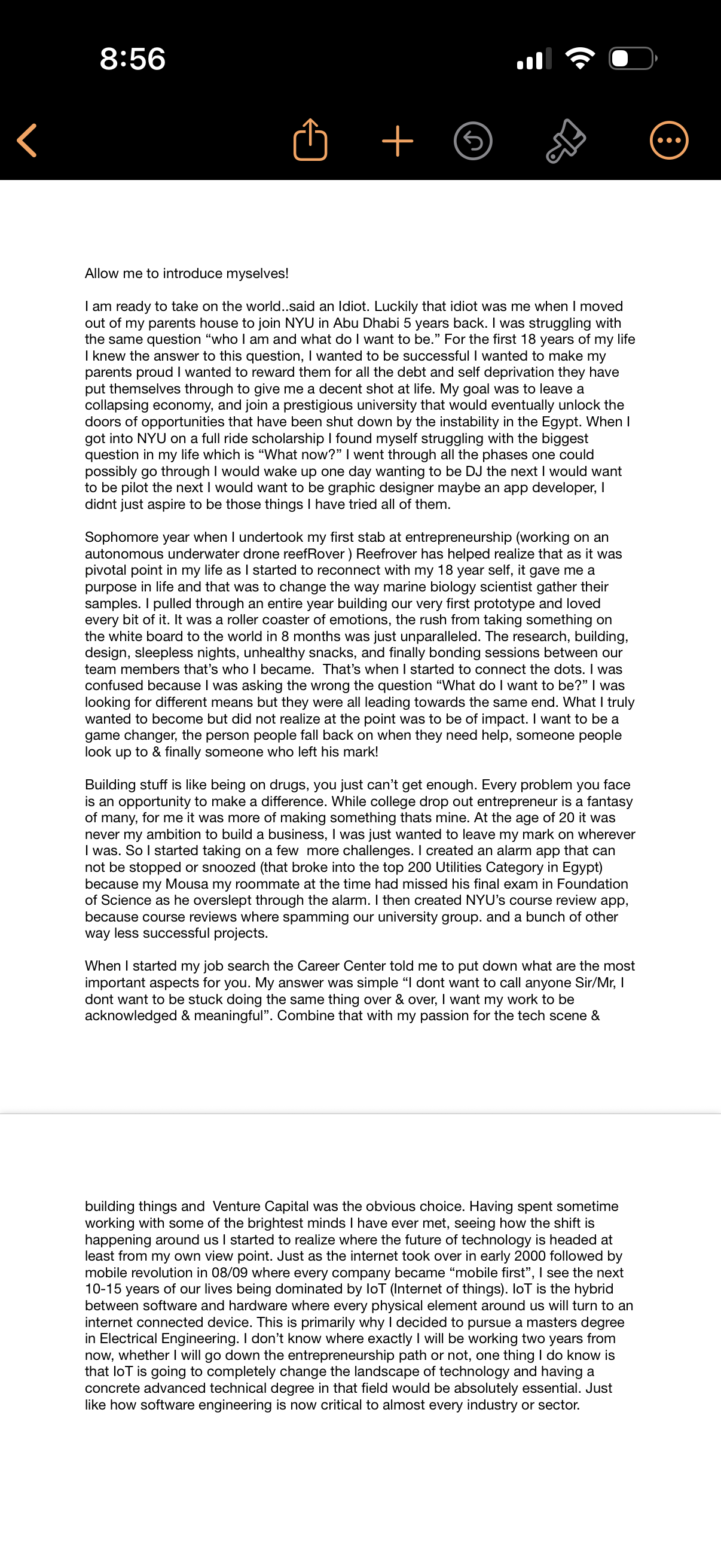
Long-form note/document viewer in a mobile notes app showing a scrollable text page with a top toolbar for navigating back, sharing, creating a new note, undoing changes, annotating/markup, and accessing more options. Designed for reading and editing extensive written content in a single note.
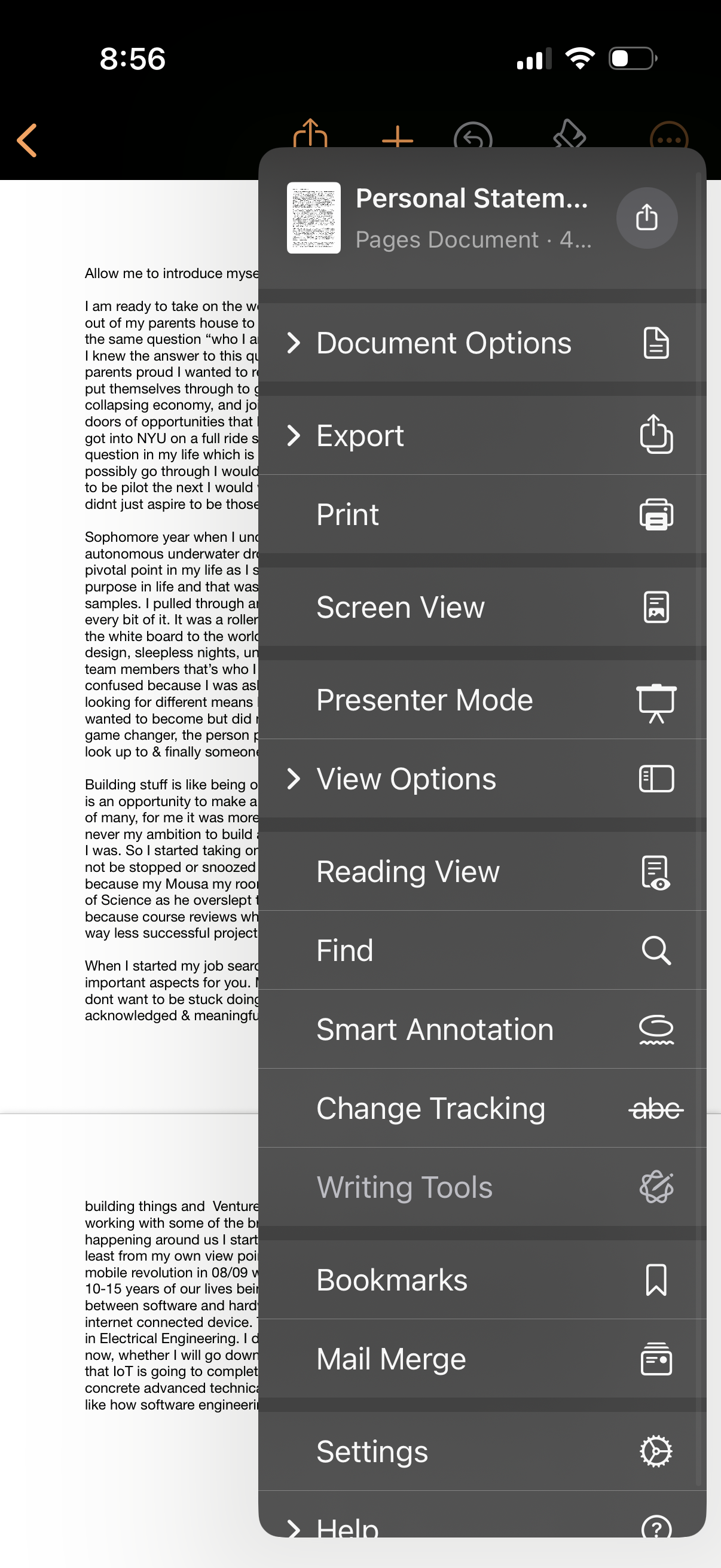
A mobile document editor screen with an overflow menu opened over a text document, showing document management actions like Document Options, Export, Print, and Screen View/Presenter Mode. The menu also includes reading and editing utilities such as View Options, Reading View, Find, Smart Annotation, Change Tracking, Writing Tools, Bookmarks, Mail Merge, and Settings.
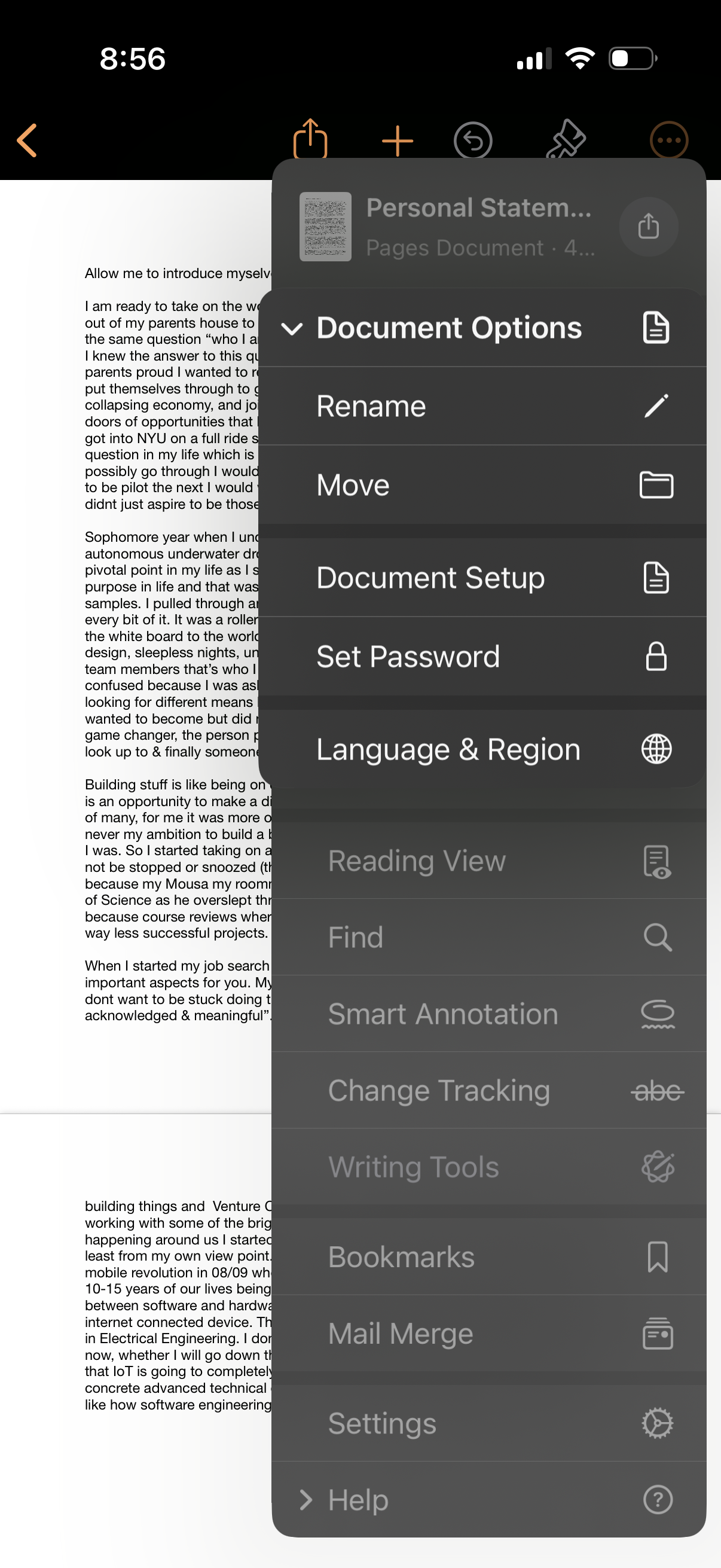
A document editor screen showing a text document with a “Document Options” overflow menu open. The menu provides actions to rename or move the file, access document setup, set a password, change language and region, toggle reading view, search/find, enable smart annotation and change tracking, open writing tools, manage bookmarks, mail merge, settings, and help.
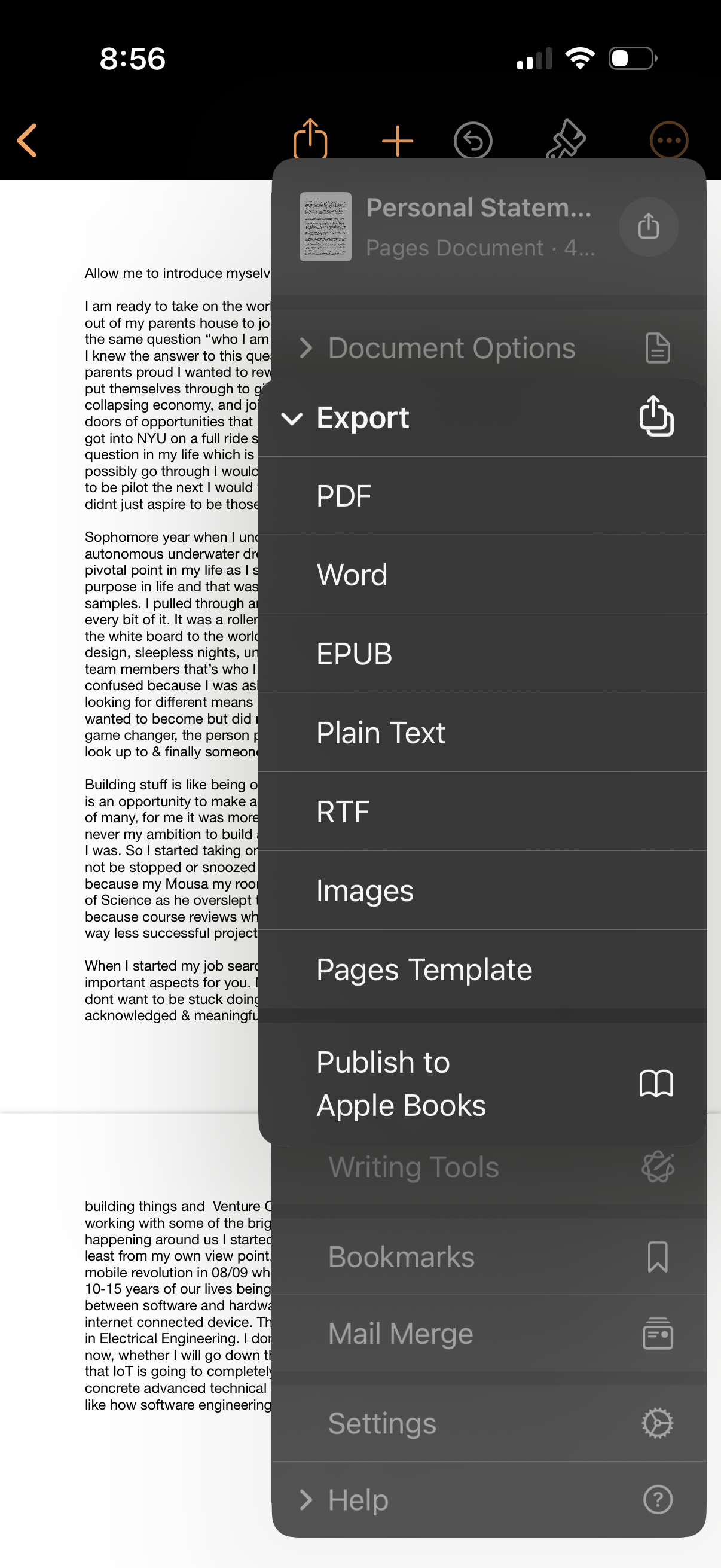
Document editor screen showing an export/share menu for a Pages document, with file format options including PDF, Word, EPUB, plain text, RTF, images, Pages template, and publish to Apple Books. The overlay also links to document options and other tools like writing tools, bookmarks, mail merge, settings, and help.
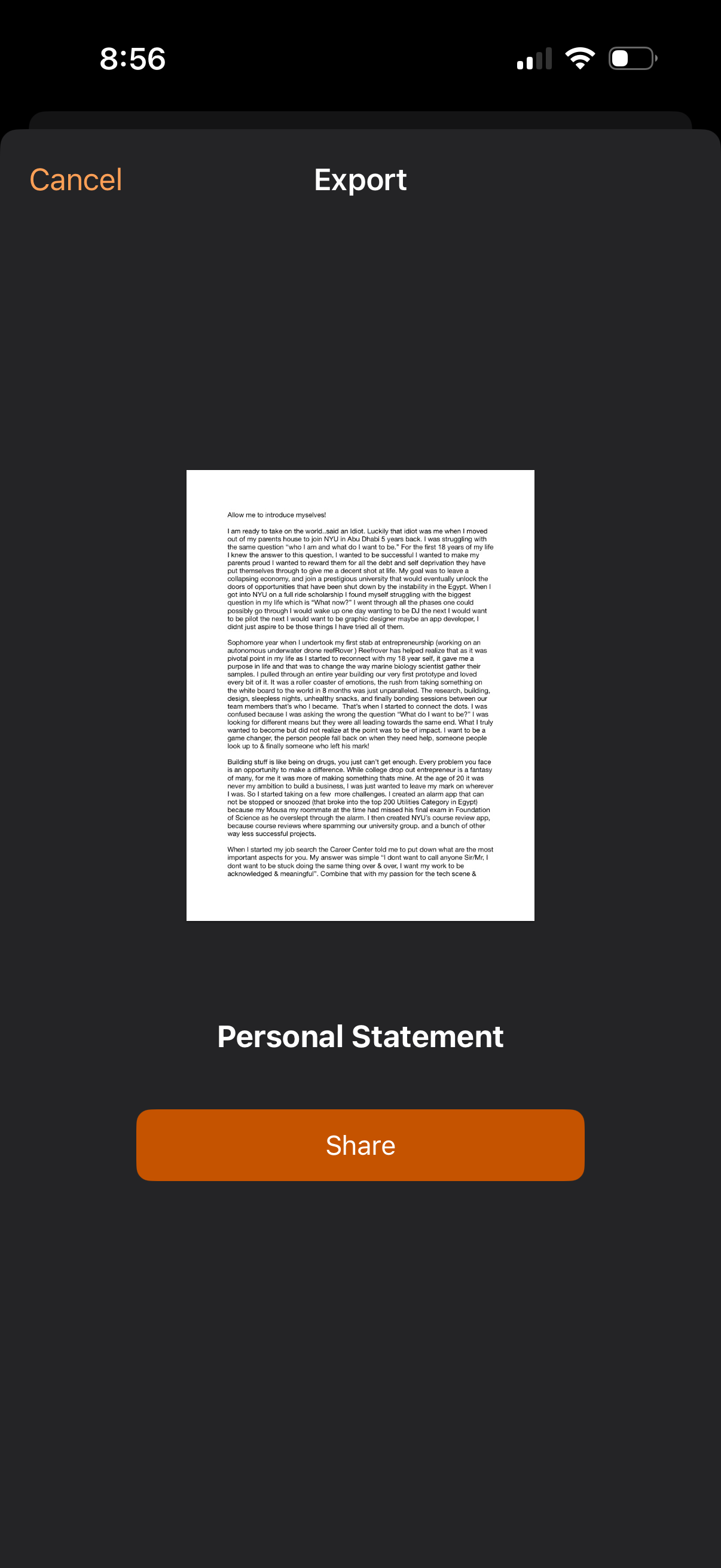
Document export preview screen showing a single-page PDF/letter labeled “Personal Statement,” with a large Share button to send or export the file. Top navigation includes Cancel and an Export title, indicating the user can exit or proceed to share the document.
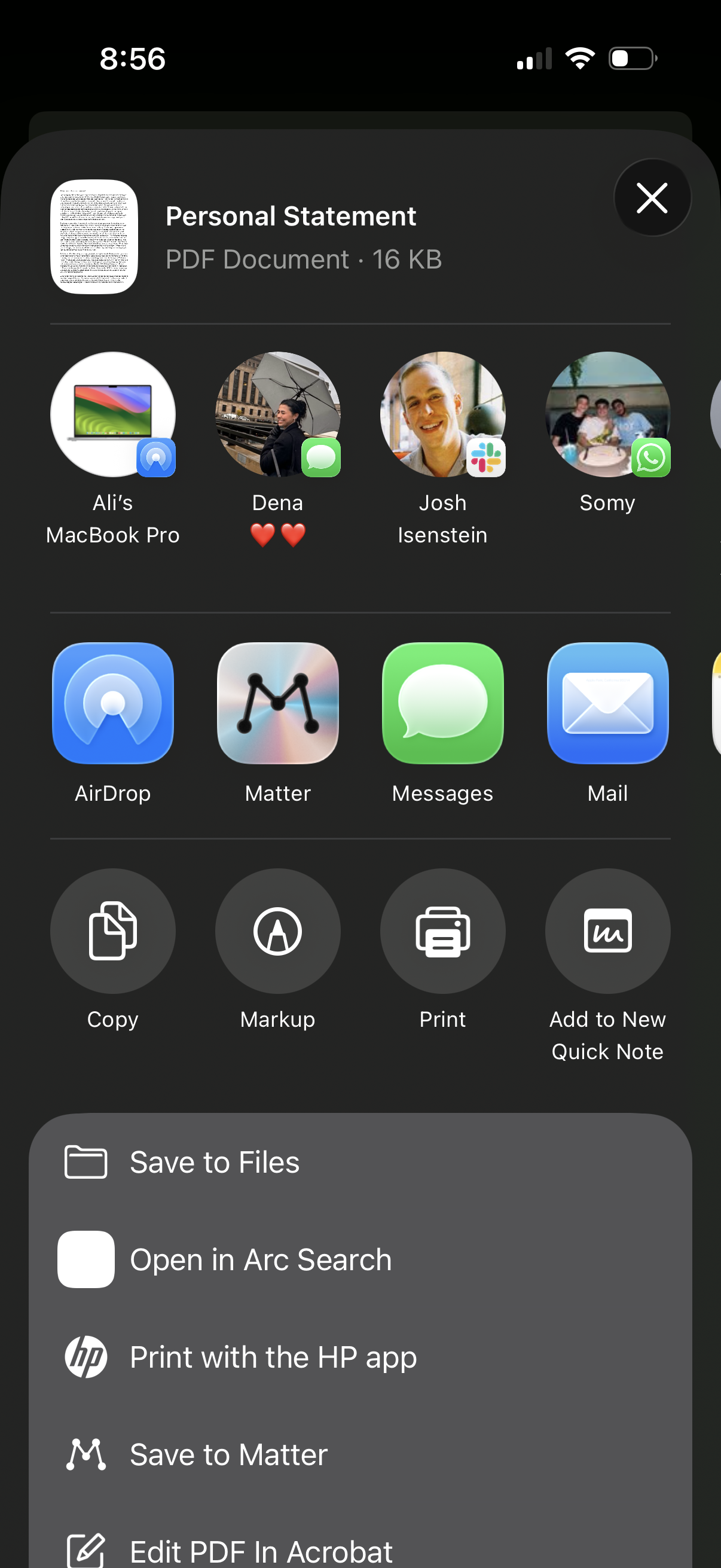
iOS share sheet for a PDF document showing options to share via AirDrop, Messages, Mail, and suggested contacts/devices, plus quick actions like Copy, Markup, Print, and Add to New Quick Note. Includes a list of app destinations such as Save to Files, open in a browser/search app, print with a printer app, save to a reading app, or edit the PDF in Acrobat.