set privacy preferences
1
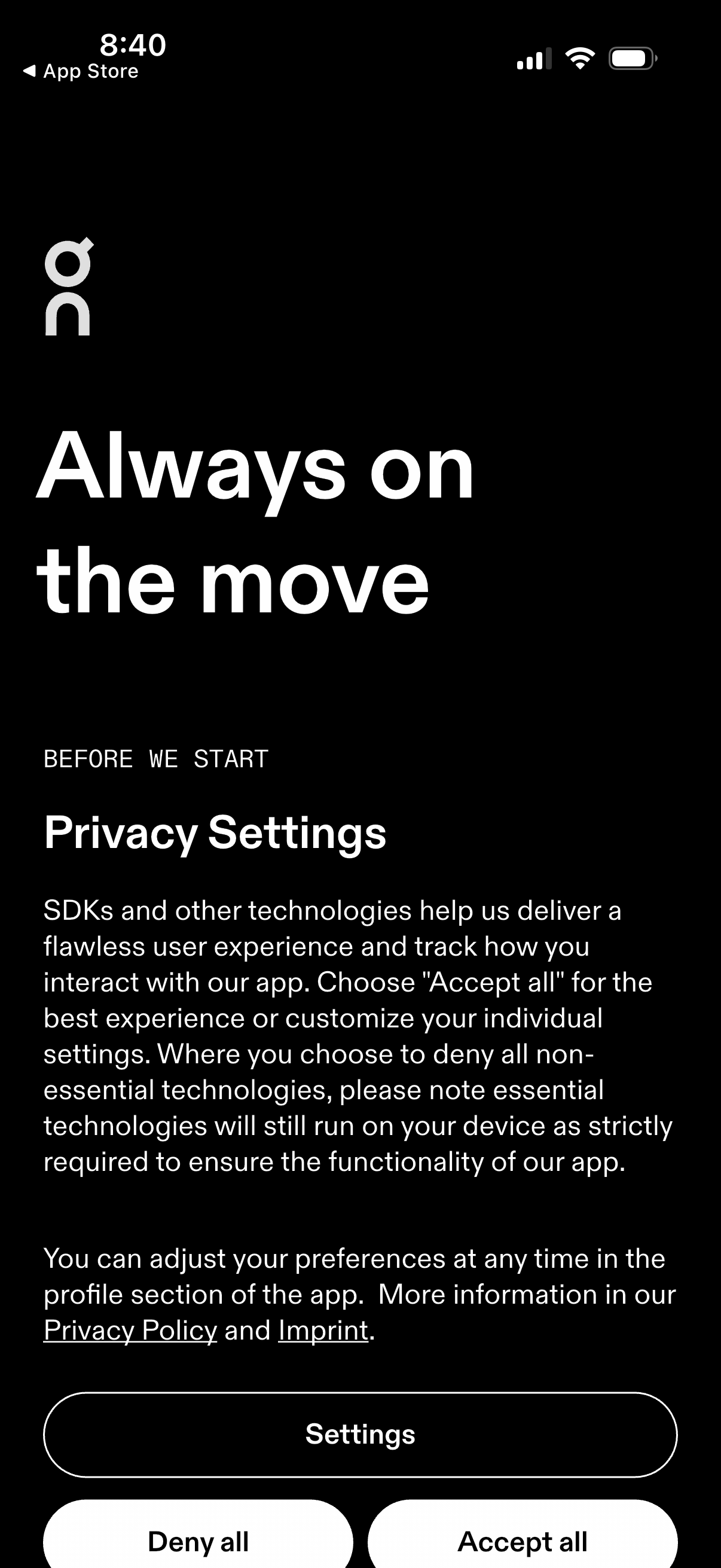
Onboarding privacy consent screen explaining SDK tracking and data technologies before starting the app, with links to Privacy Policy and Imprint. Primary actions let users open Settings to customize preferences or quickly choose Deny all or Accept all.
2

Onboarding privacy consent screen explaining SDK tracking and data usage with links to the privacy policy and imprint. Primary actions let users open detailed settings, deny all non-essential technologies, or accept all tracking/consents.
3
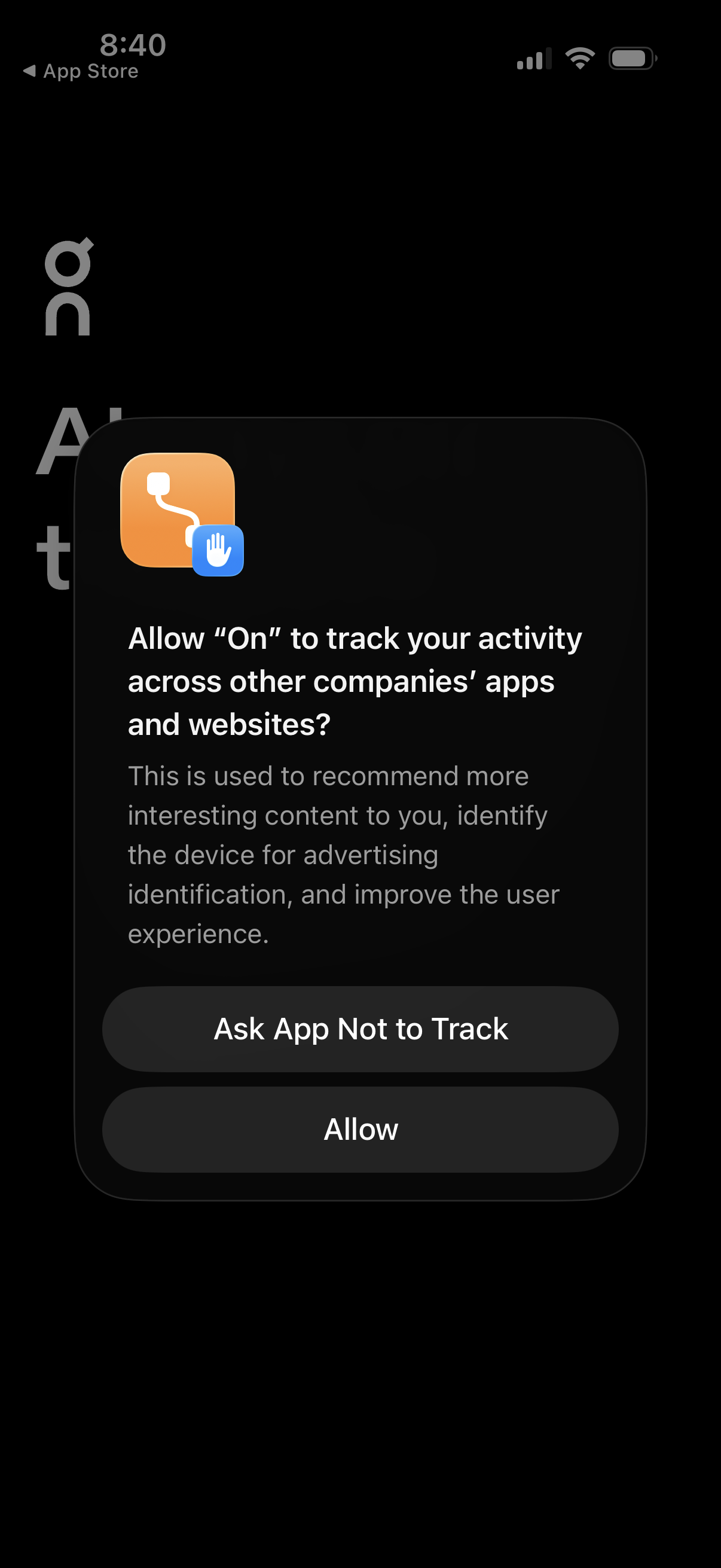
iOS App Tracking Transparency permission prompt asking whether to allow the app to track user activity across other apps and websites for advertising and personalization. Modal dialog provides two actions: “Ask App Not to Track” or “Allow.