navigate categories
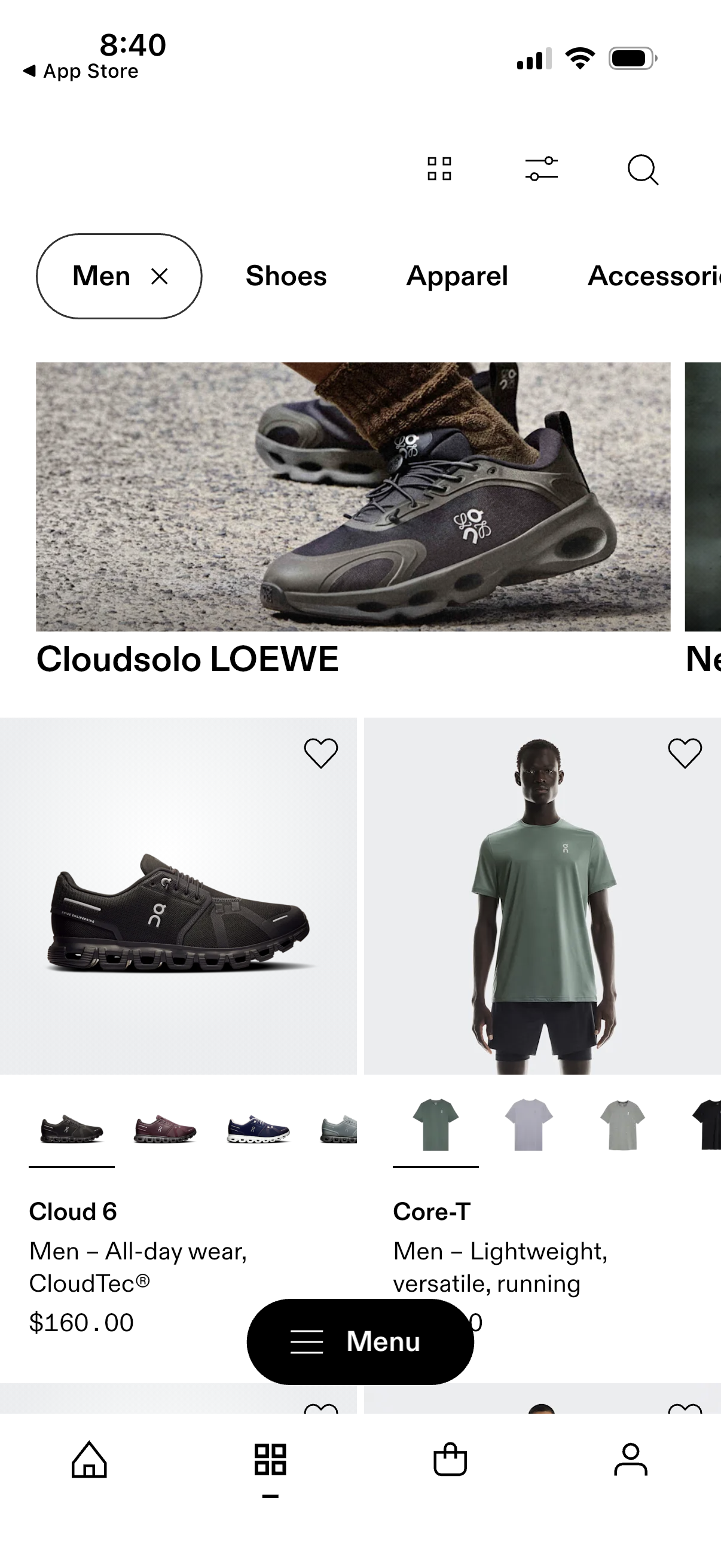
Men’s fashion shopping browse screen showing a grid of product cards for shoes and apparel with large images, item names, brief descriptors, prices, and wishlist heart icons. Top navigation includes category tabs and icons for view/layout, filters/sort, and search, with a bottom navigation bar for home, browse, cart, and profile plus a floating “Menu” button.
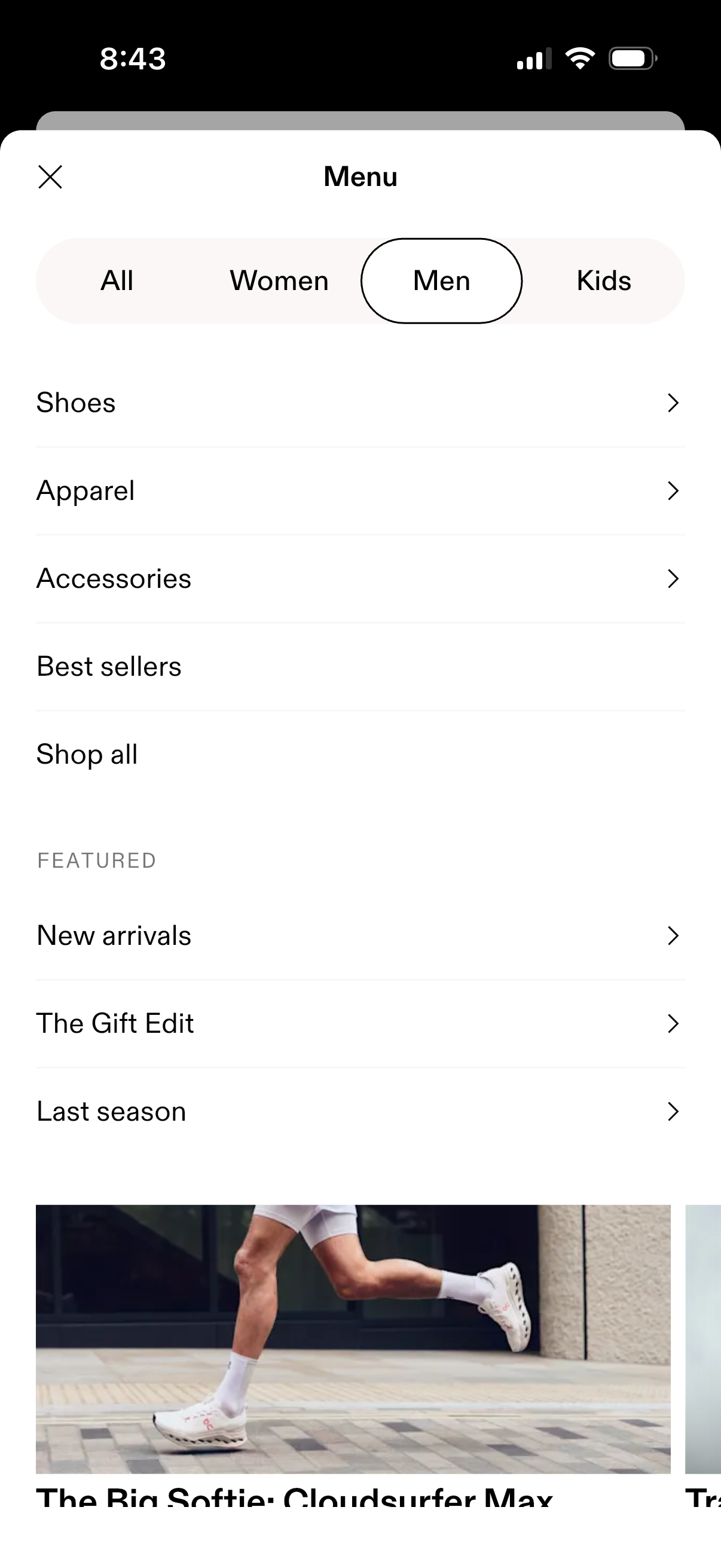
Ecommerce shopping app menu overlay with segmented tabs to browse All, Women, Men, or Kids, and a category list for Shoes, Apparel, Accessories, Best sellers, and Shop all. Includes a Featured section with links like New arrivals, The Gift Edit, and Last season, plus a close button to dismiss the menu.
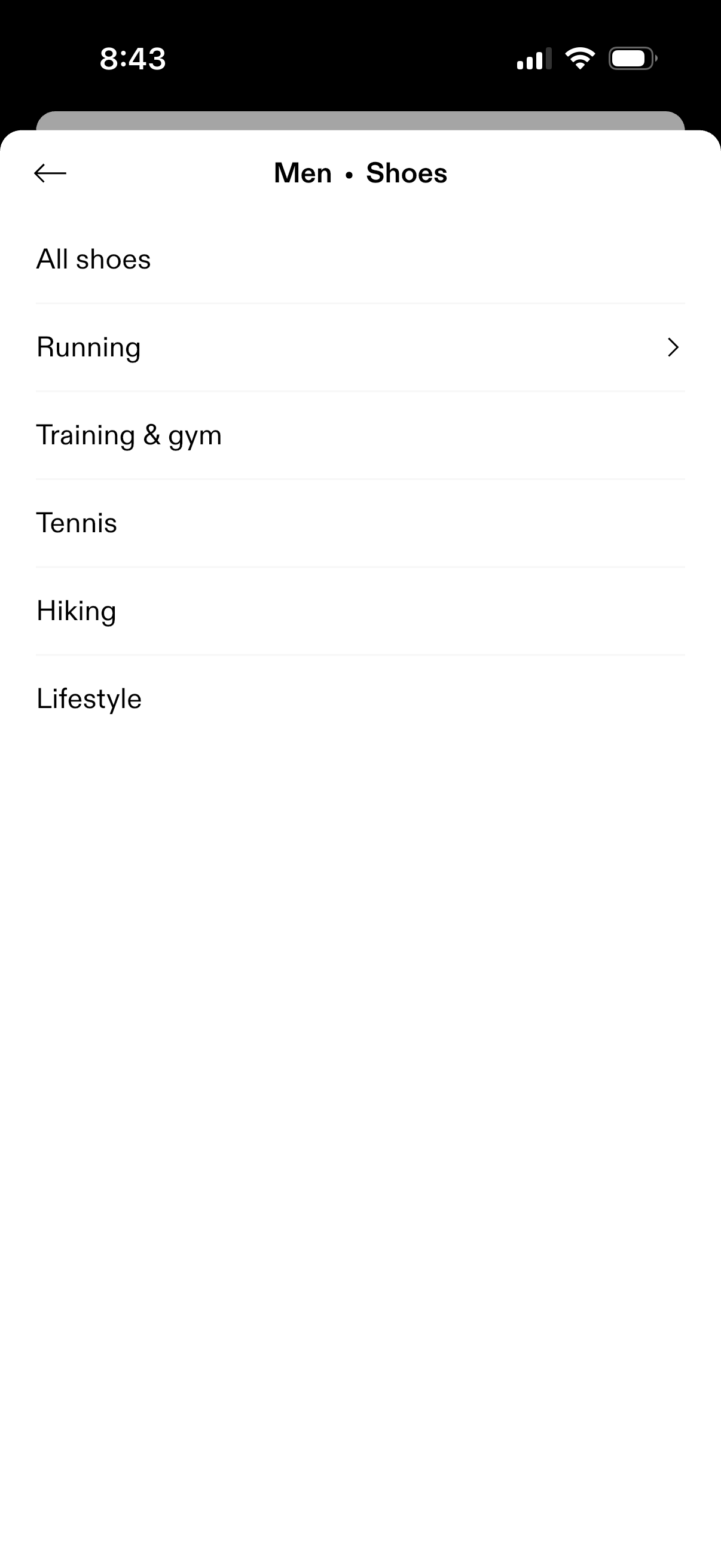
Men’s shoes category selection screen in a shopping app showing a list of subcategories like All shoes, Running, Training & gym, Tennis, Hiking, and Lifestyle. Users tap a row (with chevron) to navigate deeper into that shoe type, with a back button to return.

Men’s apparel category browsing screen showing a simple list of clothing subcategories (all apparel, tops and t-shirts, hoodies and sweatshirts, bodysuit, tights, shorts, pants, jackets) with tap-to-navigate chevrons and a back button for returning to the previous page.
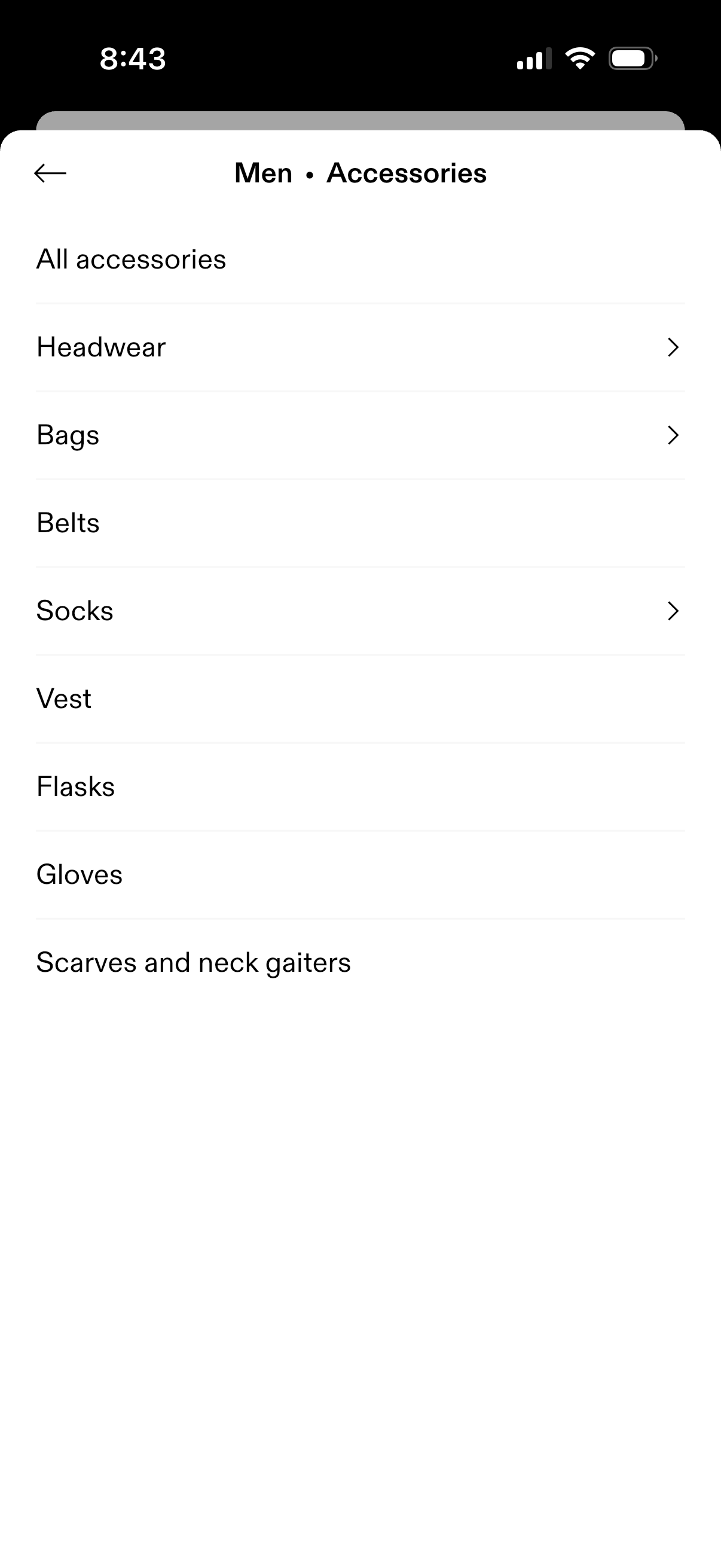
Ecommerce category navigation screen for Men’s Accessories showing a simple list of subcategories like headwear, bags, belts, socks, vests, flasks, gloves, and scarves/neck gaiters. Users can tap a row (chevron) to drill into that accessory category, with a back arrow to return.