review permissions status
1
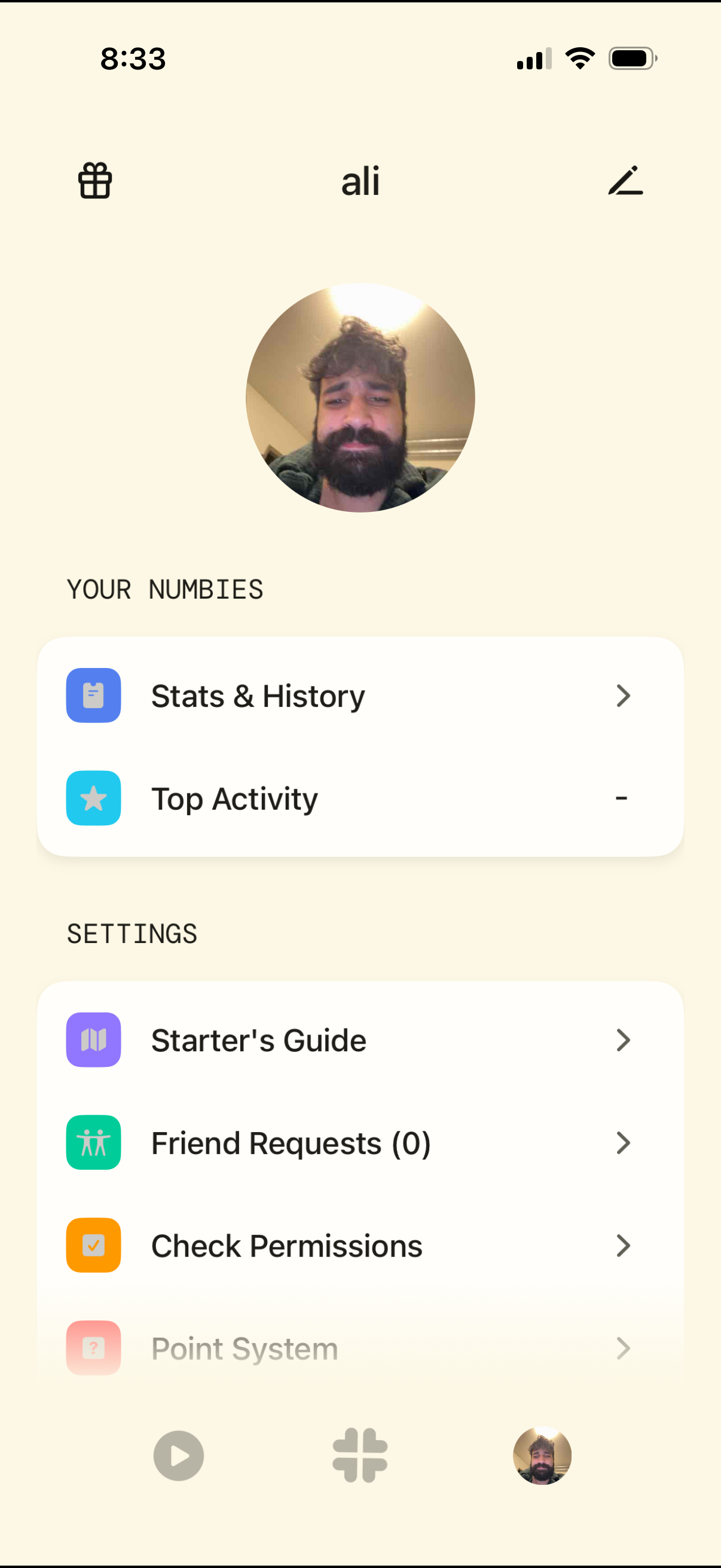
User profile and settings screen showing an avatar and username with shortcuts to view Stats & History and Top Activity. Includes settings links for Starter’s Guide, friend requests, checking permissions, and point system, plus top-bar gift and edit profile actions and bottom navigation.
2
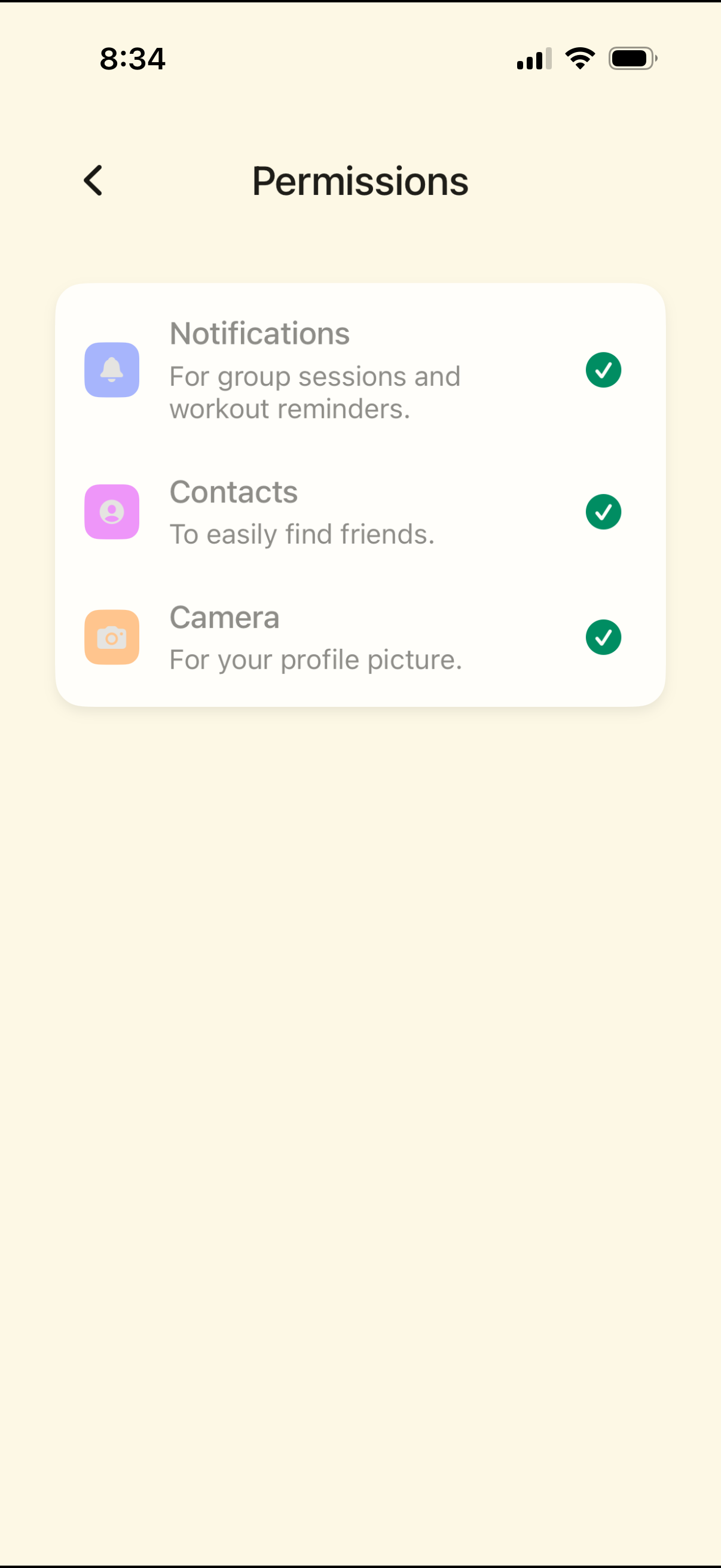
Permissions settings screen showing a list of app access requests—Notifications, Contacts, and Camera—with brief explanations for each (reminders, finding friends, profile picture) and checkmark indicators for enabled permissions. Includes a back navigation arrow to return to the previous screen.