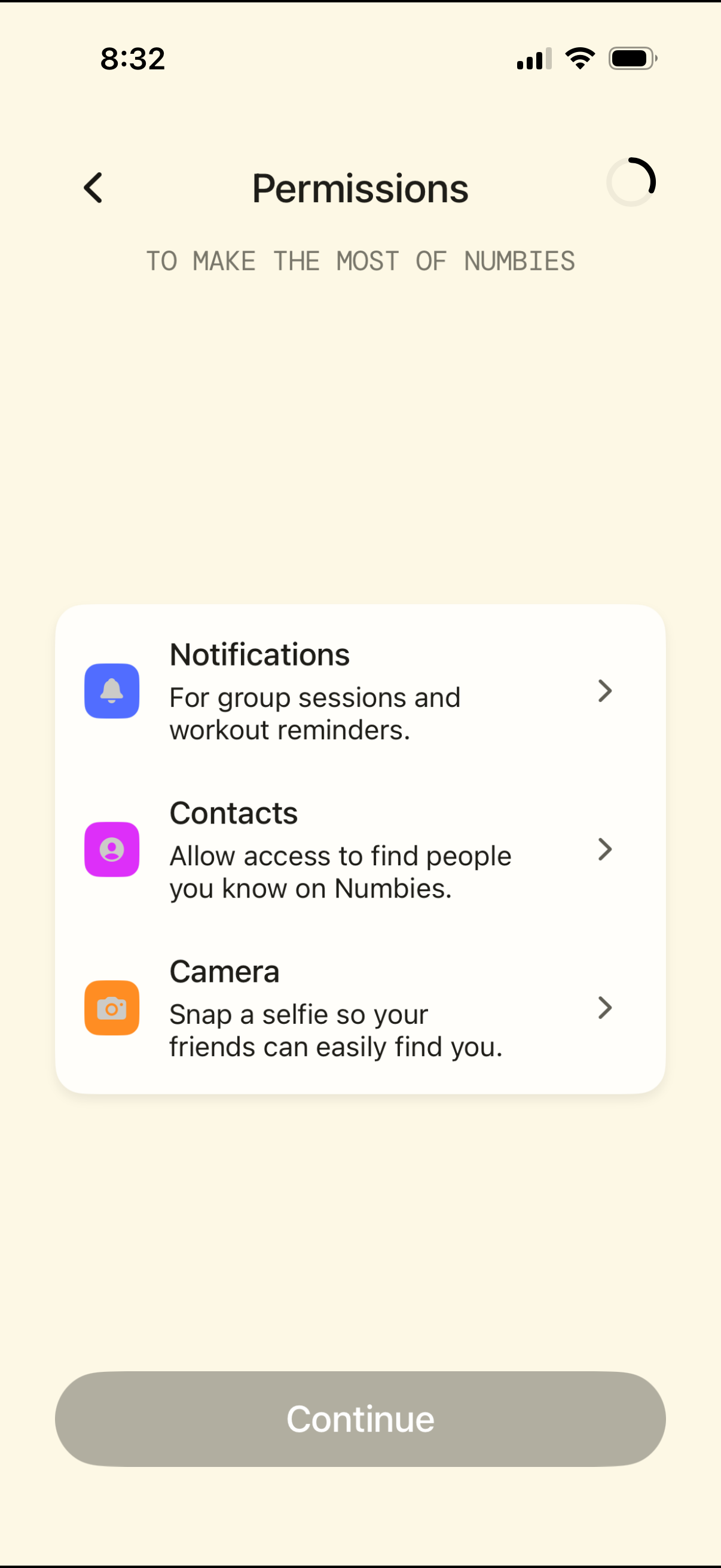
Permissions setup screen prompting the user to grant app access, with list items for Notifications (group sessions and workout reminders), Contacts (find friends), and Camera (take a profile selfie), each opening a detail page. Includes a back button and a primary Continue button to proceed after configuring permissions.
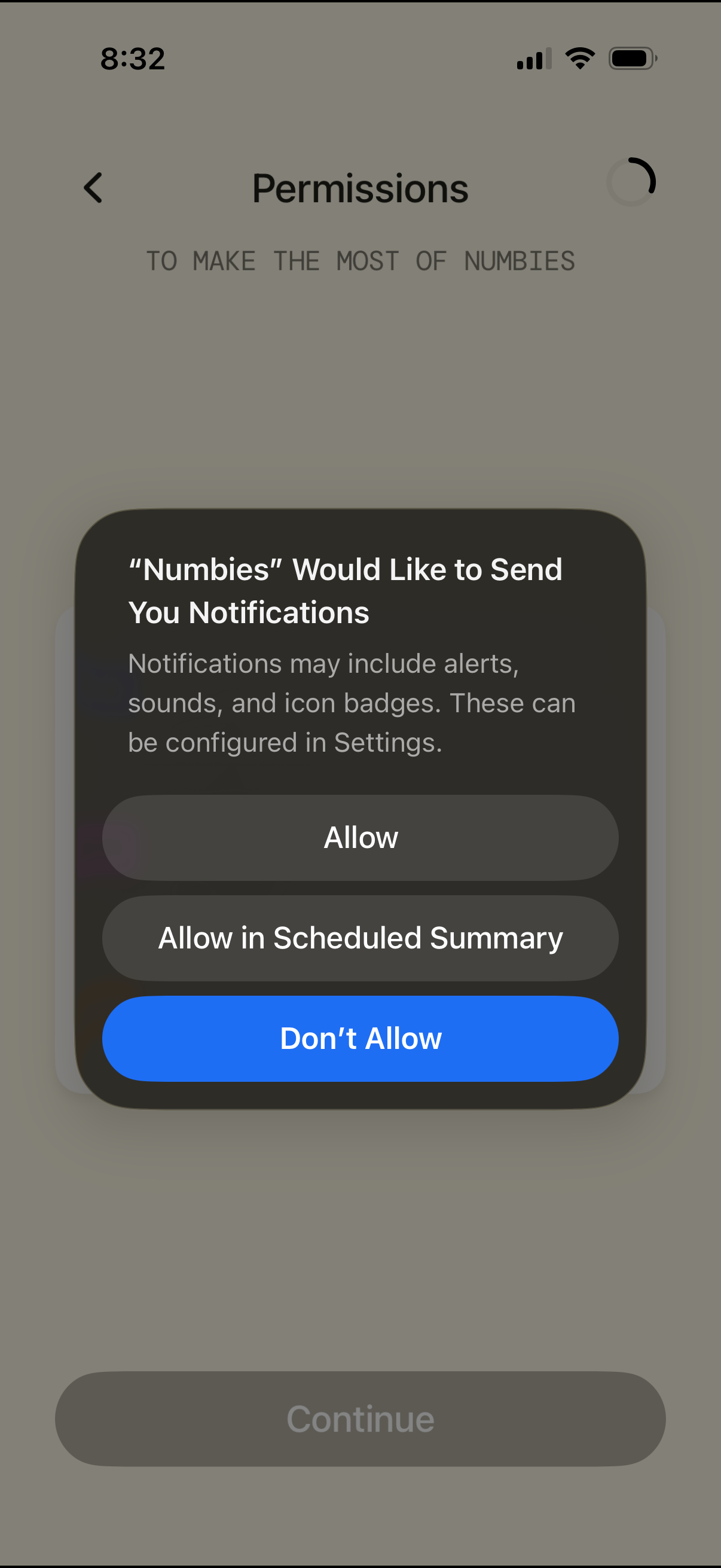
iOS permissions screen showing a system modal requesting notification access for an app, with options to Allow, Allow in Scheduled Summary, or Don’t Allow. The underlying onboarding permissions page includes a back button and a disabled Continue CTA.
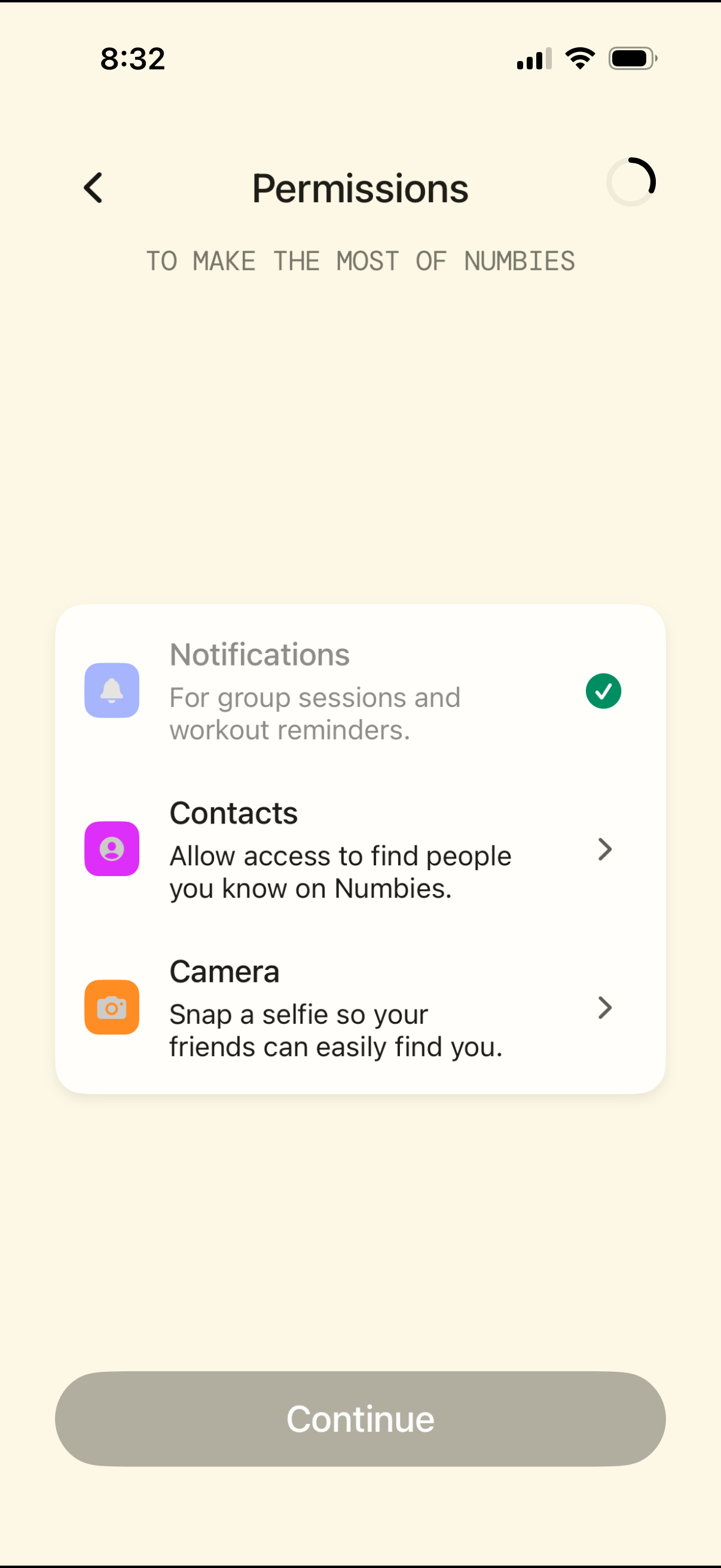
Onboarding permissions screen prompting the user to enable app access for Notifications, Contacts, and Camera, with brief explanations for each and a checkmark indicating granted status. Users can tap into individual permission items and proceed by tapping a primary Continue button, with a back arrow for navigation.
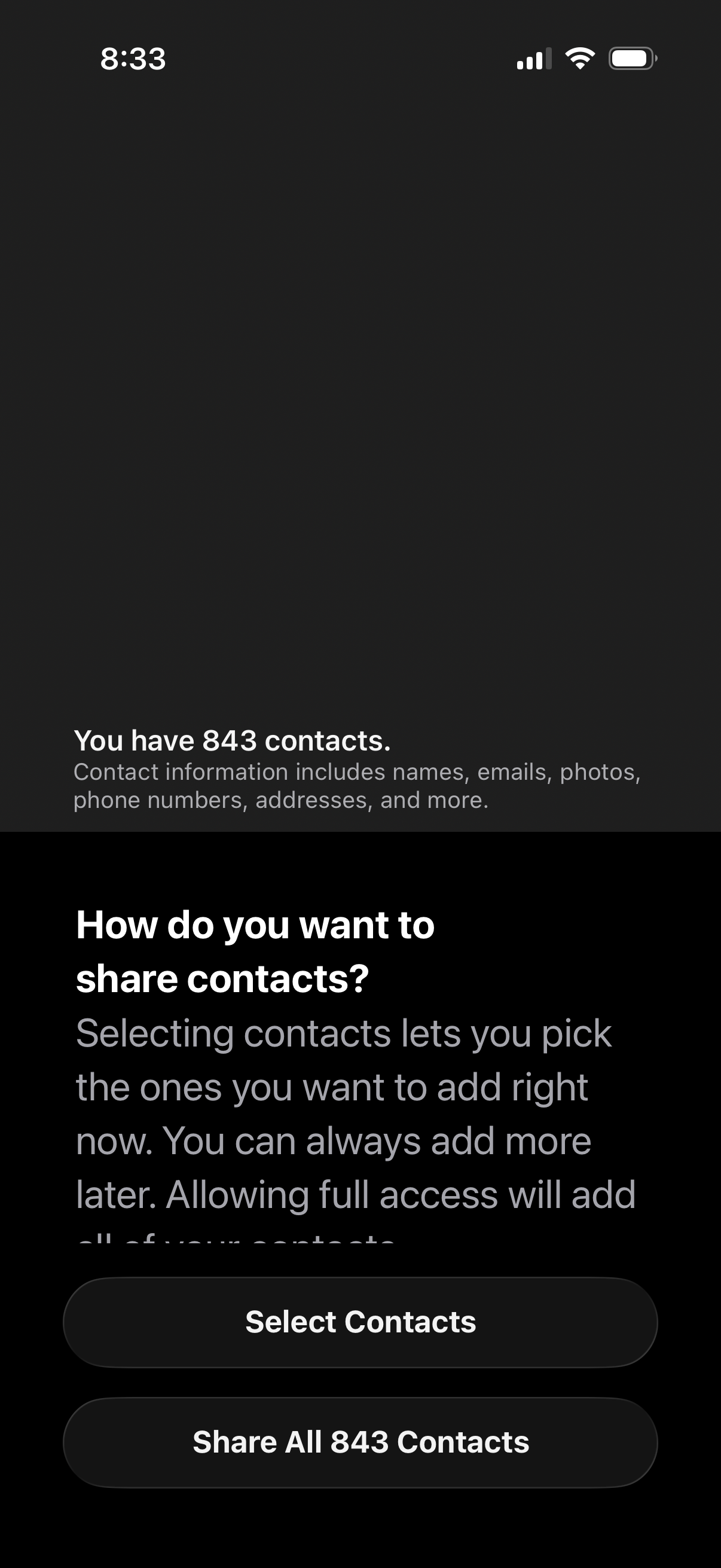
Permission prompt screen asking how the user wants to share their phone contacts with the app, showing the total number of contacts and what contact data includes. Primary actions let the user either select specific contacts to share now or grant full access by sharing all contacts.
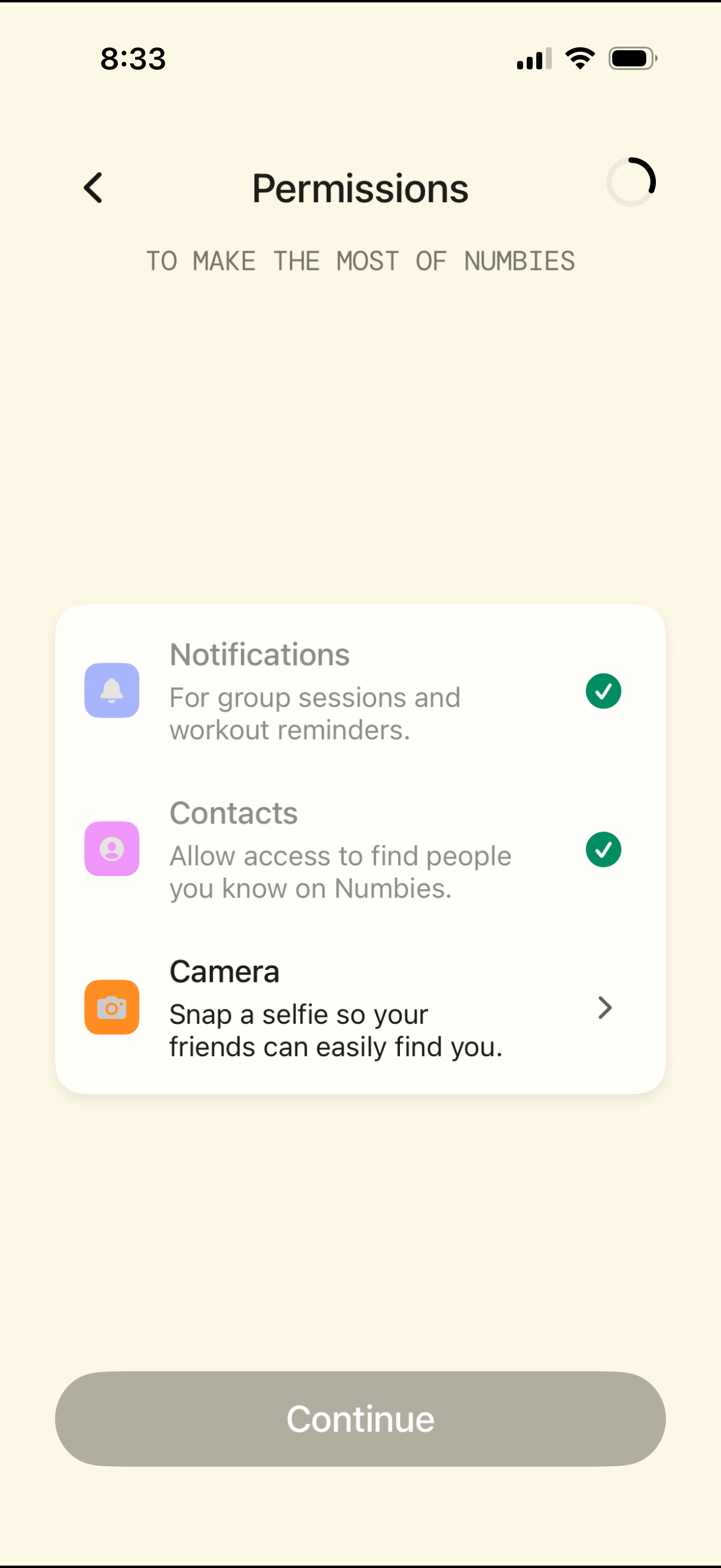
Permissions onboarding screen prompting the user to enable notifications for workout reminders, allow contacts access to find friends, and grant camera access to take a selfie, with a continue button to proceed and an option to review camera permission details.
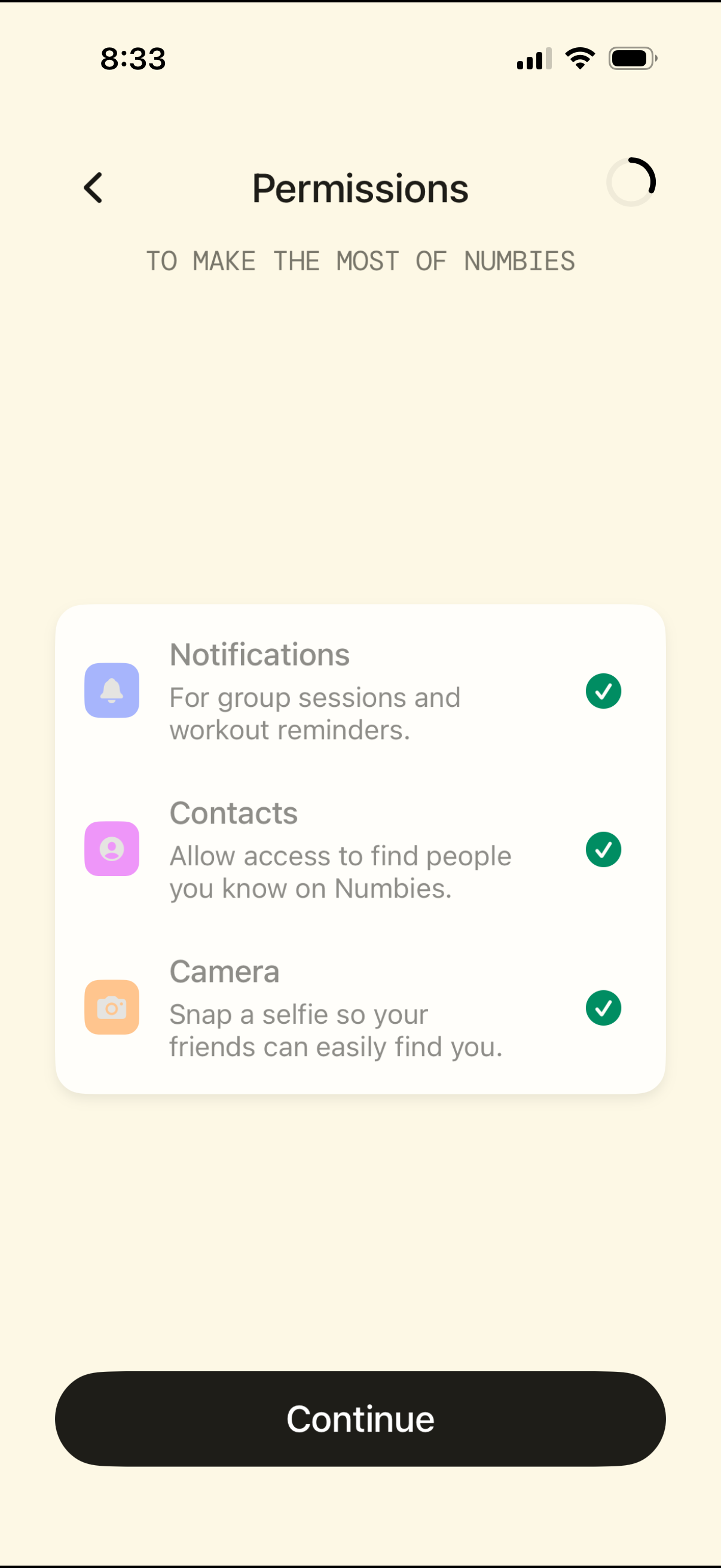
Permissions setup screen during onboarding that requests access to notifications, contacts, and camera, with brief explanations for each and checkmark indicators showing enabled permissions. Primary action is a large “Continue” button with a back navigation option.