1
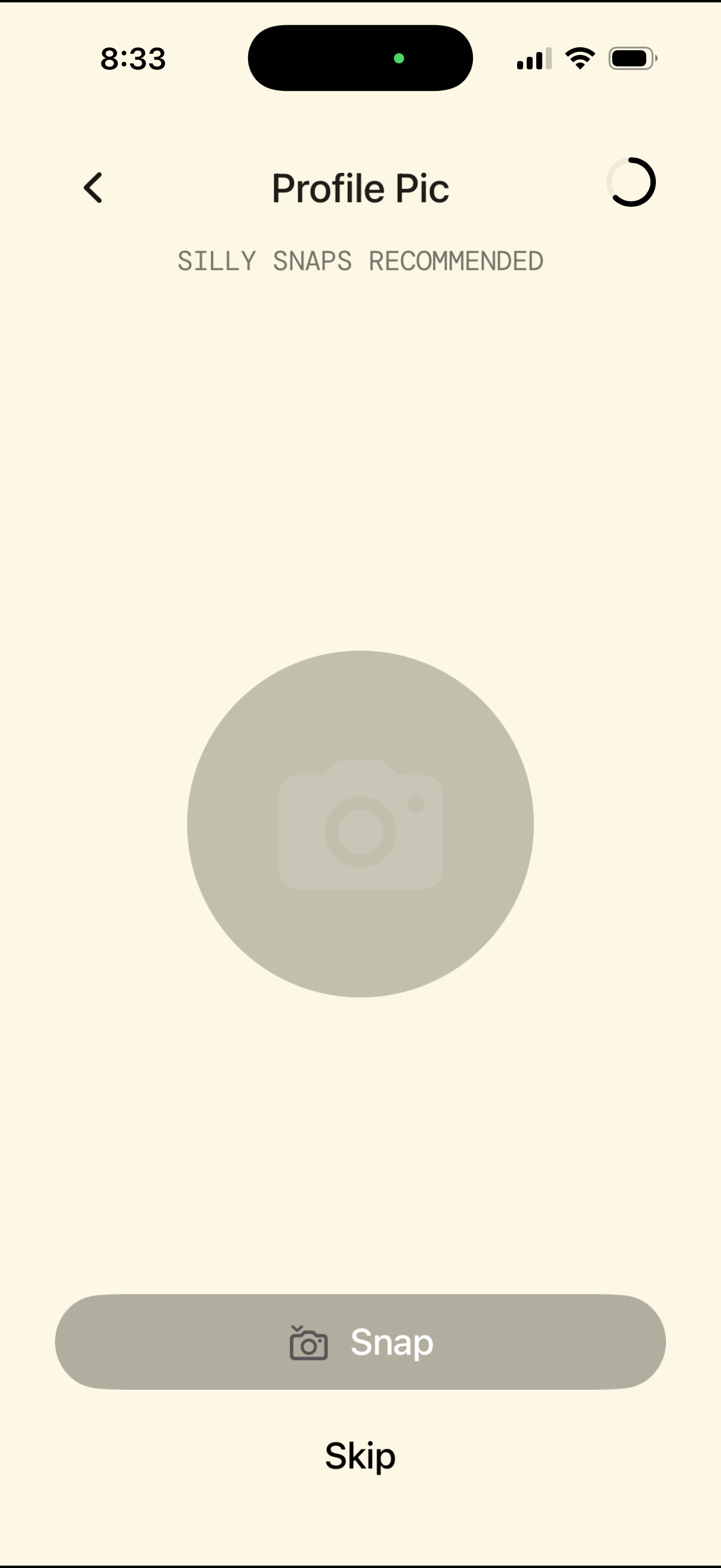
Profile picture setup screen prompting the user to take a photo, with category tabs for Silly, Snaps, and Recommended options. Primary actions include a large “Snap” camera button to capture the profile pic, plus back navigation and a “Skip” option.
2
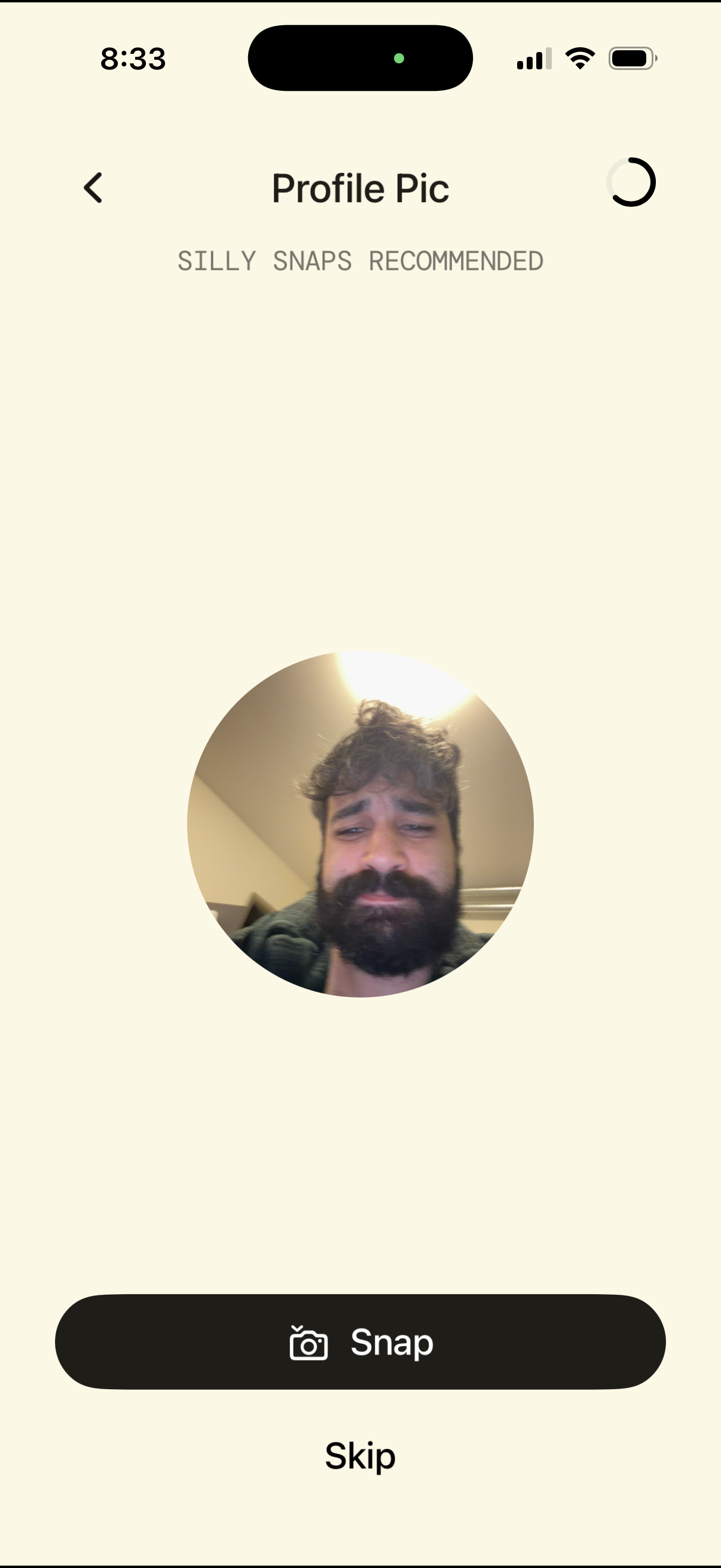
Profile picture setup screen that prompts the user to take a selfie, showing a circular photo preview and tabs to browse “Silly,” “Snaps,” and “Recommended” options. Primary actions are to capture a new photo via the Snap camera button, skip the step, or navigate back.
3
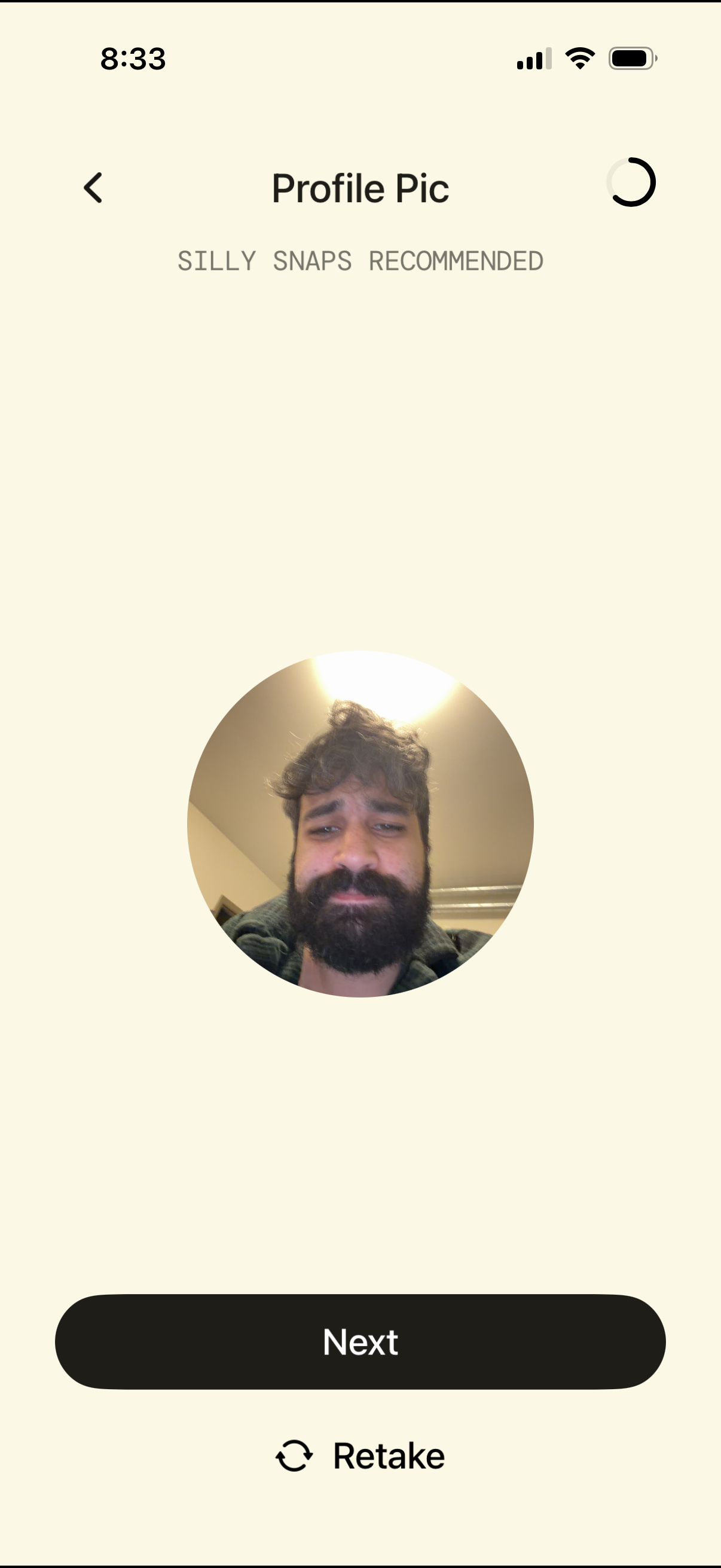
Profile picture selection screen showing a circular preview of the captured photo with category tabs (Silly, Snaps, Recommended). Users can retake the photo or proceed by tapping the Next button, with a back arrow for navigation.