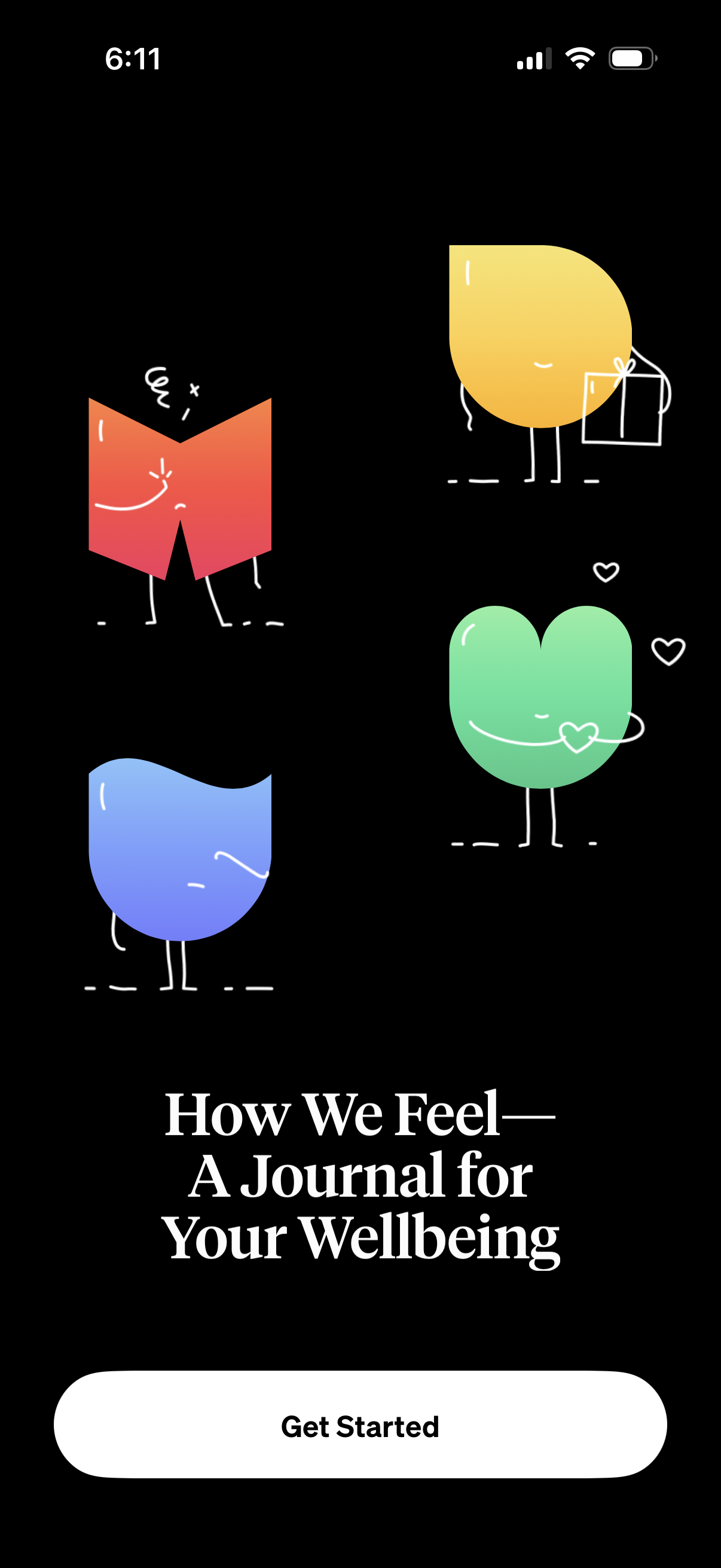
Onboarding welcome screen for a wellbeing and mood journaling app introducing “How We Feel—A Journal for Your Wellbeing. ” Features an illustrated hero graphic and a primary “Get Started” call-to-action button to begin setup.
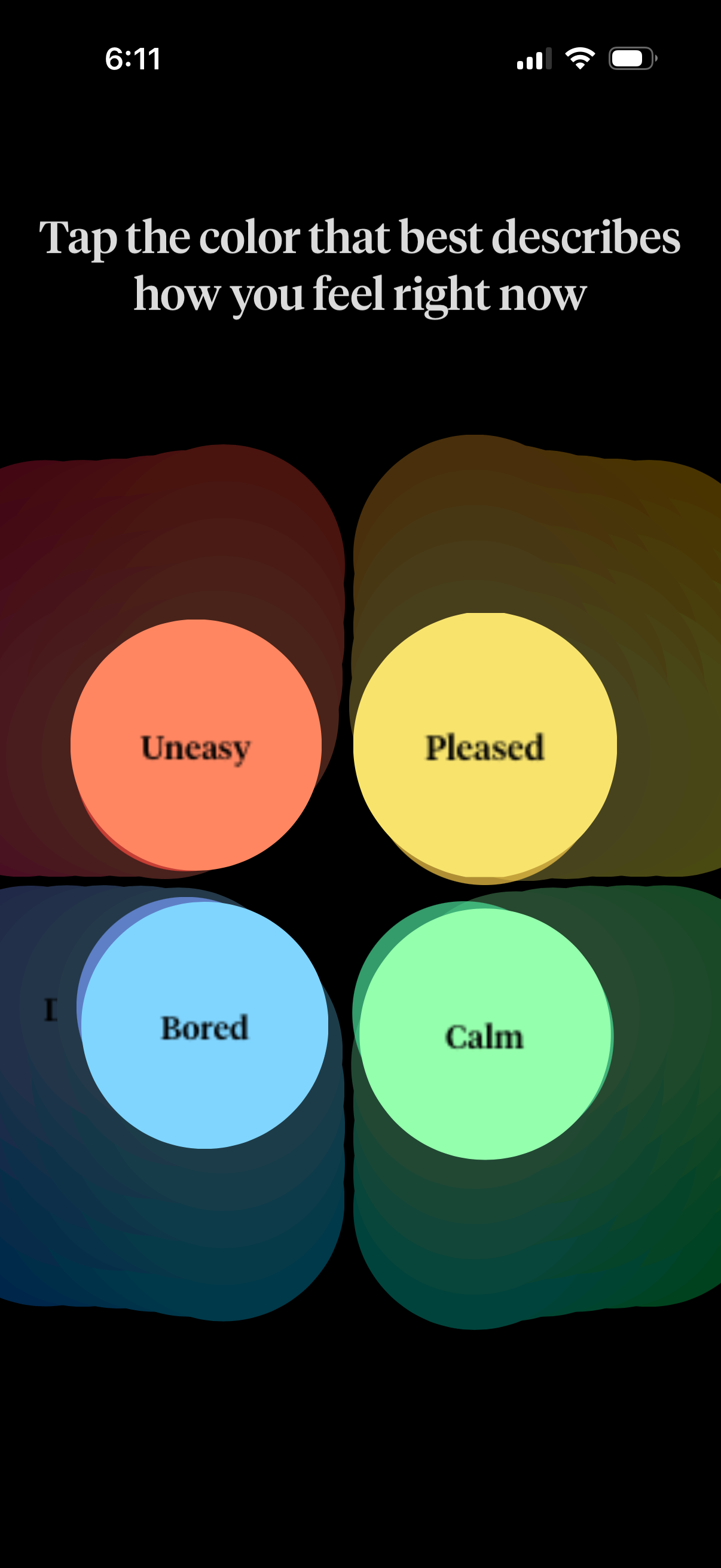
Mood check-in screen prompting the user to “tap the color that best describes how you feel right now,” using a 2x2 grid of large color buttons labeled Uneasy, Pleased, Bored, and Calm to quickly log an emotion state.
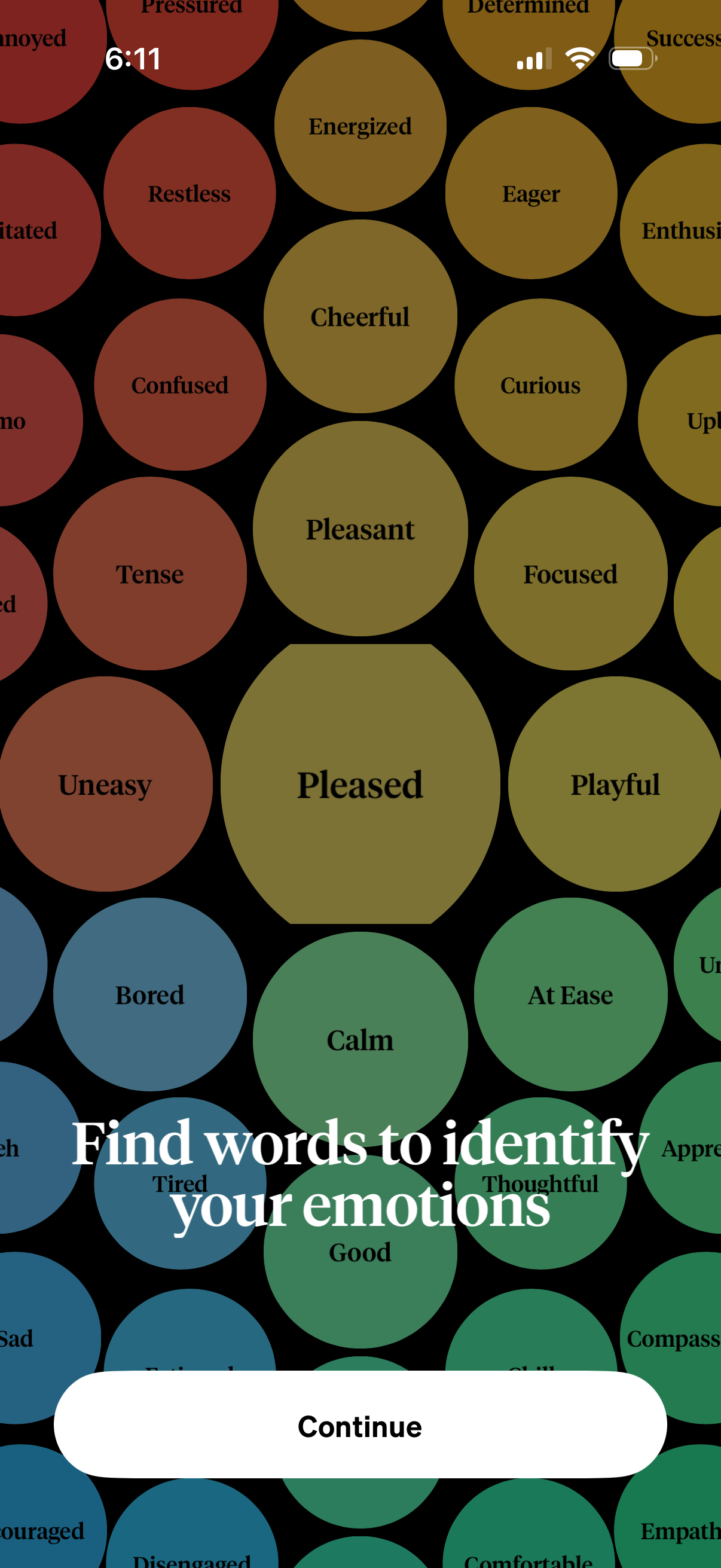
Emotion selection onboarding screen showing a colorful mood wheel of labeled feeling bubbles (e. g.
Full-screen video playback view showing a close-up of a person speaking, with no visible controls or text overlays besides the system status bar. This screen represents an immersive story, lesson, or guided content video where the user is primarily watching/listening rather than interacting.

Full-screen wellness onboarding prompt featuring a background video/portrait and the message “Try strategies to help you in the moment,” with a single primary CTA button to Continue to the next step.
Minimalist splash/loading screen on a black background featuring a centered vertical stack of colorful animated dots with no text, navigation, or user actions. Intended as an app startup or loading indicator while content initializes.
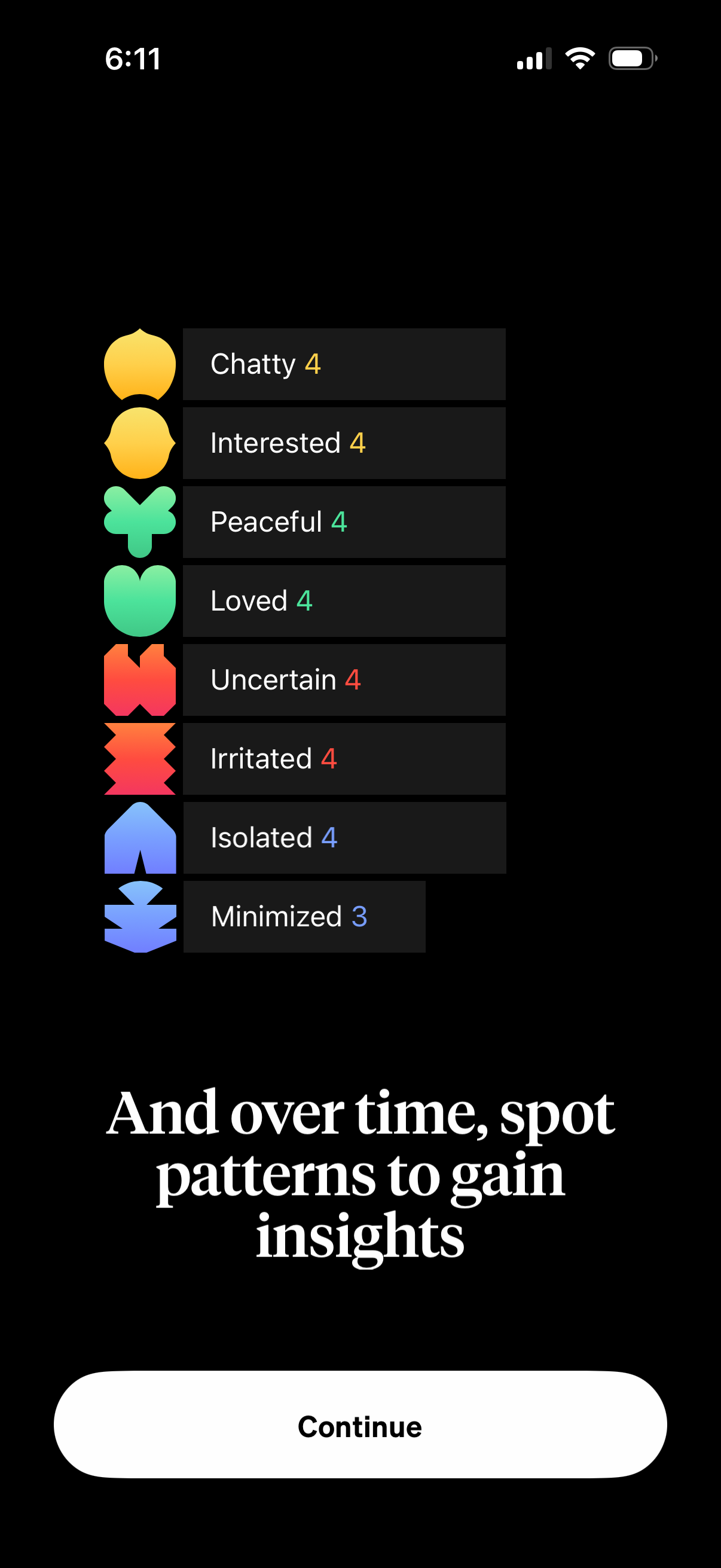
Mood tracking insights screen showing a ranked list of emotions with counts or scores (e. g.

App splash/loading screen with a centered green logo icon on a black background, shown during app launch with no user actions or navigation options.
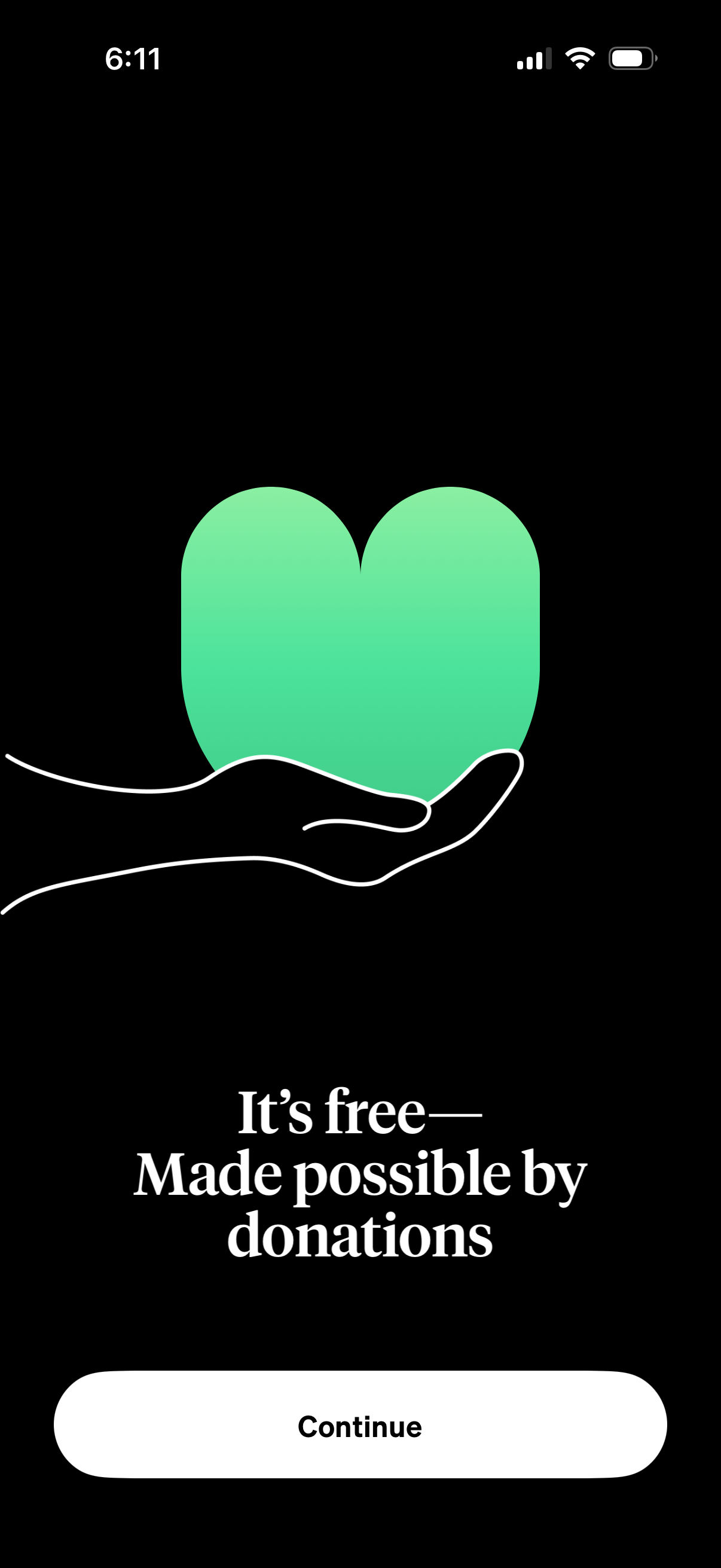
Donation support prompt screen explaining the app is free and made possible by donations, featuring a single primary CTA button to continue. Minimal onboarding/interstitial design with a heart/hand illustration on a dark background.
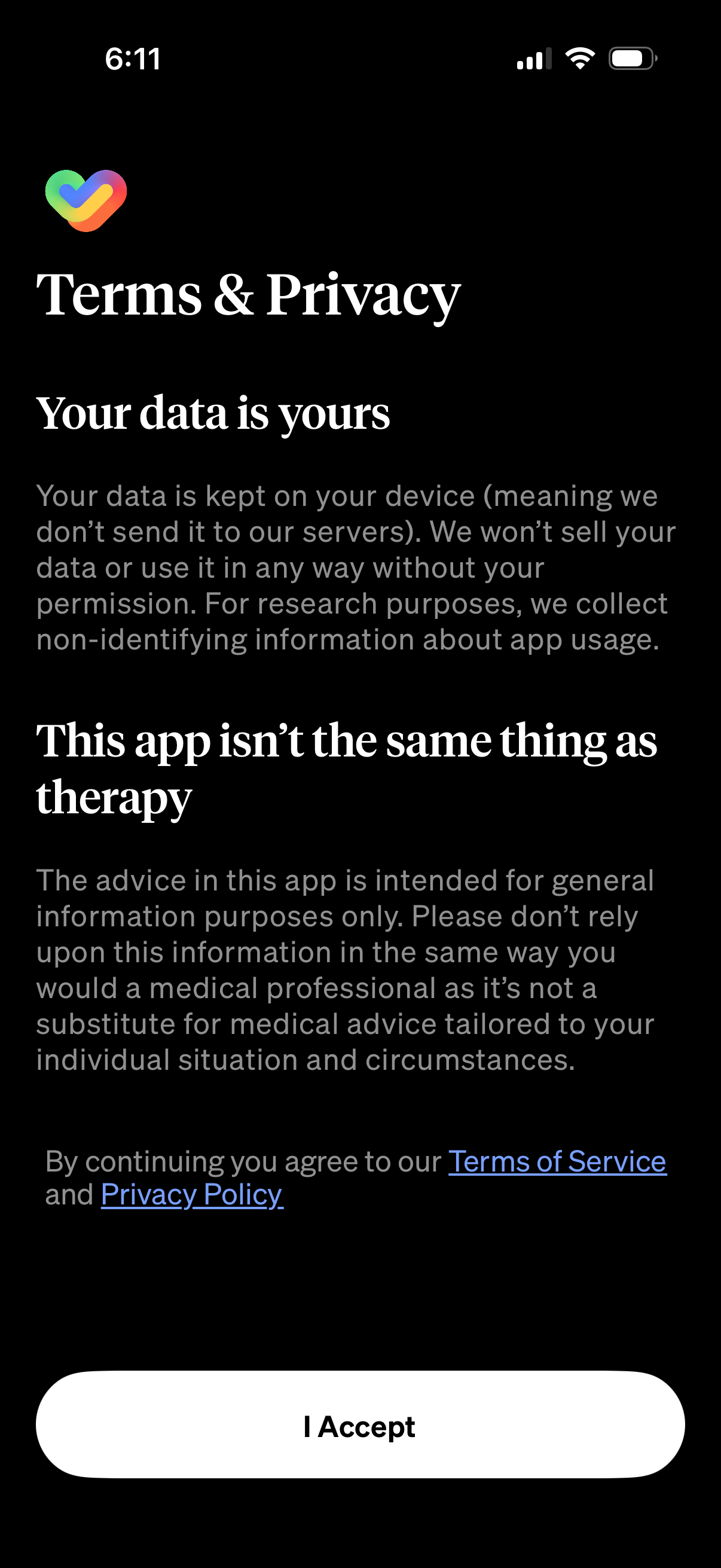
Terms & Privacy consent screen explaining data handling (data stored on device, no selling, limited anonymous usage analytics) and a disclaimer that the app is not a substitute for therapy, with links to Terms of Service and Privacy Policy and a primary “I Accept” button to continue.