start friends sharing
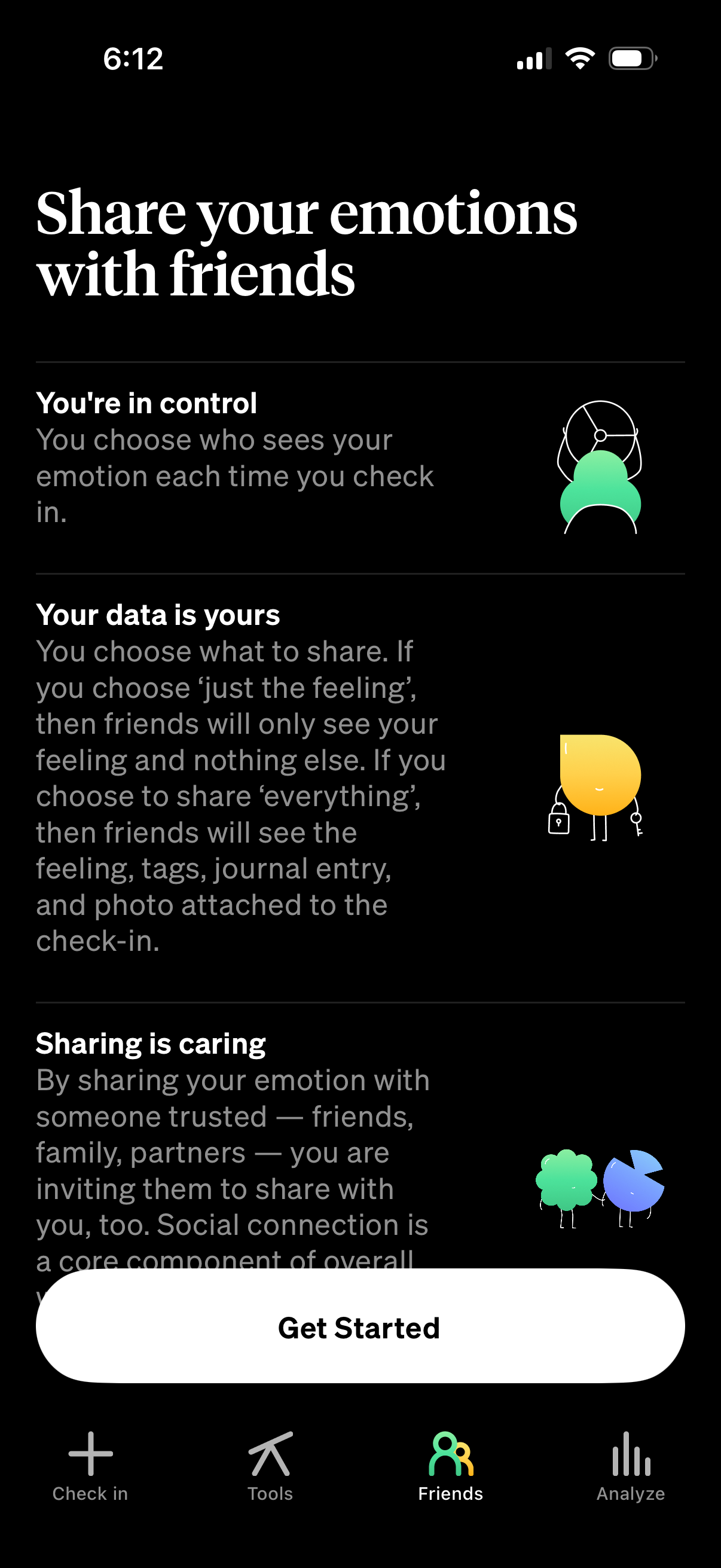
Onboarding explainer screen for a mood or emotion check-in app that encourages sharing emotions with friends while emphasizing privacy controls and data ownership, including options for what details are shared in each check-in. A prominent “Get Started” call-to-action appears above a bottom tab bar with navigation to Check in, Tools, Friends, and Analyze.
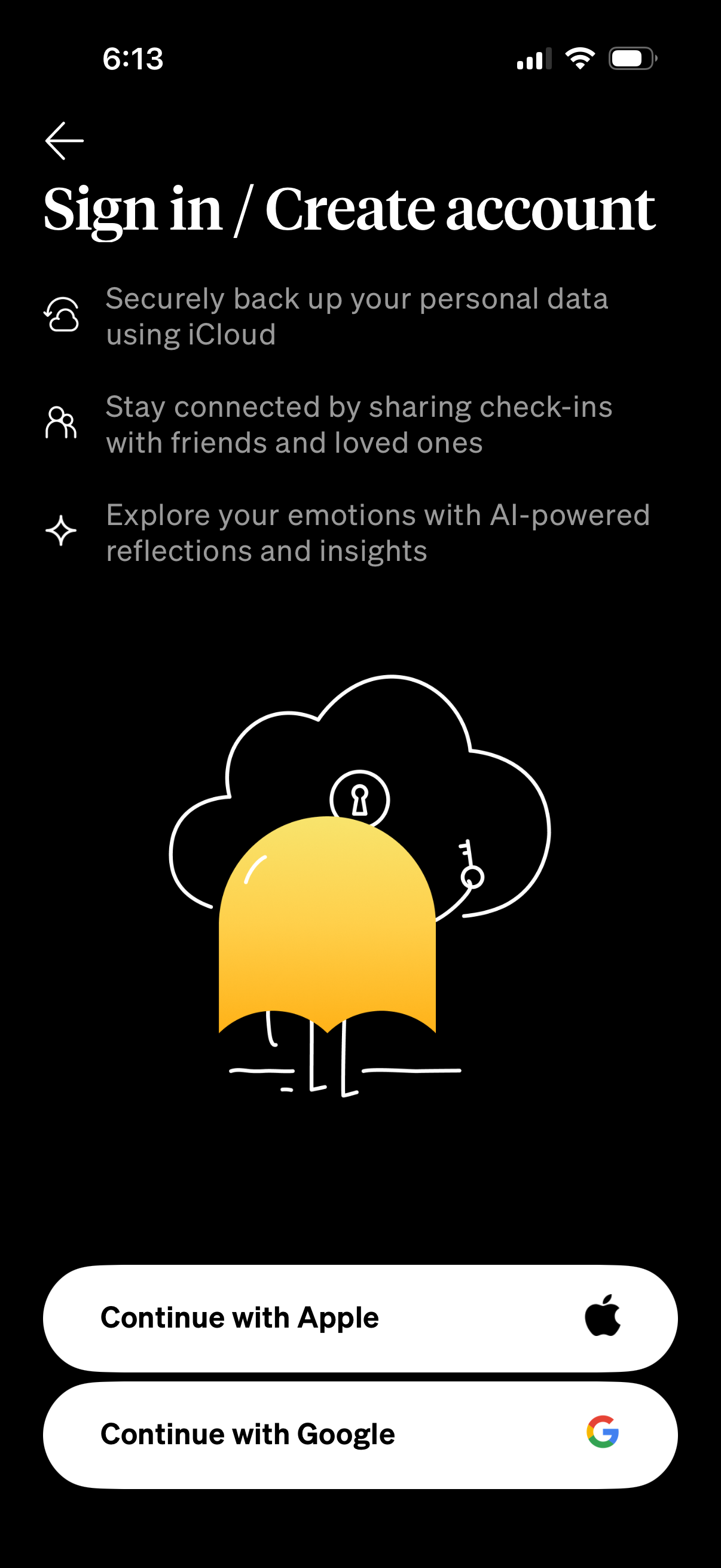
Sign in / create account onboarding screen explaining benefits like iCloud backup, sharing check-ins with friends, and AI-powered emotional insights. Provides social login actions with large buttons to continue with Apple or continue with Google plus a back arrow.

Sign in / create account screen for a mood-tracking app highlighting benefits like iCloud backup, sharing check-ins with friends, and AI-powered emotional insights, with primary actions to continue with Apple or Google. A system permission modal overlays the page asking to allow Google.
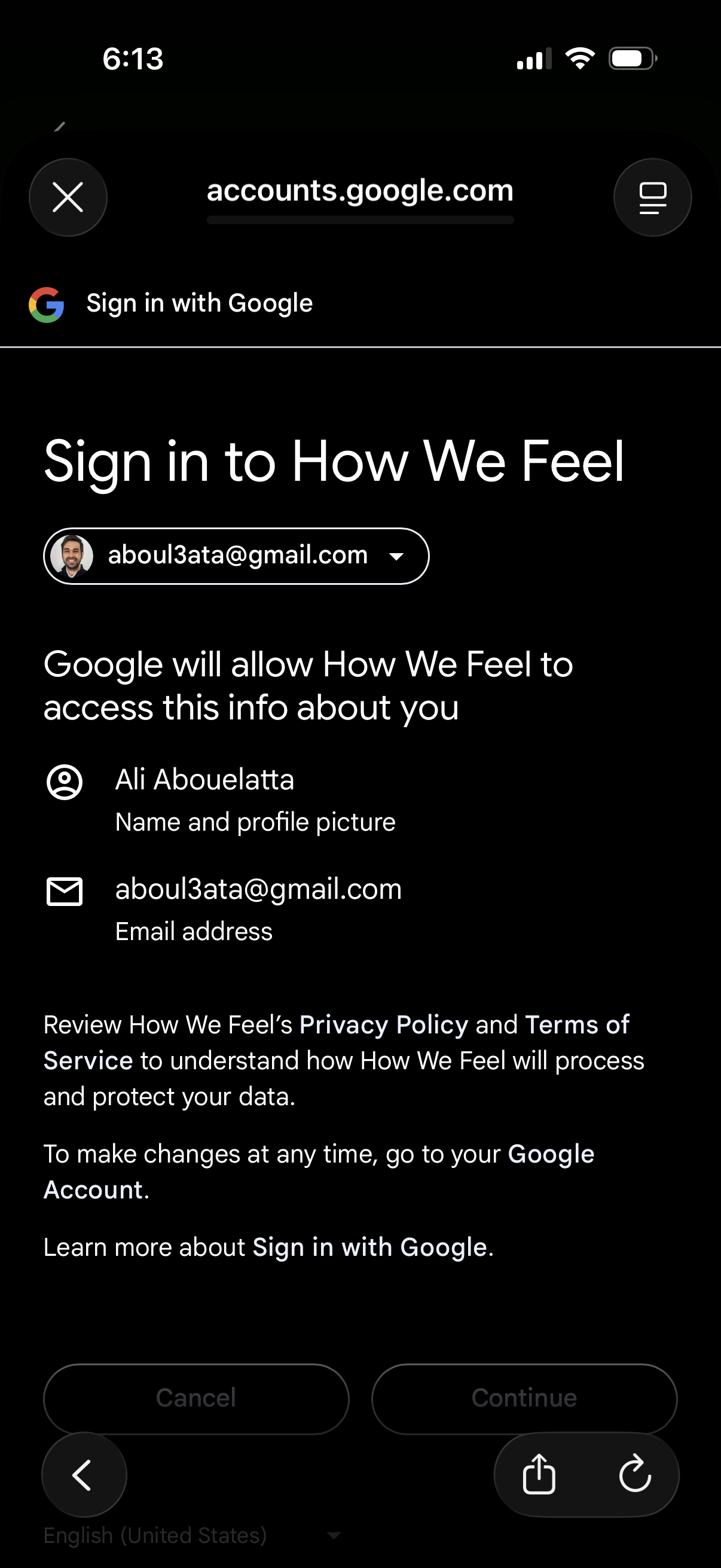
Google OAuth “Sign in with Google” consent screen for signing into an app, showing the selected Google account and the permissions the app will access (name/profile picture and email address). Primary actions are to cancel or continue to grant access and proceed with login, with links to privacy policy and terms.
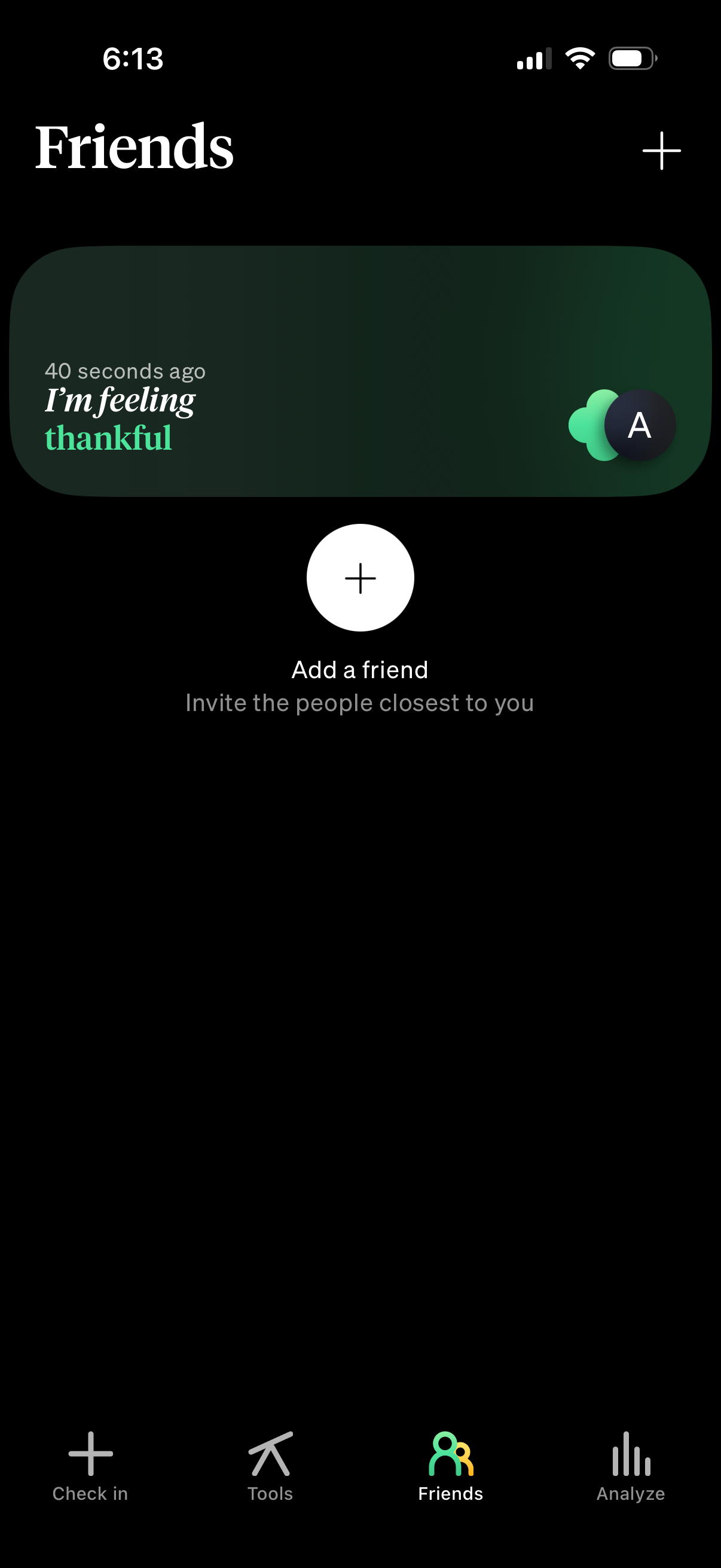
Friends tab showing a feed card with a friend’s recent mood/status update and timestamp. Provides primary actions to add/invite friends via plus buttons and bottom navigation to switch between check-in, tools, friends, and analytics.