set sharing preference
1
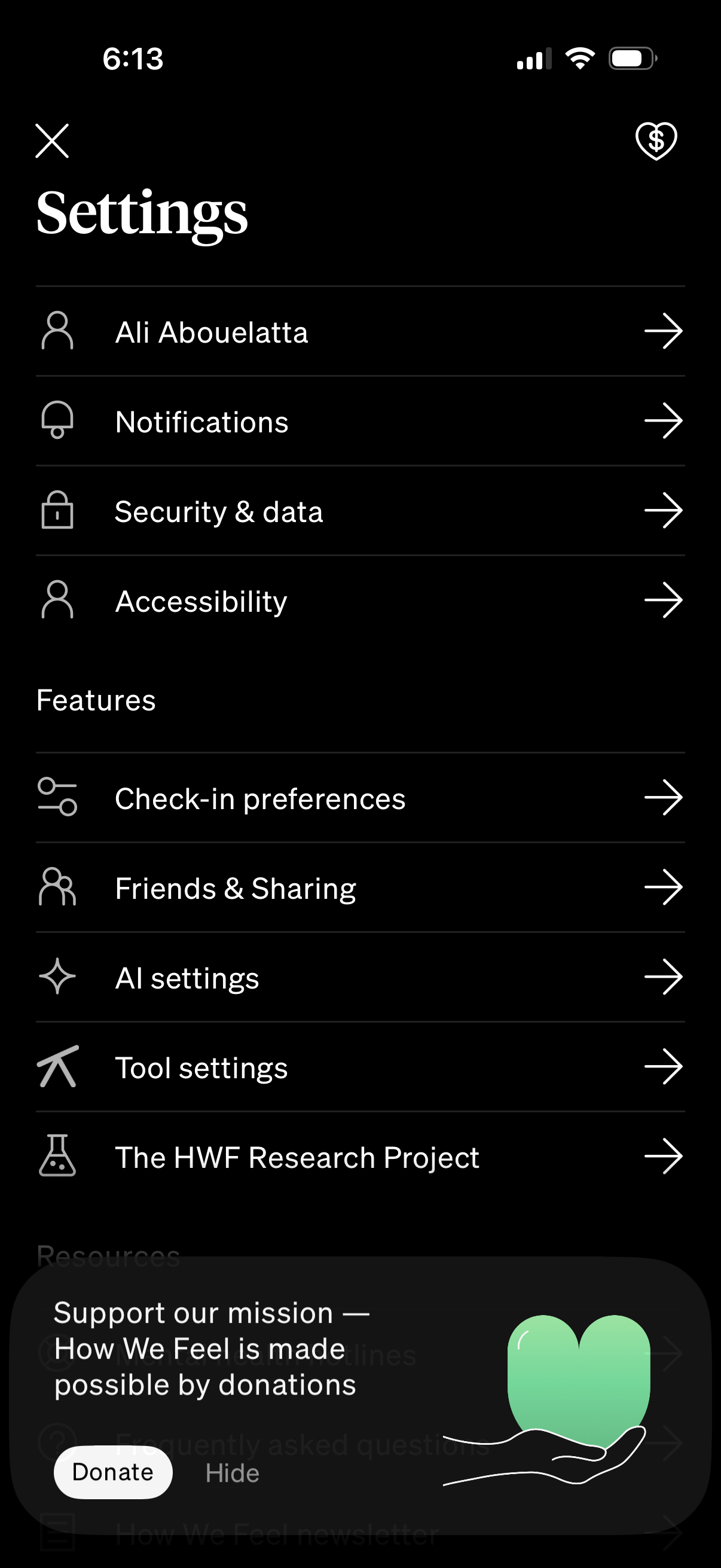
Settings hub screen in a mobile app showing a list of navigable options for profile/account, notifications, security & data, and accessibility. Includes a Features section with links to check-in preferences, friends & sharing, AI settings, tool settings, and research project, plus a donation/support prompt overlay with Donate and Hide actions.
2
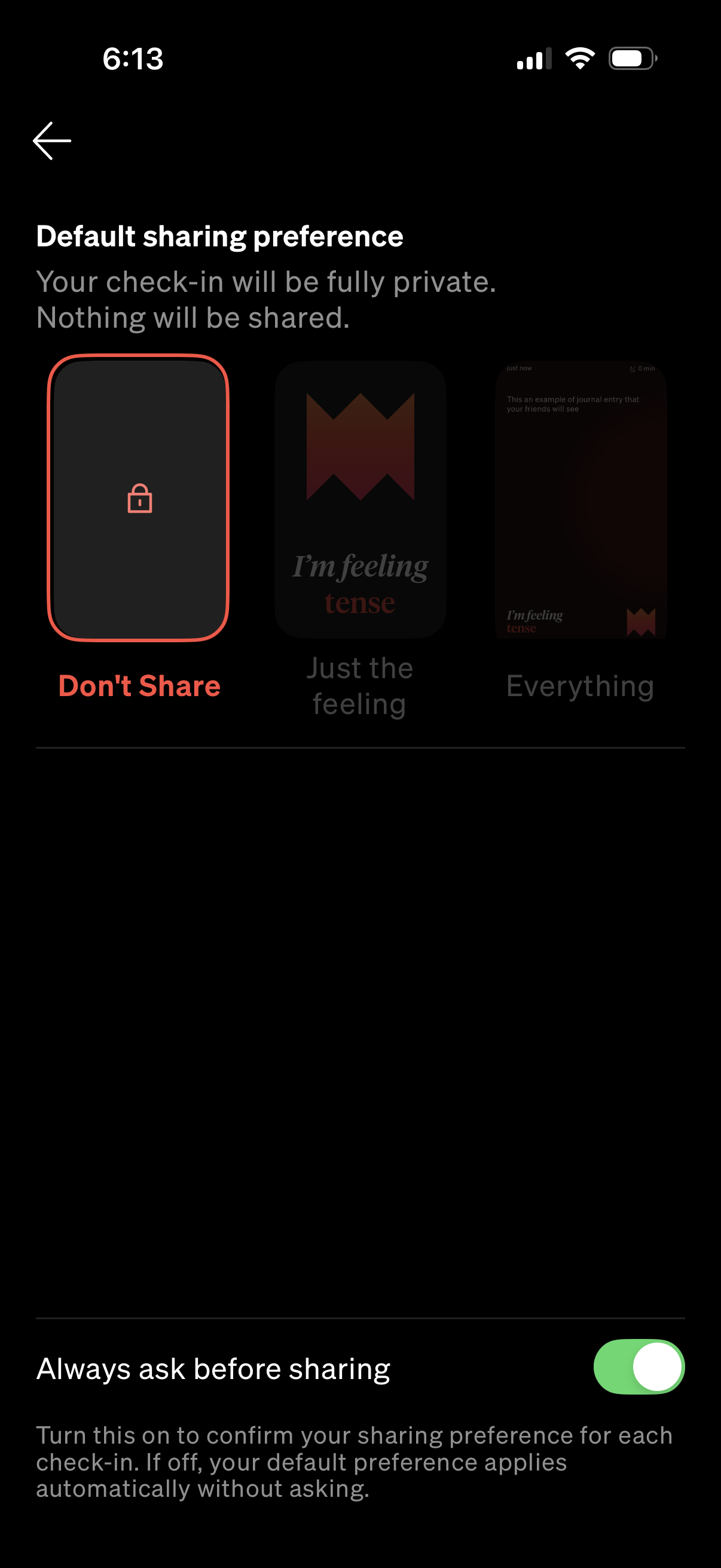
Privacy settings screen for selecting a default sharing preference for check-ins, with options like “Don’t Share,” “Just the feeling,” or “Everything,” and a lock-style selection card. Includes a toggle to “Always ask before sharing” to confirm the sharing preference each time instead of applying the default automatically.