configure ai features
1
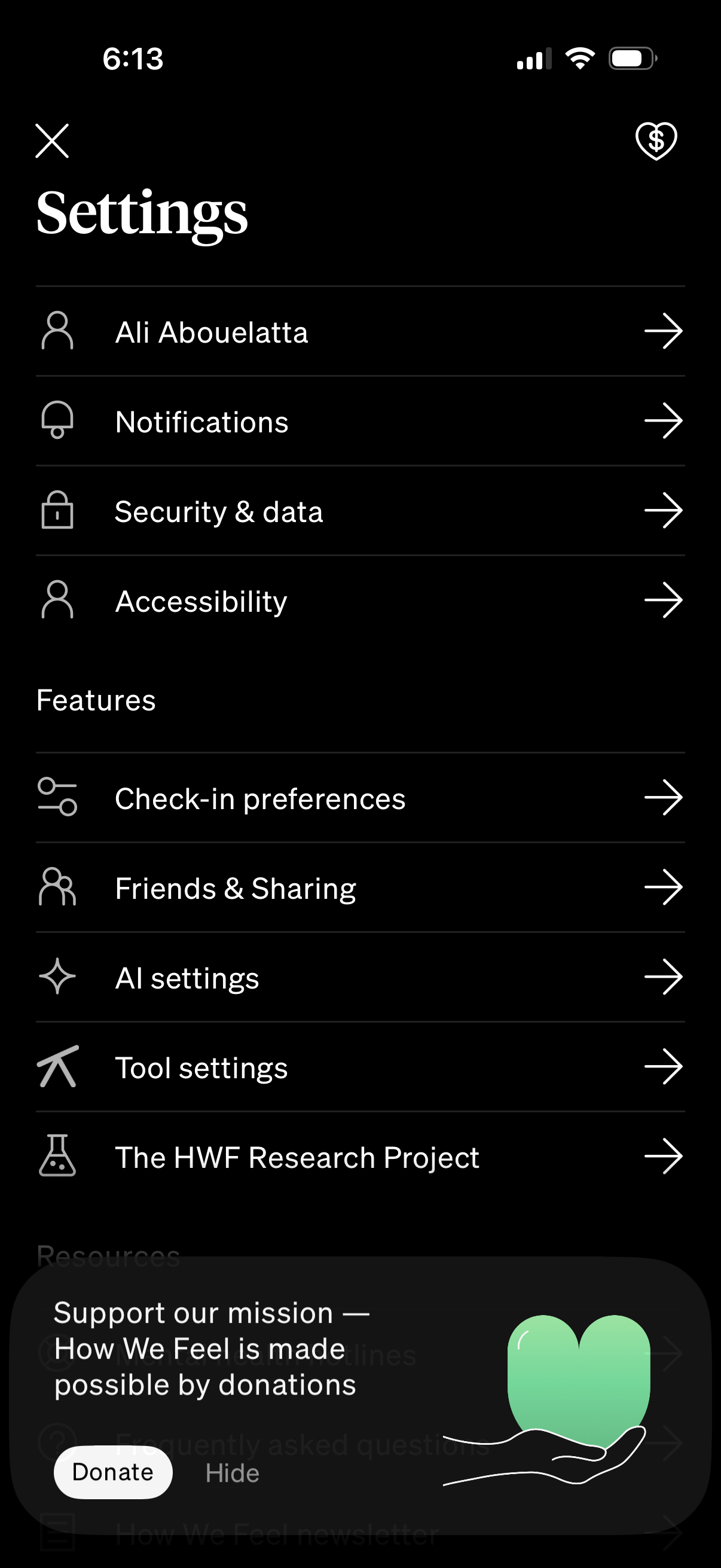
Settings hub screen in a mobile app showing a list of navigable options for profile/account, notifications, security & data, and accessibility. Includes a Features section with links to check-in preferences, friends & sharing, AI settings, tool settings, and research project, plus a donation/support prompt overlay with Donate and Hide actions.
2

AI settings screen for a wellness or mood-tracking app with a master toggle to enable AI features and explanations of AI tools like “Reflect” guided questions and a “Weekly review” that summarizes check-ins. Includes example preview cards showing where the Reflect button appears and how weekly review tiles look in the feed.