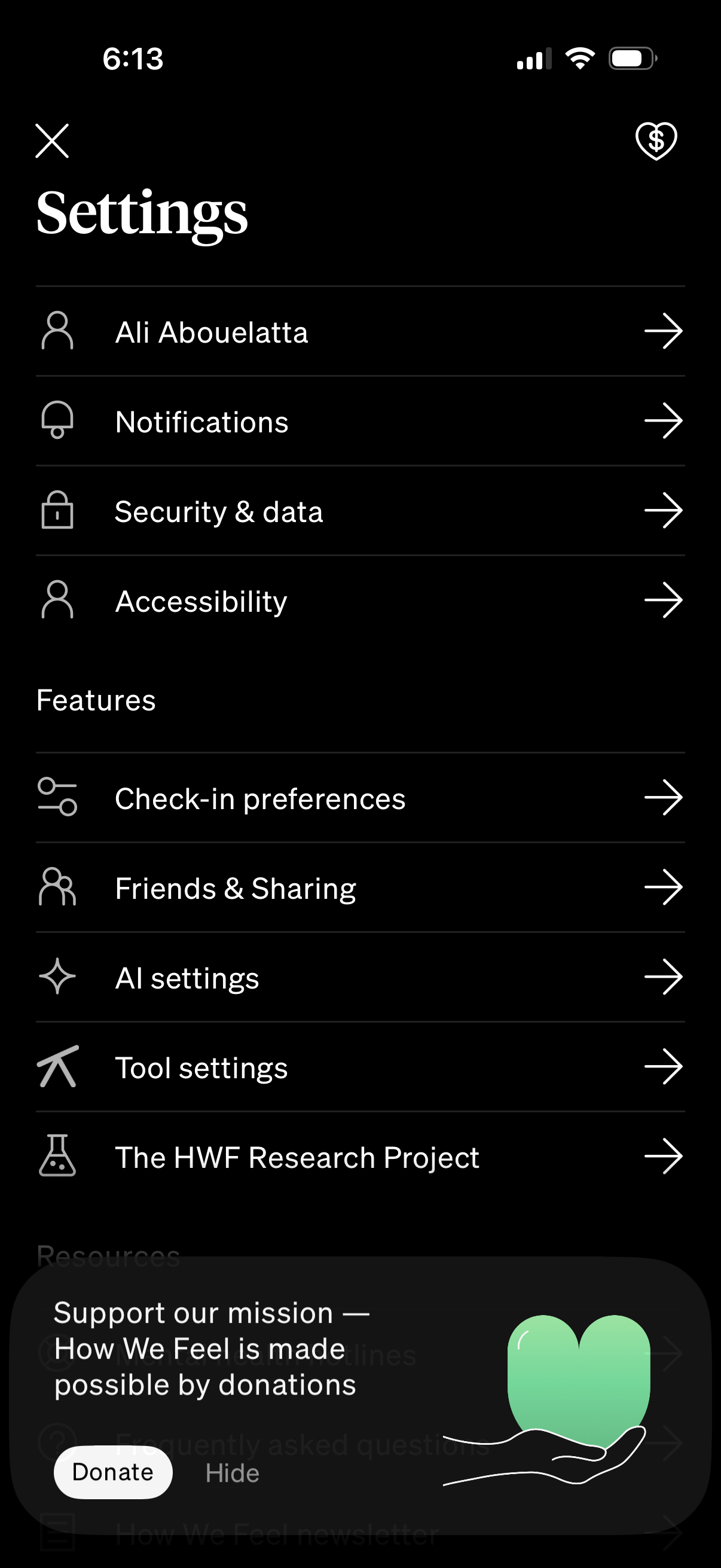
Settings hub screen in a mobile app showing a list of navigable options for profile/account, notifications, security & data, and accessibility. Includes a Features section with links to check-in preferences, friends & sharing, AI settings, tool settings, and research project, plus a donation/support prompt overlay with Donate and Hide actions.
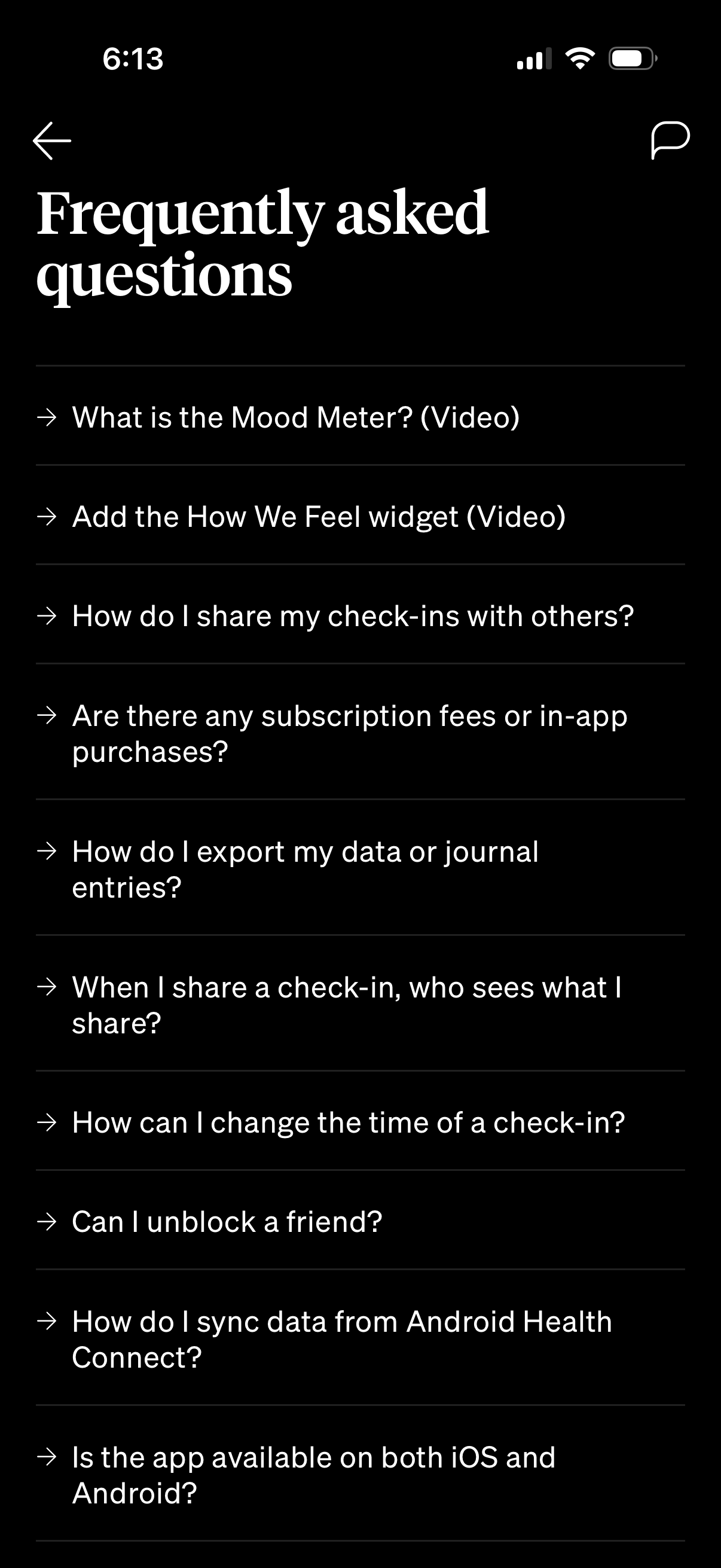
FAQ/help center screen showing a list of frequently asked questions in a mental health or mood tracking app, including topics like mood meter videos, adding a widget, sharing check-ins, subscriptions, exporting data, privacy/visibility, editing check-in time, unblocking friends, syncing with Android Health Connect, and iOS/Android availability. Users can tap an item to open the full answer, with back navigation and a support/chat icon in the header.