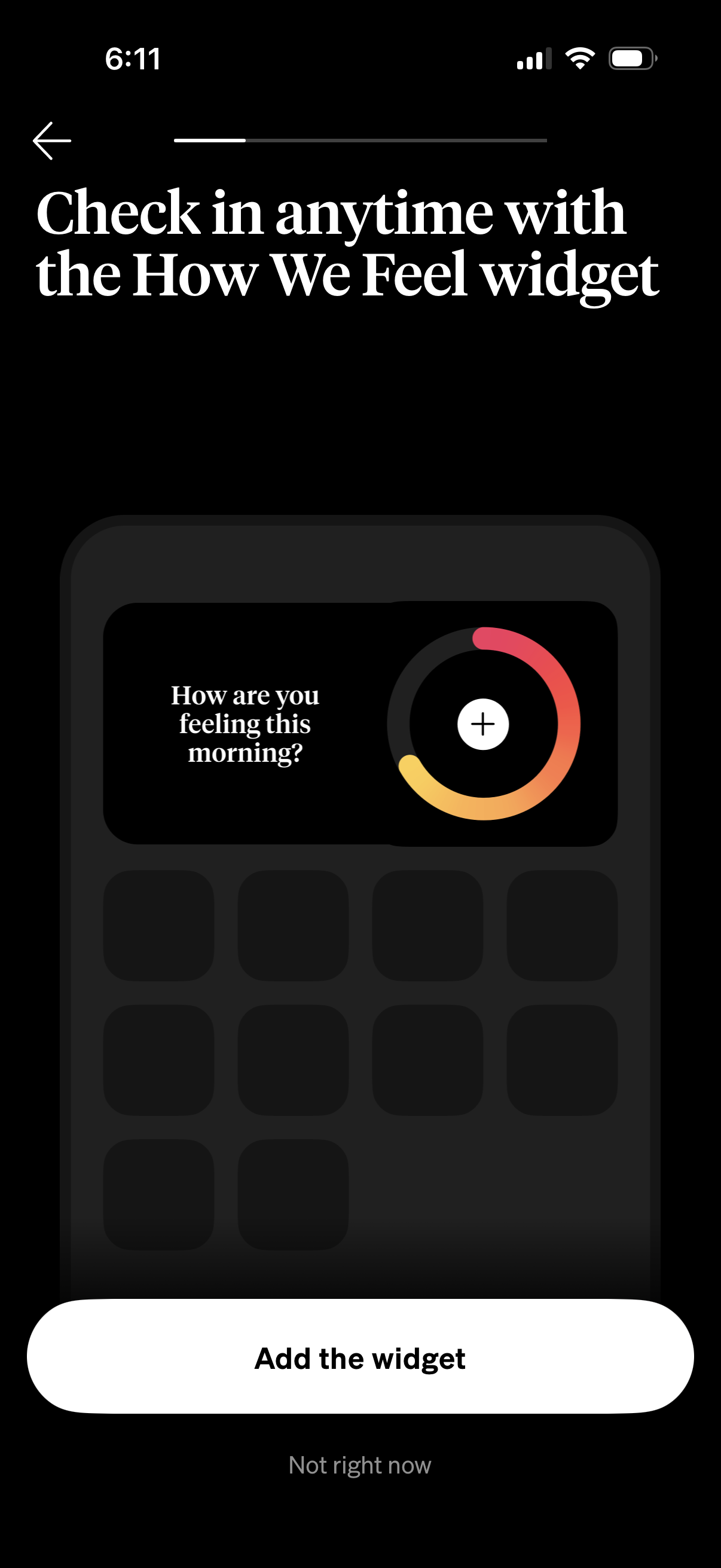
Onboarding prompt encouraging users to check in on their mood anytime via a “How We Feel” home screen widget, previewing the widget’s daily question and quick-add control. Primary actions are to add the widget or dismiss with “Not right now,” with a back navigation option.
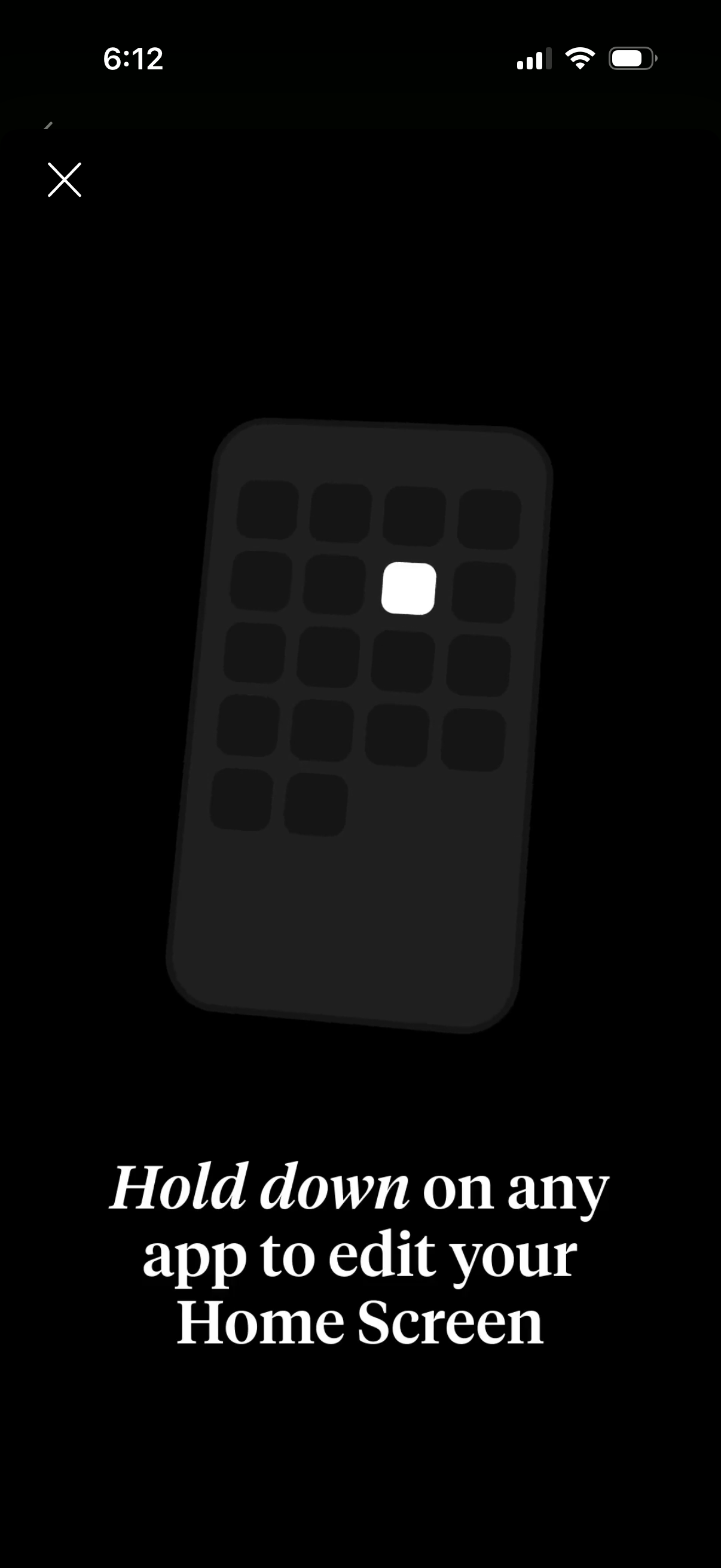
Onboarding tip screen explaining how to customize the phone home screen by long-pressing any app icon to enter edit mode. Includes a close (X) button and a simple illustration of an app grid highlighting the long-press target.

Full-screen onboarding tip overlay explaining how to customize the iPhone Home Screen by long-pressing any app icon, with a close (X) button to dismiss the tutorial.
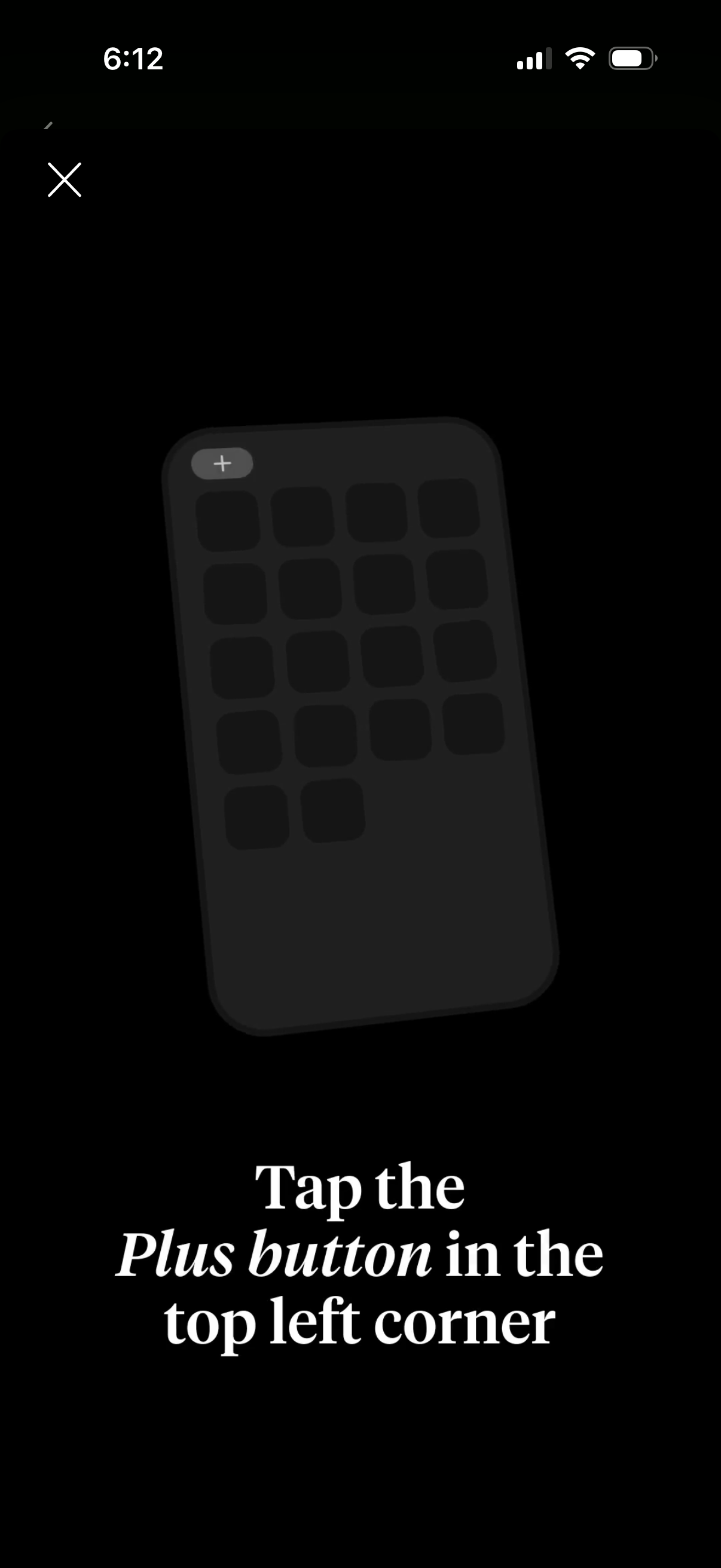
Onboarding tip overlay showing a grid-based home screen mockup and instructing the user to tap the plus (+) button in the top-left to add a new item. Includes a close (X) button to dismiss the tutorial.
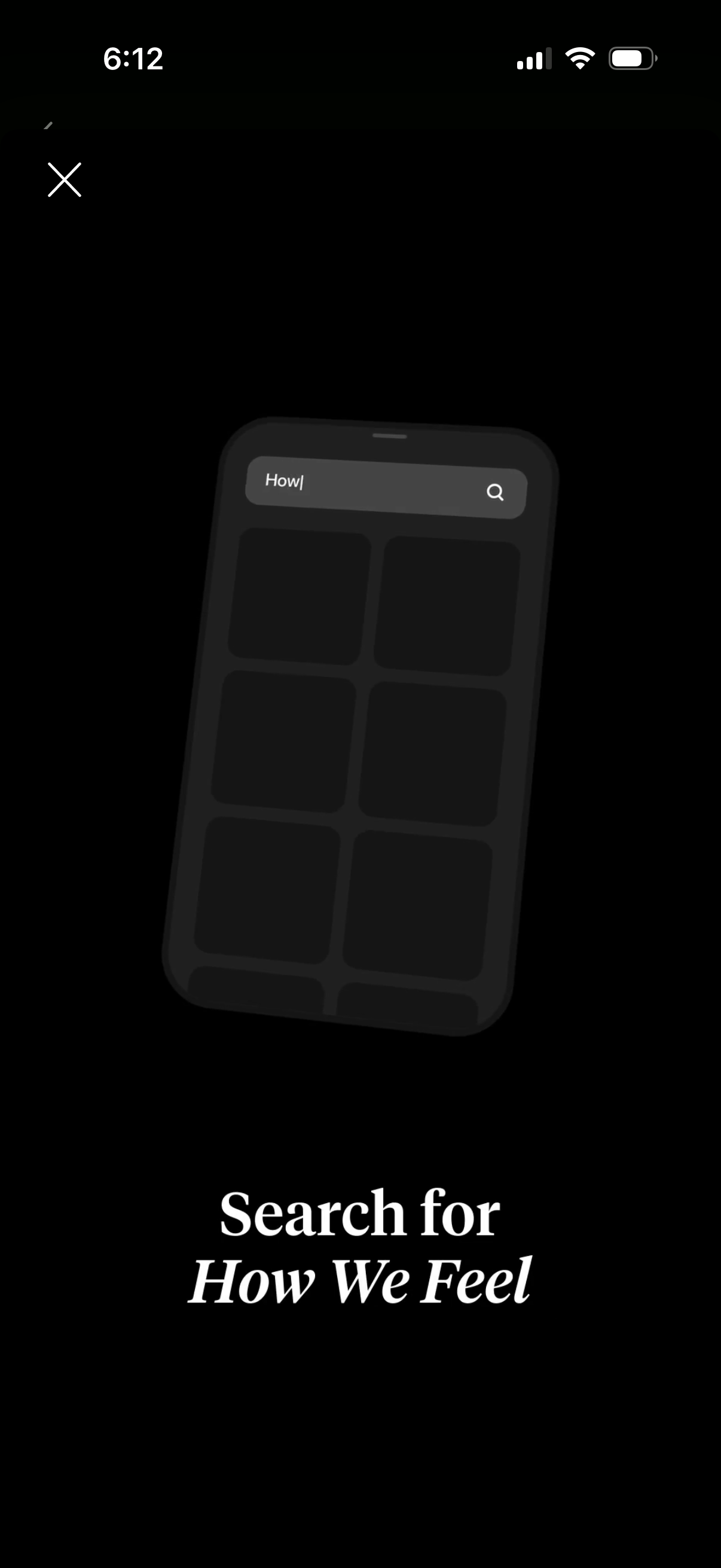
Full-screen search overlay with a prominent search bar and magnifying-glass icon over a grid of placeholder results, prompting the user to search for “How We Feel. ” Includes a close (X) button to dismiss the search modal.
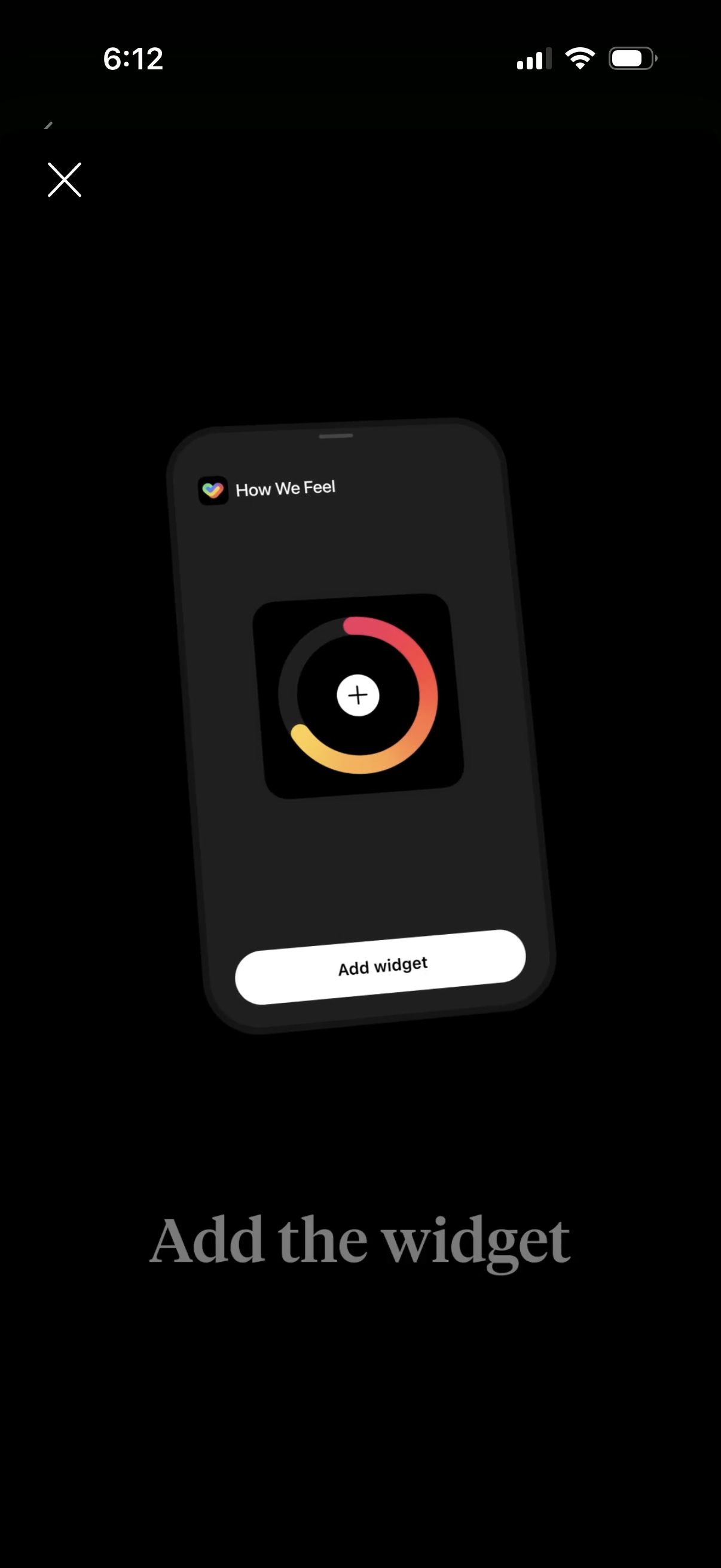
Onboarding prompt encouraging users to add a “How We Feel” home screen widget, previewing the widget design with a central plus button. Primary action is a large “Add widget” button with a close icon to dismiss.
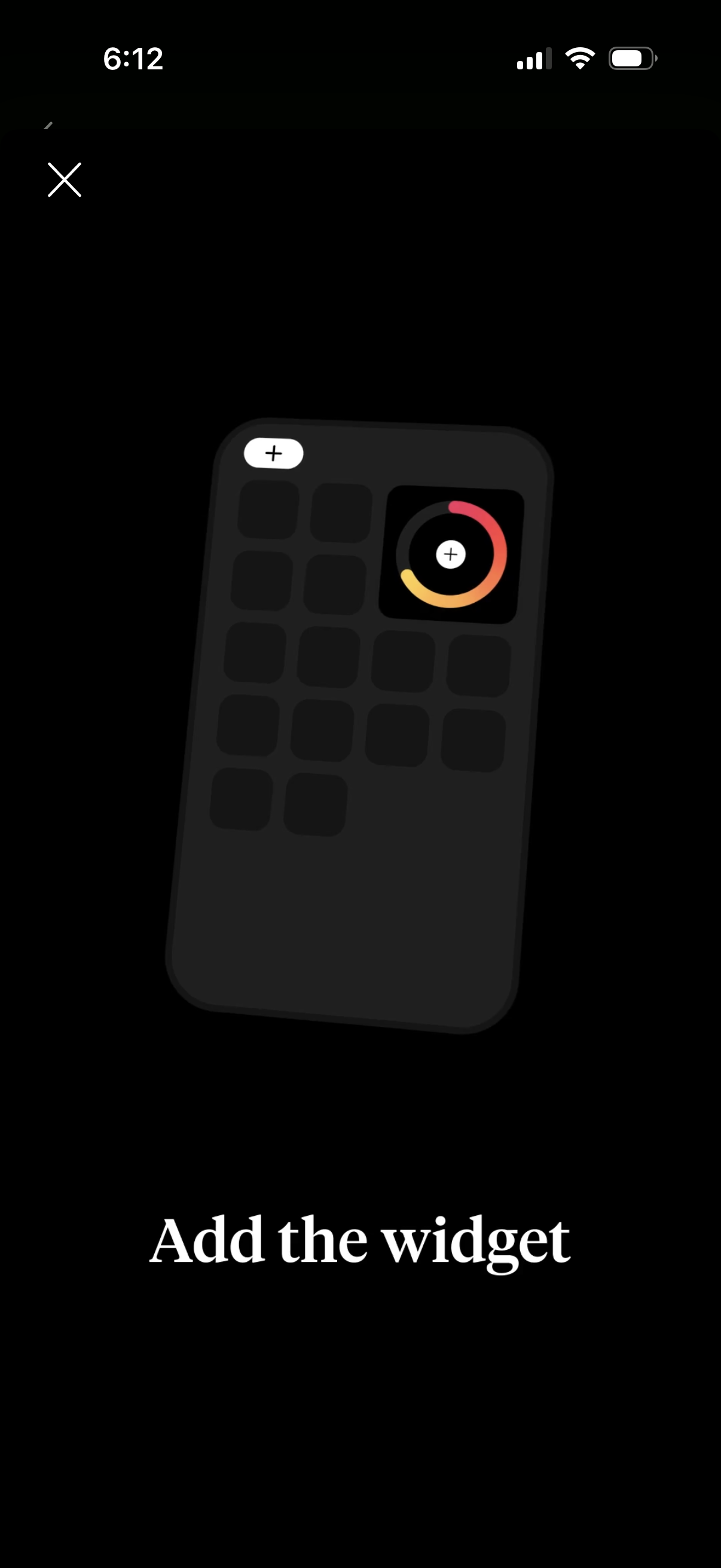
Onboarding instruction screen prompting the user to add a home screen widget, showing a widget grid mockup with a plus icon and progress-style widget preview. Includes a close (X) button to dismiss the walkthrough.