complete onboarding preferences
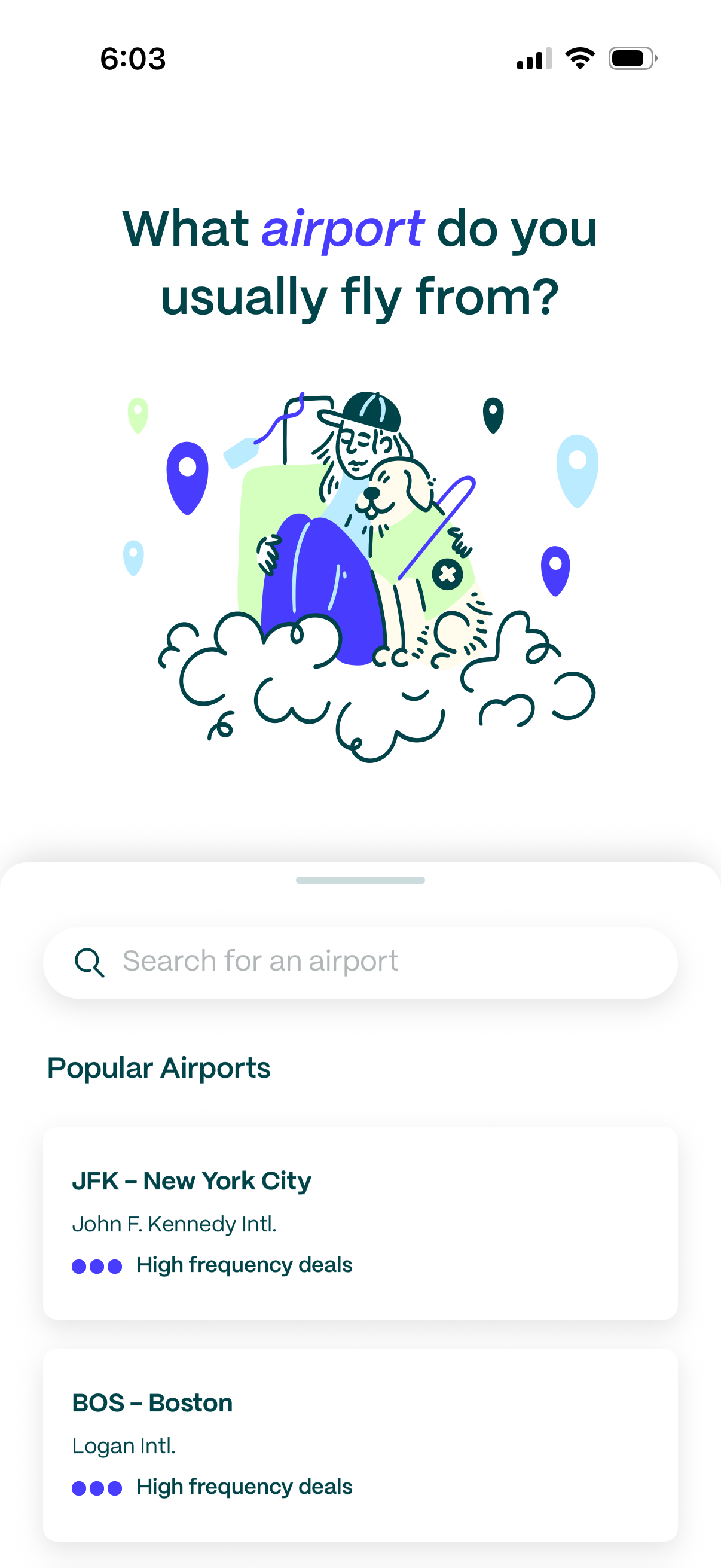
Onboarding preference screen for a travel/flight deals app asking “What airport do you usually fly from? ” with a search field to find an airport.
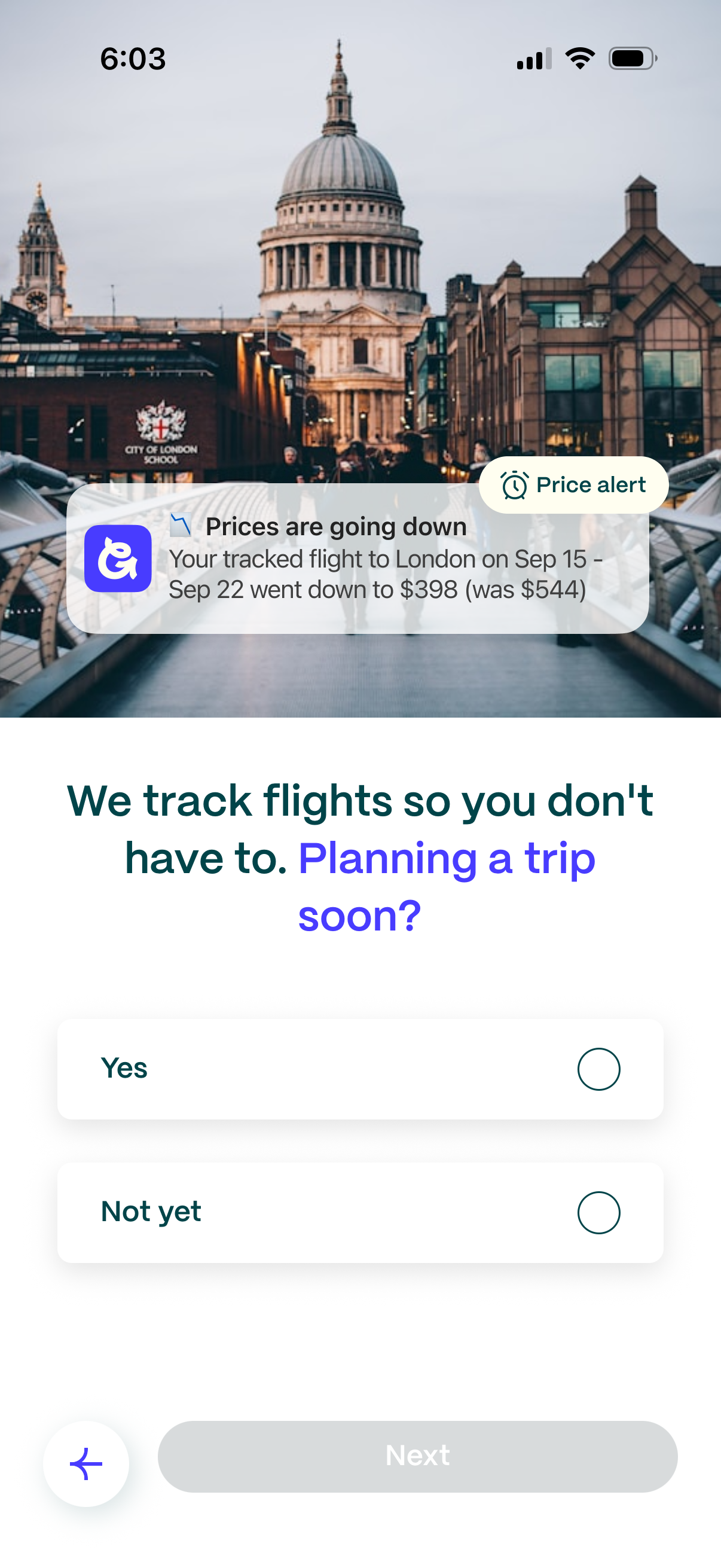
Onboarding screen for a flight price tracking app explaining that it monitors airfare and sends price alerts, with an example notification showing a price drop on a tracked flight. The user is asked “Planning a trip soon?
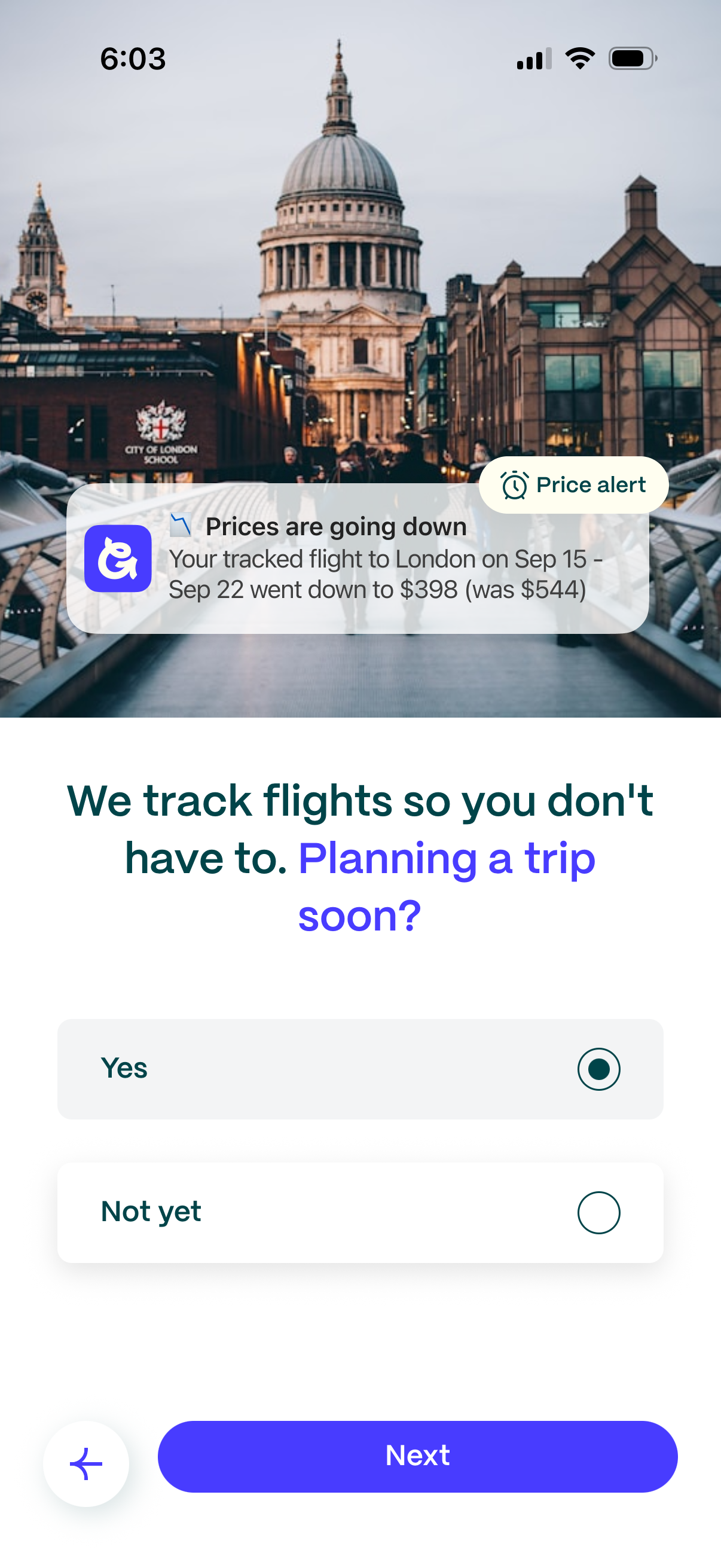
Onboarding screen for a flight price-tracking app explaining that it monitors fares and sends price alerts, illustrated with a sample “prices are going down” notification. Asks “Planning a trip soon?
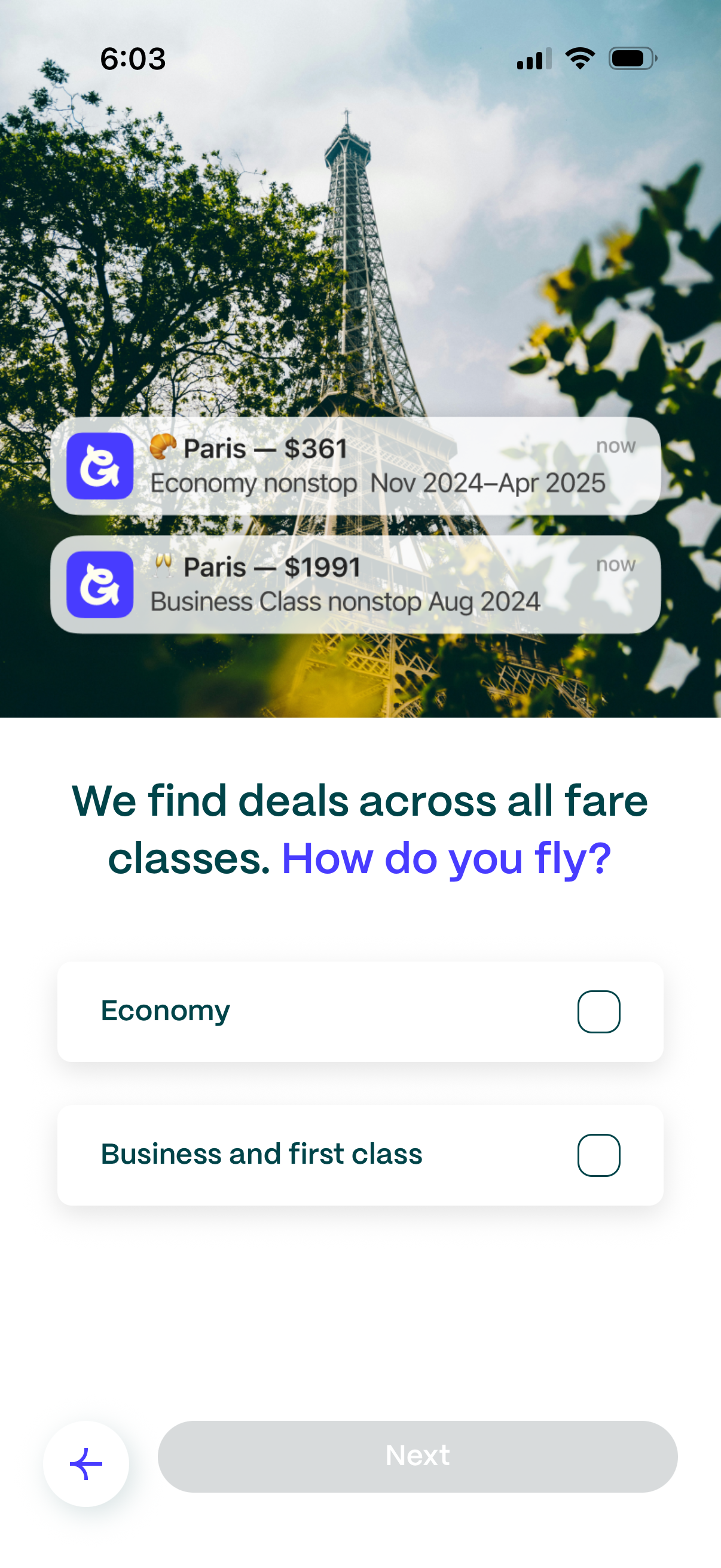
Flight deals onboarding screen asking users to choose their fare class preference (“Economy” or “Business and first class”) to personalize deal alerts, with selectable options and a disabled Next button until a choice is made. The header emphasizes finding deals across all fare classes and shows example price alert notifications for a destination.
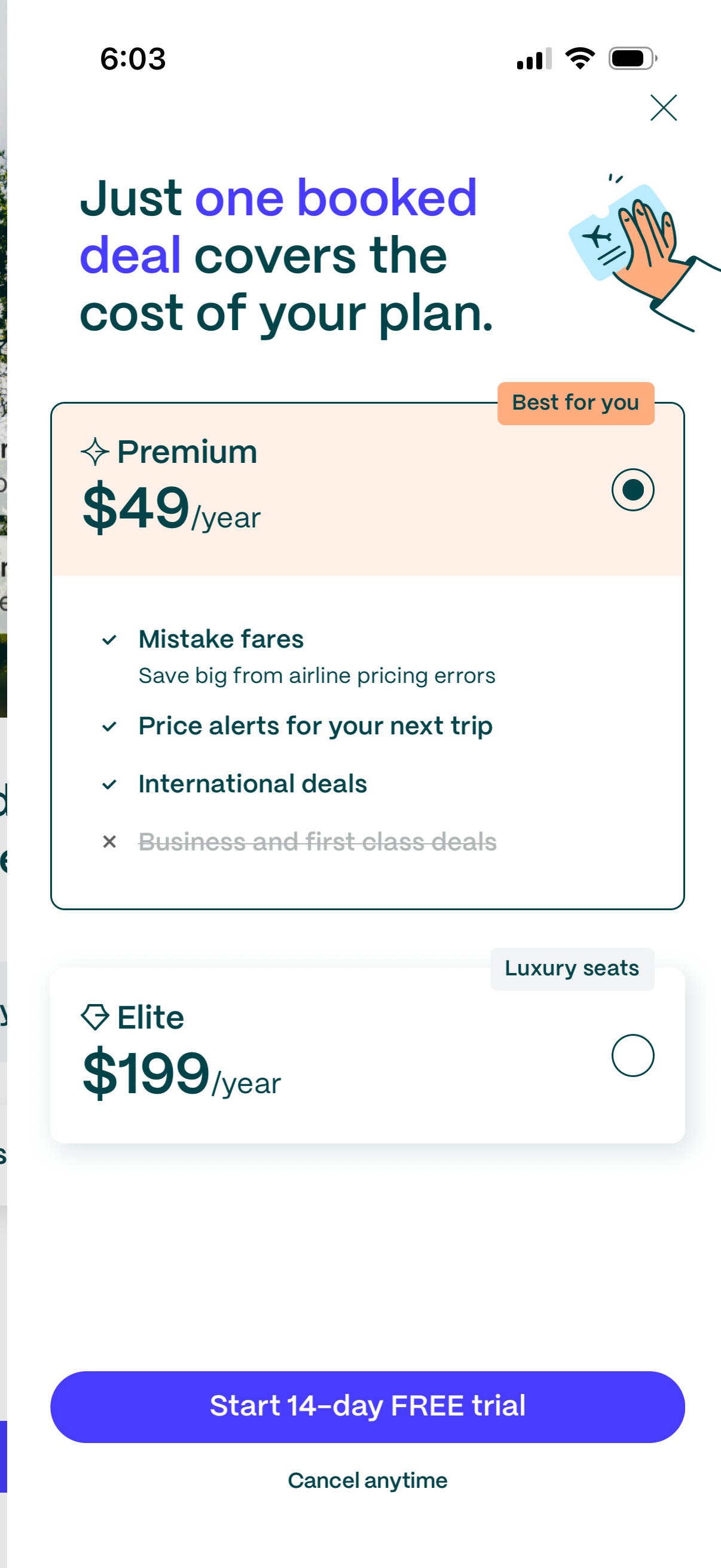
Subscription paywall screen for a travel deals app offering annual membership plans, highlighting Premium ($49/year) versus Elite ($199/year) with a feature checklist (mistake fares, price alerts, international deals) and an option to select a plan. Primary CTA is “Start 14-day FREE trial” with cancel-anytime messaging and a close button to dismiss.
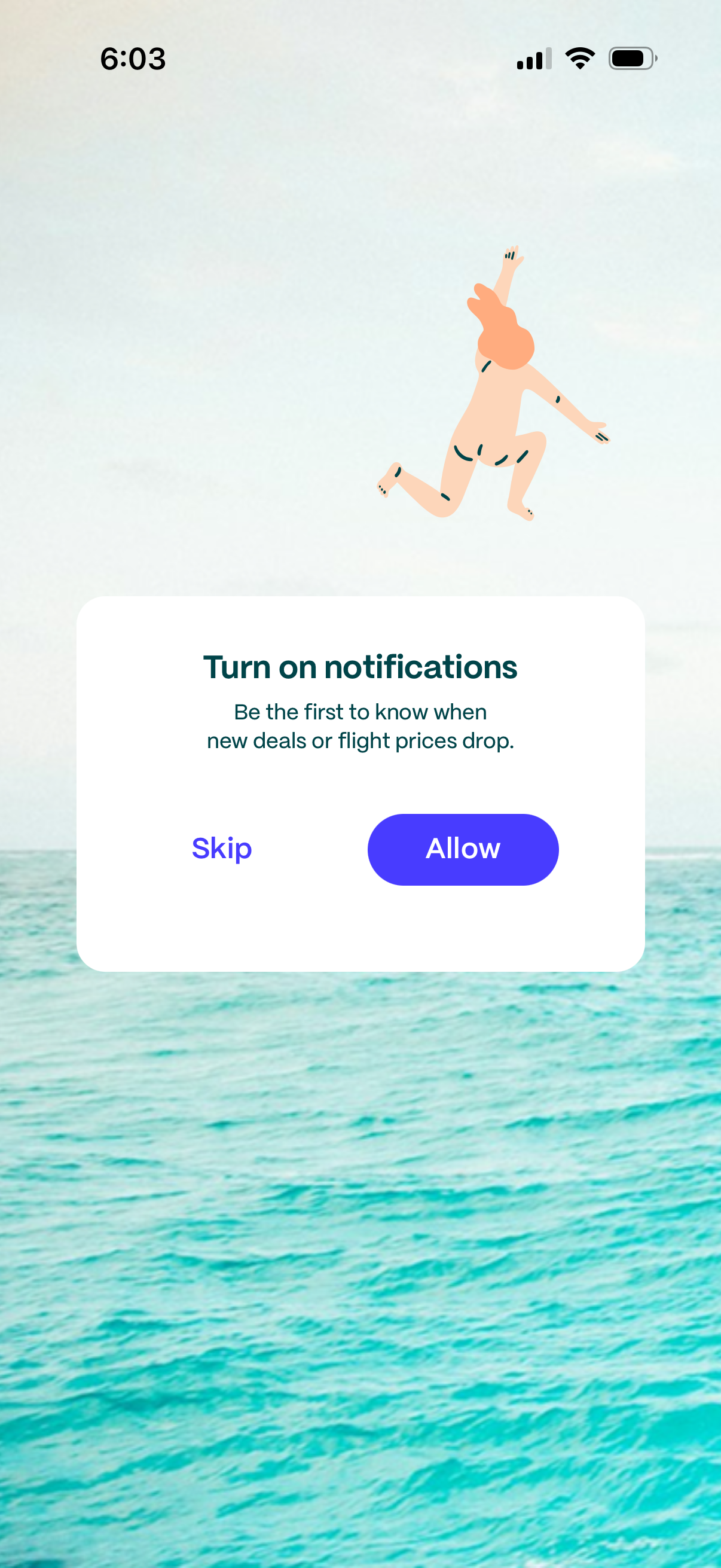
Modal prompt asking the user to turn on push notifications to be alerted about new deals or flight price drops. Provides primary “Allow” CTA and secondary “Skip” option over a travel-themed background.
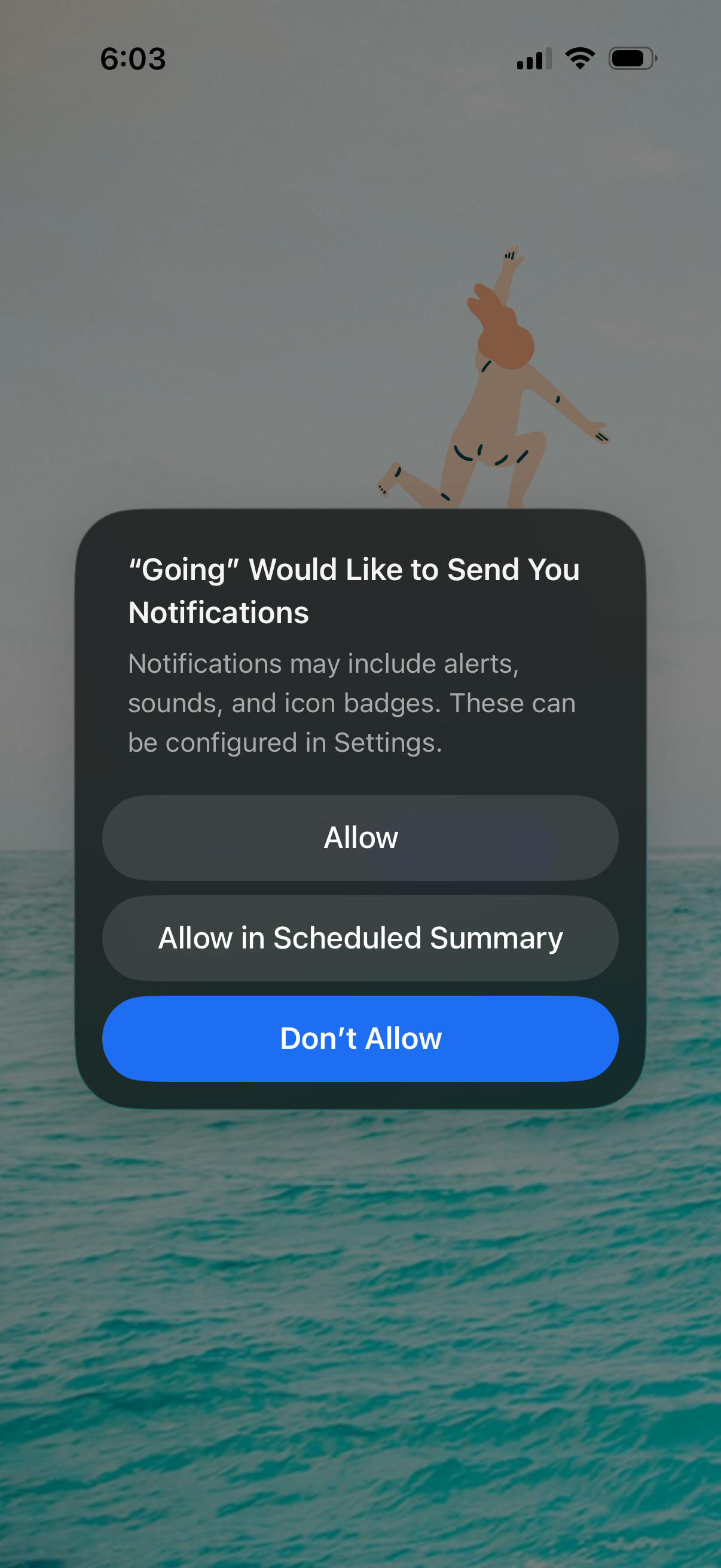
iOS system permission modal prompting the user to enable push notifications for an app, explaining alerts, sounds, and badge icons. Provides actions to Allow, Allow in Scheduled Summary, or Don’t Allow.
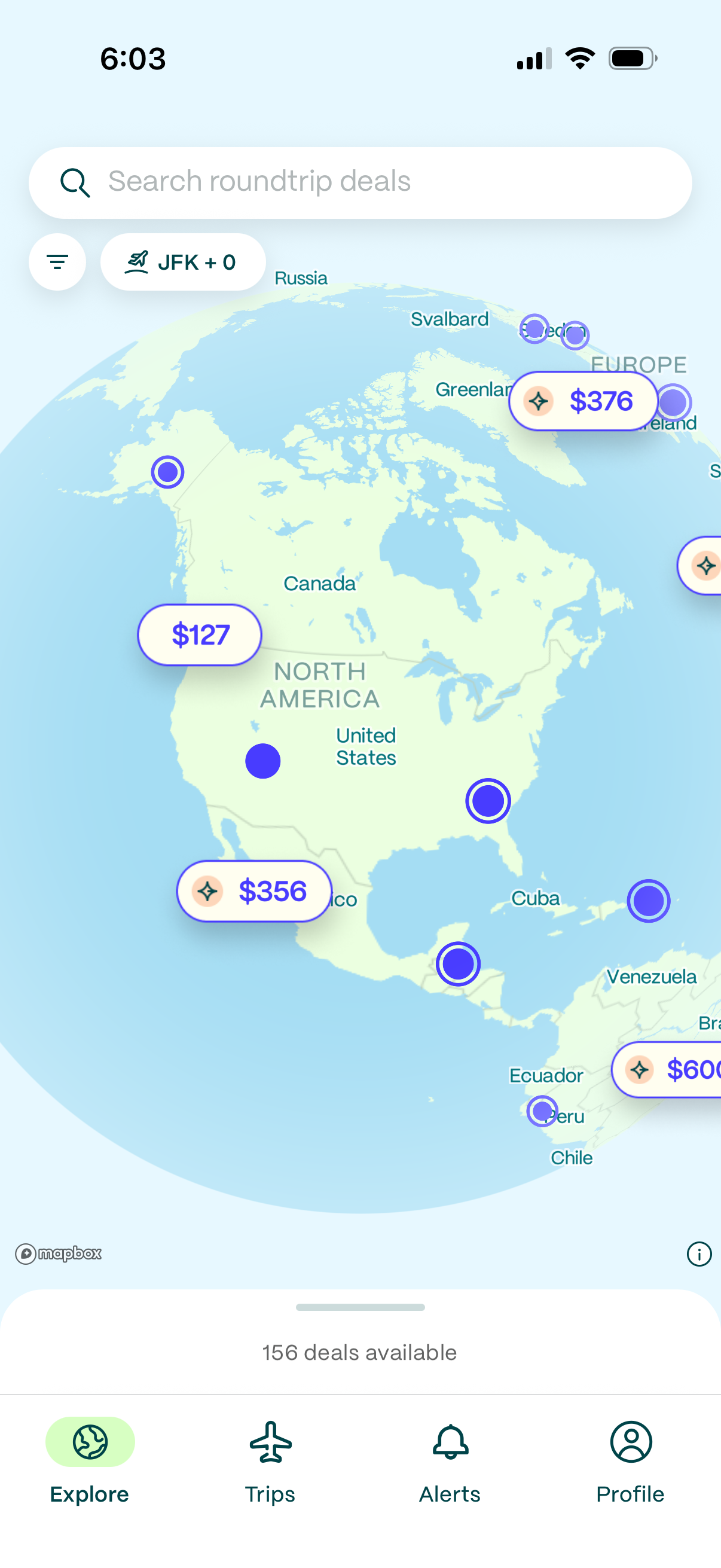
Explore screen for a flight deals app showing an interactive world map with destination pins and price tags for roundtrip fares. Users can search “roundtrip deals,” filter by departure airport, tap map prices to view deals, and navigate via bottom tabs for Explore, Trips, Alerts, and Profile.