browse deals and open
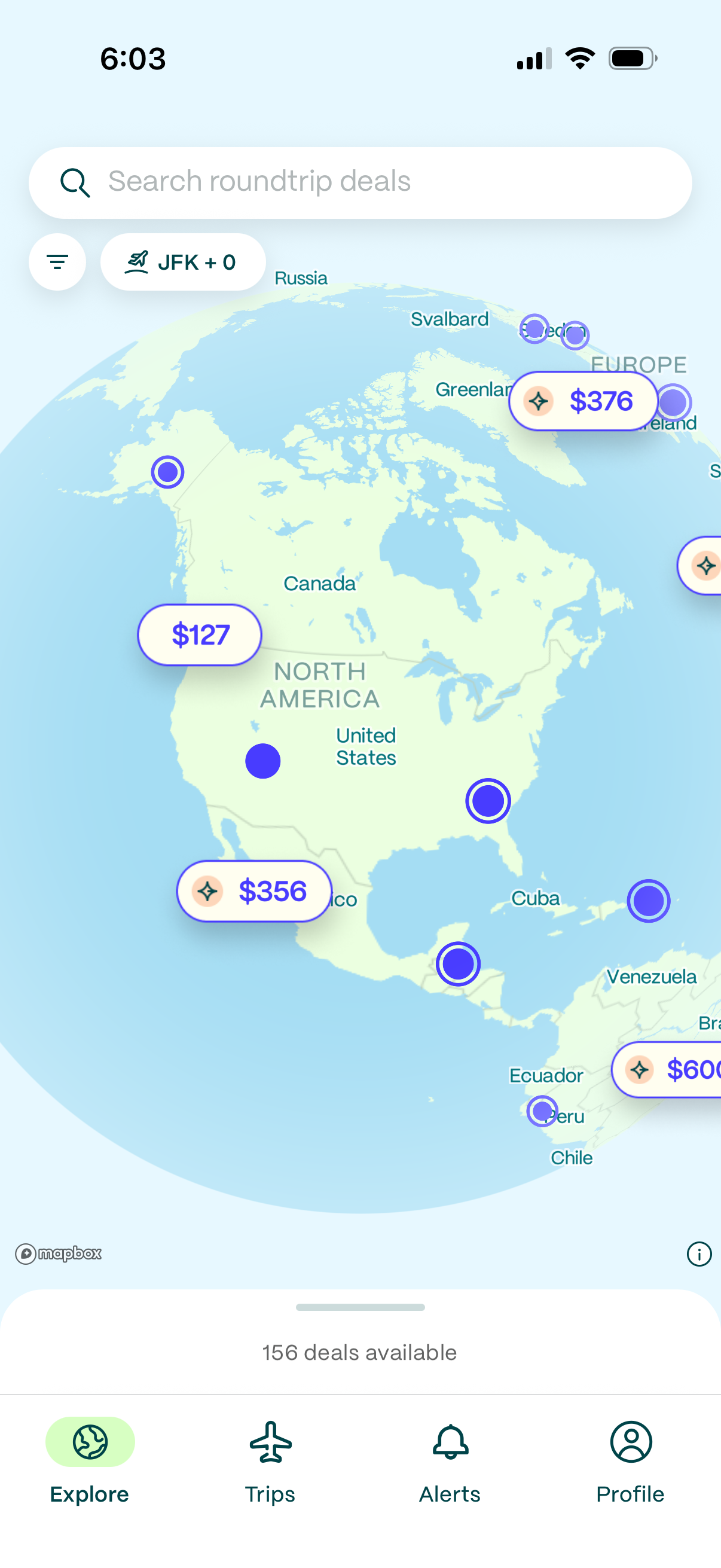
Explore screen for a flight deals app showing an interactive world map with destination pins and price tags for roundtrip fares. Users can search “roundtrip deals,” filter by departure airport, tap map prices to view deals, and navigate via bottom tabs for Explore, Trips, Alerts, and Profile.
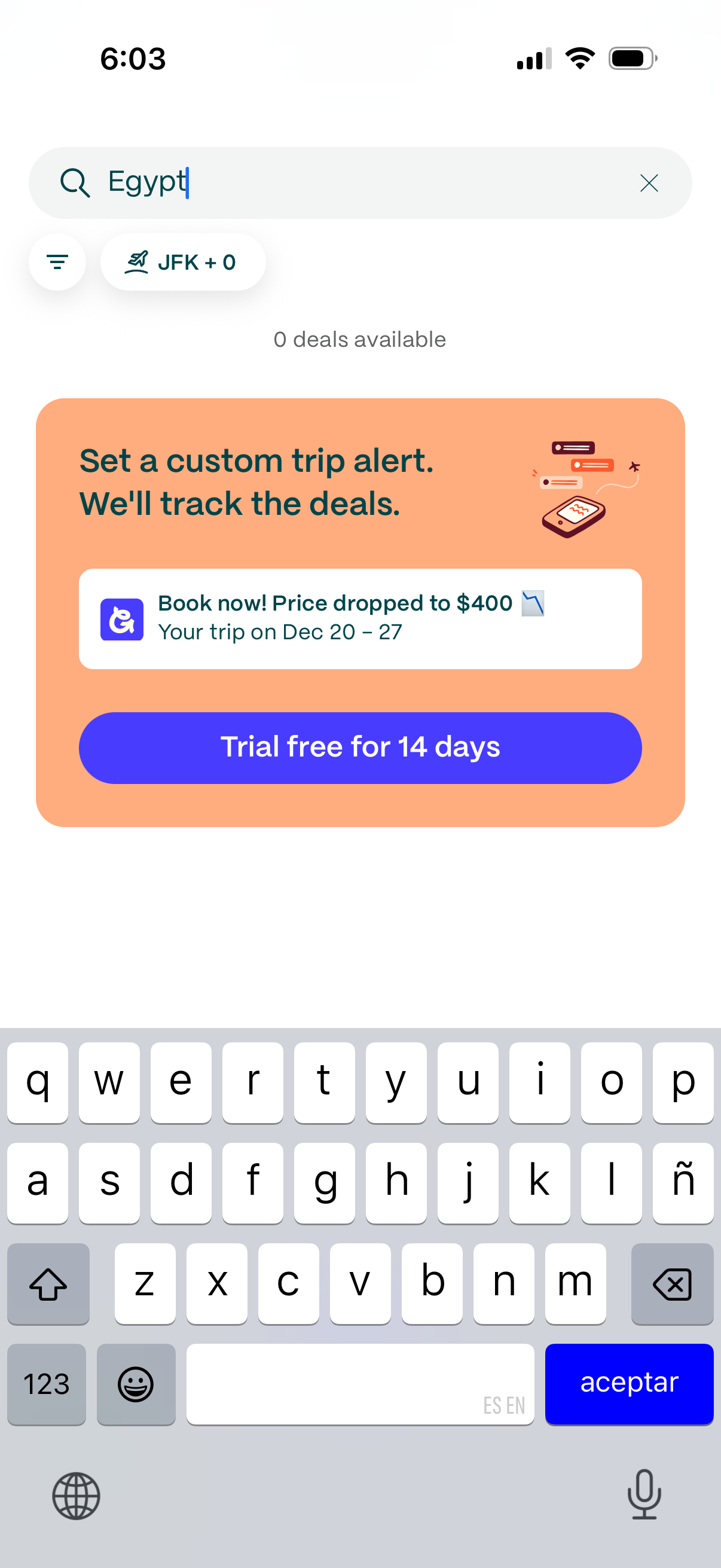
Travel deals search screen with a destination query and filters for departure airport and travelers, showing a message that no deals are available. Promotes setting a custom trip price alert that tracks fare drops and offers a “Trial free for 14 days” subscription CTA.
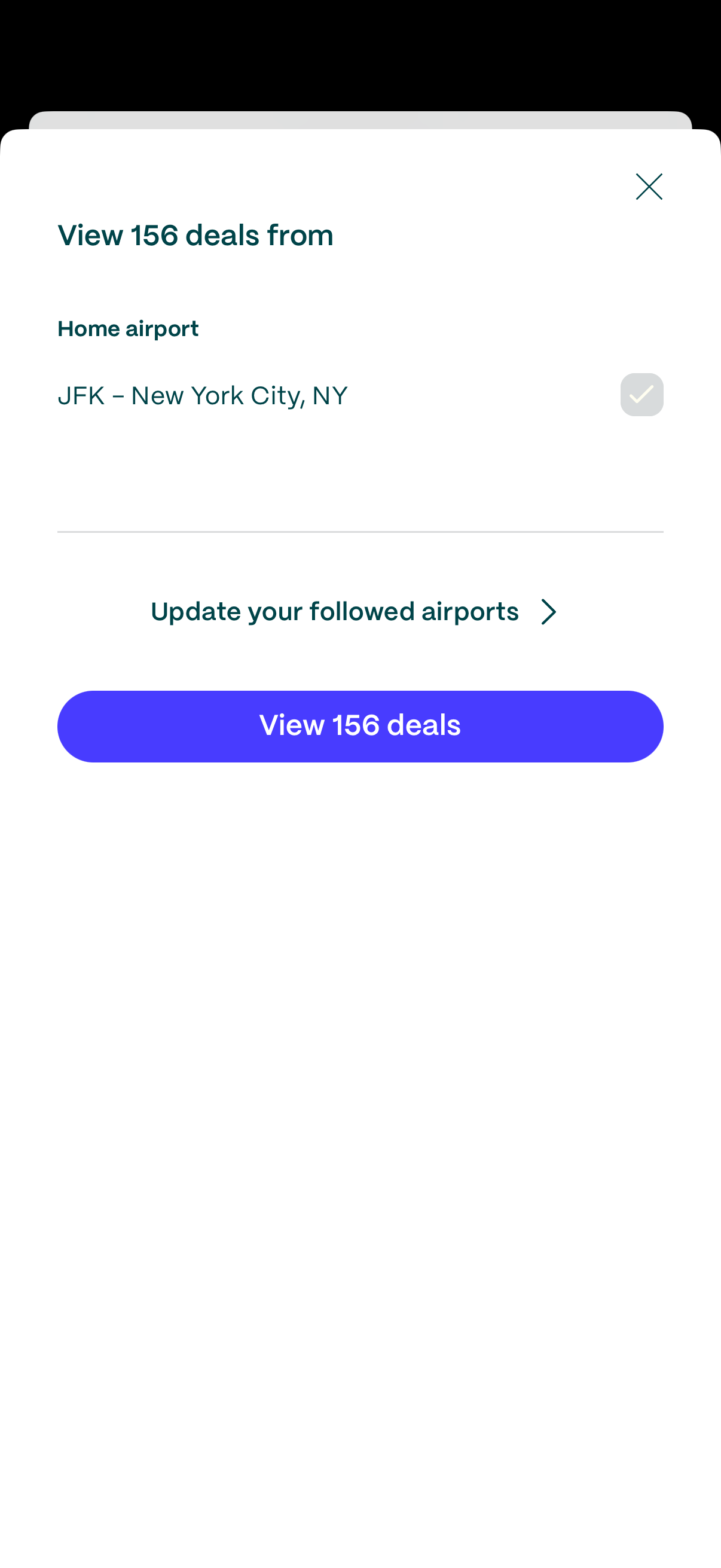
Modal sheet for a travel deals app showing available flight deals from a selected home airport, with the current airport preselected and a close icon. Users can tap to update followed airports or press a primary “View deals” button to see all deals from that airport.
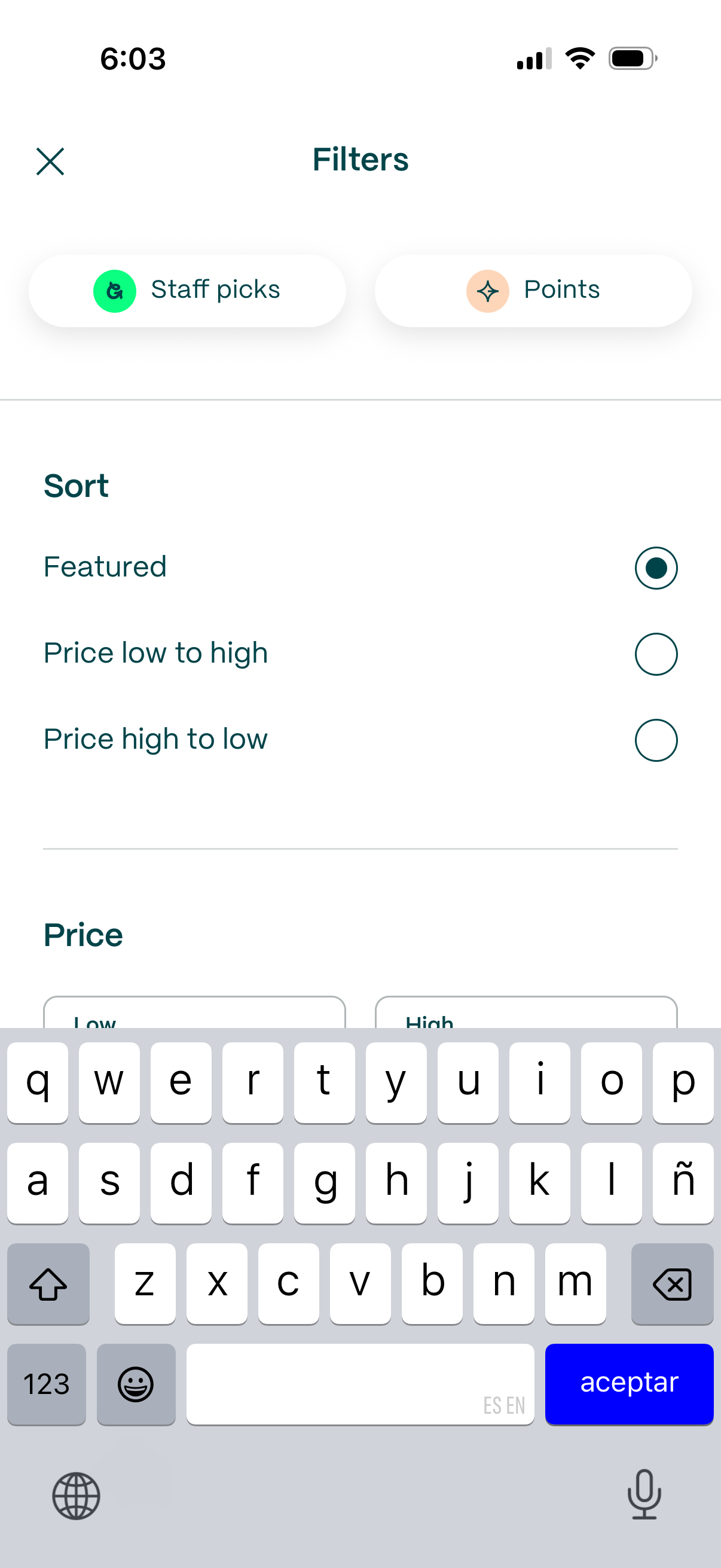
Filter and sort screen for a shopping or rewards catalog, featuring quick filter chips (e. g.
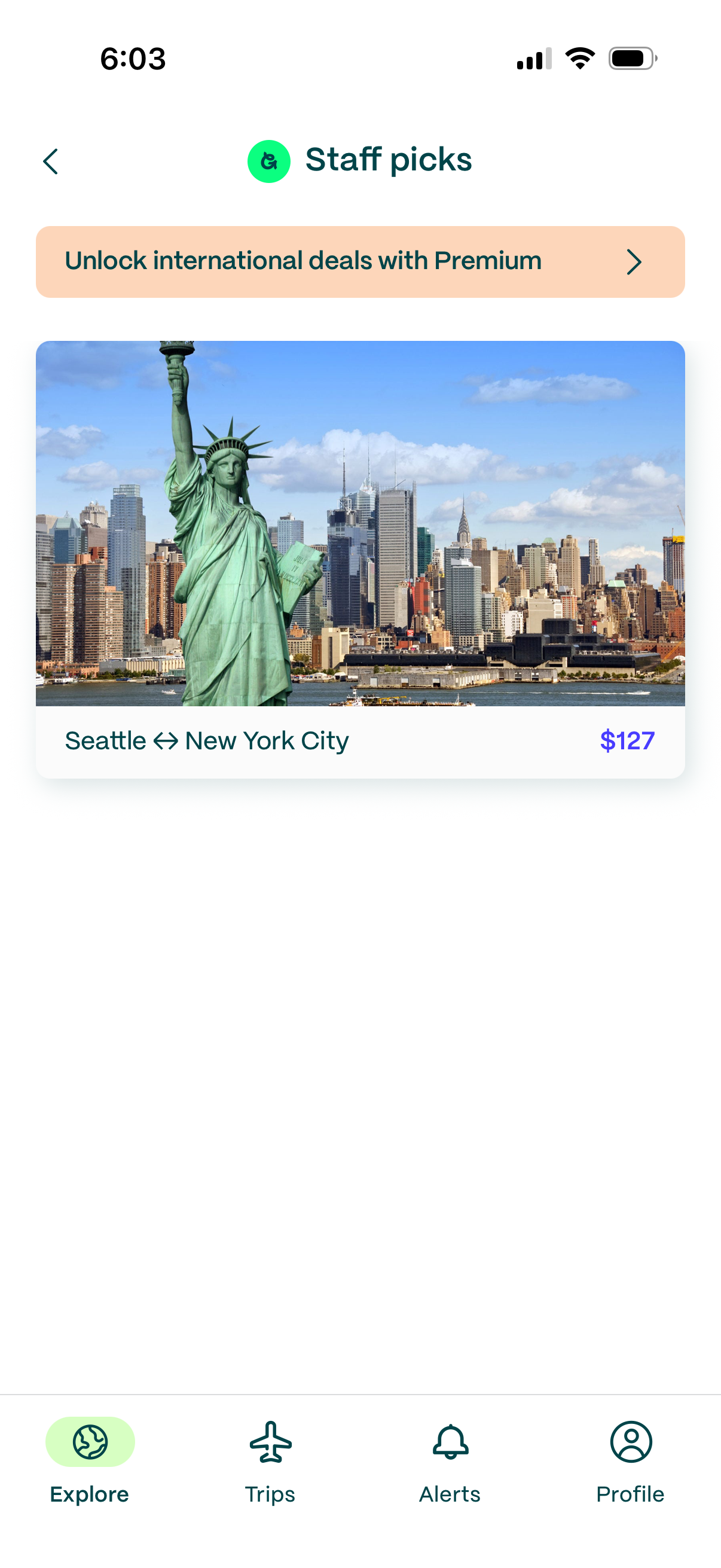
Travel deals “Staff picks” explore screen featuring a premium upsell banner and a featured flight route card with destination photo, origin–destination pair, and price, with bottom tab navigation for Explore, Trips, Alerts, and Profile.
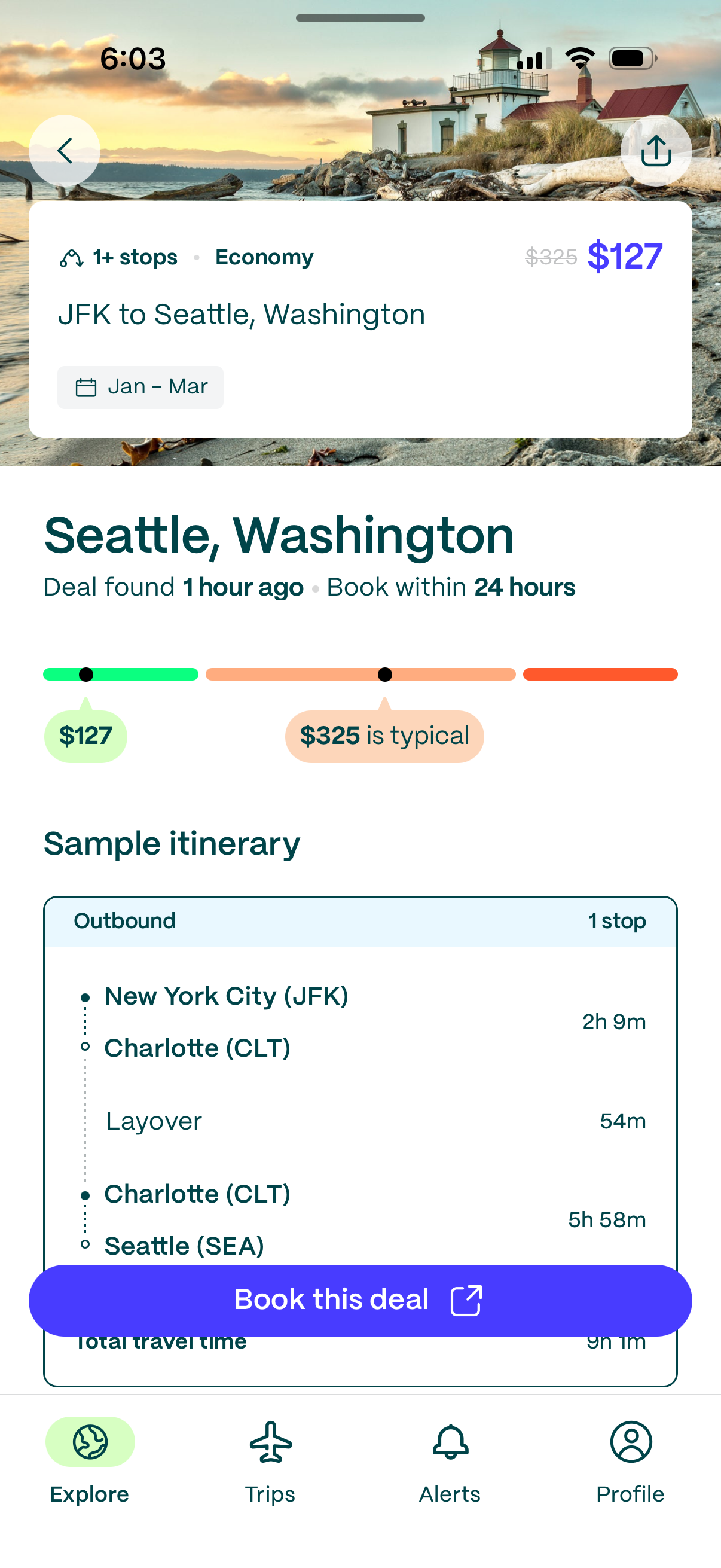
Flight deal details screen showing an economy itinerary from JFK to Seattle with 1+ stops, date range selection, current price vs typical price indicator, and a sample outbound itinerary with layover and total travel time. Includes primary CTA to “Book this deal,” plus back and share actions and bottom navigation for Explore, Trips, Alerts, and Profile.