sign up with google
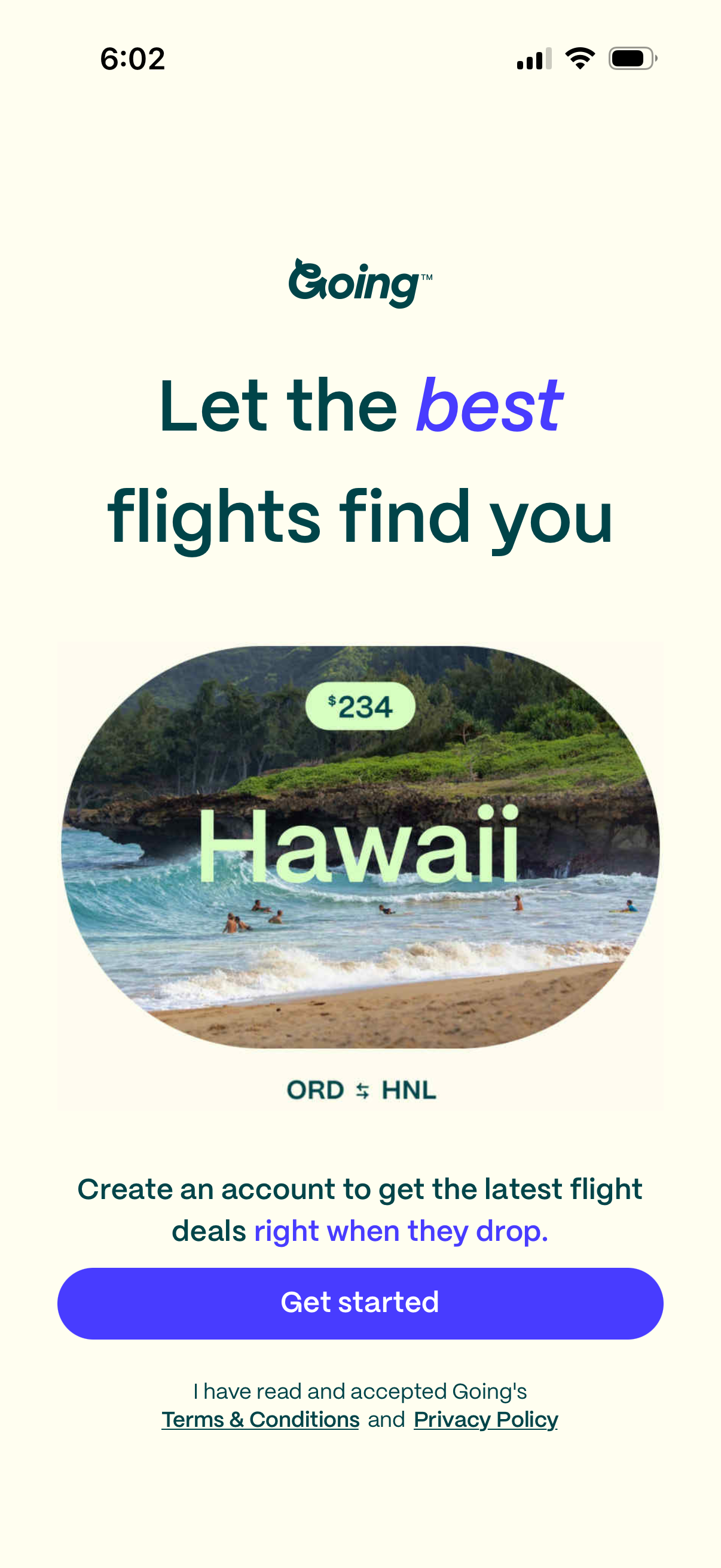
Onboarding sign-up screen for a flight deals app promoting personalized fare alerts (“Let the best flights find you”) with a destination deal preview showing price and route. Primary CTA is “Get started” to create an account, with Terms & Conditions and Privacy Policy acknowledgement links.
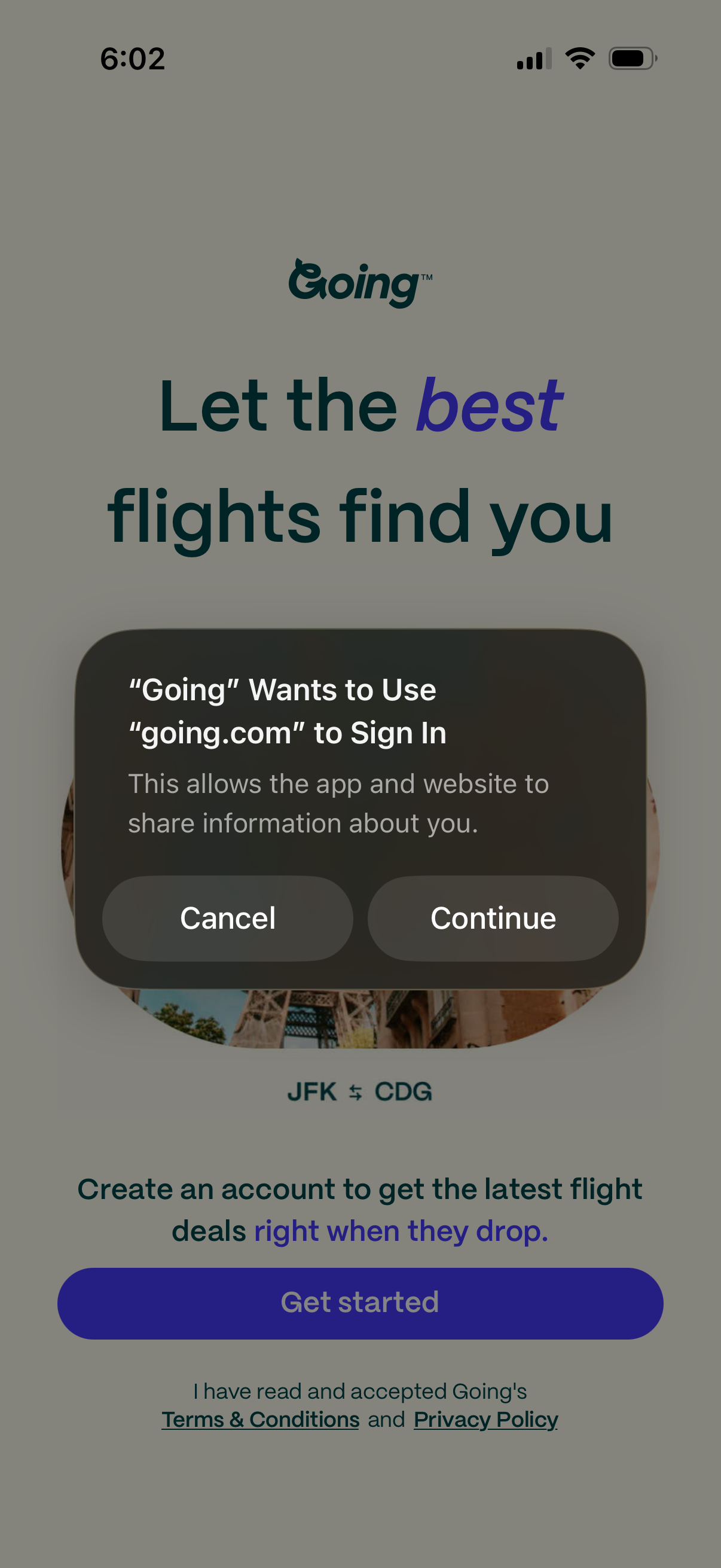
Account creation/login onboarding screen for a flight deals app, prompting users to get started and accept terms and privacy policy, with an iOS system dialog requesting permission to use the website domain for sign-in with Cancel and Continue actions. The page highlights finding the best flights and shows an example route to personalize deal alerts.
In-app browser or webview authentication screen loading an external login page (auth. going.
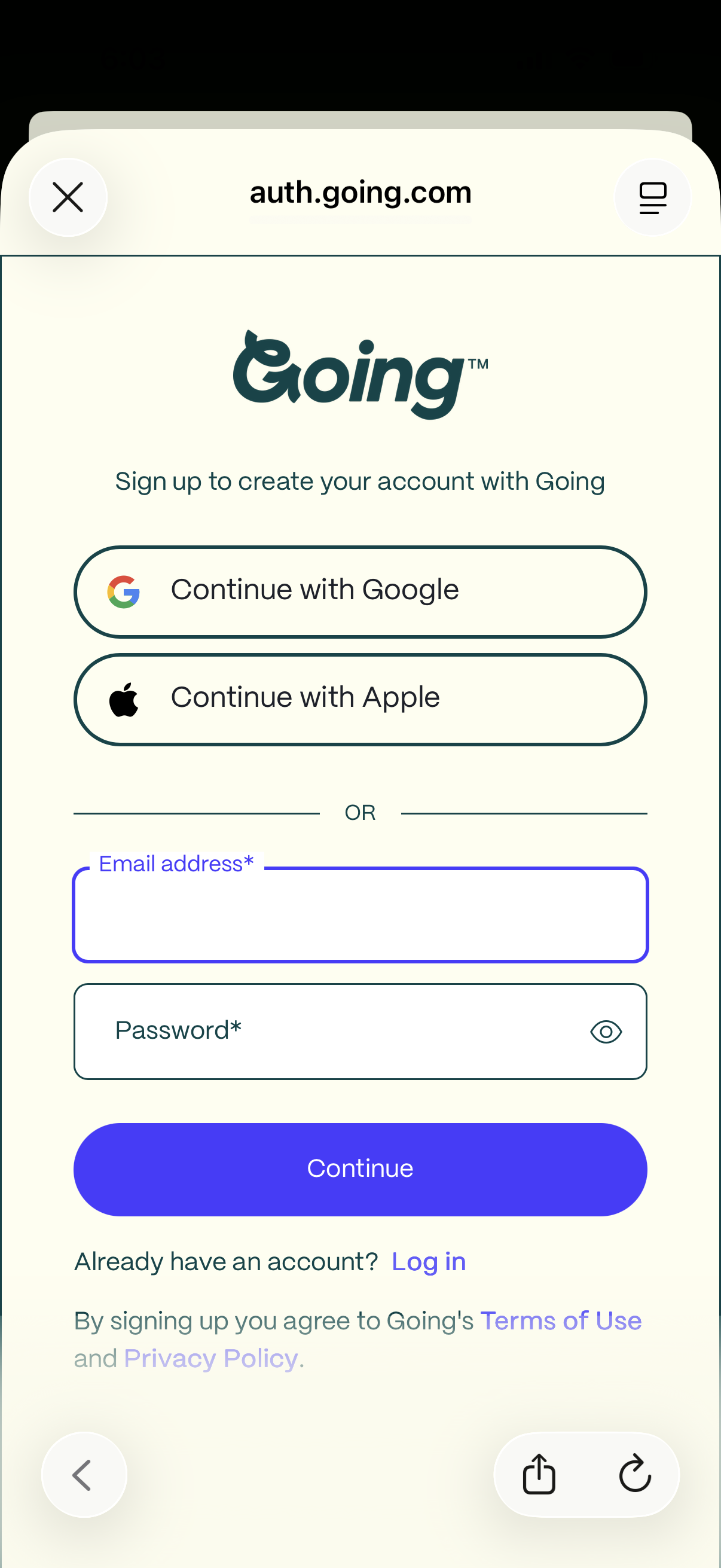
Account sign-up screen for a service, offering social authentication with Google or Apple or creating an account with email address and password (with show/hide password). Includes a primary Continue button, a link to log in for existing users, and Terms of Use and Privacy Policy consent text.
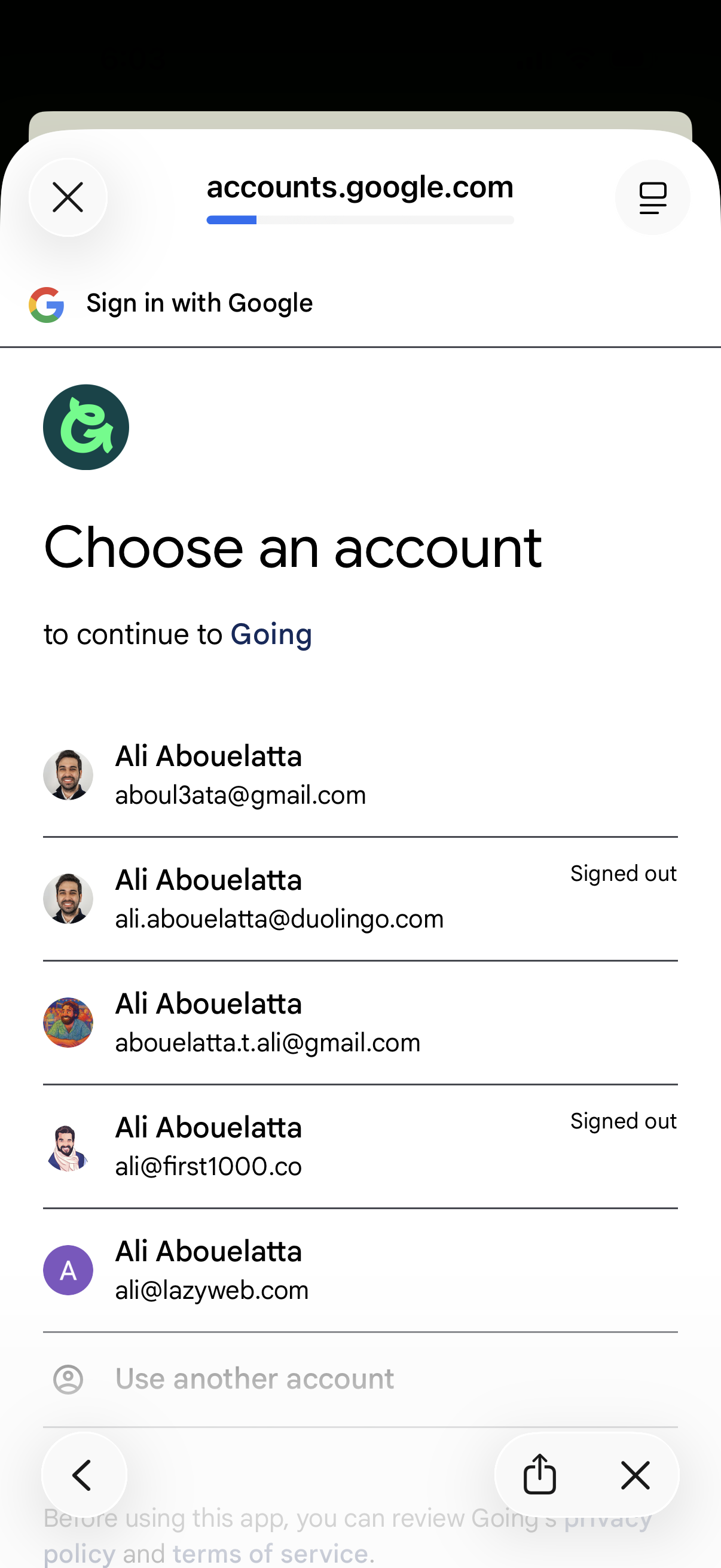
Google Sign-In account chooser screen in a web view, prompting the user to select an existing Google account (with profile avatars and signed-in/signed-out status) to continue to the app. Includes a “Use another account” option and close/back controls to exit the authentication flow.
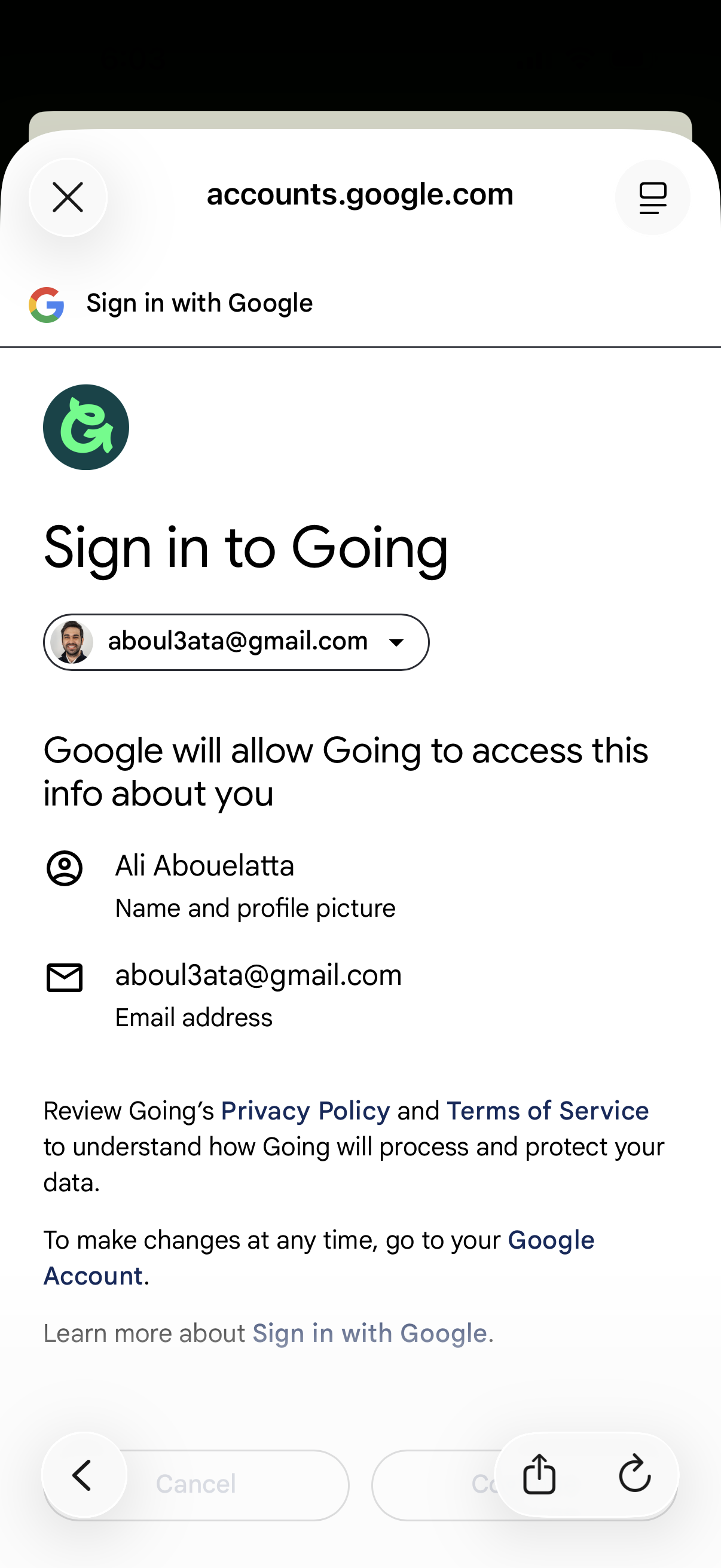
Google OAuth “Sign in with Google” permission screen for logging into an app, showing the selected Google account and the data the app will access (name/profile picture and email). Includes links to the app’s privacy policy and terms of service, with options to proceed or cancel.

Minimal full-screen loading state with a centered activity spinner, indicating content is being fetched or a page is processing with no other actions or navigation visible.