start booking from hotel
1

Hotel property landing screen with a full-bleed destination photo, displaying the hotel name and location at the top and a back navigation arrow. A bottom call-to-action card prompts users to book a stay with a prominent “Check rates” button to start the booking flow.
2
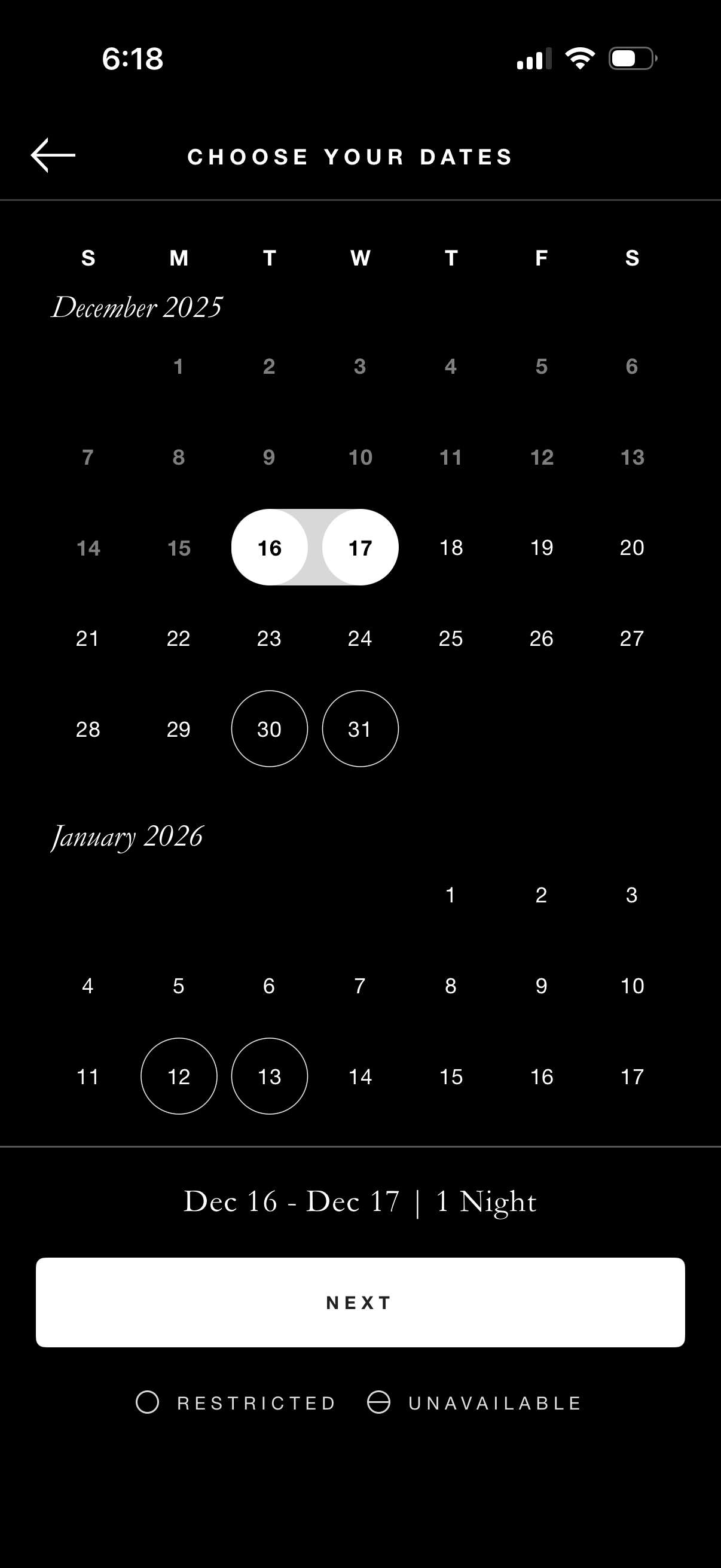
Calendar date picker screen for booking a stay, allowing users to select a check-in and check-out date range across months with highlighted selected dates and indicators for restricted or unavailable days. A summary bar shows the chosen date range and number of nights, with a primary “Next” button to continue.