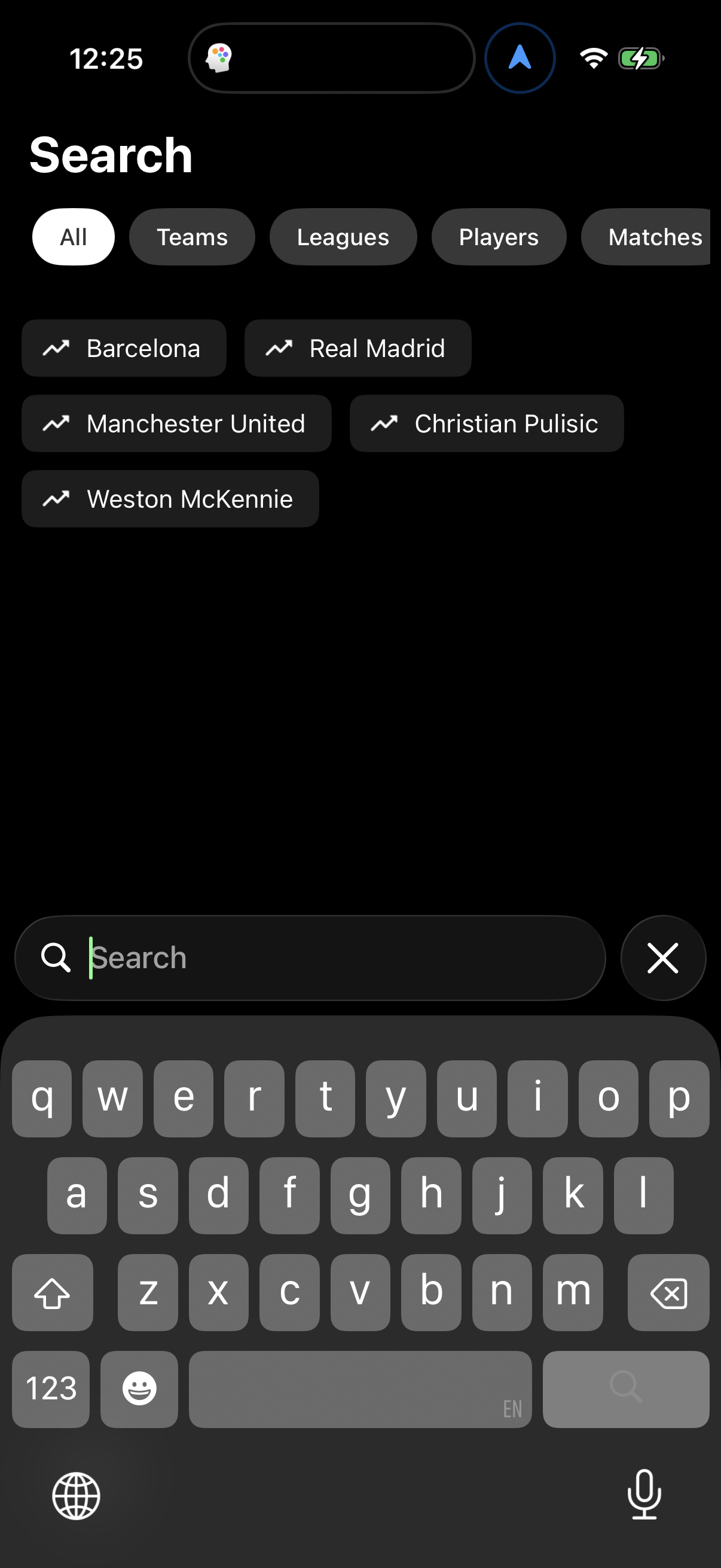
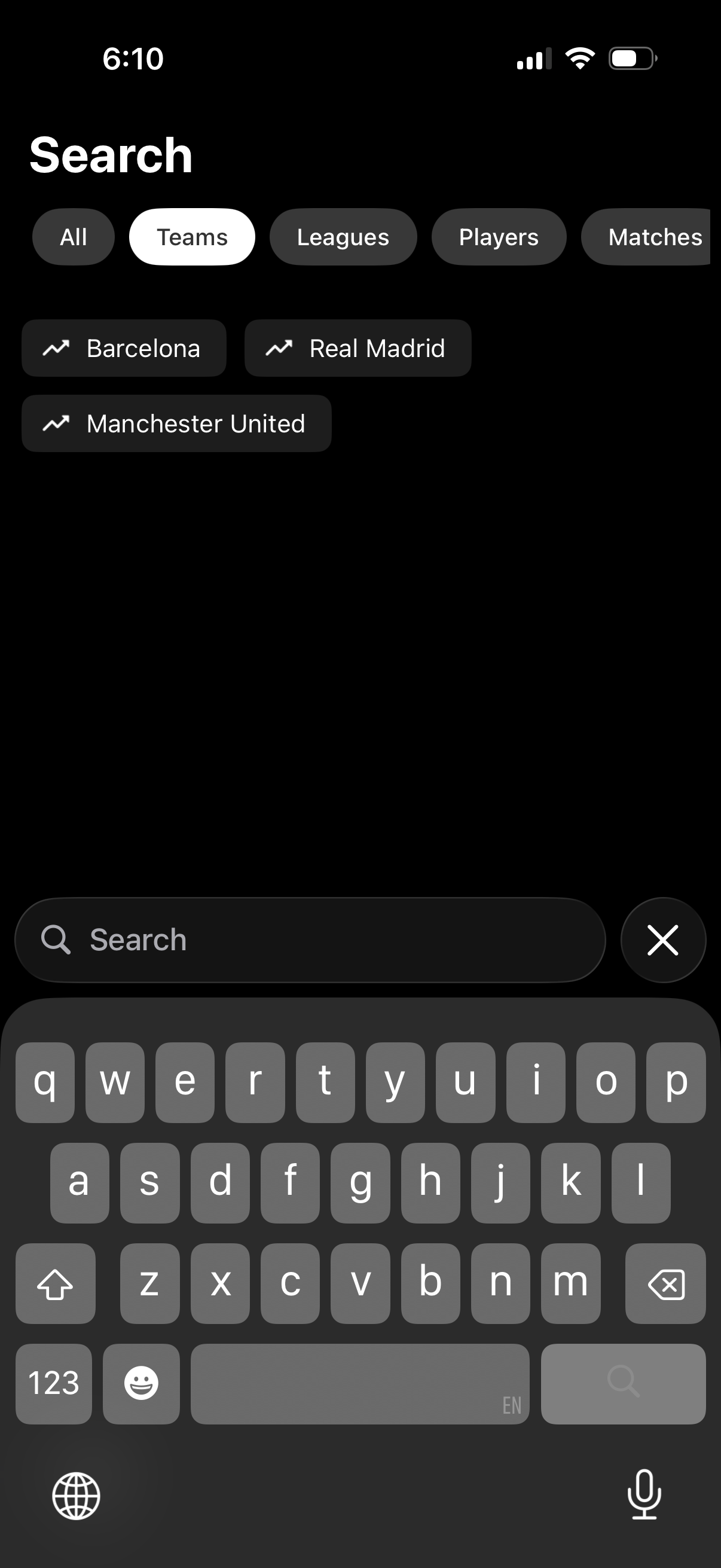
Sports app search screen with a query input and clear button, showing category filter chips for All, Teams, Leagues, Players, and Matches. The Teams tab is selected and displays trending team suggestions as tappable pills (e.
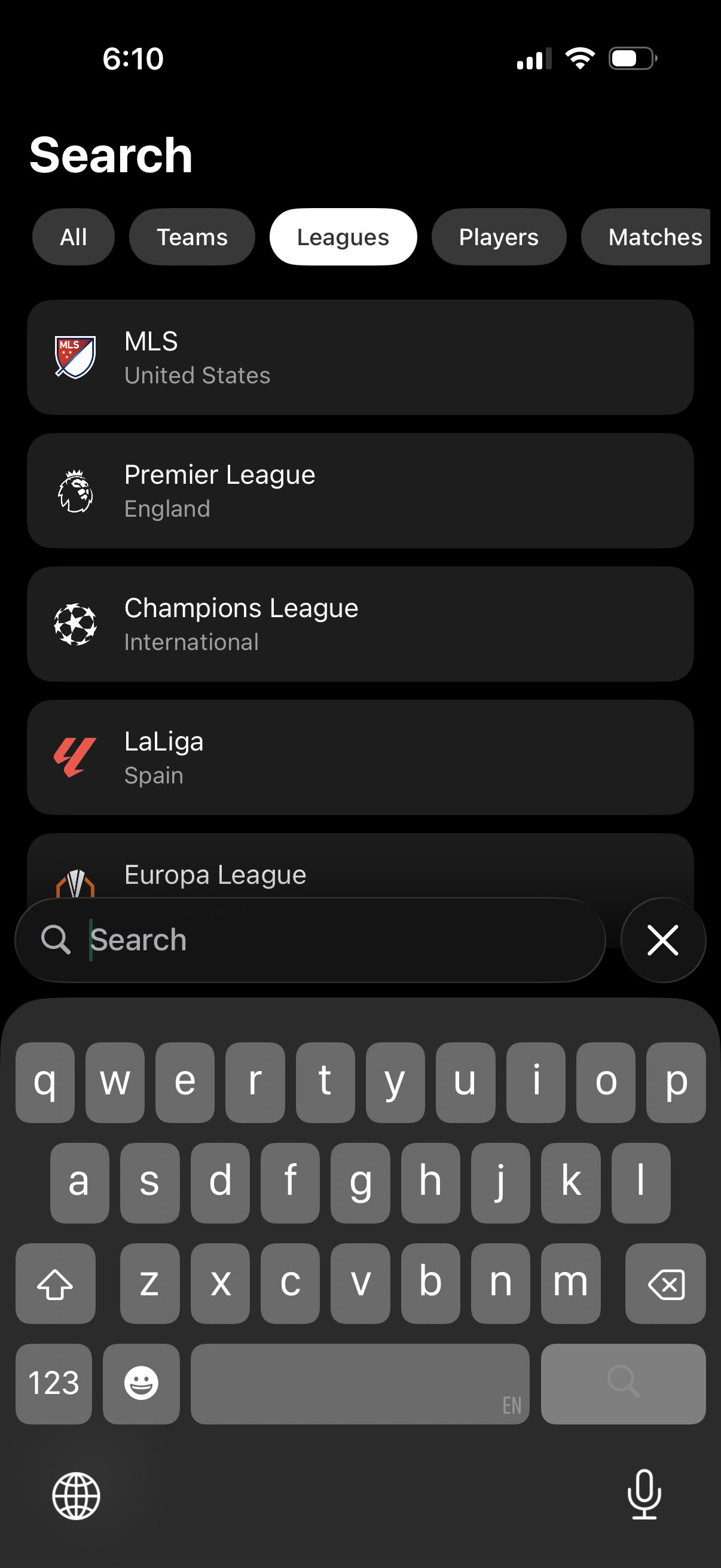
Sports app search screen with a segmented filter bar (All, Teams, Leagues, Players, Matches) and the Leagues tab selected, showing a scrollable list of soccer leagues with logos and country labels. Includes a bottom search field with keyboard and a clear button for entering queries to find and select a league.
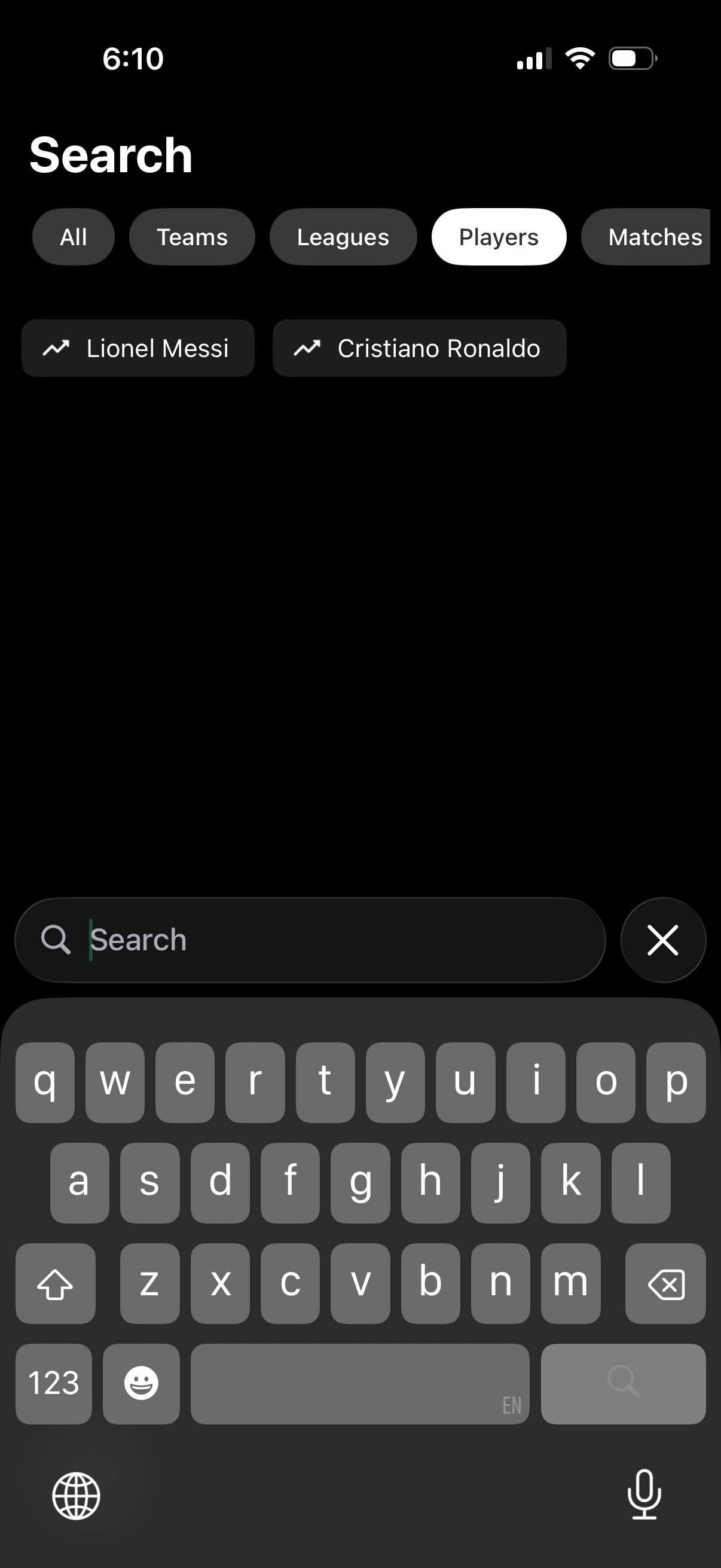
Sports app search screen with segmented filters for All, Teams, Leagues, Players, and Matches, highlighting the Players category and showing trending player suggestions. Includes a bottom search bar with keyboard input and a clear (X) button for quickly resetting the query.
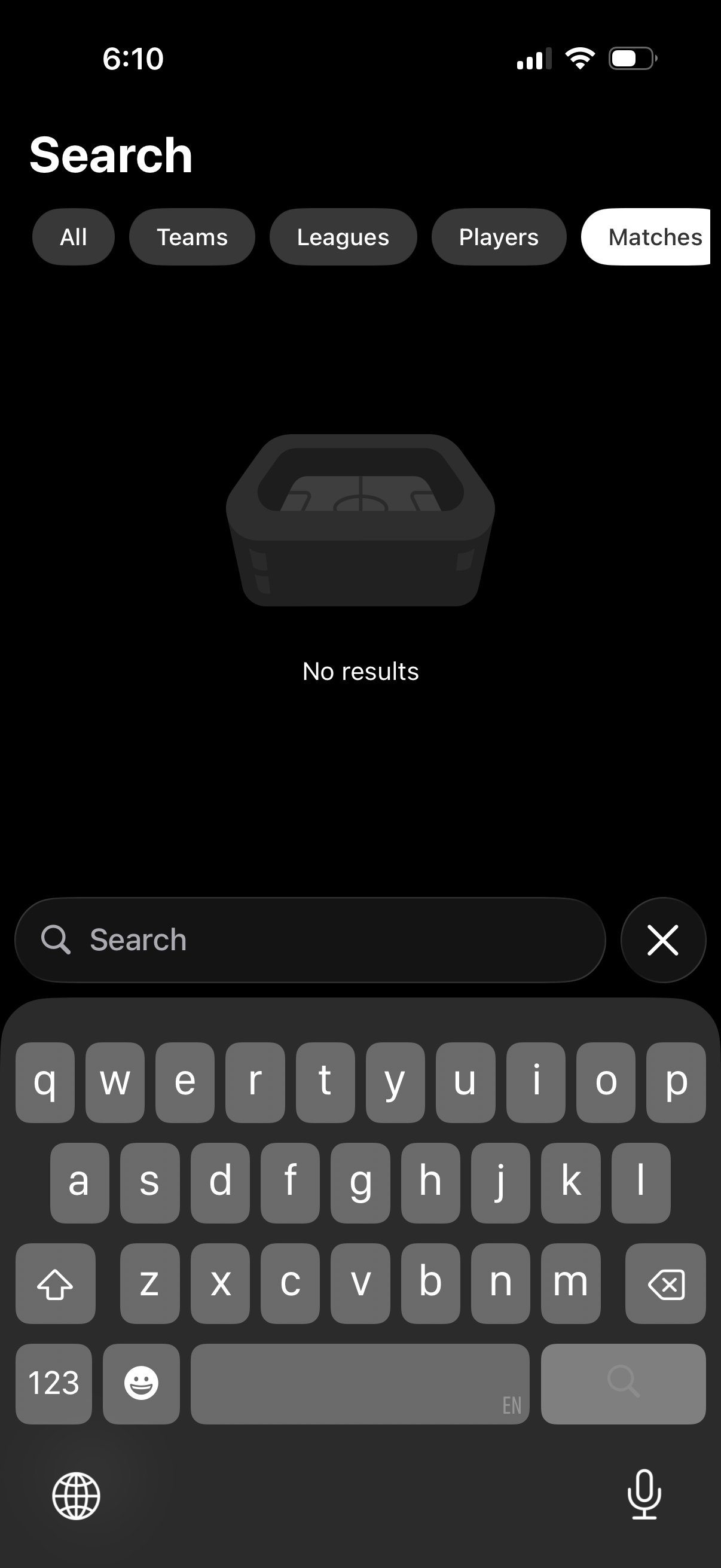
Sports app search screen with a search field and category filter chips for All, Teams, Leagues, Players, and Matches (Matches selected) to narrow results. Displays an empty state with “No results” and includes a clear (X) button for resetting the query.
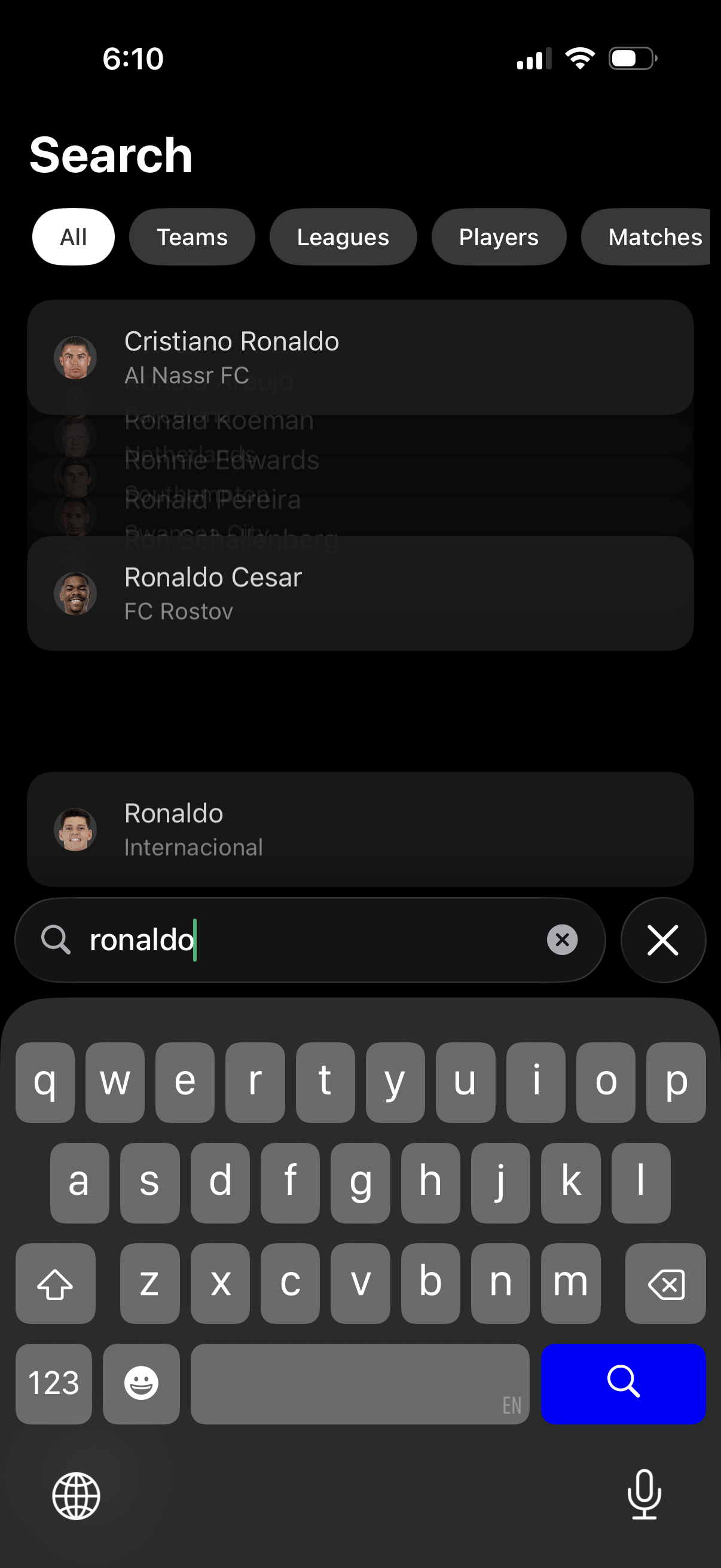
Sports app search screen with category filters (All, Teams, Leagues, Players, Matches) and a search bar with typed query, showing a list of matching player results with avatars and associated clubs. Users can refine by tab, select a result, clear the query, or close the search.