Fotmob direct
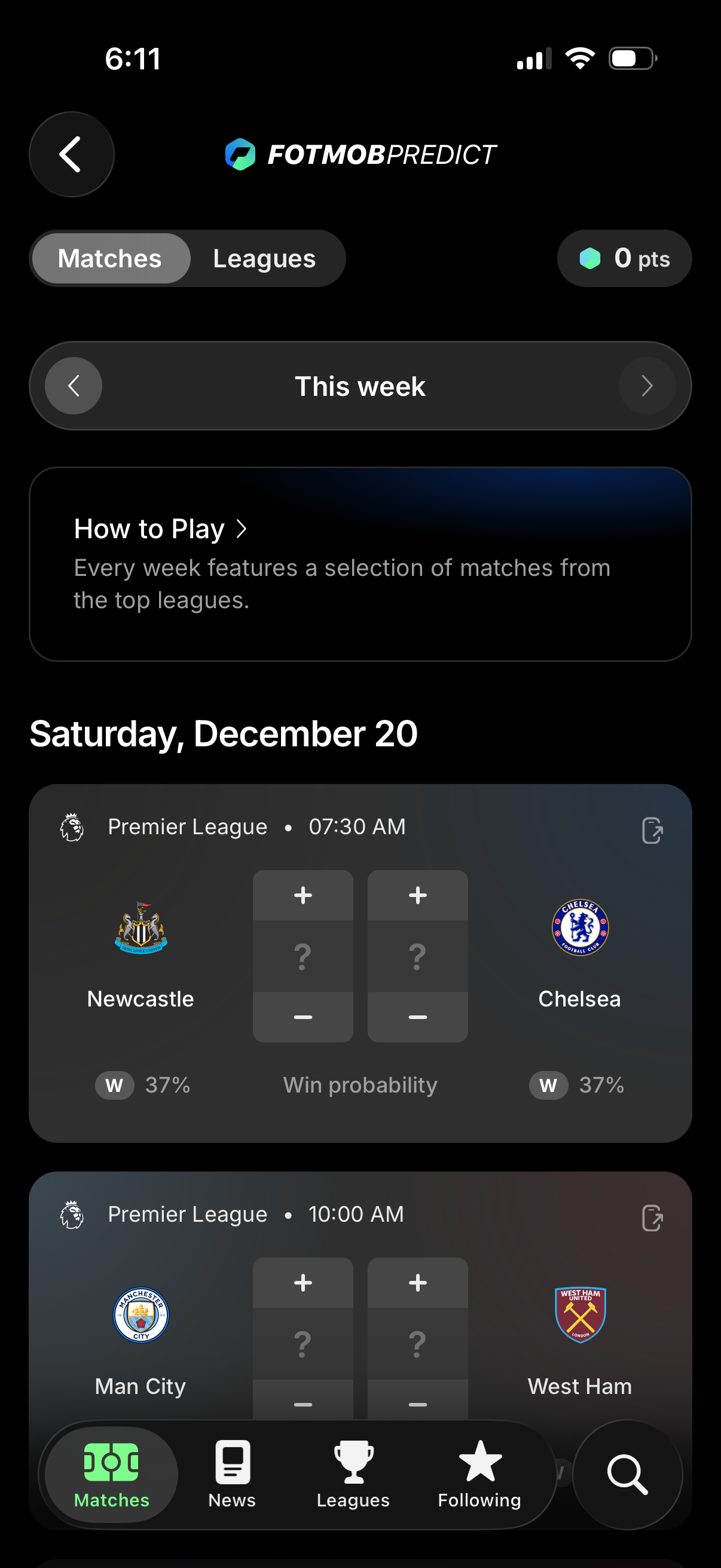
Weekly football prediction screen showing a list of upcoming matches by date and league, with each match card offering plus/minus stepper controls to enter predicted scores and displaying win probability. Users can switch between Matches and Leagues tabs, navigate weeks, view “How to Play,” share a match, and see their current points total.
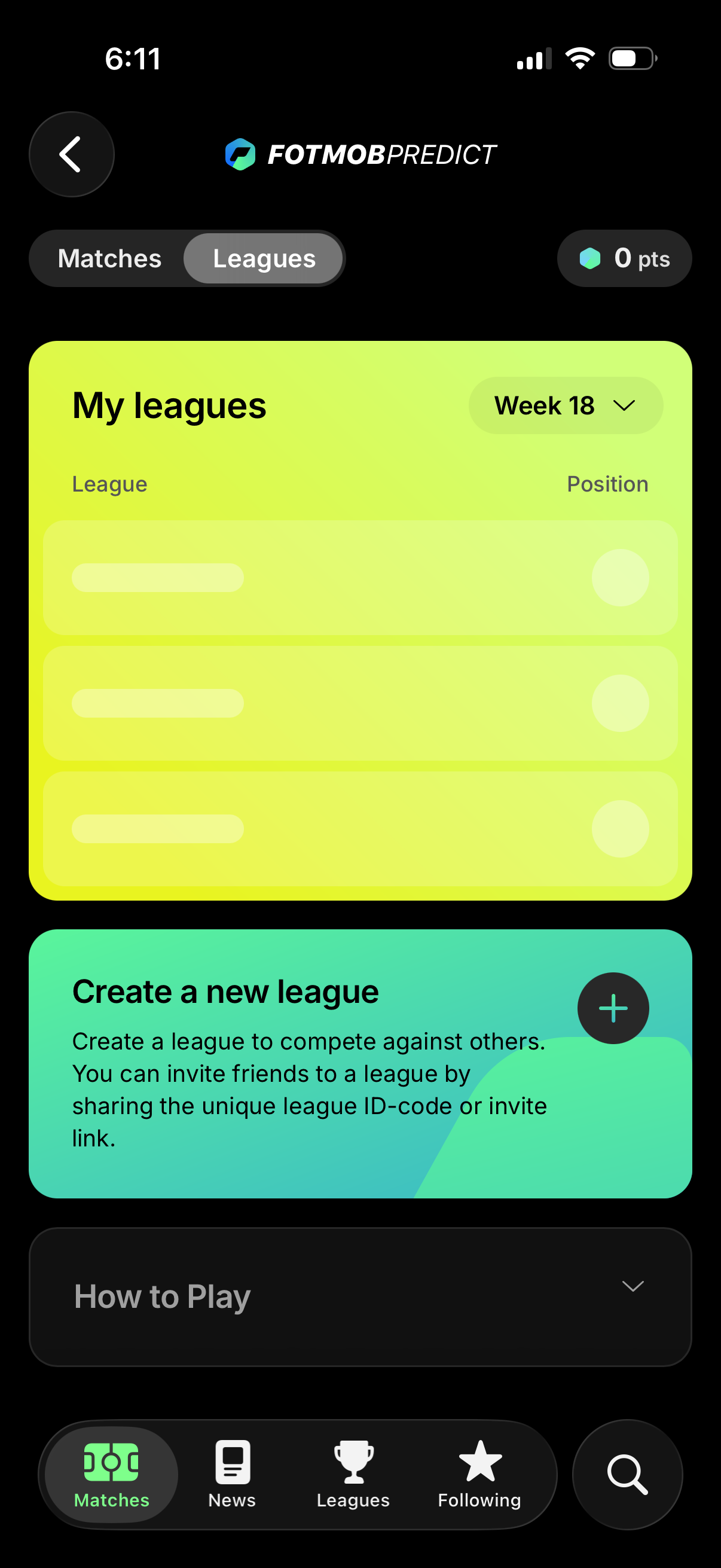
Sports prediction app leagues screen showing a “My leagues” list with each league and the user’s position, plus a week selector dropdown and current points balance. Includes a prominent “Create a new league” call-to-action with a plus button to start a league and invite friends via league ID code or invite link.
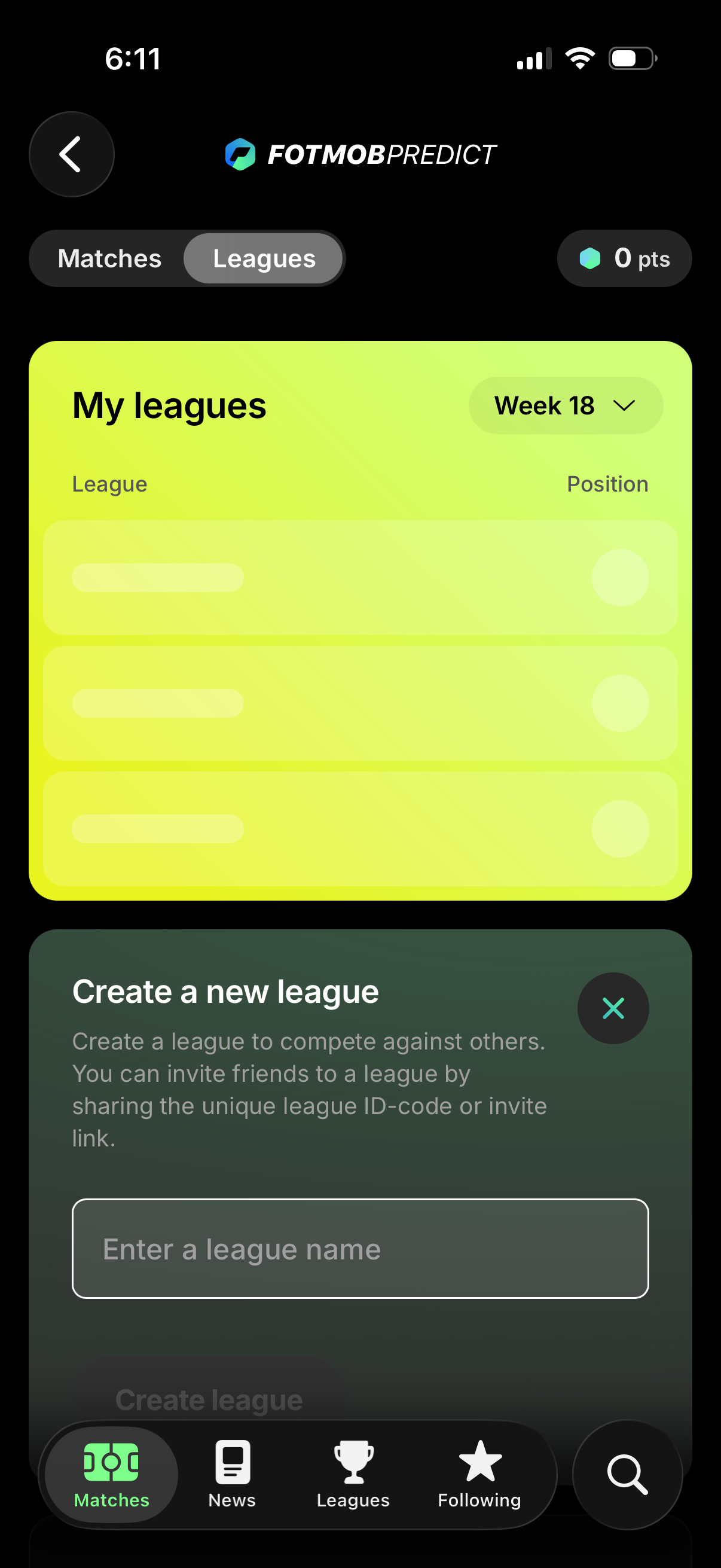
Fantasy sports prediction app leagues screen showing “My leagues” list with current position rankings and a week selector, plus a points indicator and tabs to switch between Matches and Leagues. A bottom sheet lets users create a new league by entering a league name and inviting friends via a league ID code or invite link.
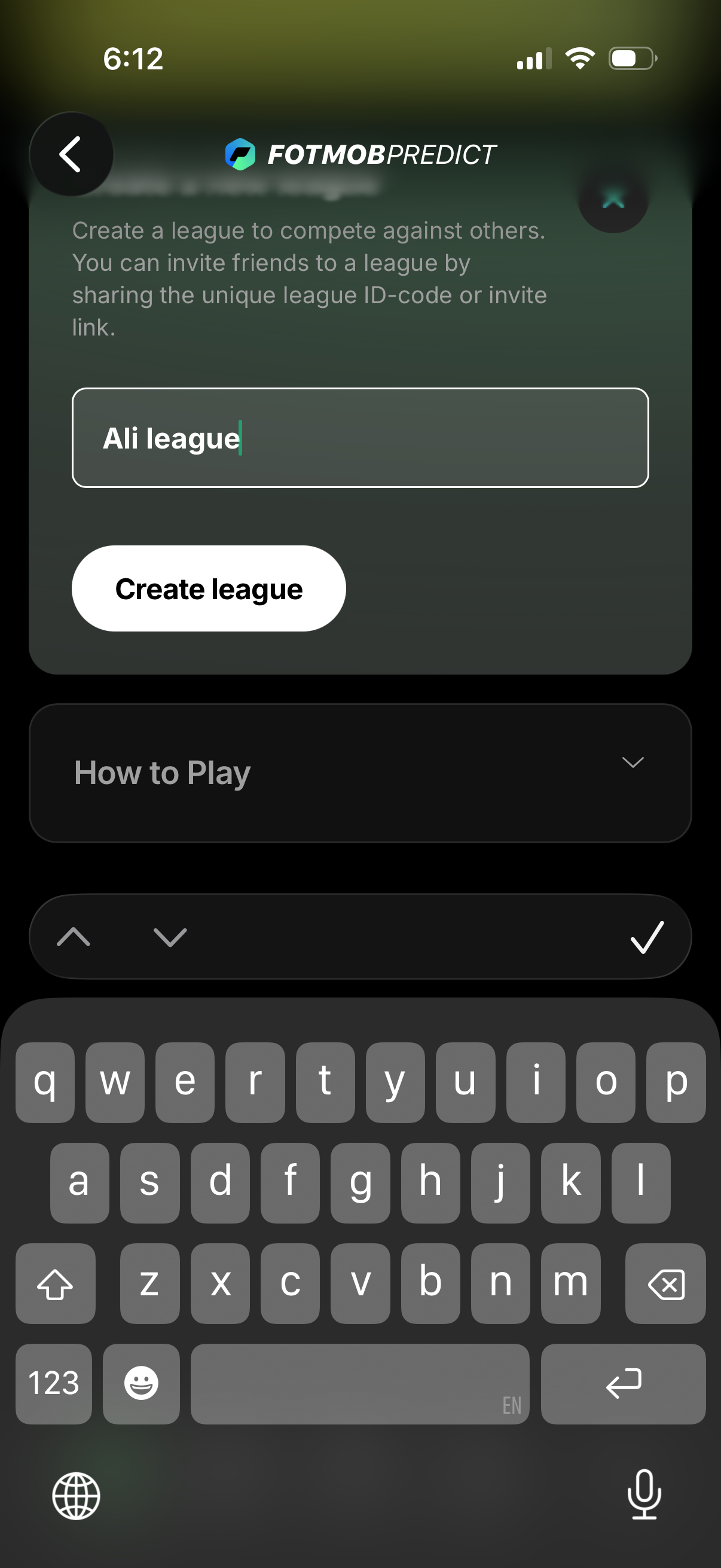
Create league screen for a sports prediction app where the user enters a league name in a text field and taps “Create league” to start a private competition. The page explains inviting friends via a unique league ID code or invite link and includes a collapsible “How to Play” section.
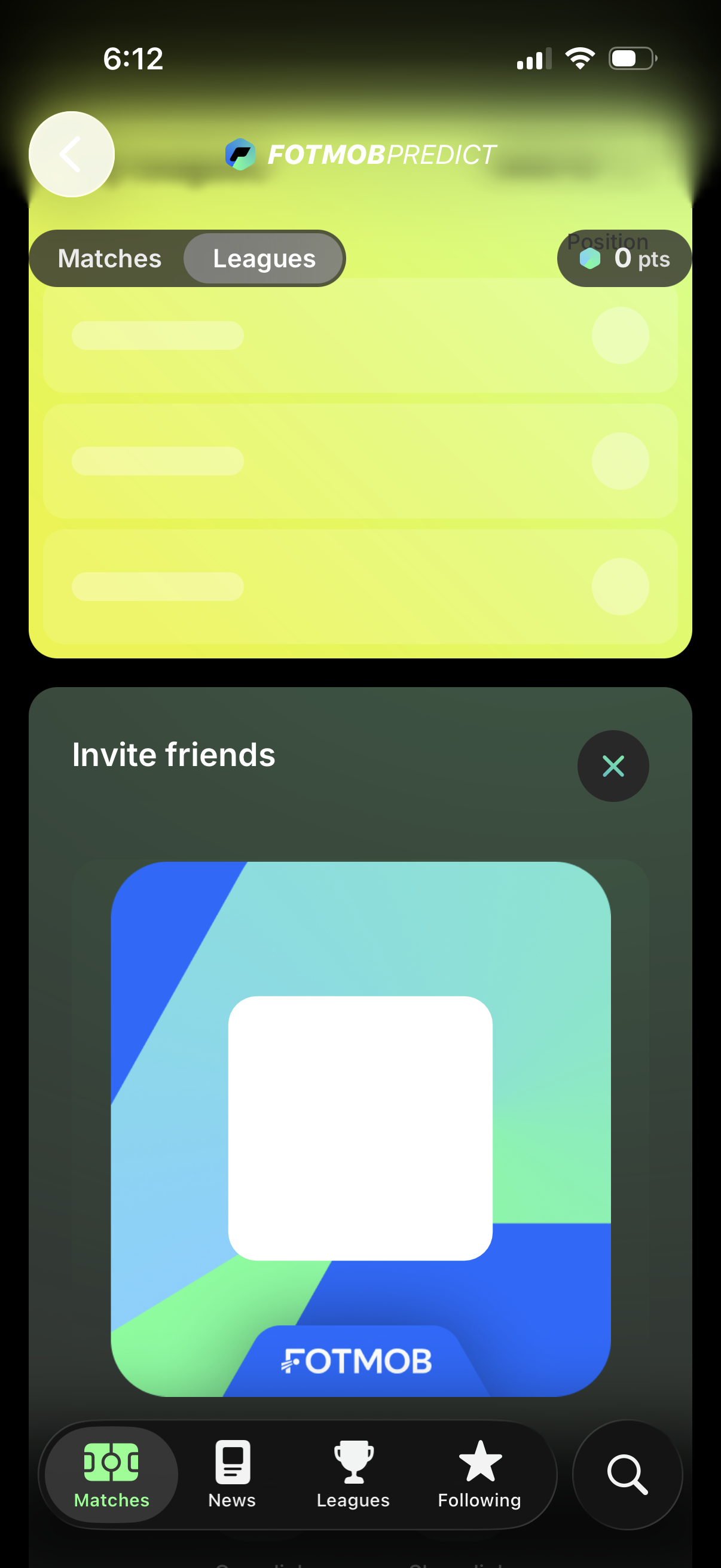
A sports prediction app screen (FotMob Predict) showing segmented tabs to switch between Matches and Leagues with a leaderboard summary displaying position and points. An “Invite friends” bottom sheet modal overlays the page with a close (X) button while the main app navigation bar remains visible.