Team Details
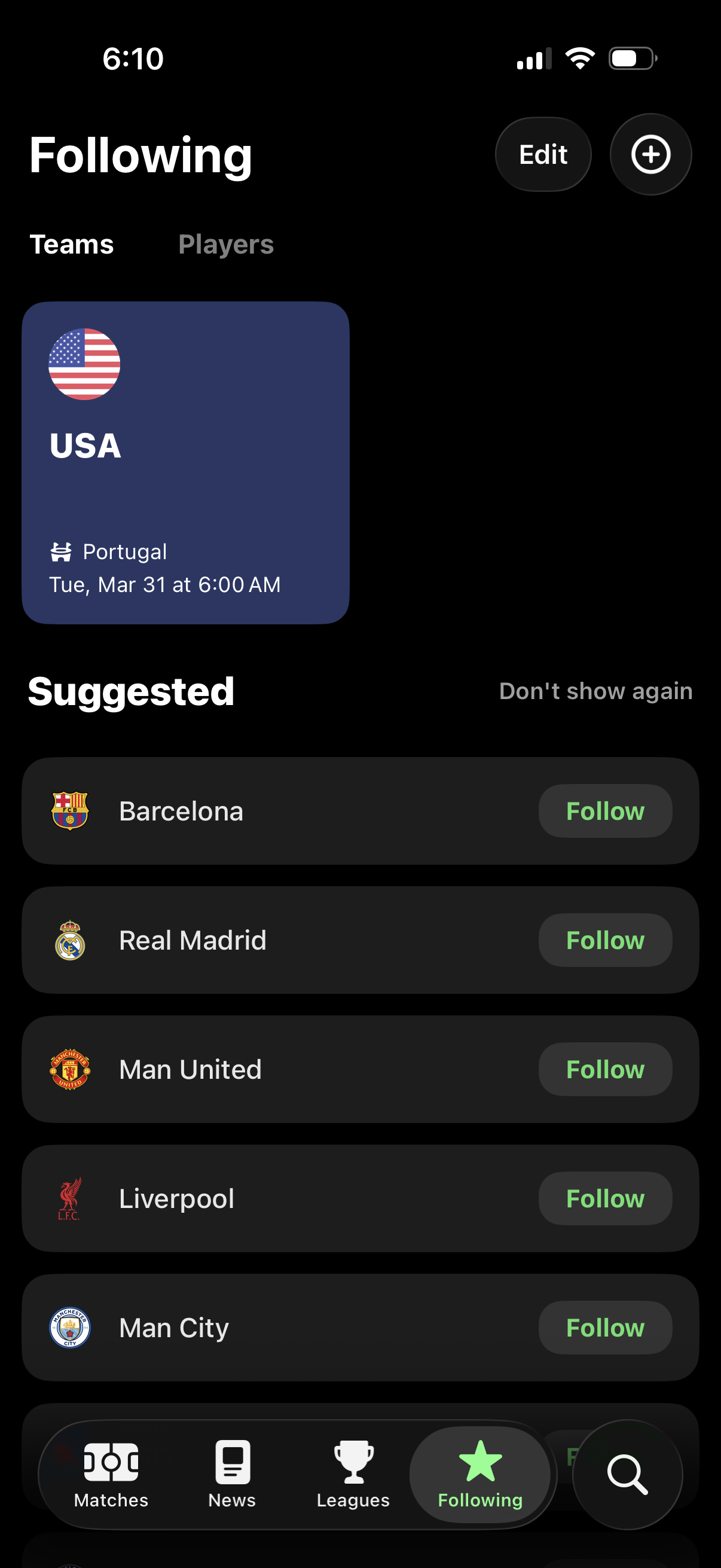
Sports app “Following” screen for managing followed teams or players, showing a featured followed team card with upcoming match details and tabs to switch between Teams and Players. Includes edit and add actions plus a suggested teams list with one-tap Follow buttons and an option to hide suggestions.
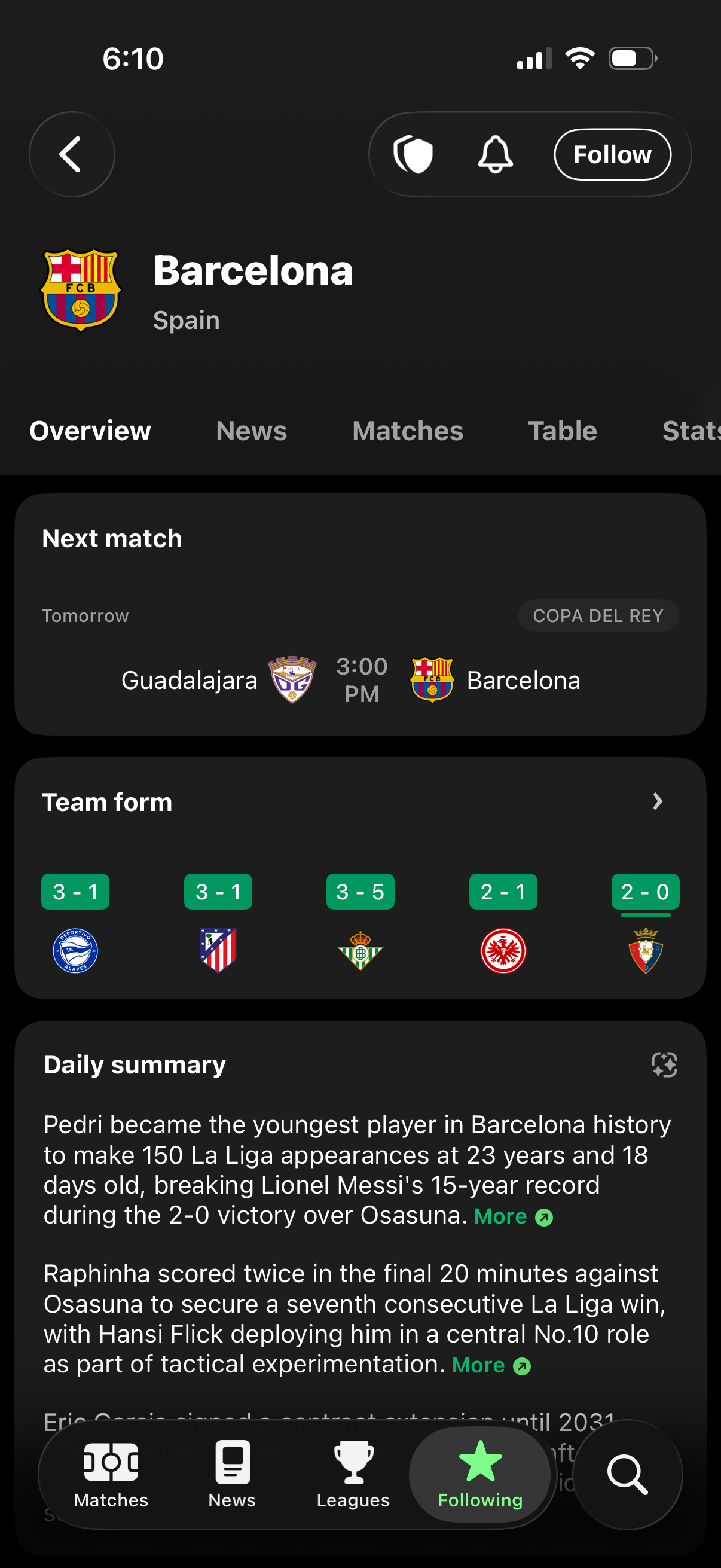
Sports team profile screen showing a football club’s overview with tabs for Overview, News, Matches, Table, and Stats, plus actions to follow and manage notifications. The page highlights the next match fixture with time and competition, recent team form results, and a daily news summary feed with links to read more.
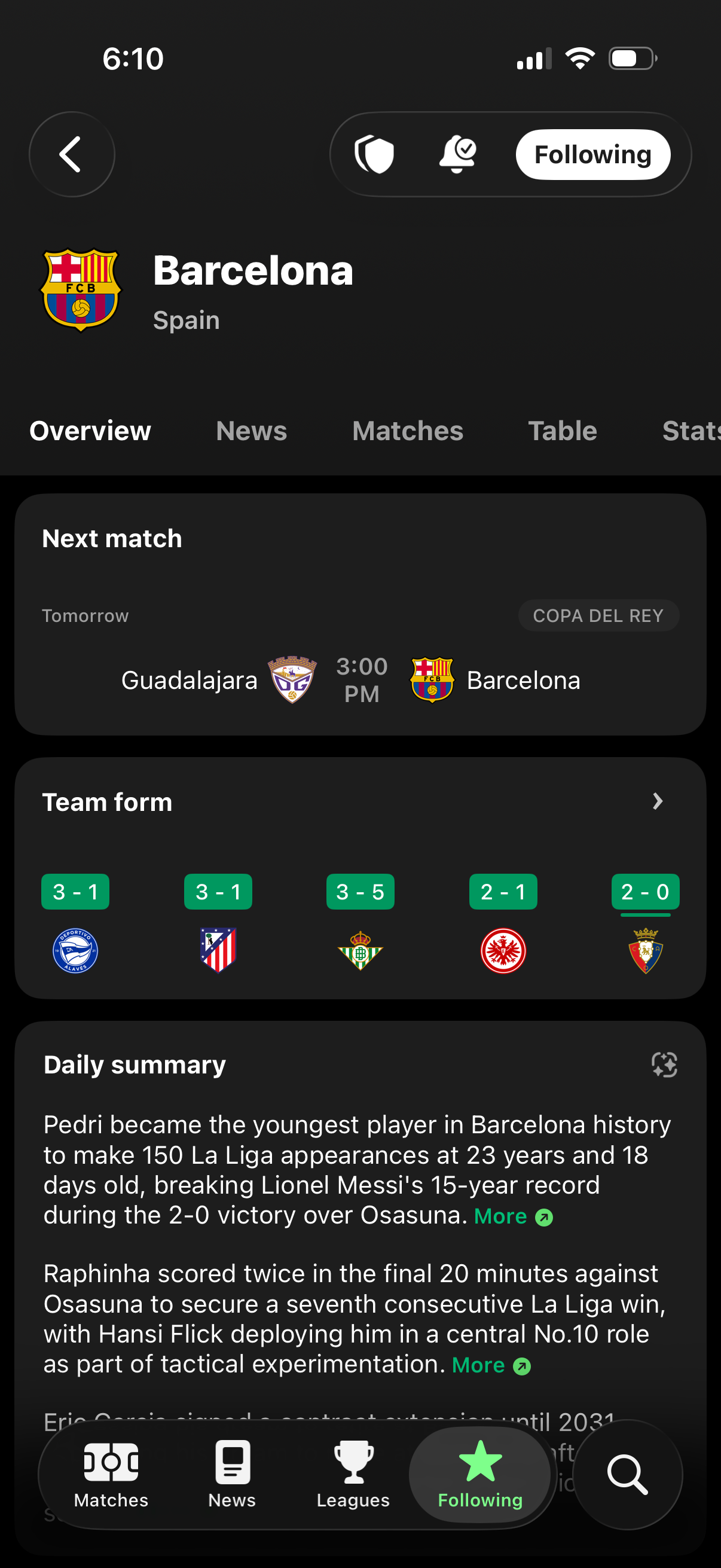
Sports team profile page for a soccer club showing an Overview tab with follow/unfollow and notification controls, plus cards for the next match fixture (opponent, time, competition), recent team form results, and a scrollable daily news/summary feed with “More” links. Top navigation includes tabs for News, Matches, Table, and Stats, with a bottom bar to switch between matches, news, leagues, and following.
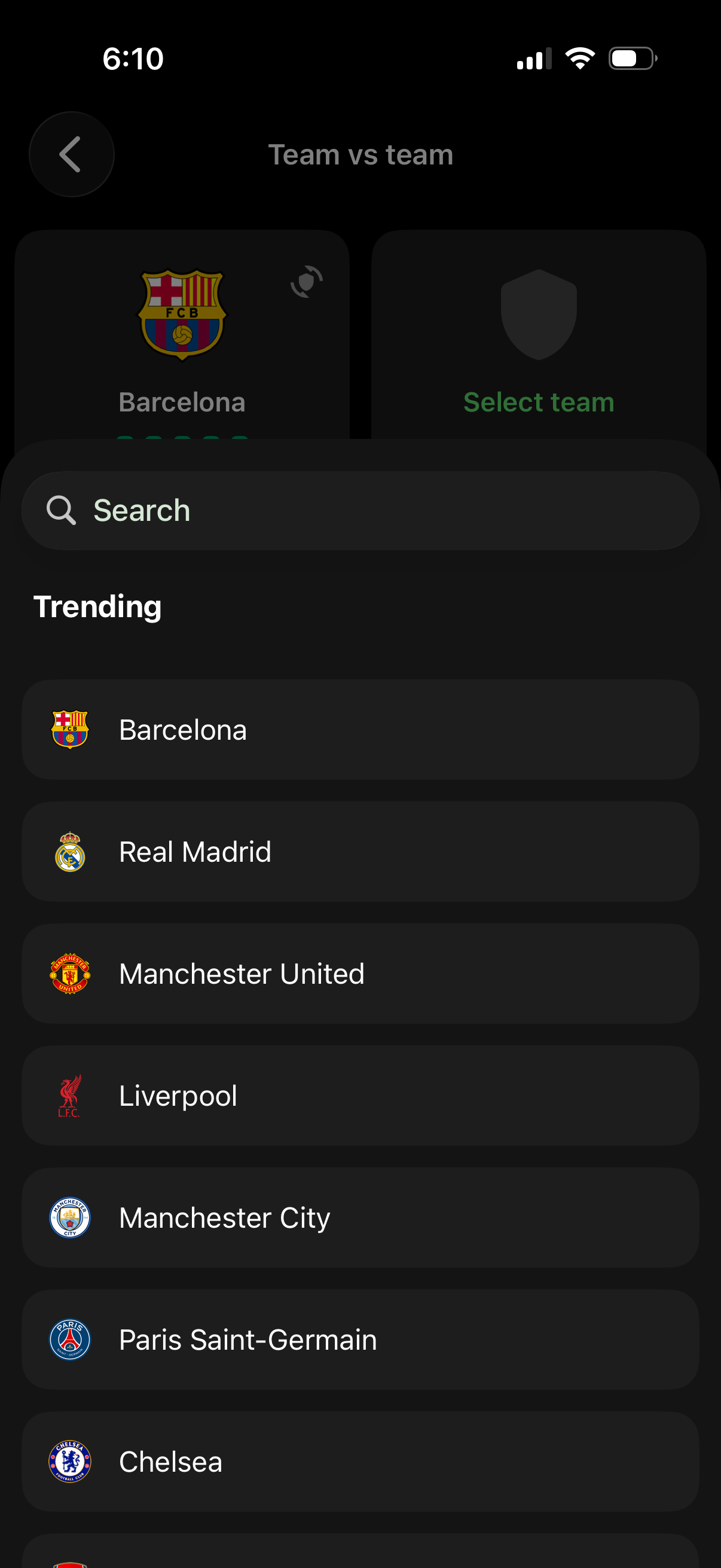
Modal team selection screen for a “team vs team” matchup, featuring a search bar and a trending list of football clubs with logos to quickly choose a team. Users can scroll and tap a club to set or change the selected team and return to the matchup setup.
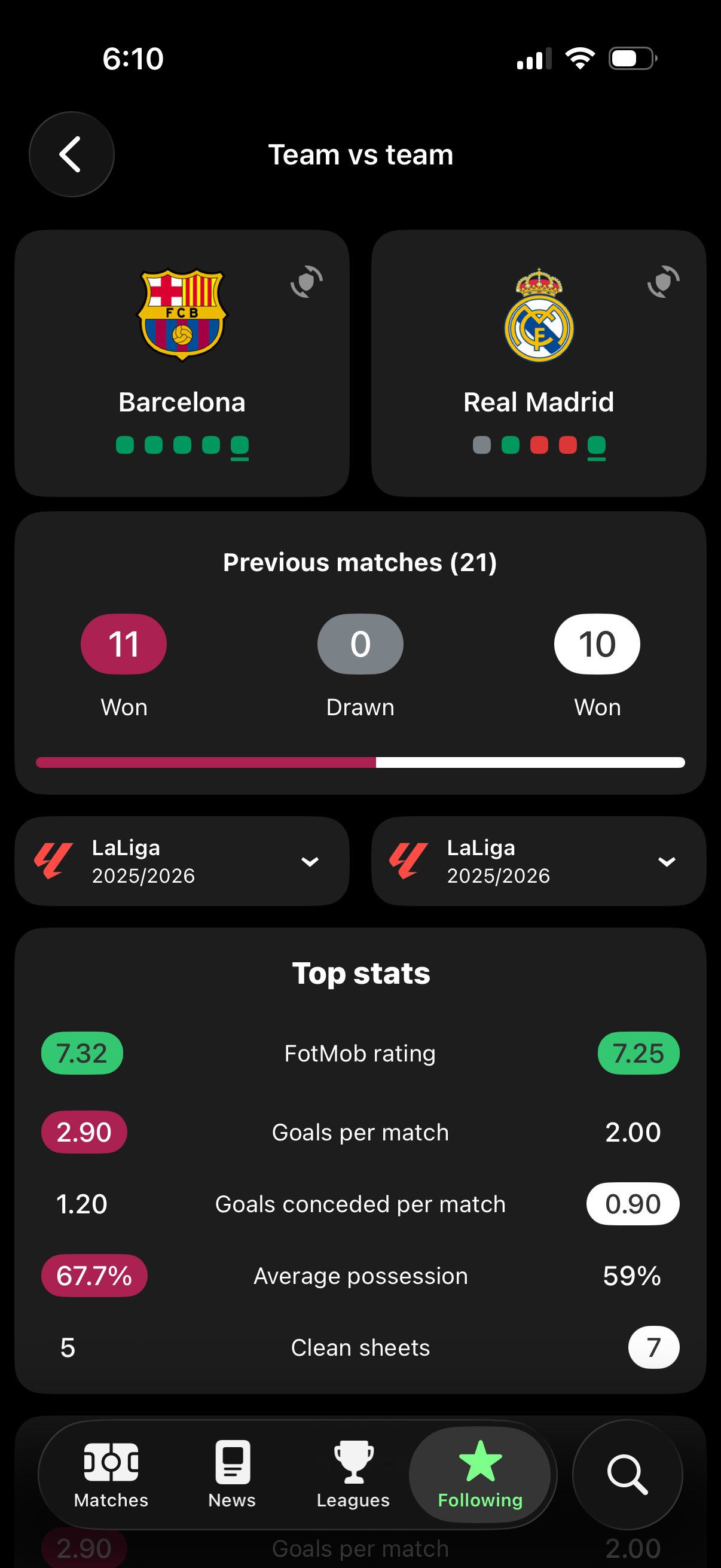
Team vs team comparison screen for a soccer matchup showing two clubs side by side with logos, recent form indicators, and head-to-head record including wins/draws and a progress bar. Users can filter by league/season and review top stats such as rating, goals per match, goals conceded, possession, and clean sheets.