search and follow team
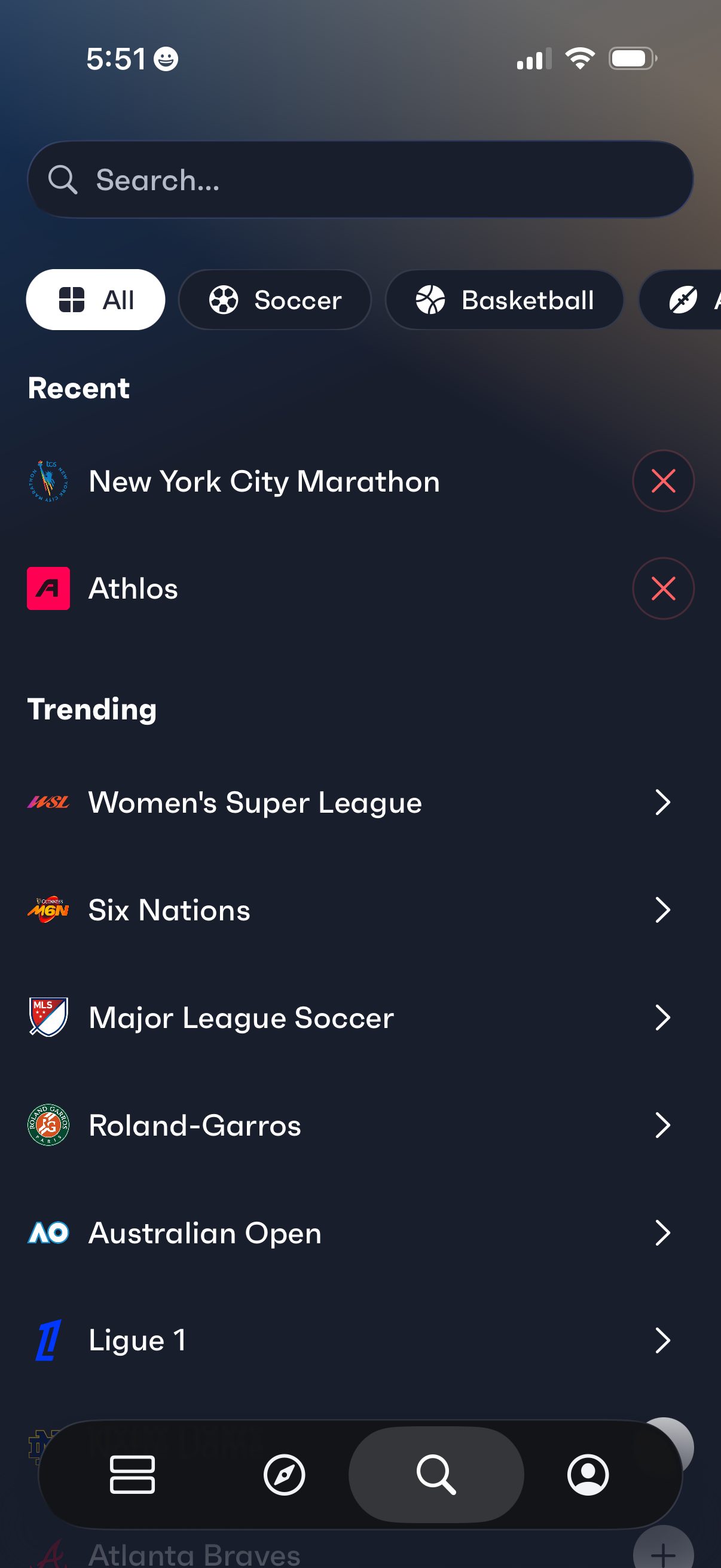
Sports discovery search screen with a search bar and horizontal category filters (All, Soccer, Basketball) for browsing leagues and events. Shows a Recent section with removable items and a Trending list of popular competitions that can be tapped to open.
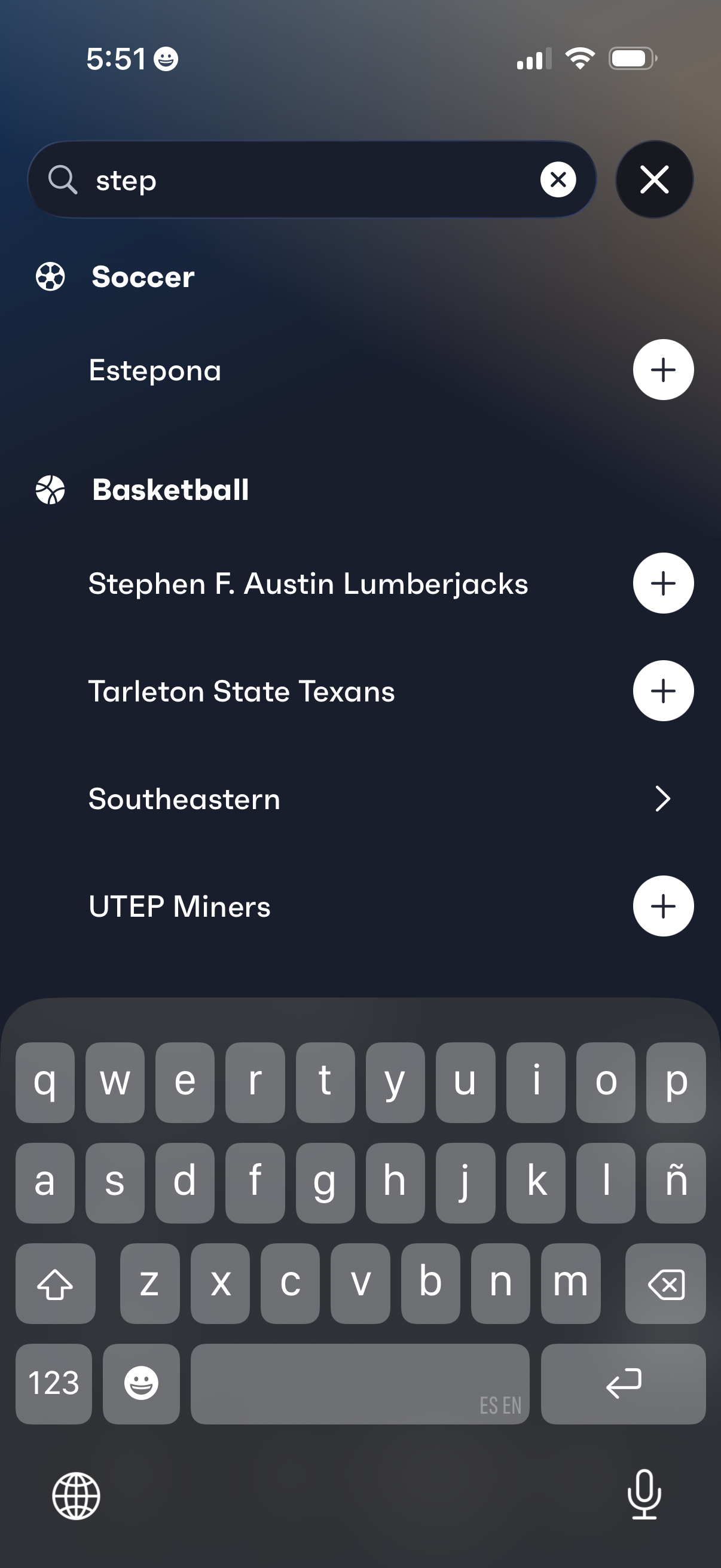
Sports search screen for discovering teams or clubs, with a keyword search bar and categorized results by sport (e. g.
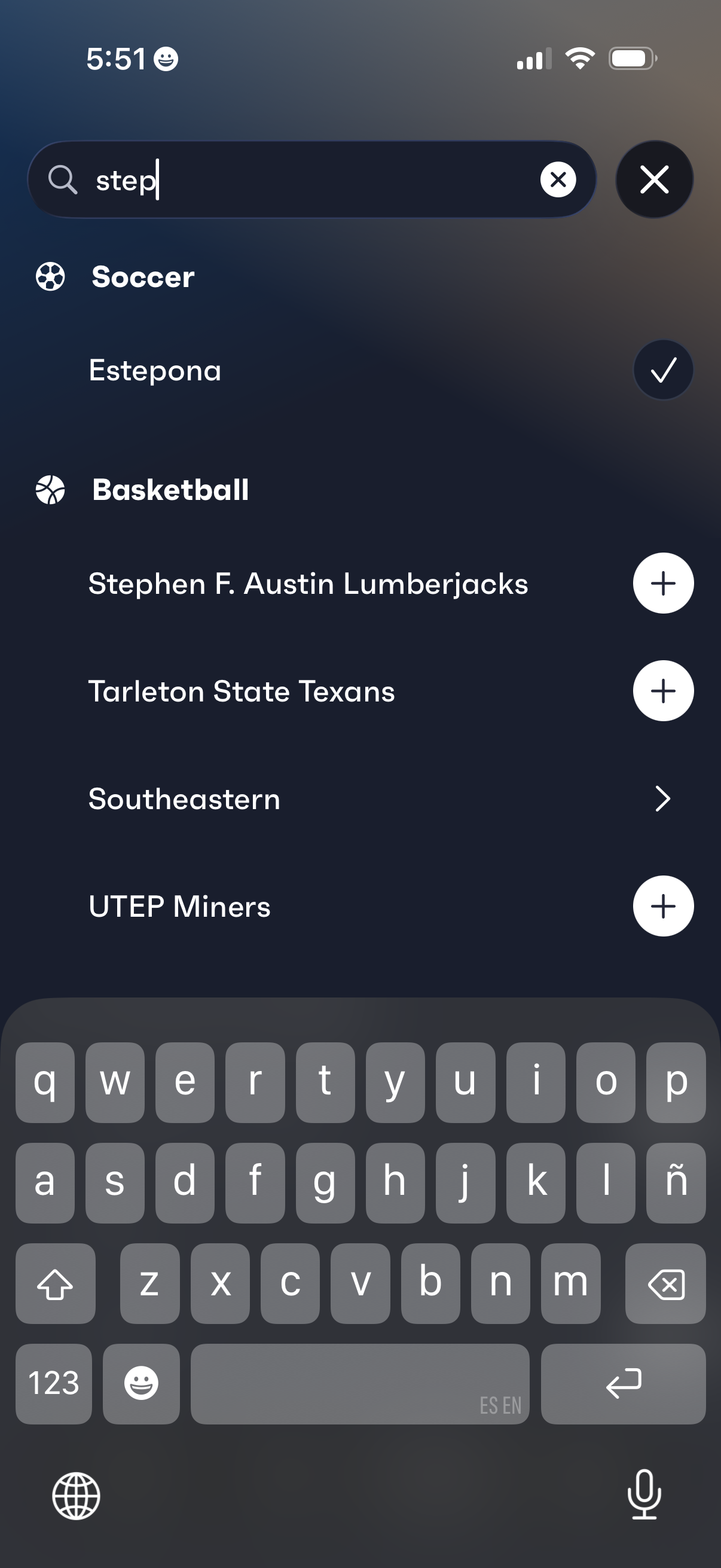
Search screen for discovering and following sports teams, with a query field and grouped results by sport (e. g.
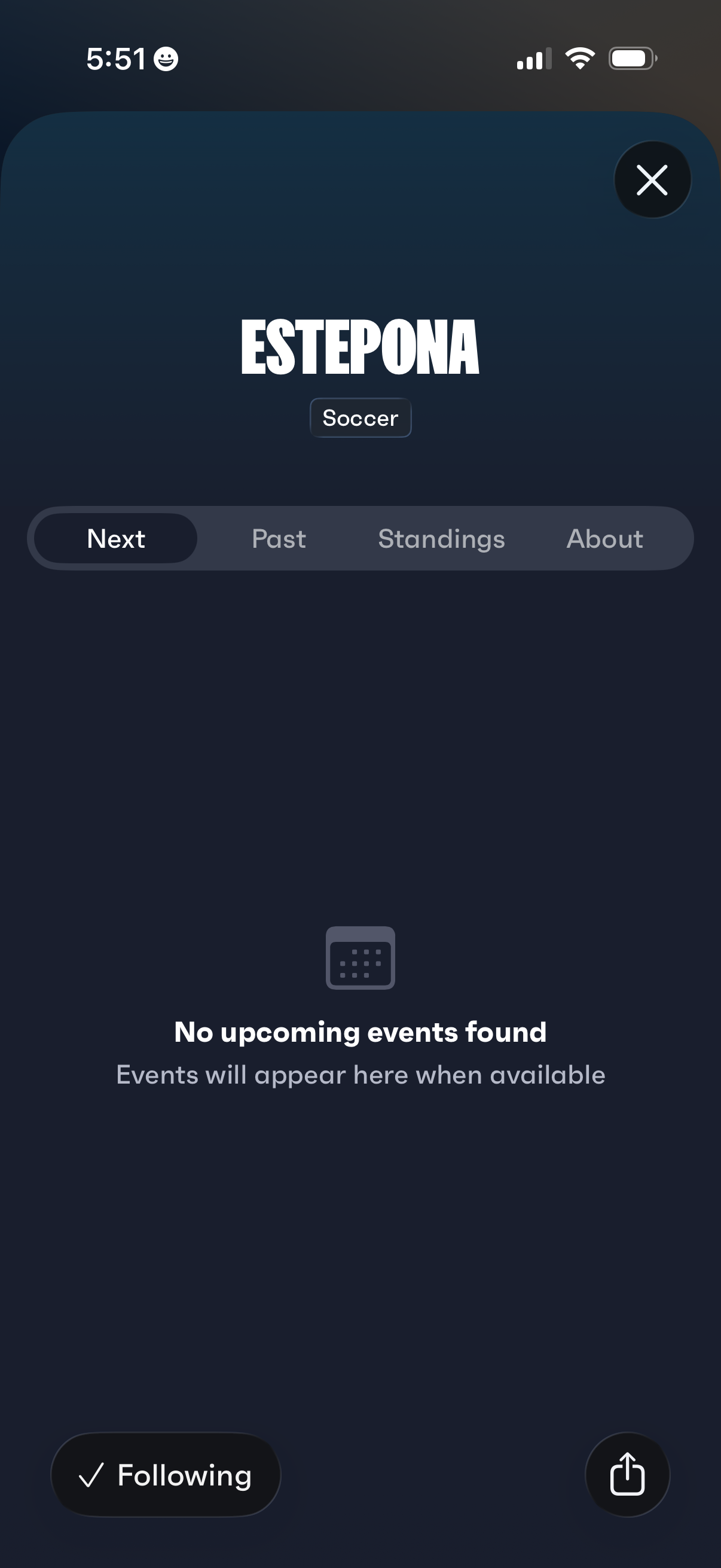
Sports team profile screen for a soccer club with tab navigation to view next fixtures, past results, standings, and team info, showing an empty state when no upcoming events are available. Includes primary actions to follow/unfollow the team, share the team page, and close the modal.
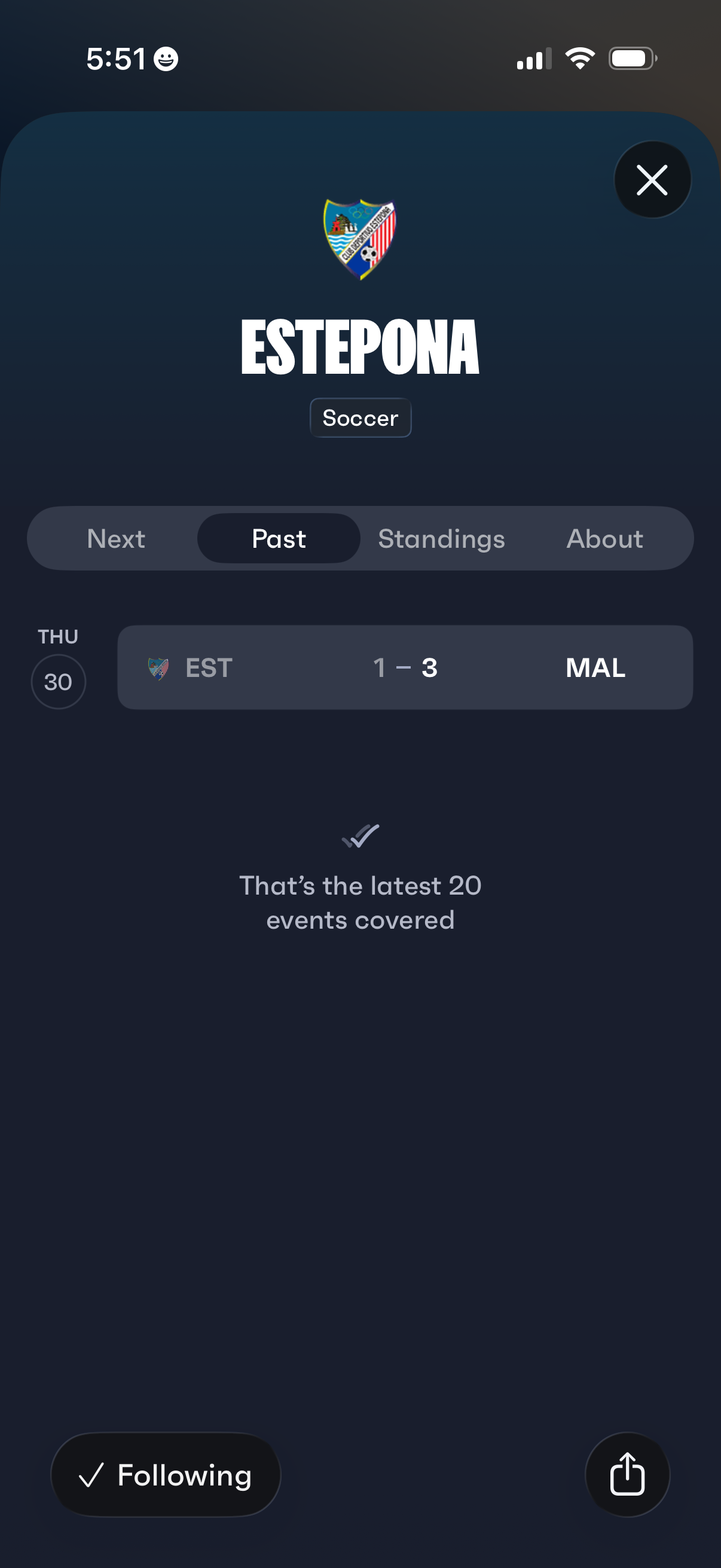
Sports team detail screen for a soccer club showing tabs to browse upcoming matches, past results, standings, and about info, with a list of recent match scores by date. Includes actions to close the page, follow/unfollow the team, and share the team profile.
Sports team detail screen for a soccer club with segmented tabs to view upcoming matches (Next), past results (Past), league standings, and team info (About). The Standings tab is selected and shows an empty state message “No standings found,” with actions to follow/unfollow the team, share, and close the screen.
Soccer team profile screen showing a club header with logo and sport tag, plus tab navigation to view next matches, past results, standings, and an about section. The About tab displays an empty state with “No details found” messaging and provides actions to follow/unfollow the team, report the team, share, or close the page.