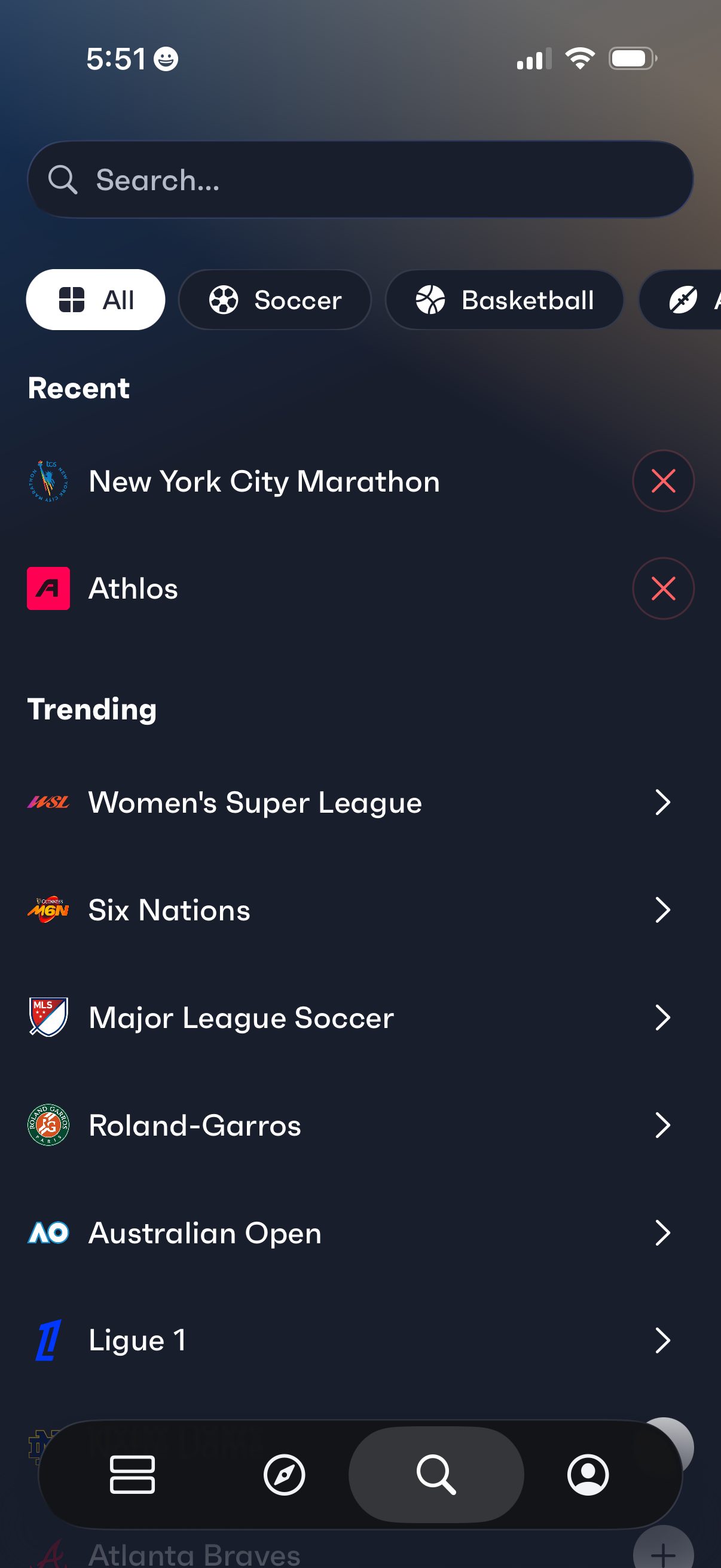
Sports discovery search screen with a search bar and horizontal category filters (All, Soccer, Basketball) for browsing leagues and events. Shows a Recent section with removable items and a Trending list of popular competitions that can be tapped to open.
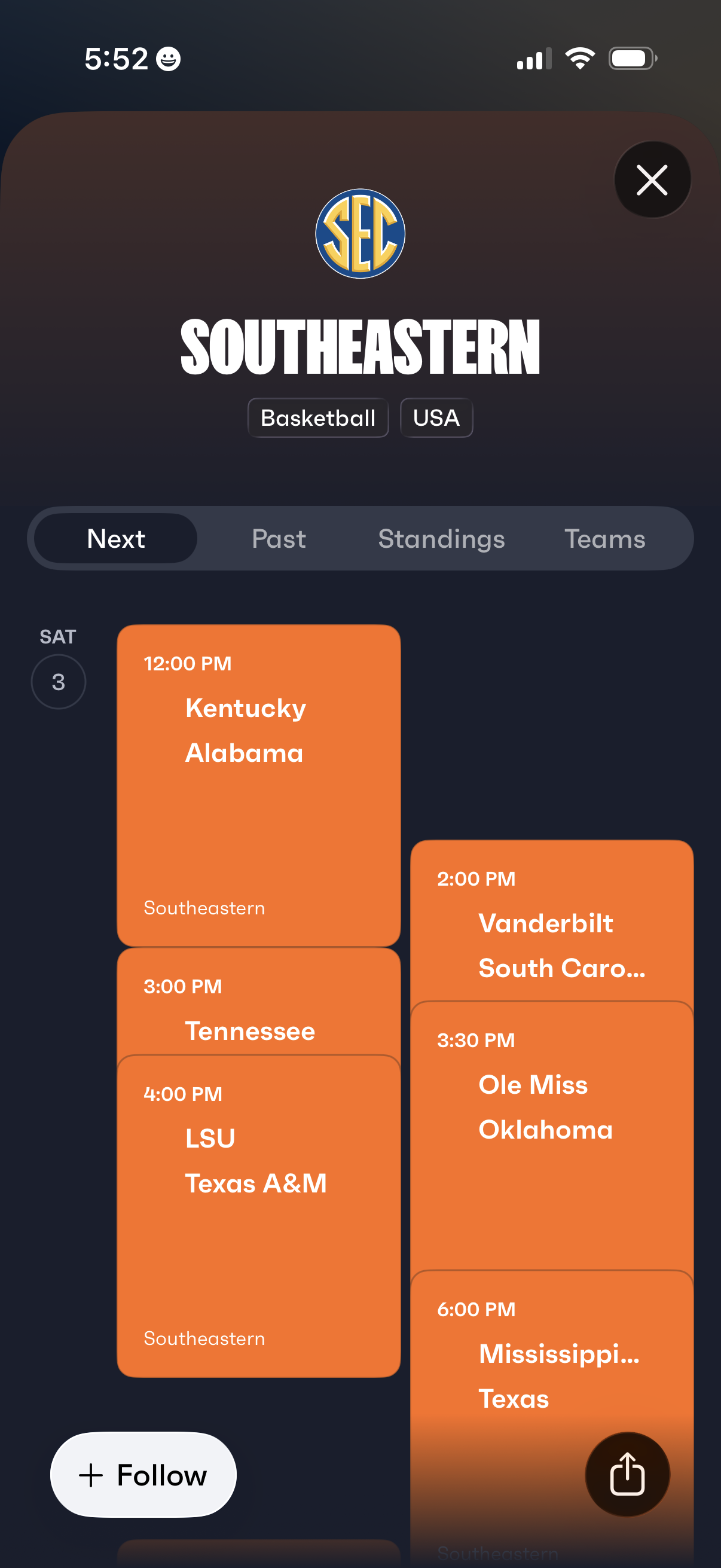
Sports league details screen for Southeastern (SEC) basketball showing a schedule of upcoming games with date and tip-off times in a scrollable list, plus tabs to switch between Next, Past, Standings, and Teams. Includes primary actions to follow the league and close or share the page.
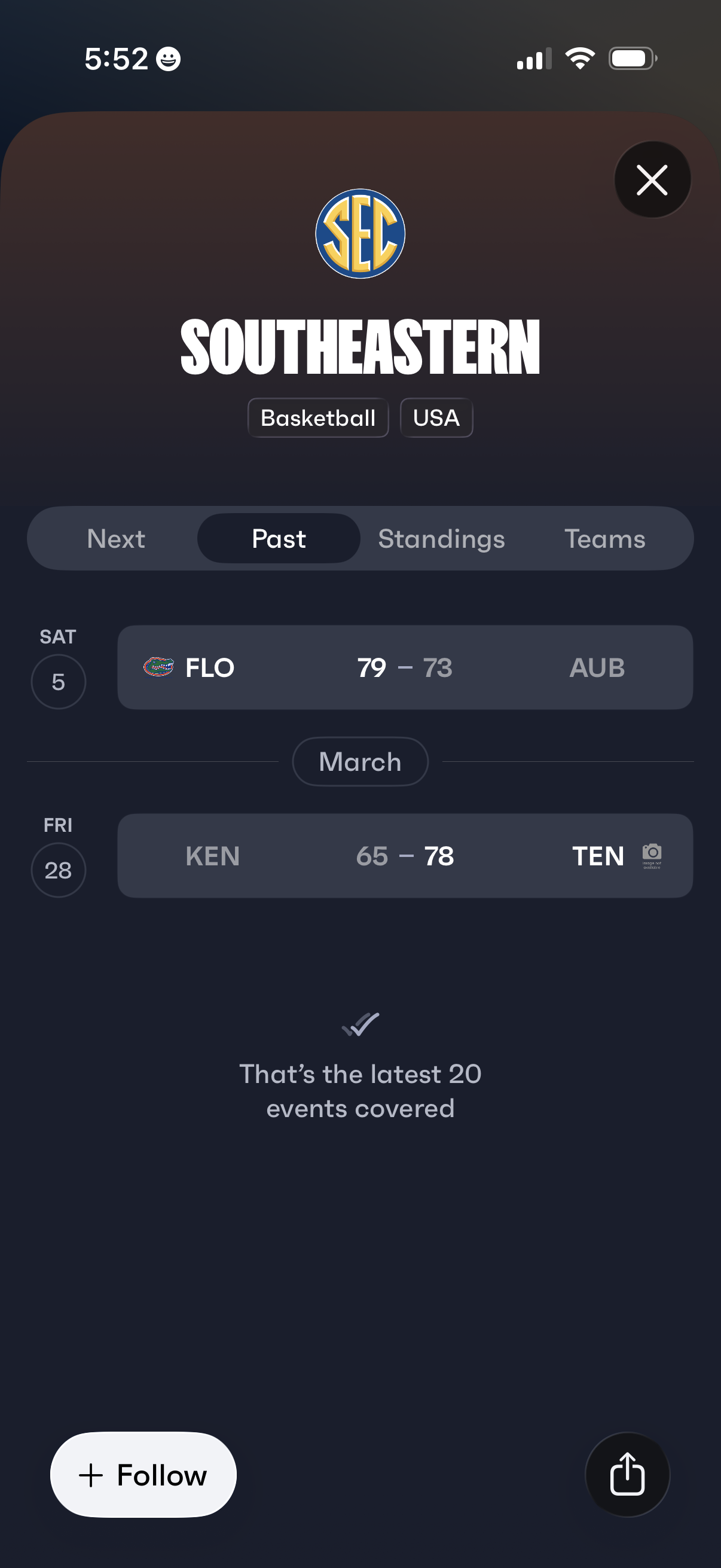
Sports league overview screen for a basketball conference showing recent (past) game results in a date-grouped list with team abbreviations/logos and final scores. Includes tabs to switch between next games, past results, standings, and teams, plus actions to follow the league, share, and close the modal.
Sports league detail screen for a basketball conference showing a segmented tab bar to switch between Next, Past, Standings, and Teams, with Standings selected and an empty-state message when no standings are available. Includes primary actions to follow the league and share, plus a close button to dismiss the view.
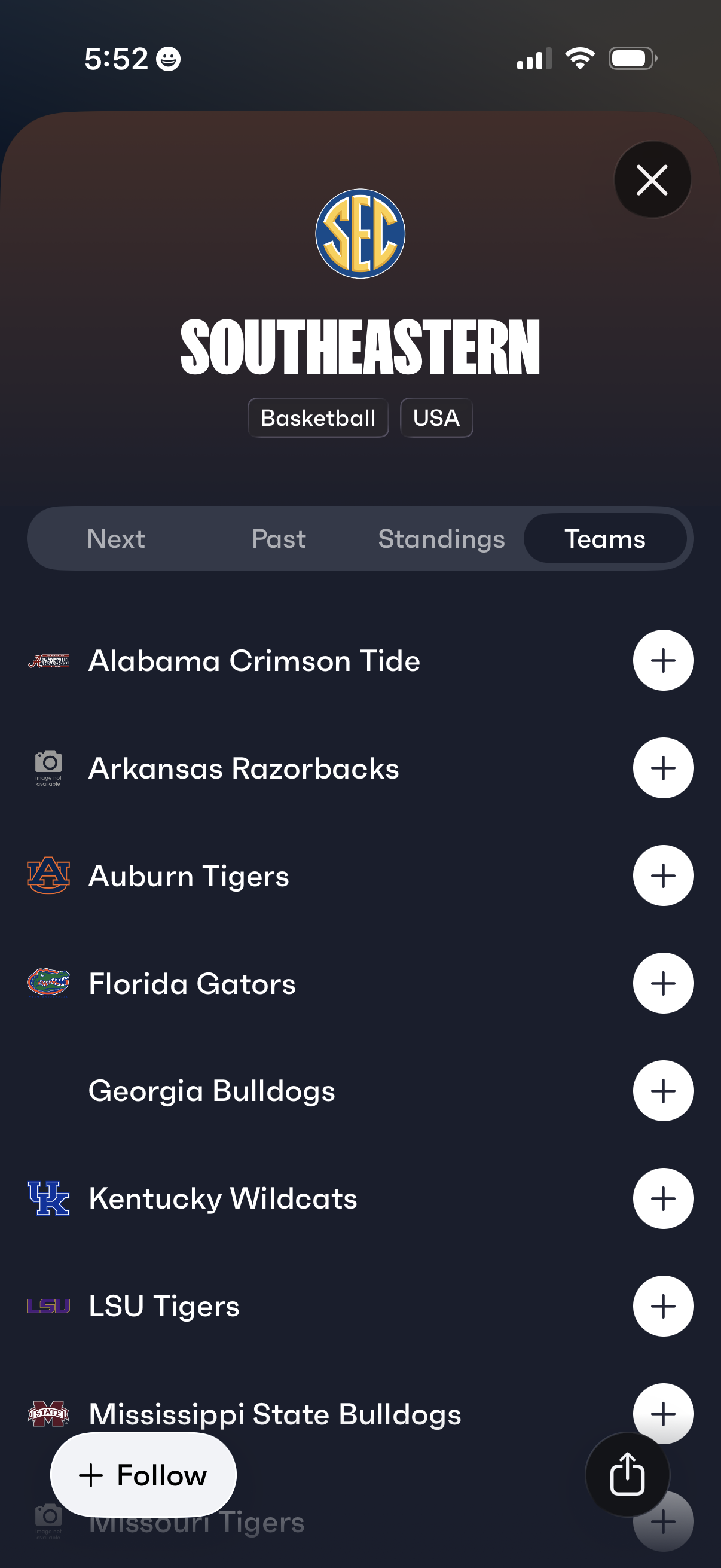
Sports league/conference page for Southeastern (SEC) basketball showing segmented tabs for Next, Past, Standings, and Teams, with the Teams tab listing member schools. Each team row includes a logo and a plus button to follow/add the team, with options to close or share the screen.