browse popular by sport
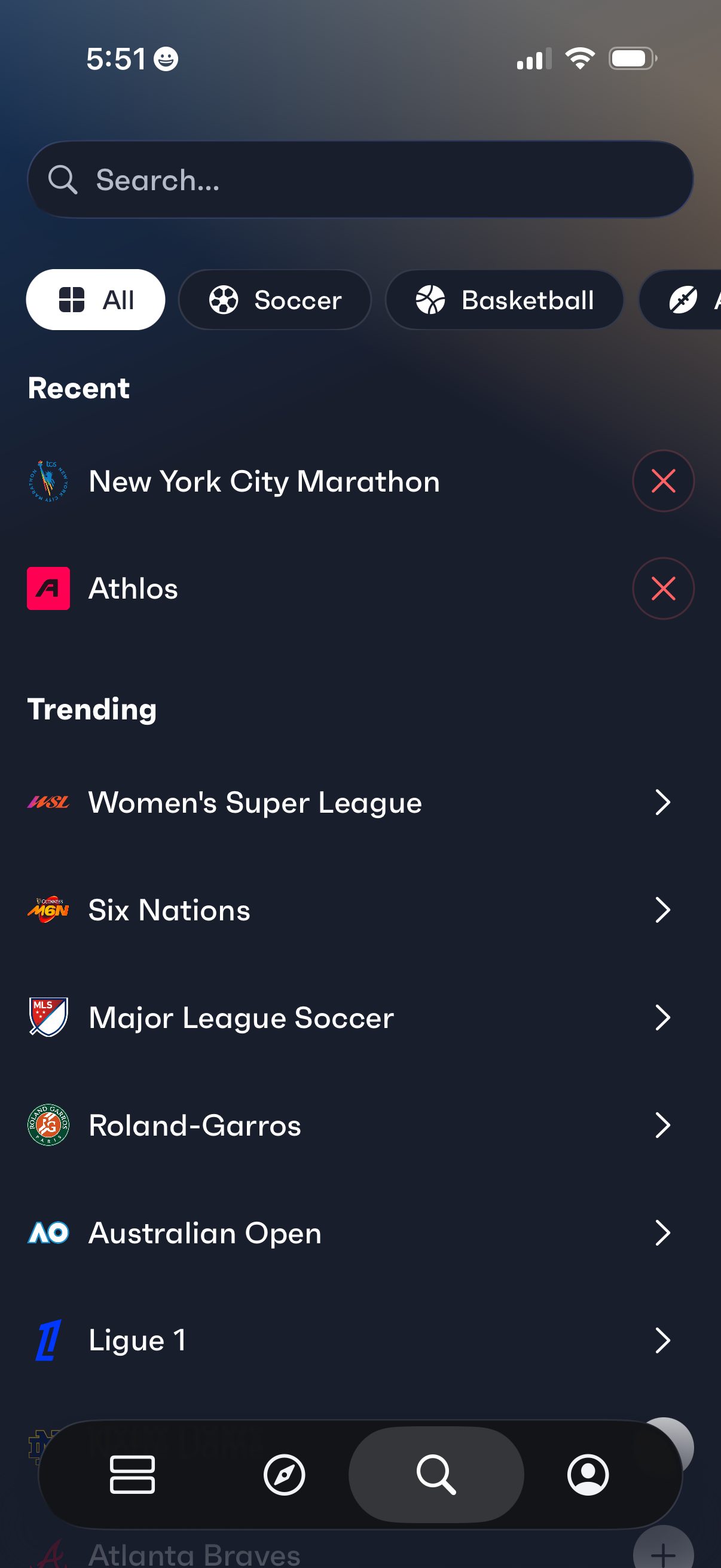
Sports discovery search screen with a search bar and horizontal category filters (All, Soccer, Basketball) for browsing leagues and events. Shows a Recent section with removable items and a Trending list of popular competitions that can be tapped to open.
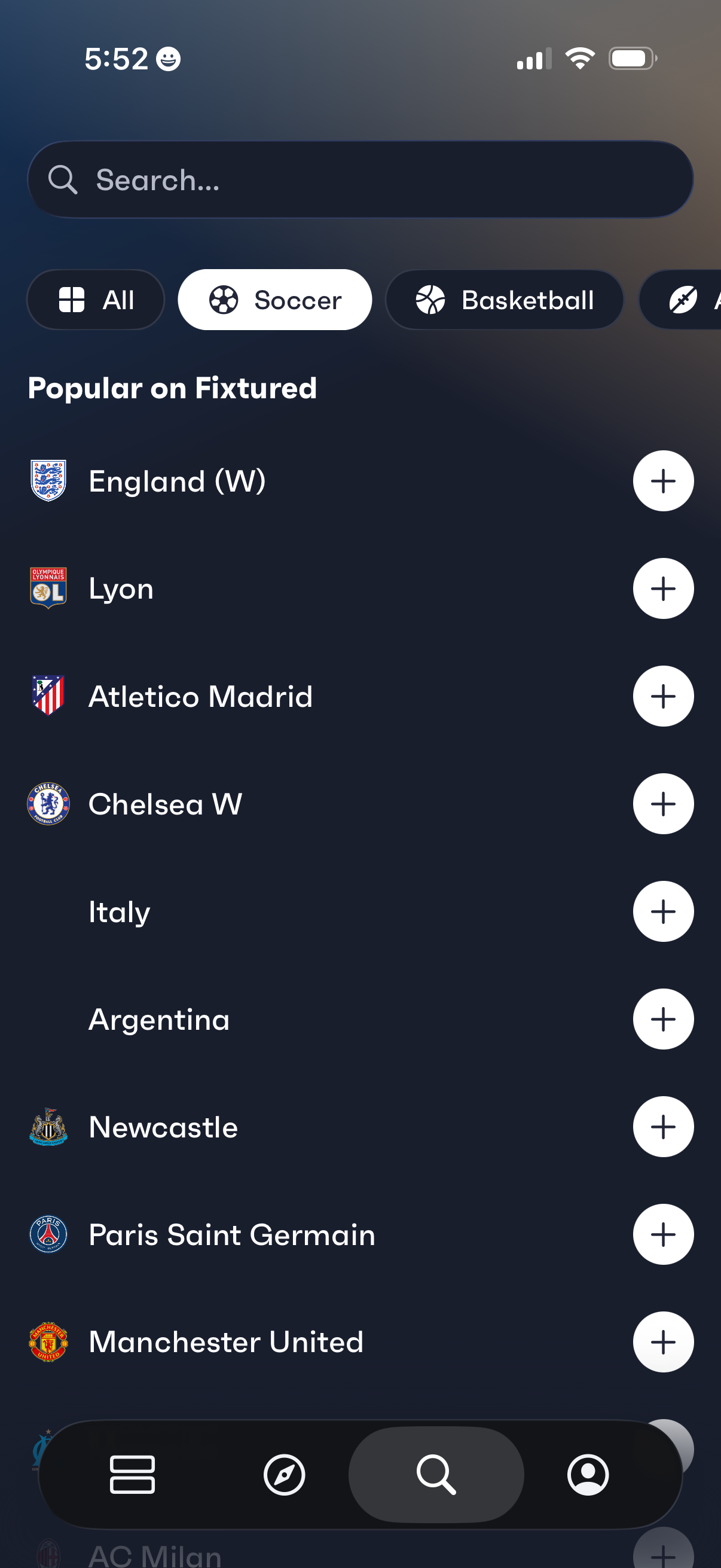
Sports discovery and favorites screen with a search bar and category filters (All, Soccer, Basketball) showing a “Popular” list of teams and national squads. Each row displays the team name and logo with a plus button to follow/add it to your favorites for updates and fixtures.
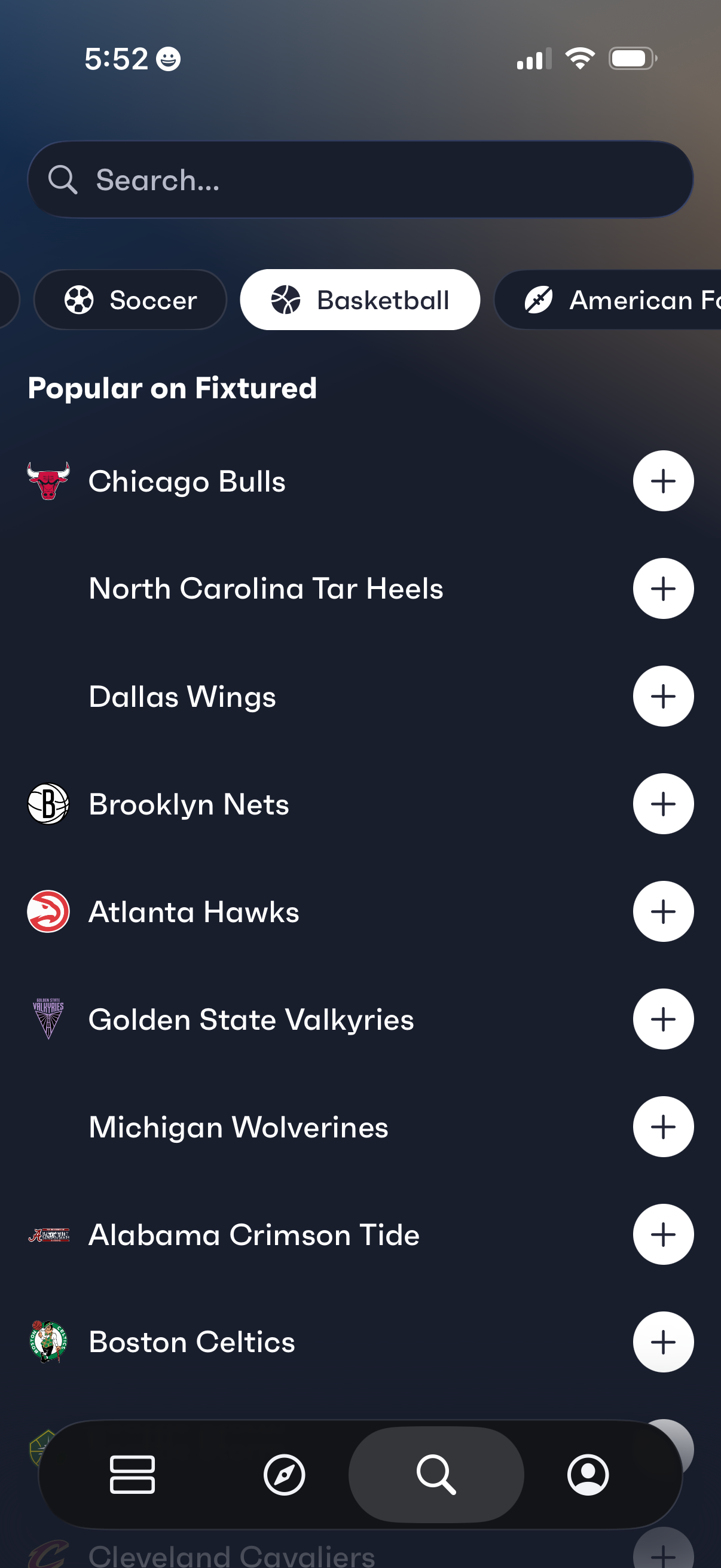
Sports favorites discovery screen with a search bar and sport category chips (e. g.
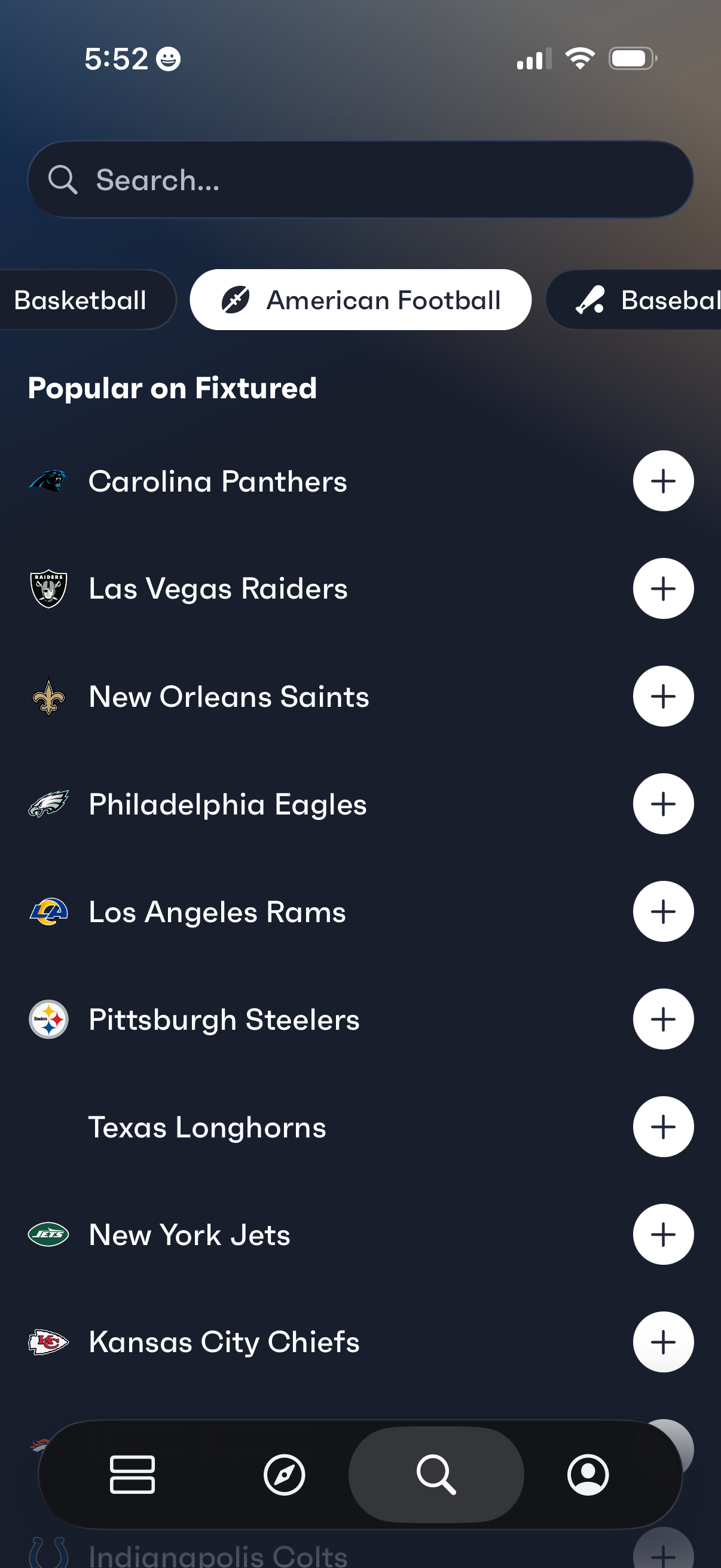
Sports discovery screen for selecting and following teams, featuring a search bar, sport category chips (e. g.
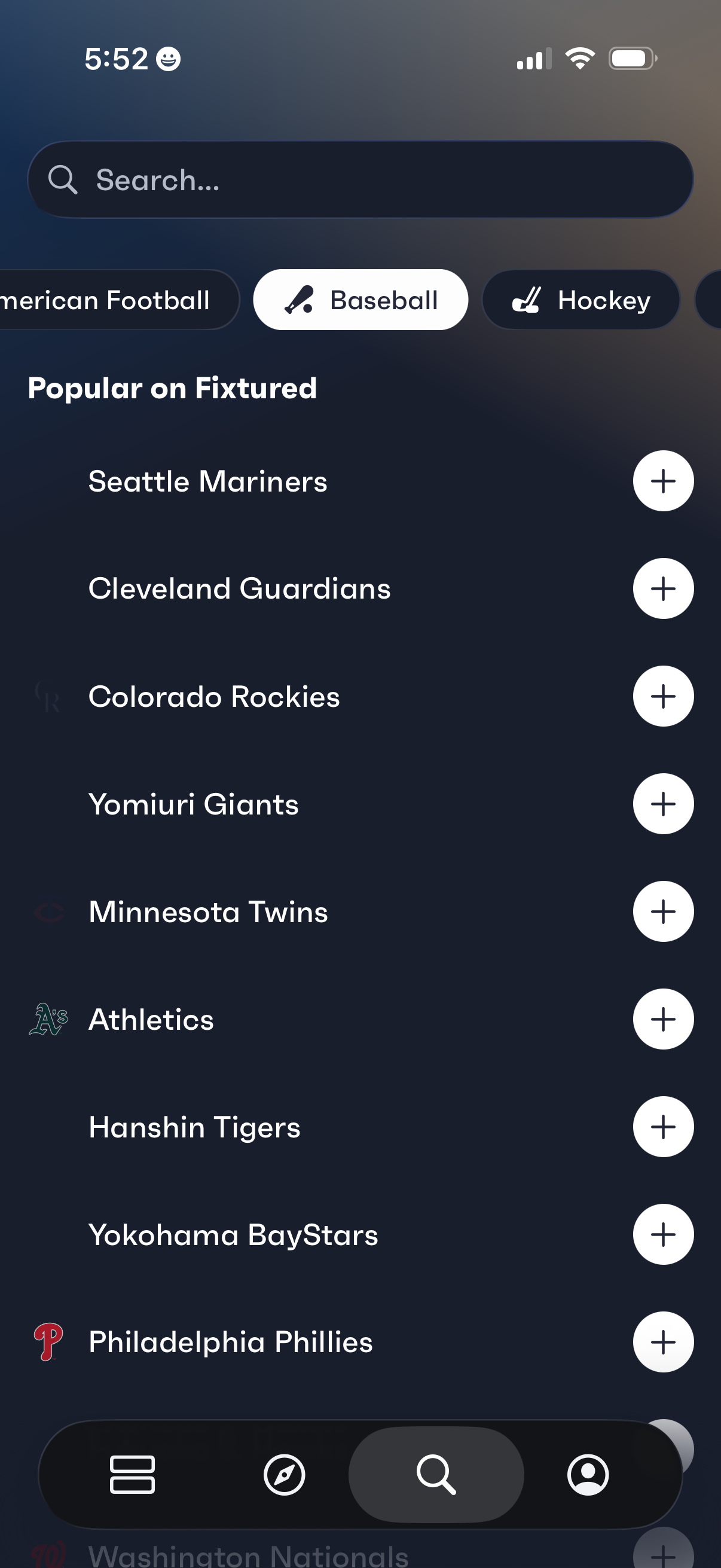
Sports team discovery screen with a search bar and sport category filters (e. g.
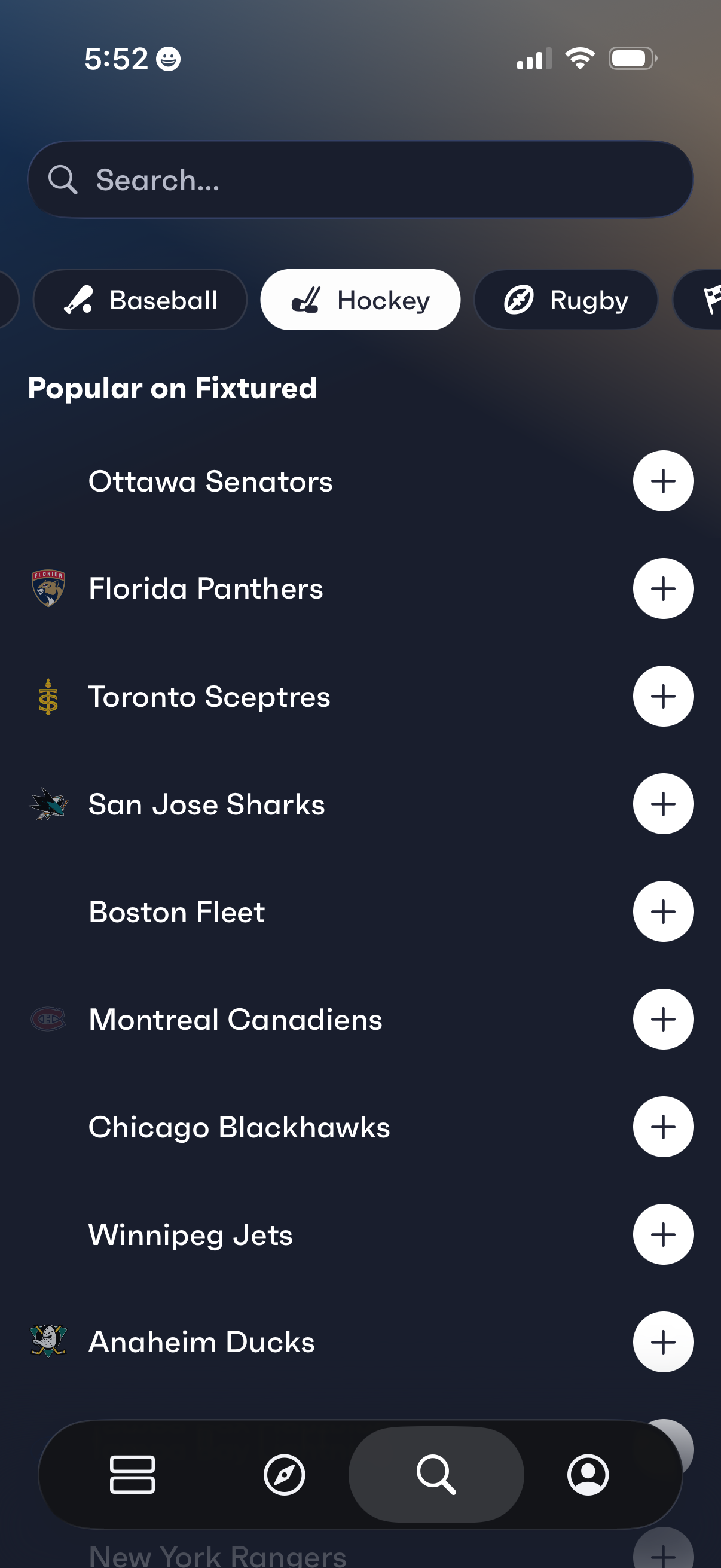
Sports favorites discovery screen with a search bar and sport category chips (e. g.
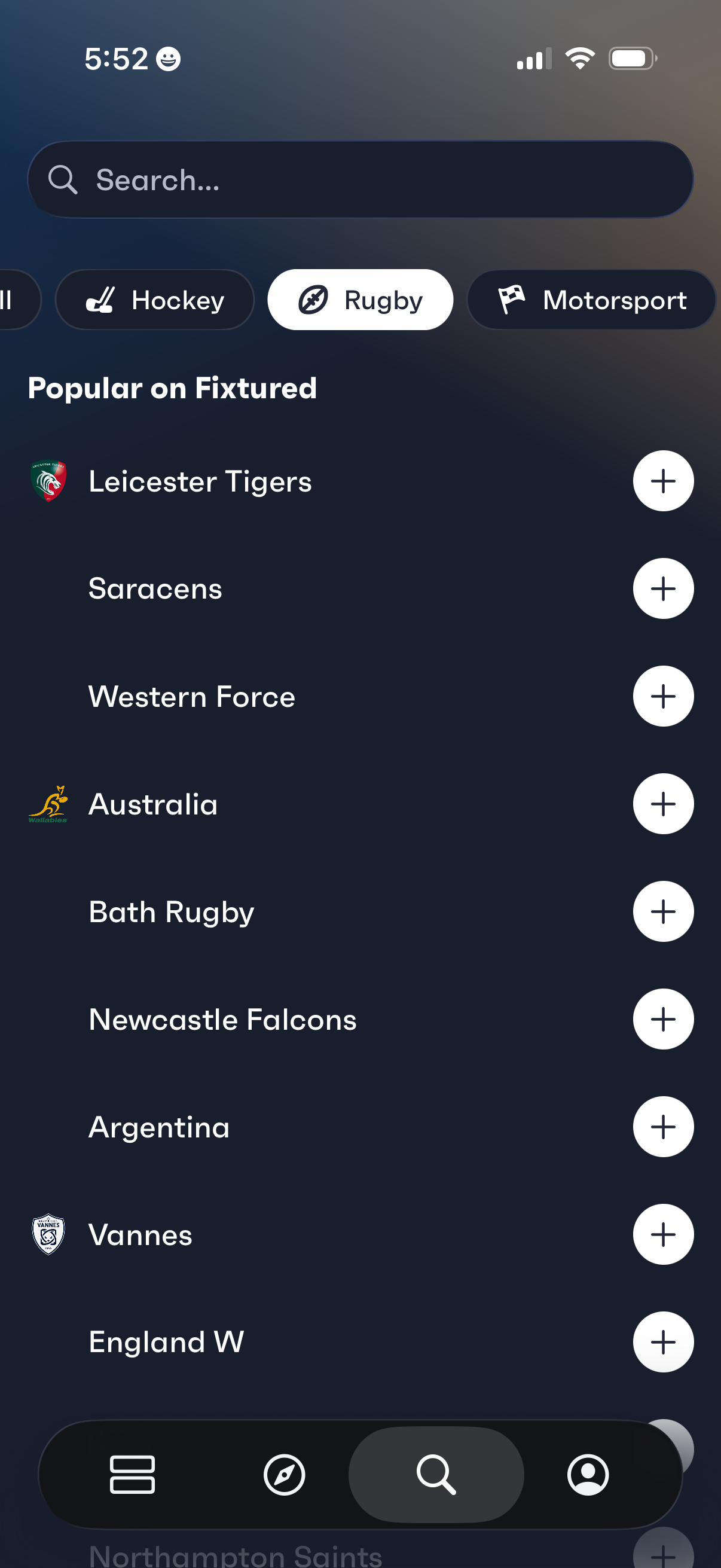
Sports app discover screen for selecting teams to follow: includes a search bar, sport category chips (e. g.