set up money transfer
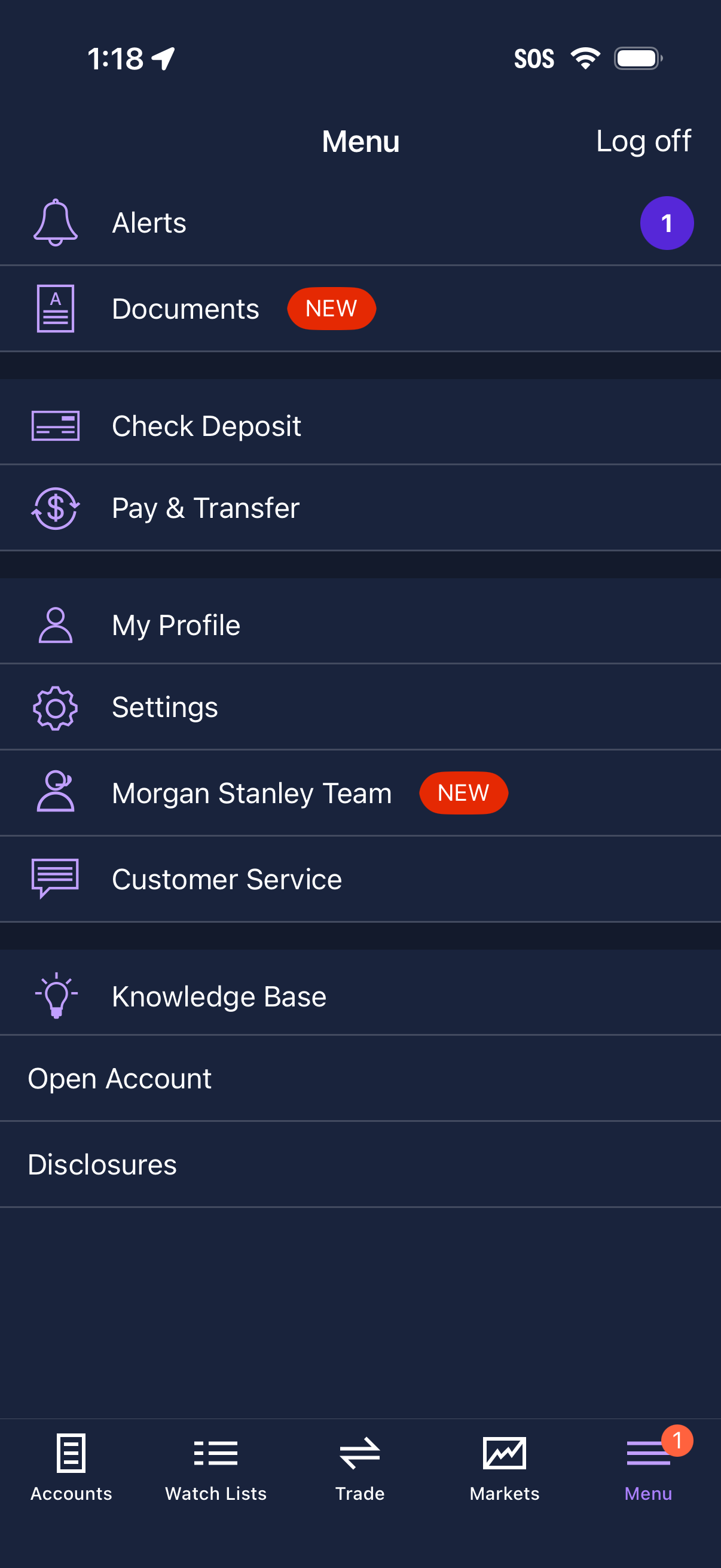
Mobile finance app navigation menu showing a list of account actions and support links, including alerts, documents, check deposit, pay & transfer, profile, settings, team contact, customer service, knowledge base, open account, and disclosures, with “new” badges and notification counts. The screen also includes a log off option and a bottom tab bar for Accounts, Watch Lists, Trade, Markets, and Menu.
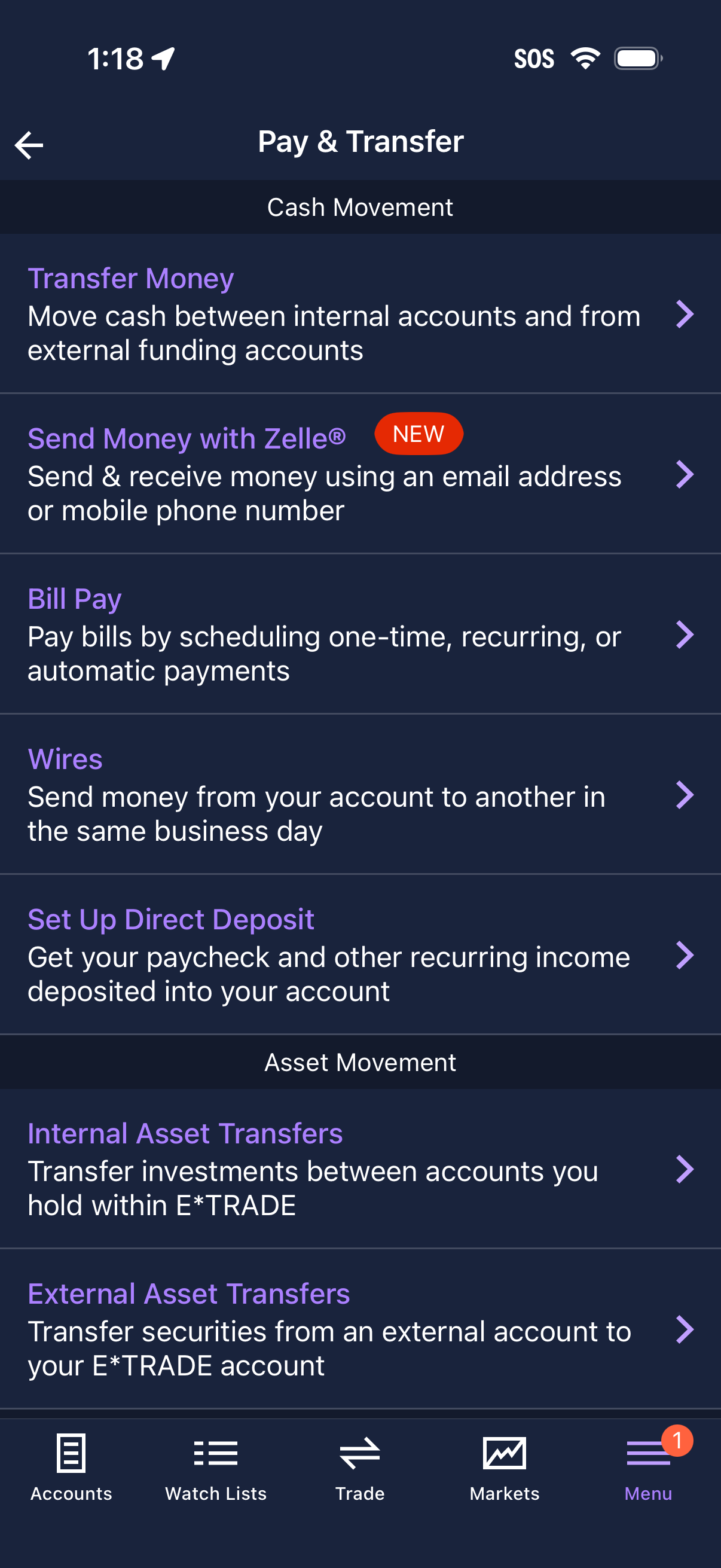
Pay & Transfer menu screen for managing cash and asset movement, offering options like transferring money between internal/external accounts, sending money with Zelle, bill pay scheduling, wire transfers, and setting up direct deposit. Also includes internal and external asset transfers for moving investments and securities between brokerage accounts.
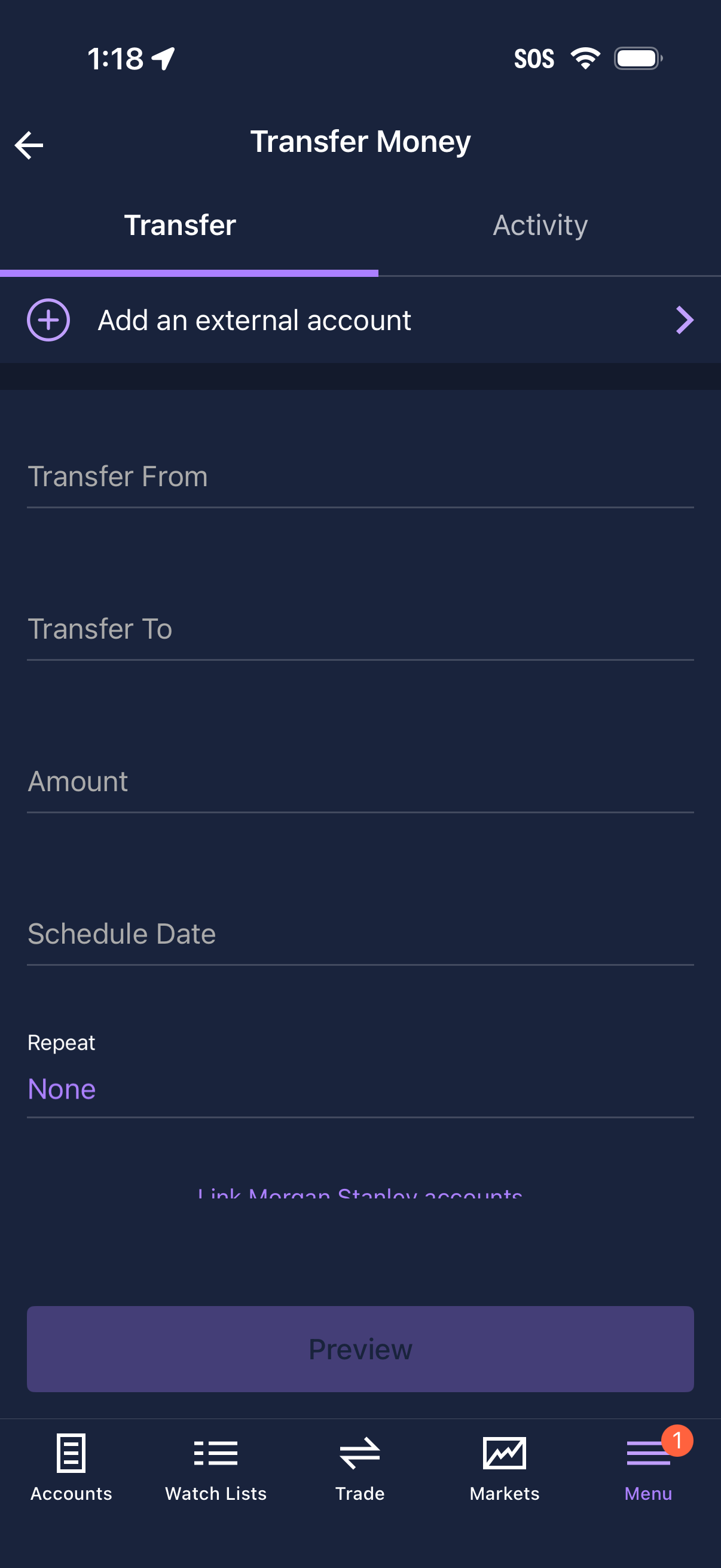
Money transfer setup screen in a banking/investing app with tabs for Transfer and Activity, allowing users to add an external account and enter transfer details including transfer from/to accounts, amount, schedule date, and repeat frequency. A Preview button starts the transfer review flow.