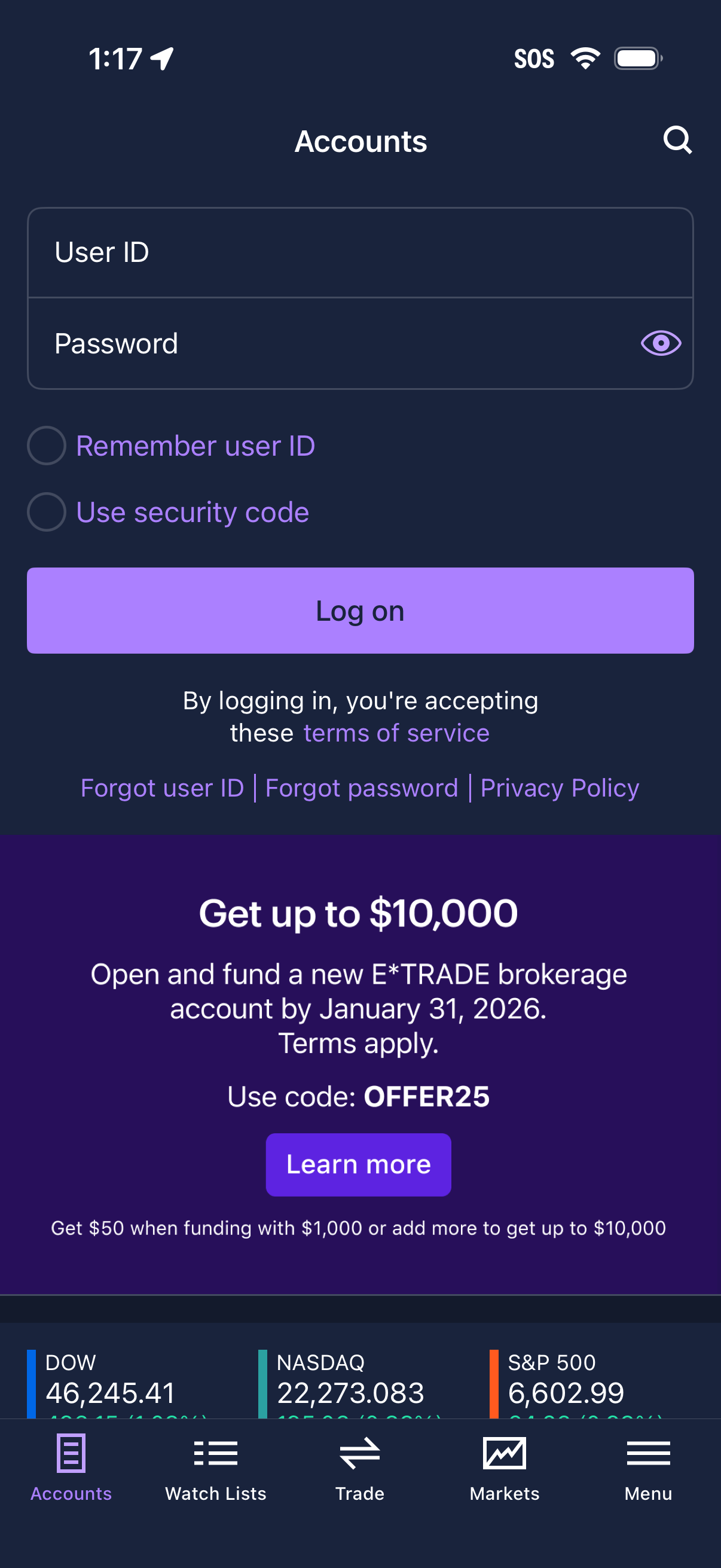
Accounts login screen for a brokerage/trading app with User ID and Password fields, a password visibility toggle, options to remember the user ID or use a security code, and a primary “Log on” button. Includes links for terms of service, forgot user ID/password, privacy policy, and a promotional banner with a “Learn more” CTA.
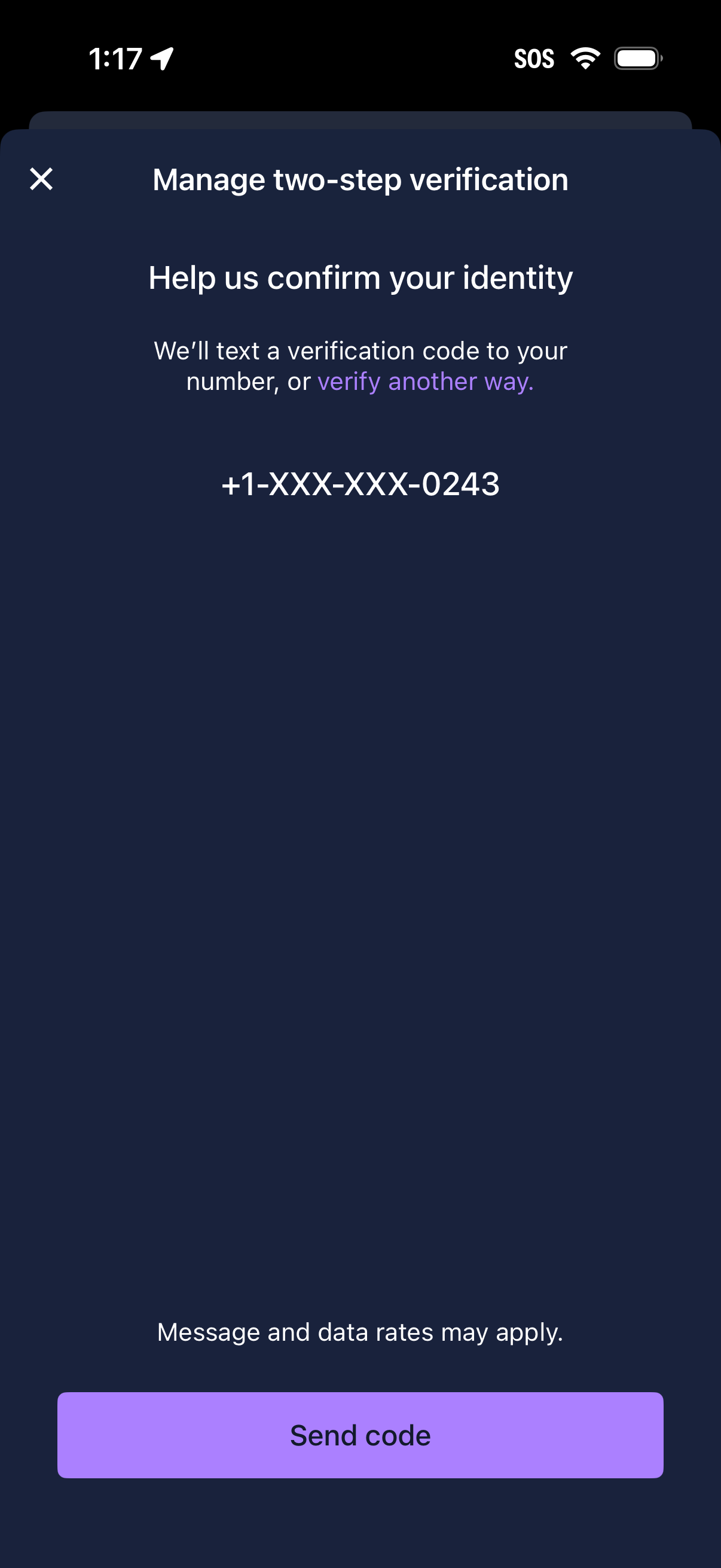
Two-step verification management screen prompting the user to confirm their identity by sending an SMS verification code to a masked phone number, with an option to verify another way. Primary action is a “Send code” button with a close icon to dismiss.
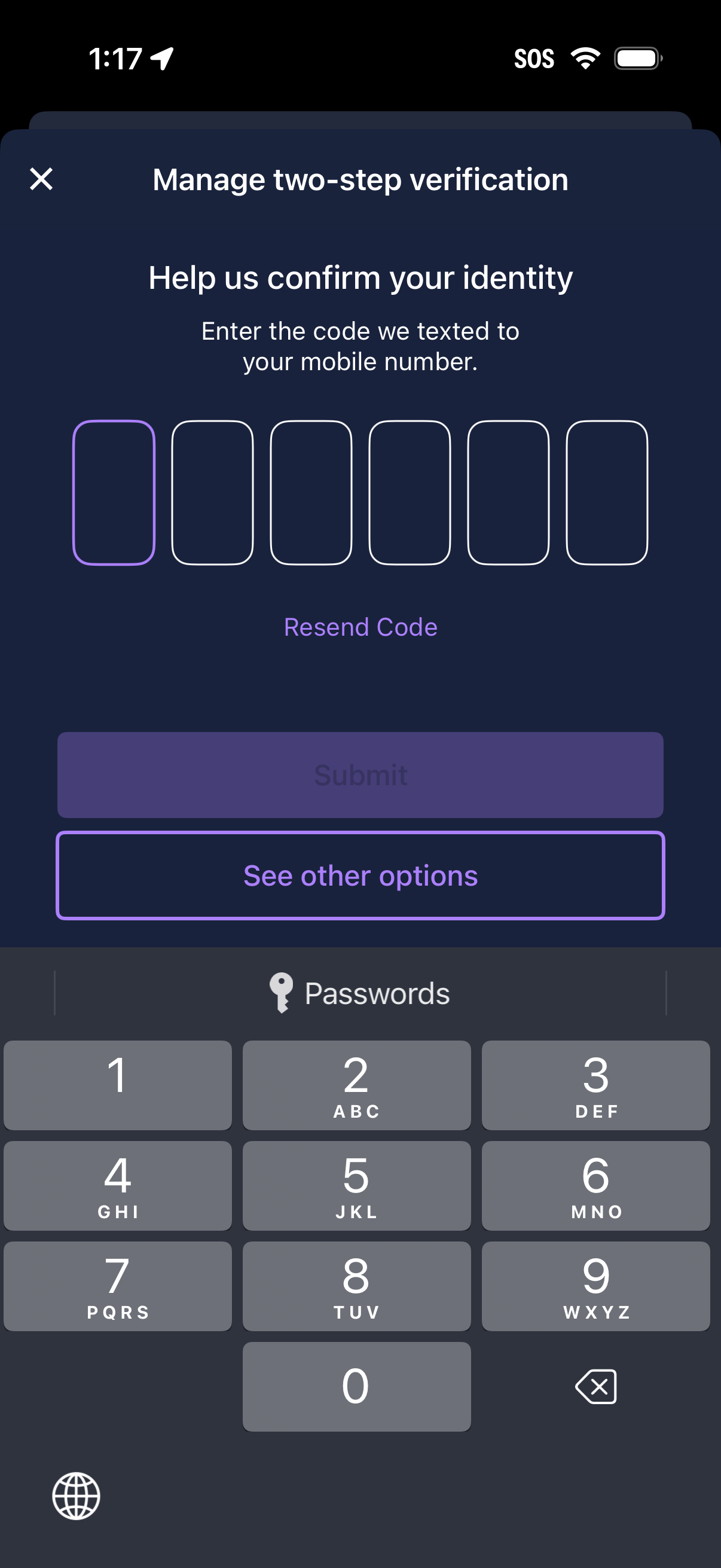
Two-step verification management screen prompting the user to confirm identity by entering a 6-digit SMS code sent to their mobile number. Includes code input fields with a resend code link, a submit button, and an option to see alternative verification methods.
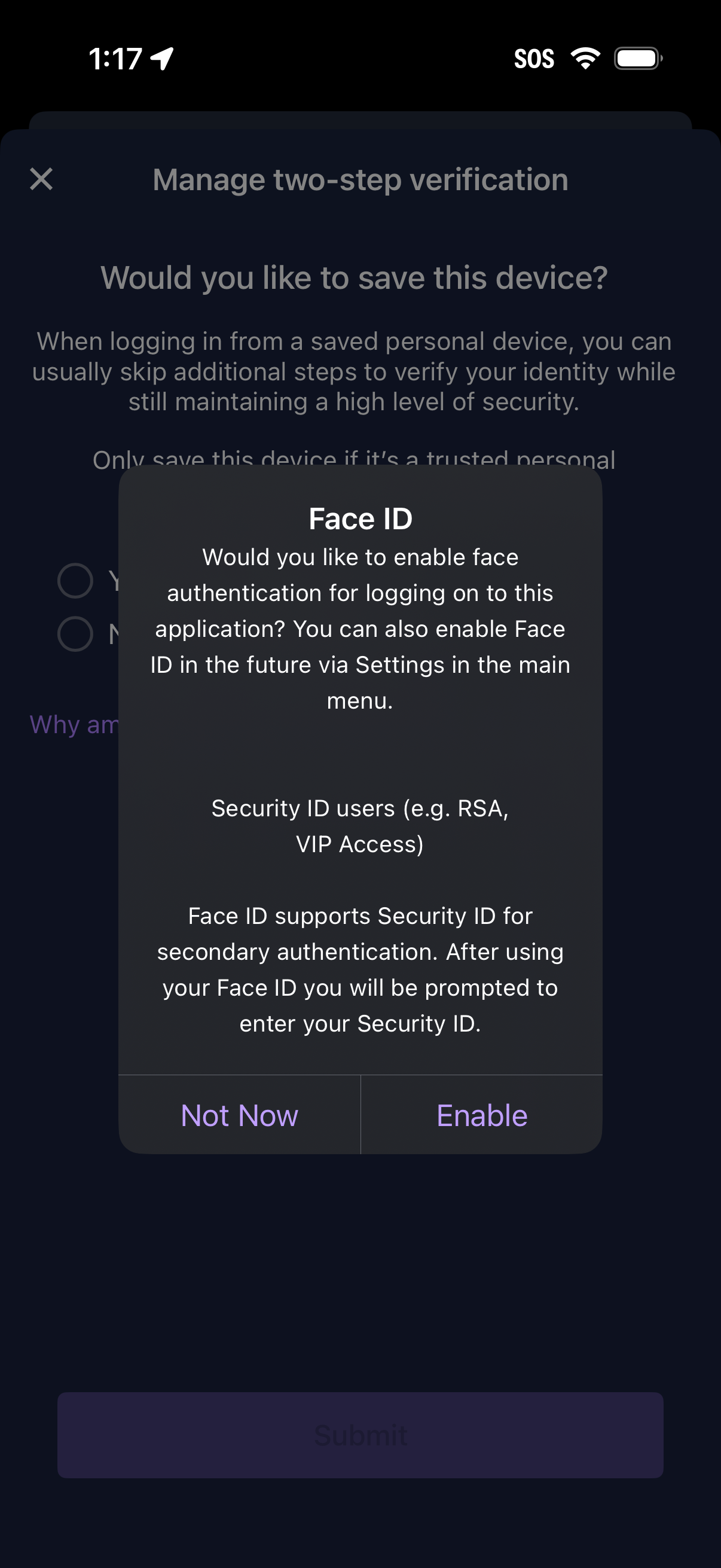
Security settings screen for managing two-step verification and saving a trusted device, with a modal prompt to enable Face ID for faster login and secondary authentication. The dialog explains biometric login support and offers actions to Enable or choose Not Now.
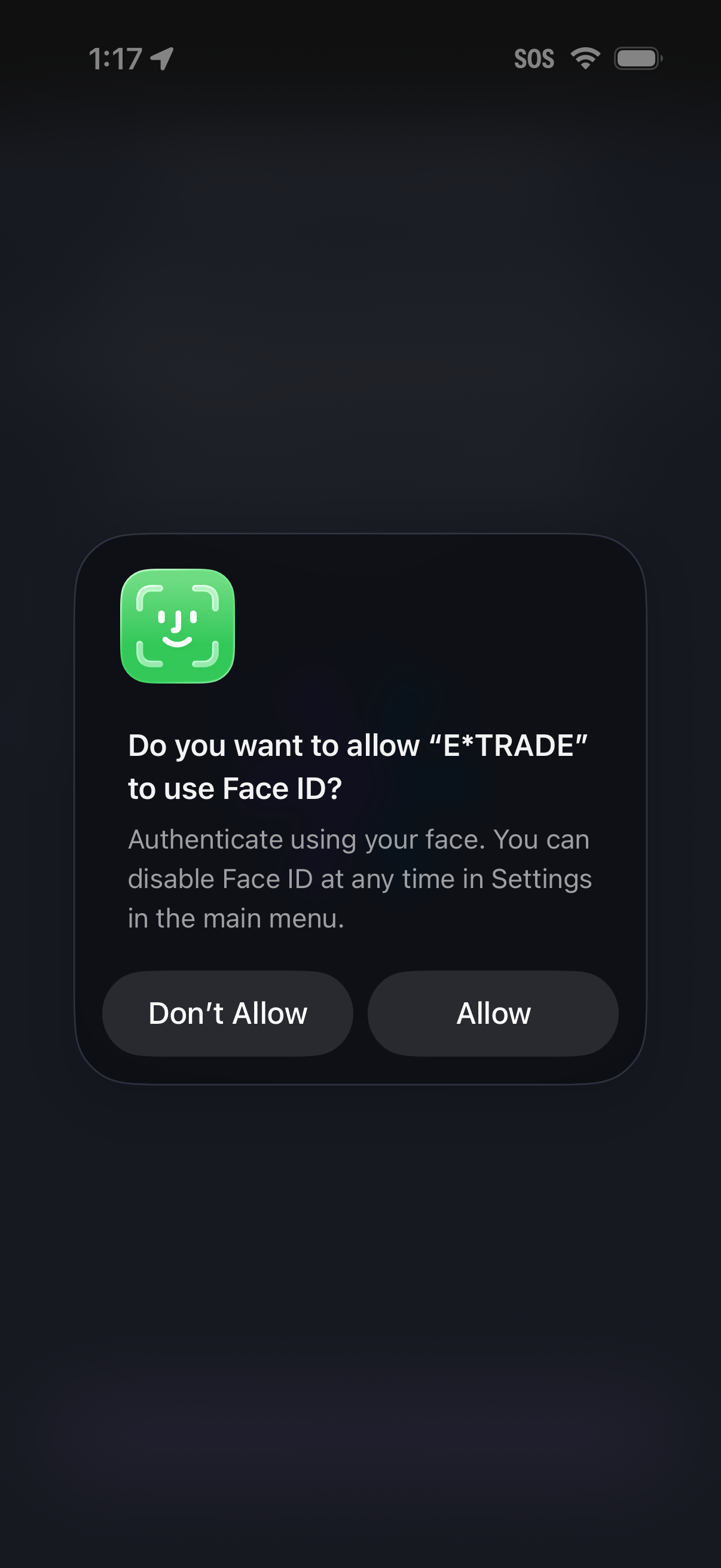
A native iOS permission alert asks the user to enable Face ID biometric authentication for signing into the app, explaining it can be disabled later in settings. Primary actions are “Allow” or “Don’t Allow.
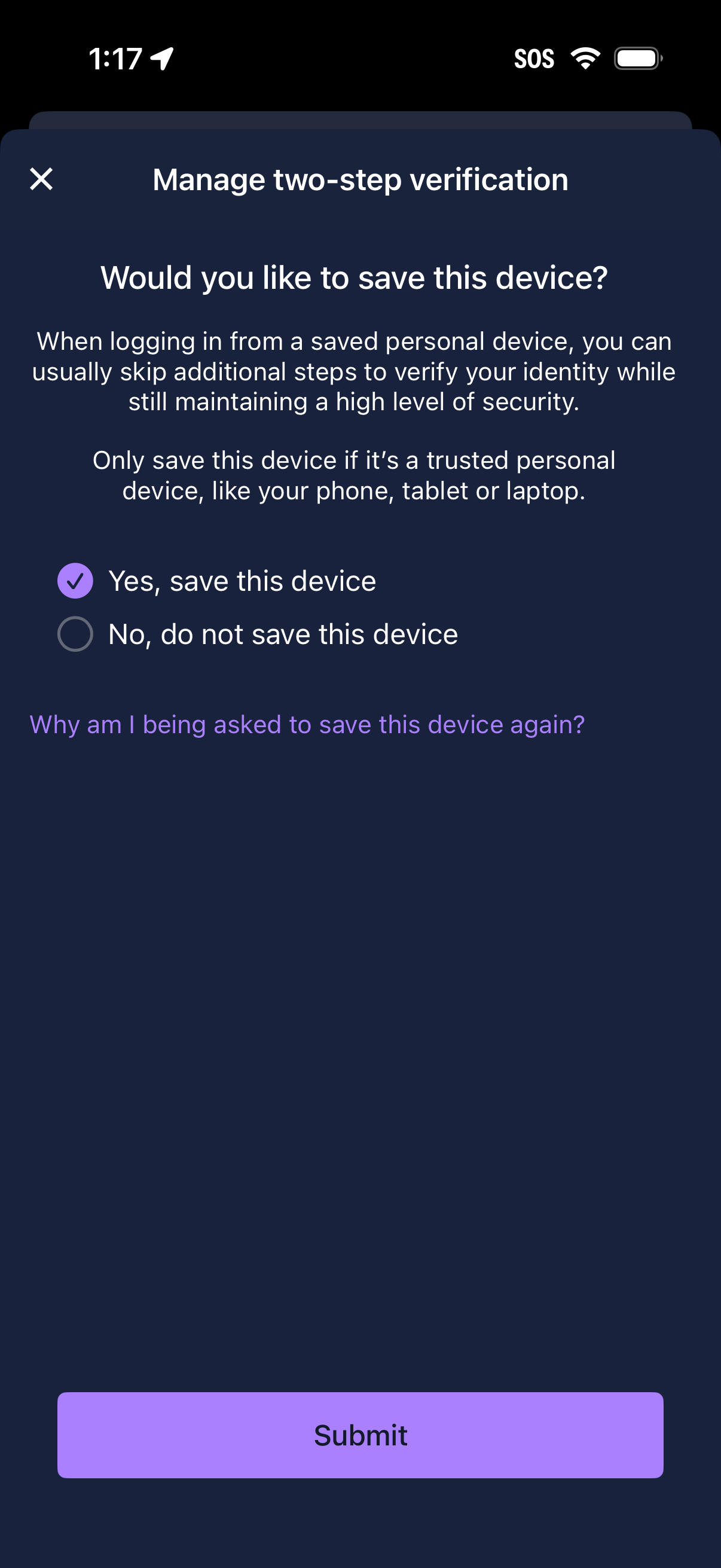
Two-step verification management screen asking whether to save/trust the current device so future logins can skip extra identity verification steps. Provides radio options to save or not save the device, a help link explaining why it’s asked again, and a submit button to confirm the choice.
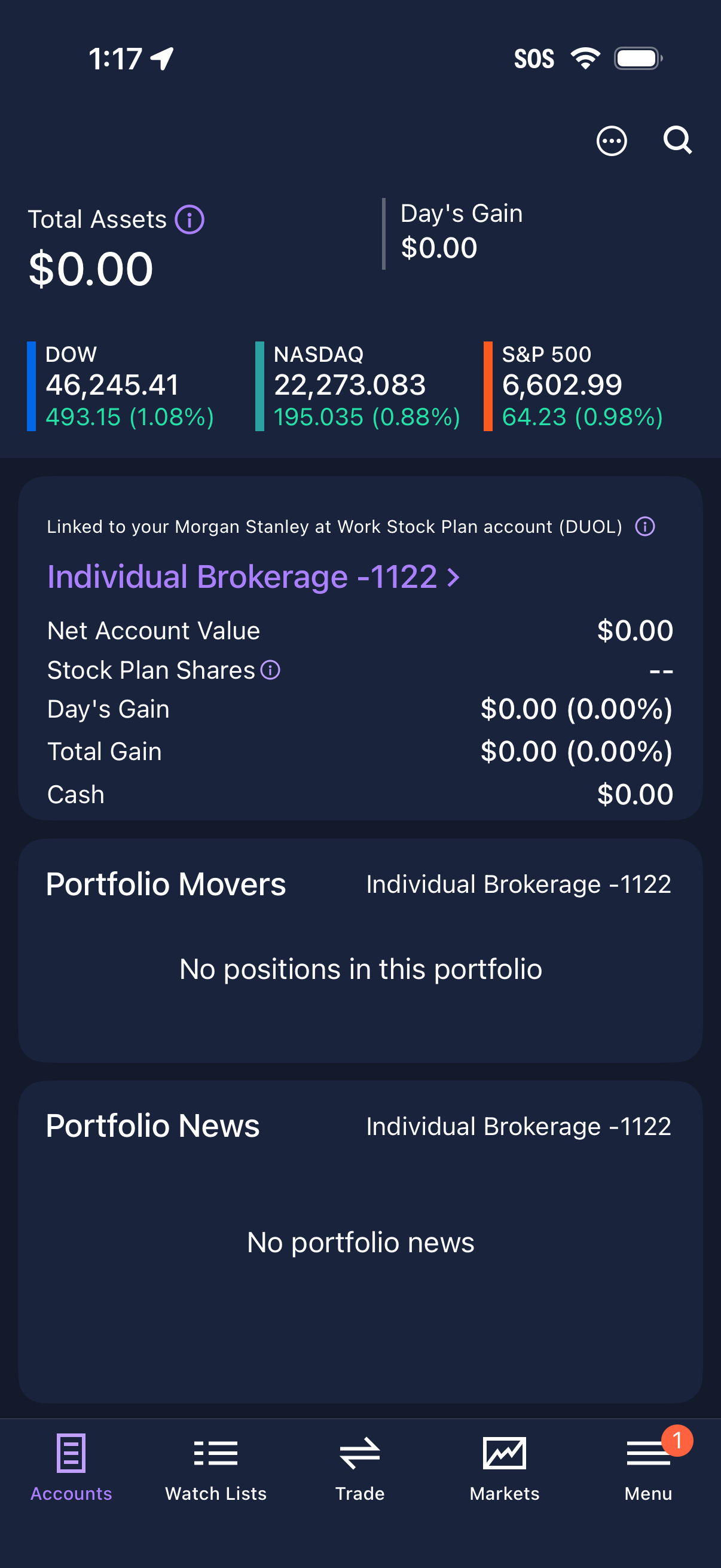
Investment account dashboard showing total assets and day’s gain, with quick market index performance (Dow, Nasdaq, S&P 500) and a linked brokerage/stock plan account summary including net account value, cash, and gains. Includes sections for portfolio movers and portfolio news (empty state) with top search/more actions and bottom navigation for accounts, watch lists, trade, markets, and menu.