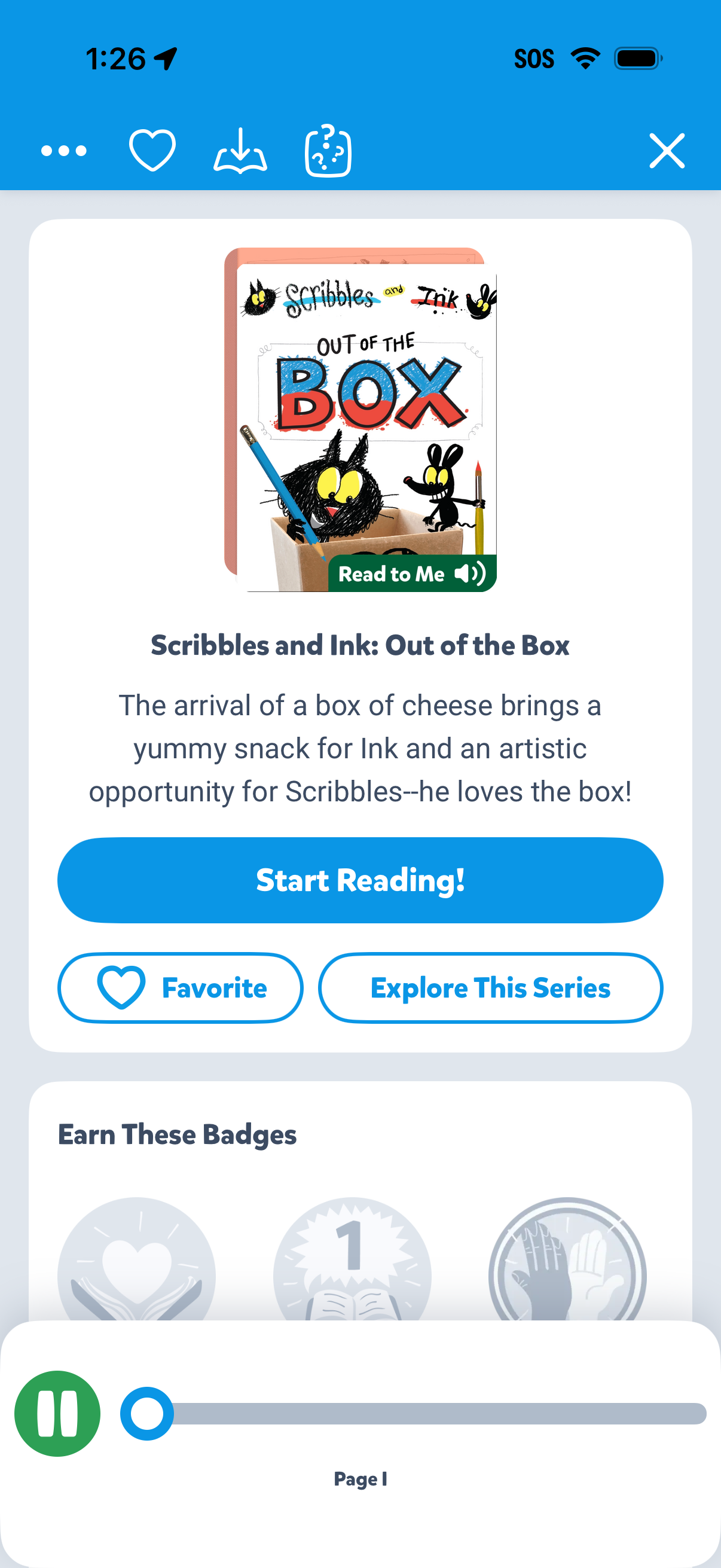
Children’s storybook detail screen showing the book cover, title, and short synopsis with primary CTA to start reading and an option for “Read to Me” audio narration. Includes actions to favorite the book, explore the series, and view progress/badges with bottom audio playback controls.
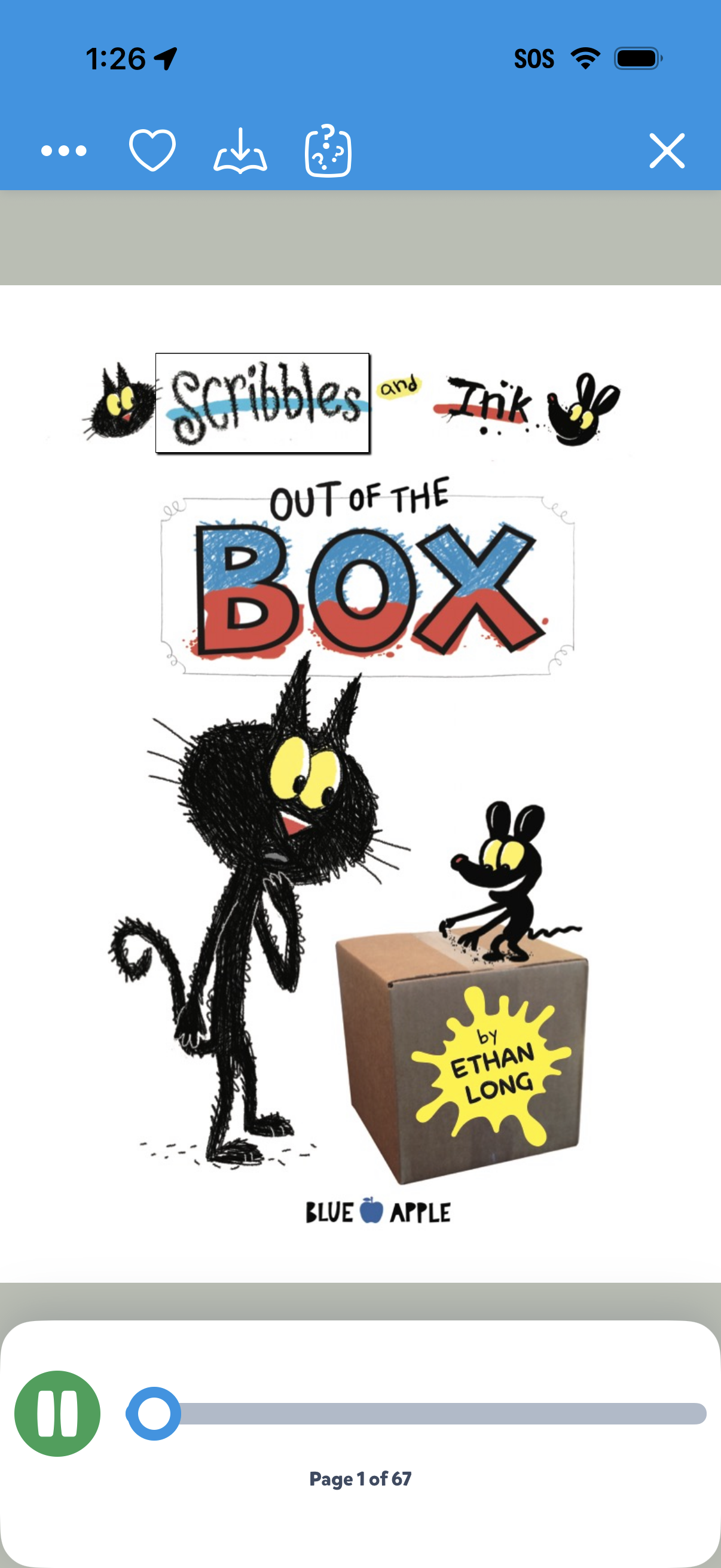
Digital book reader screen showing a children’s picture book cover with a top toolbar for more options, favorite/like, download, and a close button. A bottom audio playback bar provides play/pause and scrubbing controls with a page indicator (e.
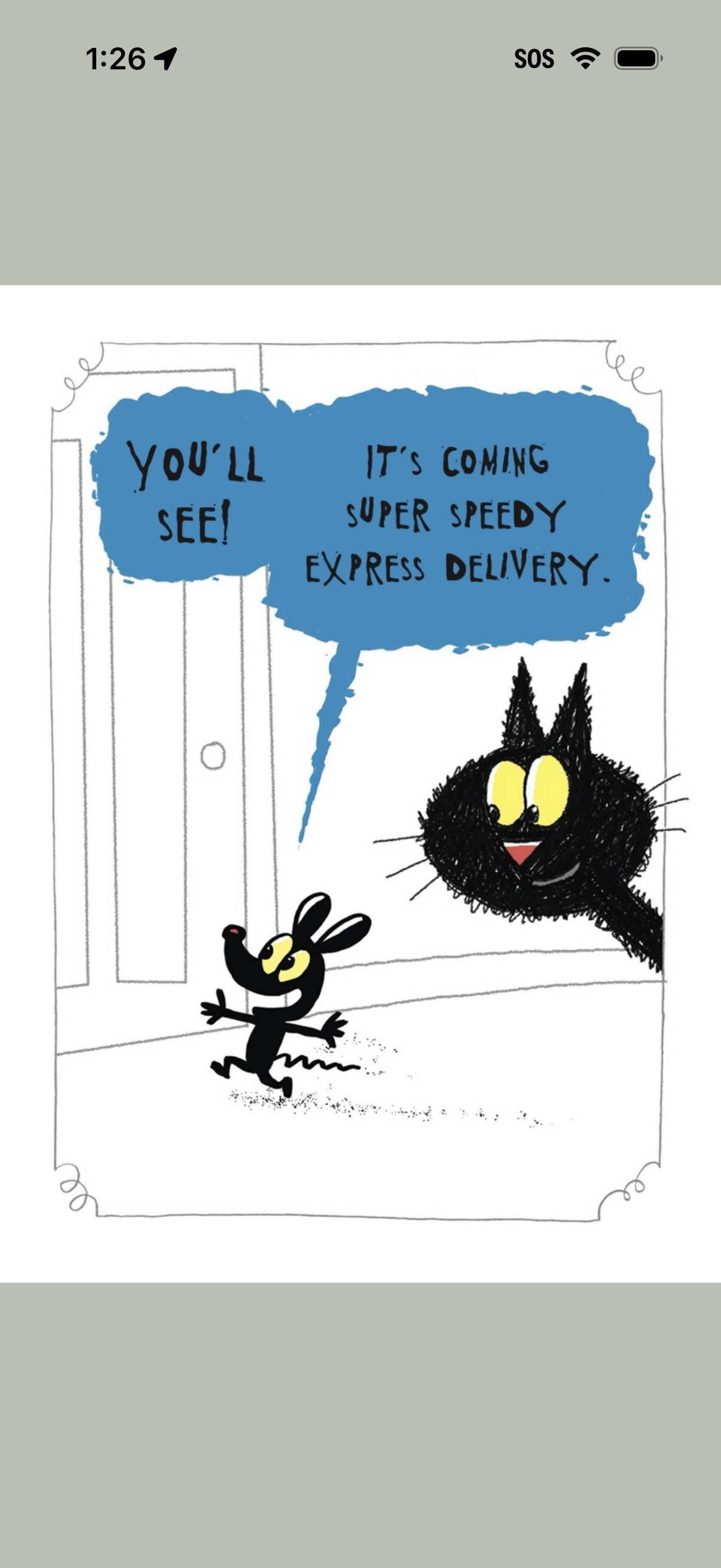
A children’s storybook reading screen showing a full-page illustration with speech-bubble text dialogue. This page-view layout focuses on reading content with minimal UI chrome and no visible controls beyond the device status bar.
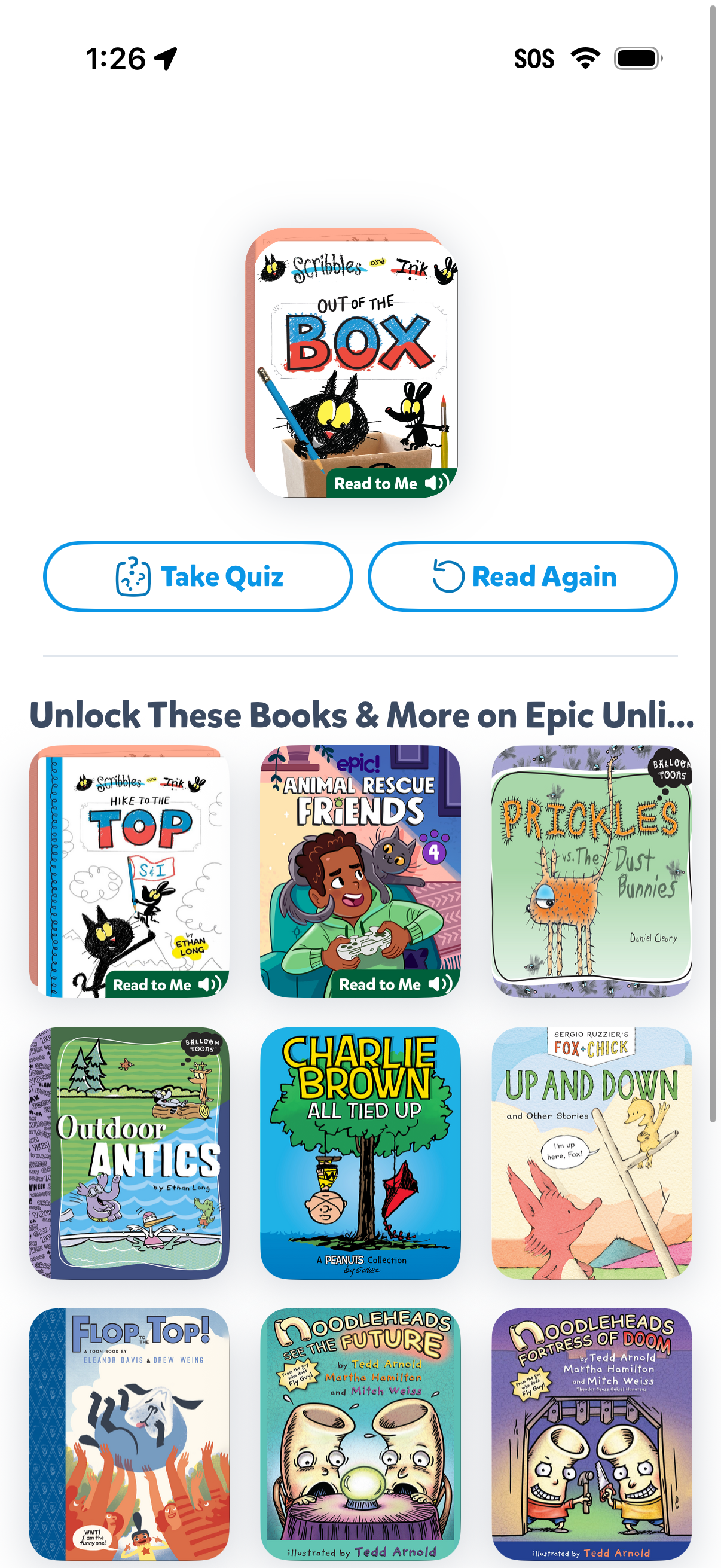
A children’s reading app book completion screen showing the current book cover with primary actions to Take Quiz or Read Again. Below, a promotional section encourages upgrading to unlock more books and displays a grid of recommended book covers with “Read to Me” audio options.