pick first book
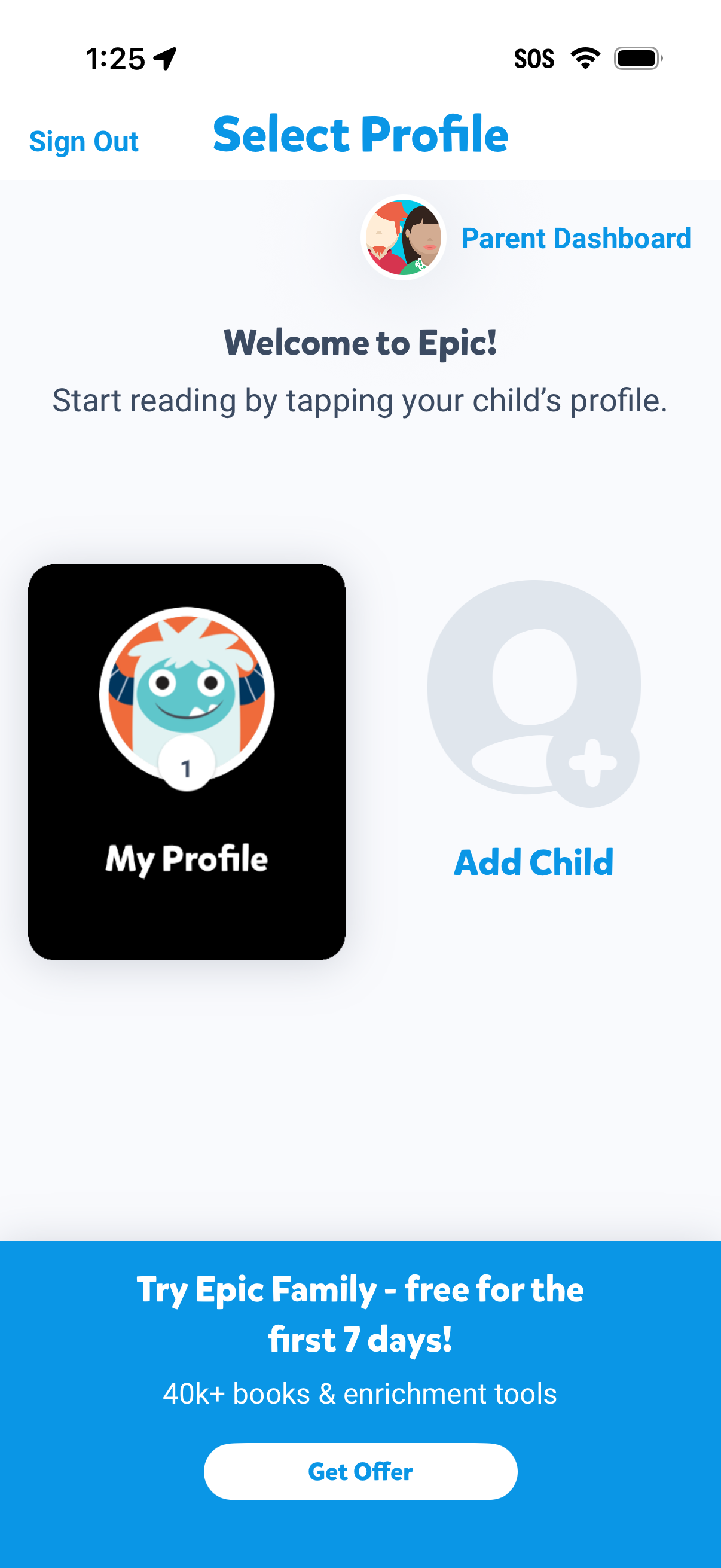
Profile selection screen for a kids reading/family app where the parent can tap a child profile to start reading, access the Parent Dashboard, or add a new child profile. Includes a sign out option and a promotional banner to start a free trial with a “Get Offer” call to action.
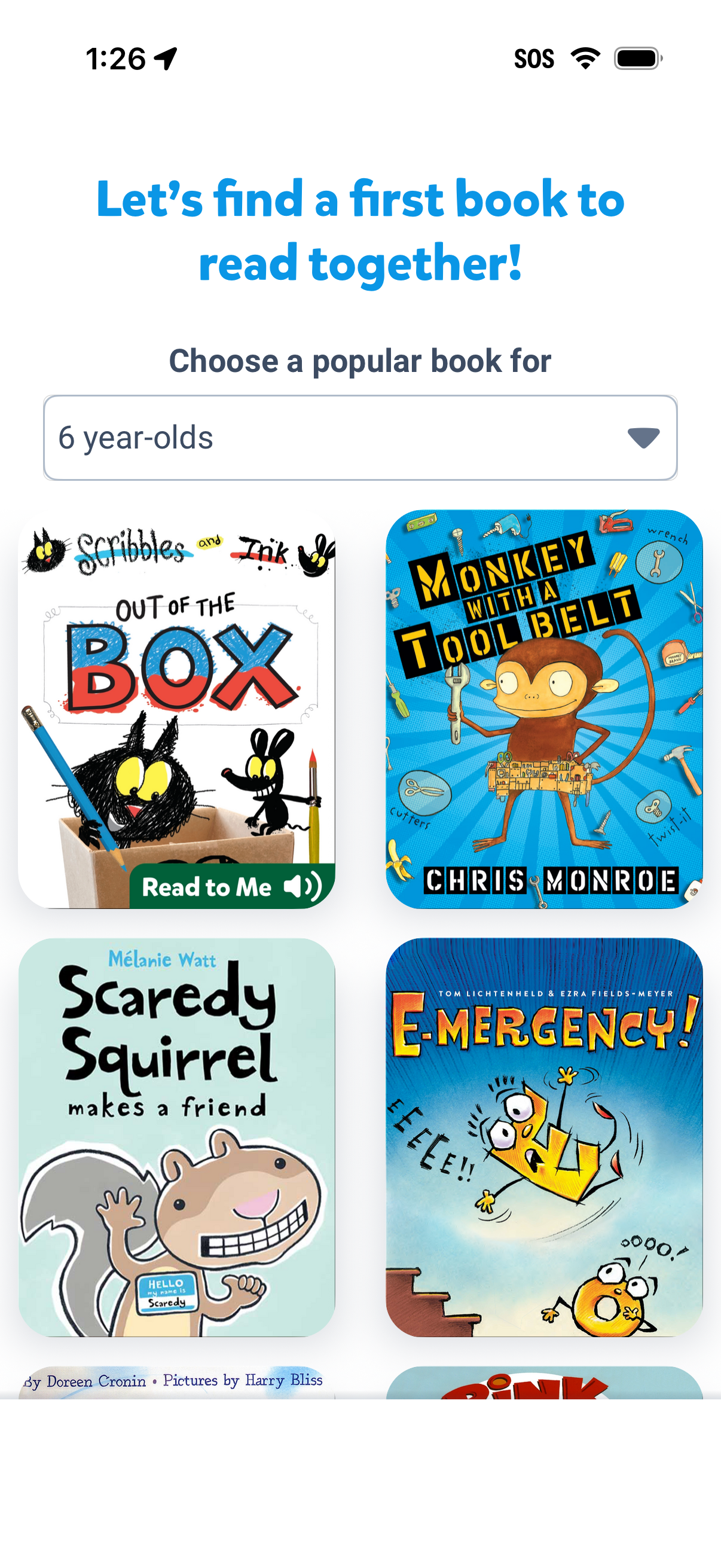
Children’s reading app onboarding screen that helps a parent pick a first book to read together by selecting an age group from a dropdown and browsing a grid of popular book covers. Each book card can be tapped to start reading, including a “Read to Me” (audio narration) option.
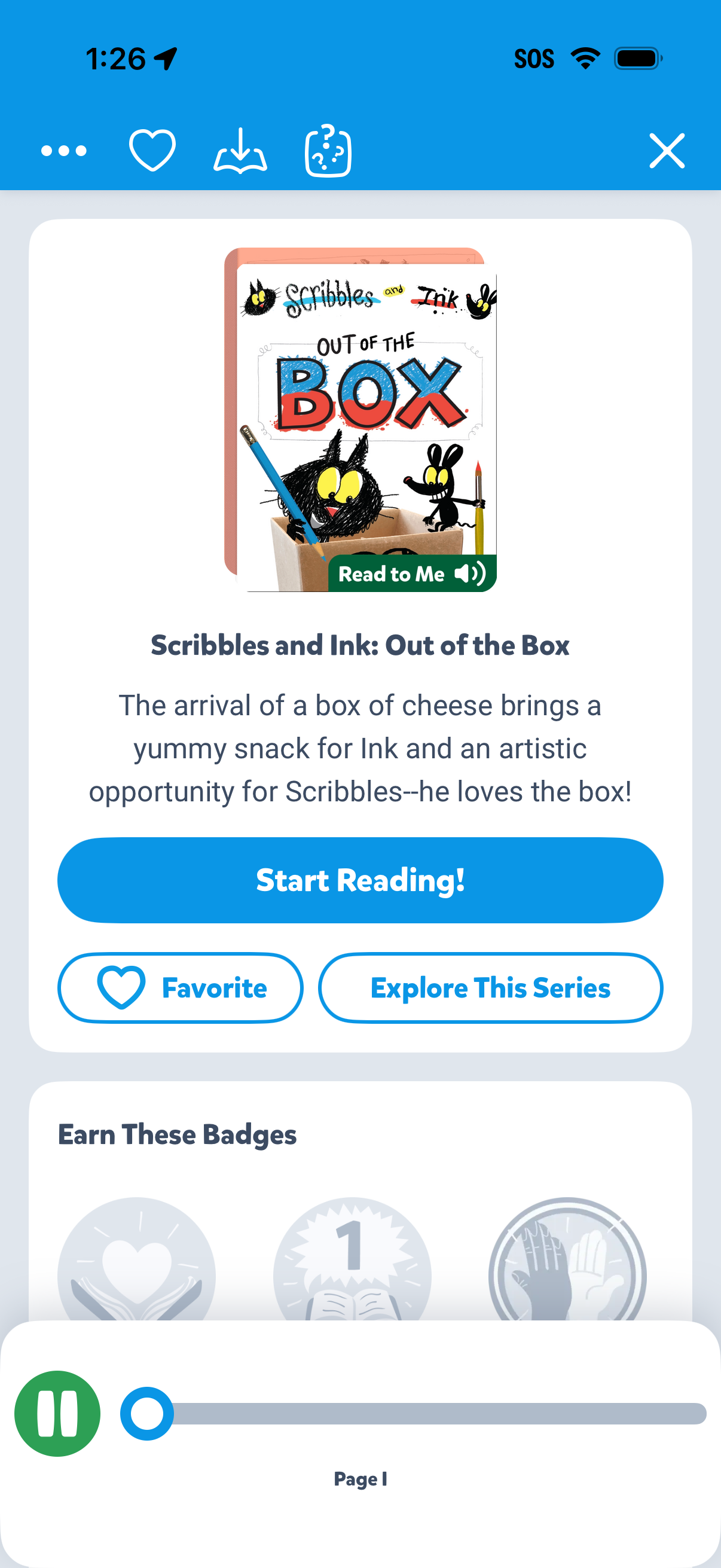
Children’s storybook detail screen showing the book cover, title, and short synopsis with primary CTA to start reading and an option for “Read to Me” audio narration. Includes actions to favorite the book, explore the series, and view progress/badges with bottom audio playback controls.