customize reading buddy
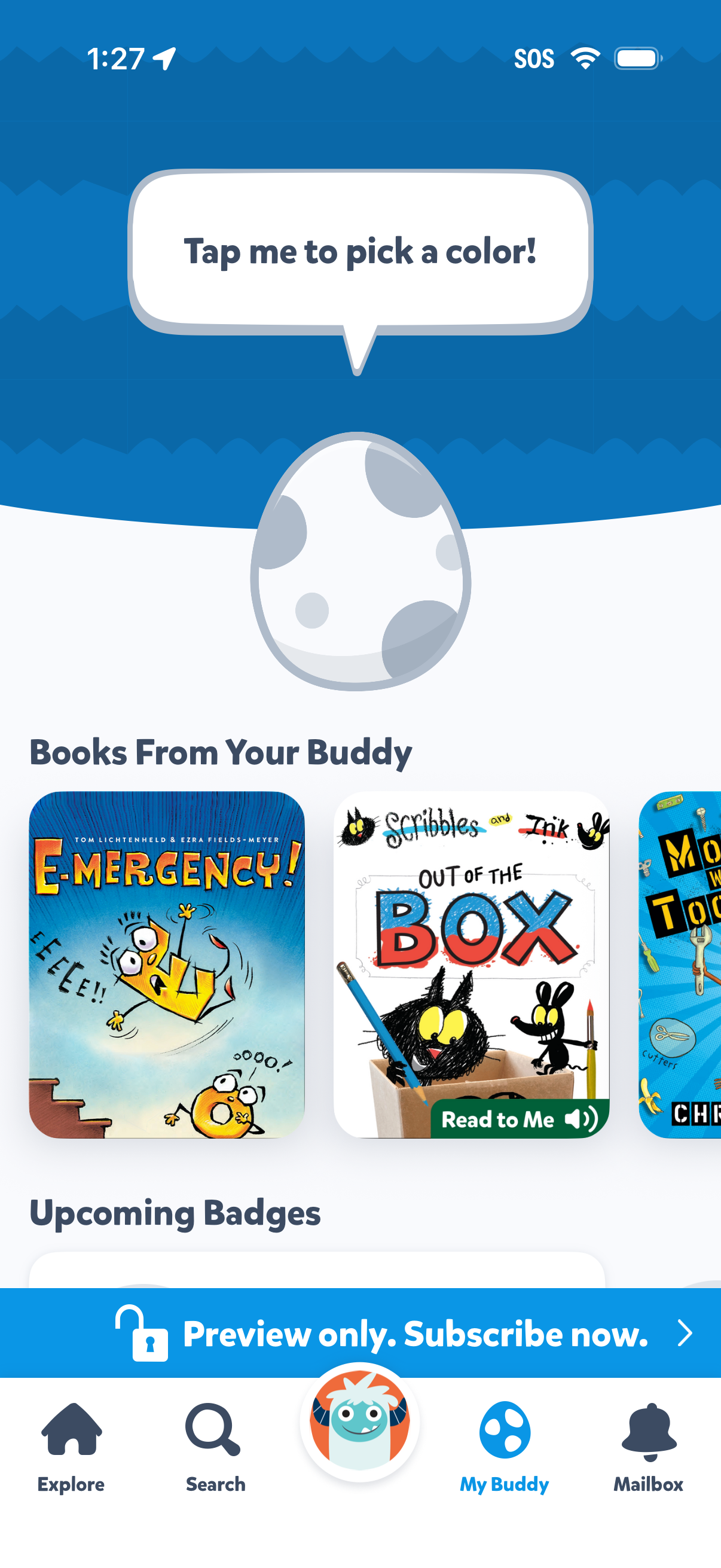
Kids reading app “My Buddy” home/dashboard screen prompting the user to tap an egg to pick a color, with a carousel of recommended books from a buddy including a “Read to Me” audio option and an upcoming badges section. Includes a bottom navigation bar (Explore, Search, My Buddy, Mailbox) and a banner indicating preview-only with a subscribe call to action.
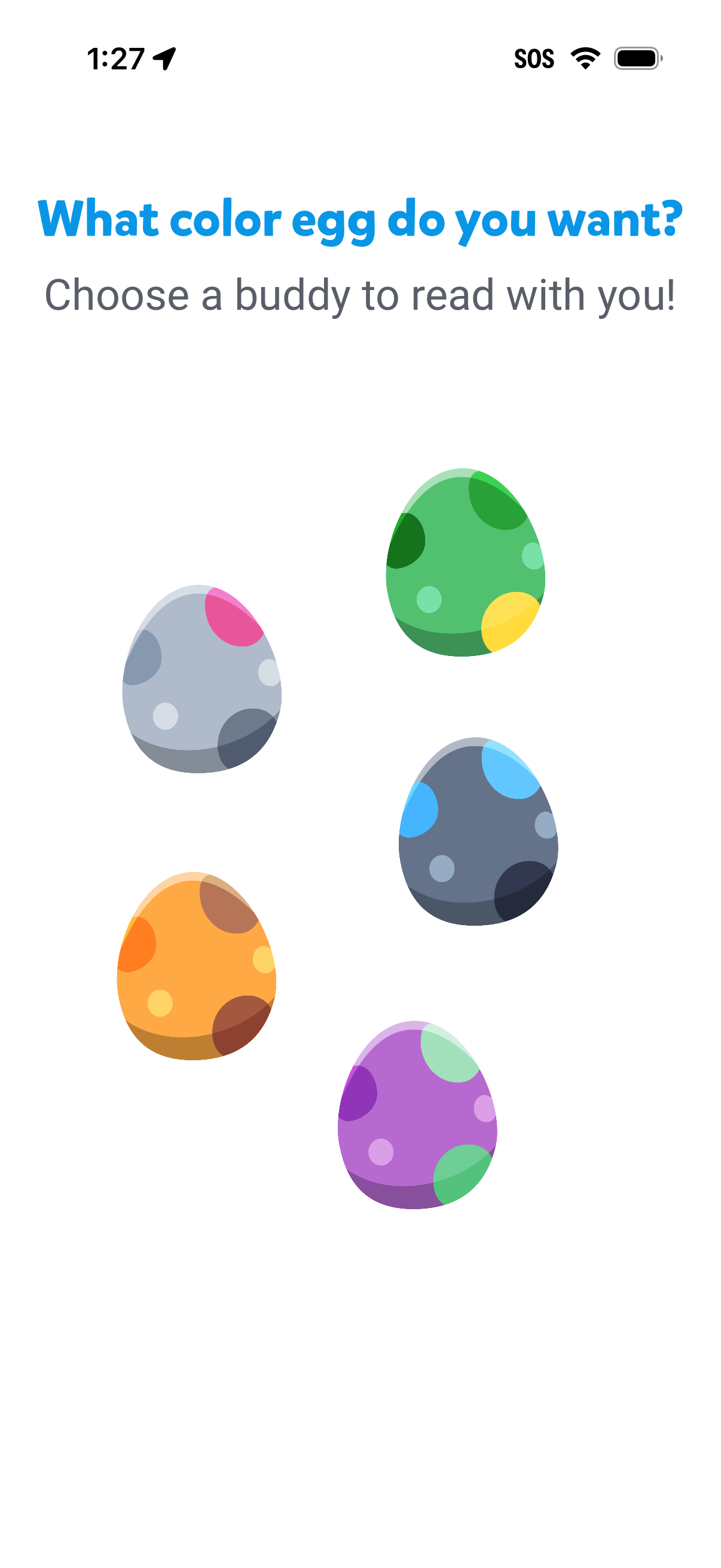
Character selection screen for a kids reading app asking the user to choose a “color egg” buddy to read with, presented as a set of tappable eggs in different colors. This onboarding step lets users pick an avatar/companion by selecting one of the egg options.
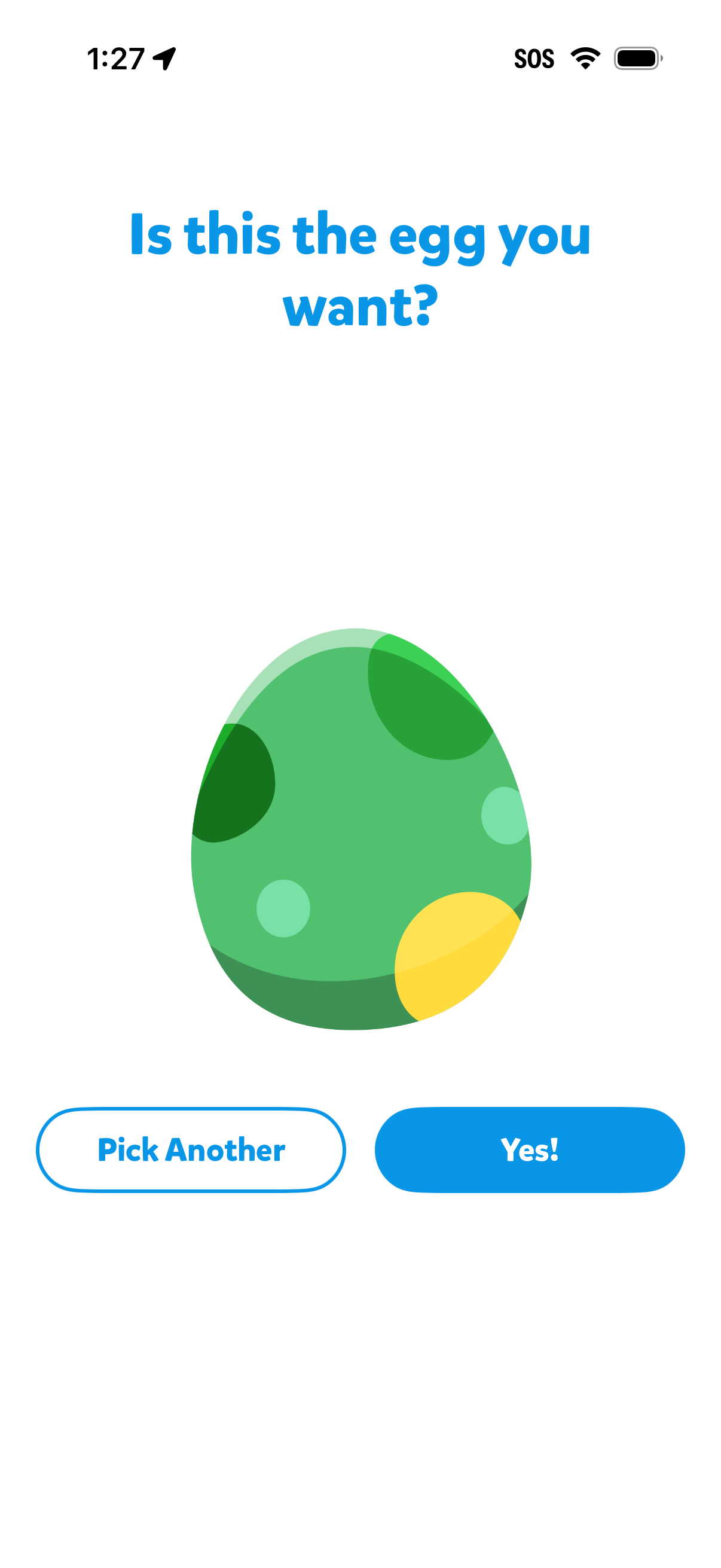
Confirmation screen for choosing a virtual egg/character variant, showing a large preview and asking “Is this the egg you want? ”.
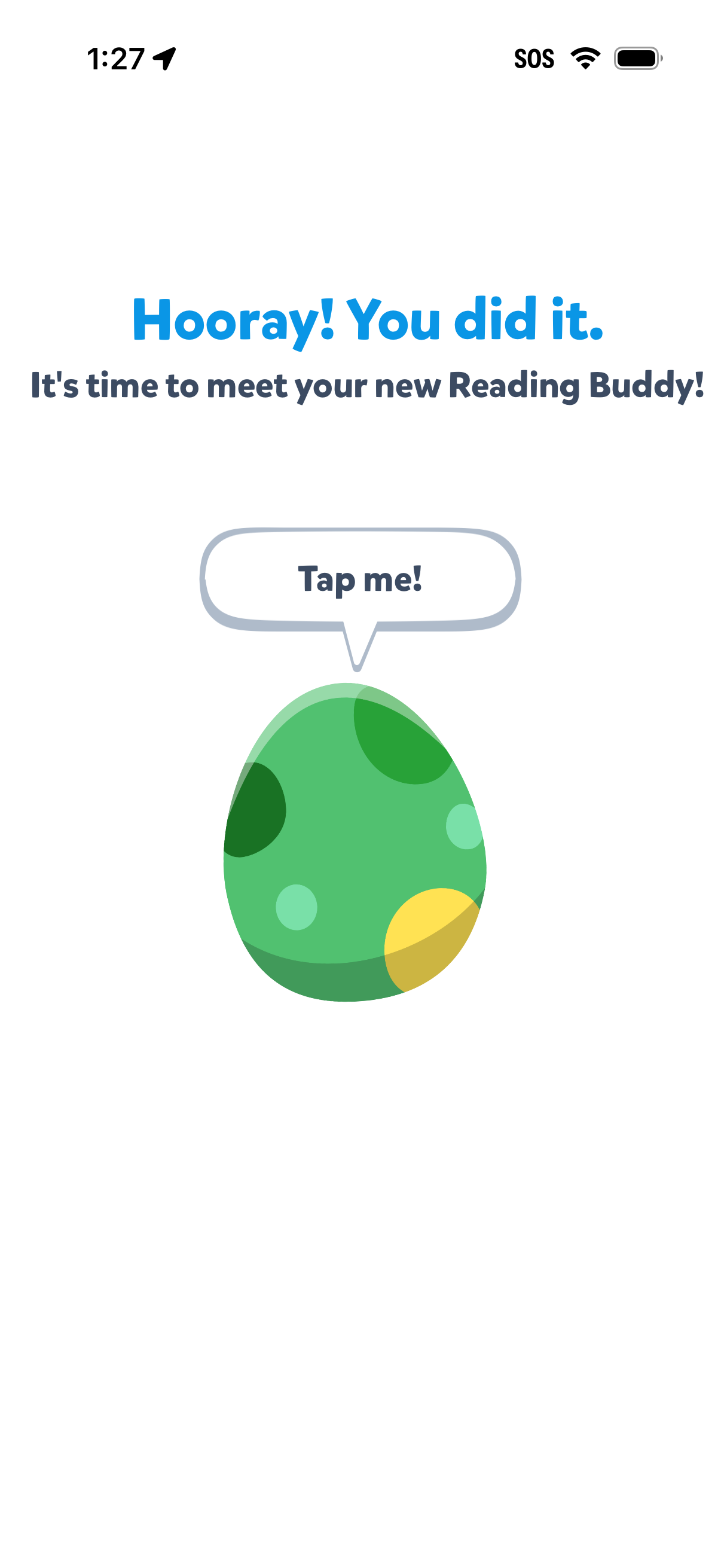
Celebratory completion screen in a reading app announcing the user has earned or unlocked a new “Reading Buddy. ” A large interactive egg with a “Tap me!
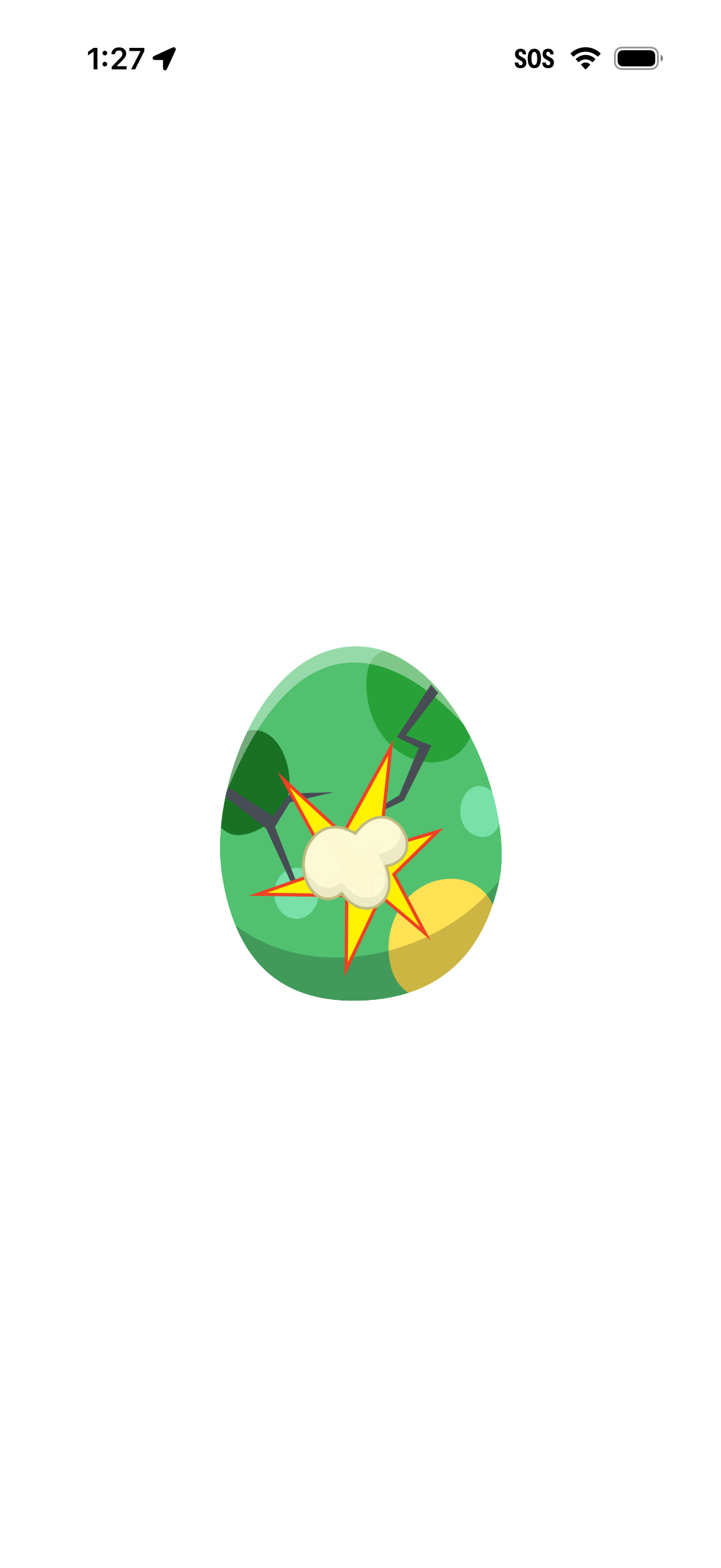
Minimal full-screen app state showing a cracked egg with an explosion/starburst illustration, indicating an egg hatching or breaking animation/loading moment. No text, navigation, or controls are visible, suggesting a transitional or reward reveal screen.
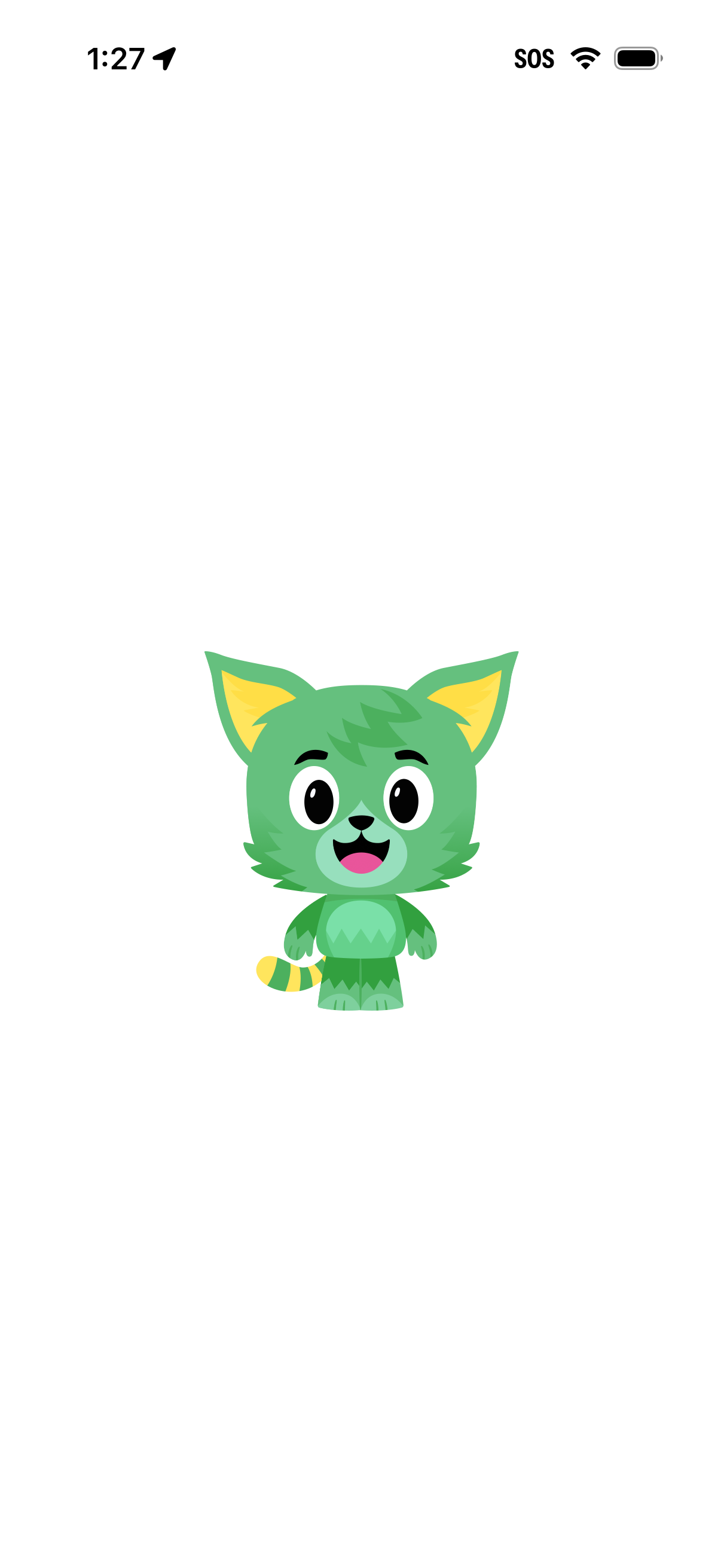
Minimal splash/loading screen featuring a centered cartoon mascot character on a plain background with no navigation or actions, used as an app launch or transition state.
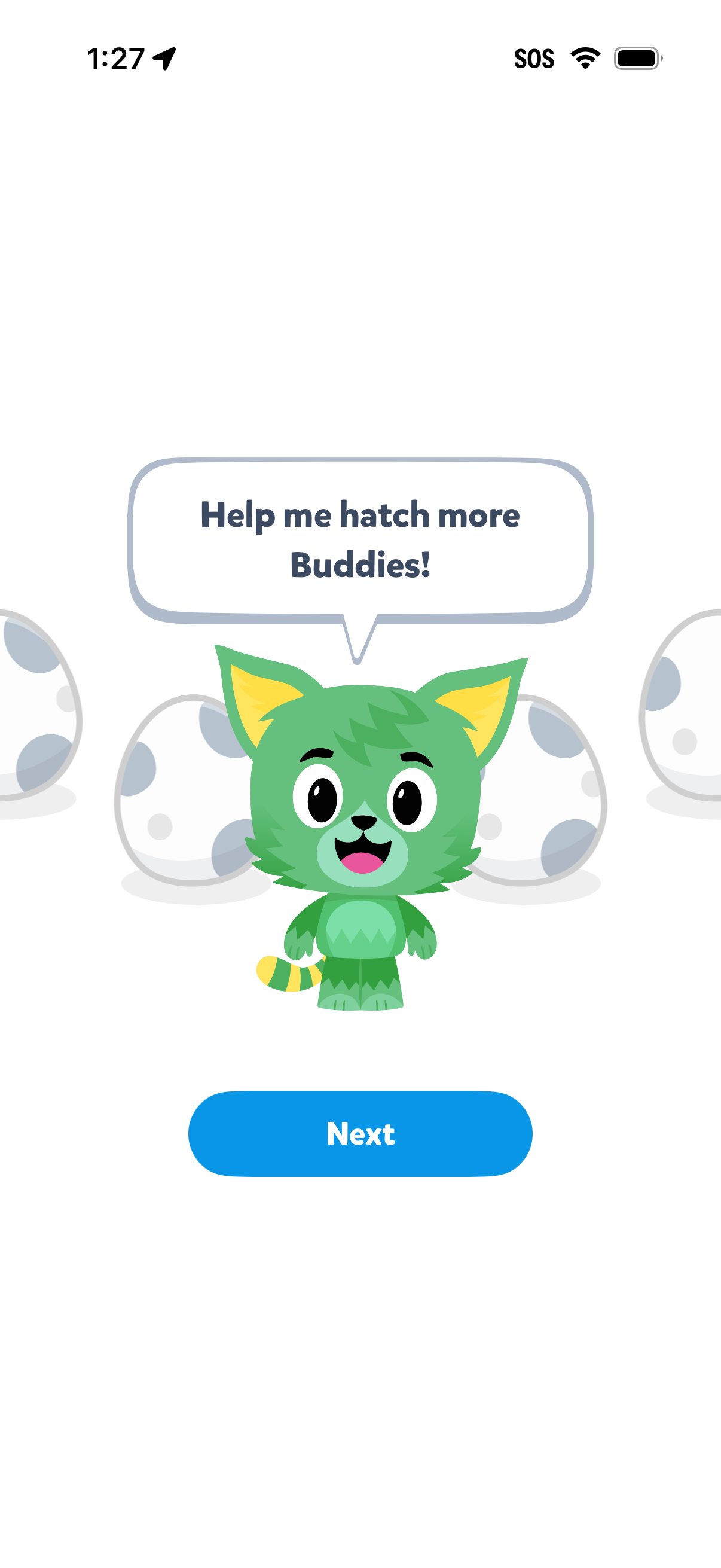
Playful onboarding or tutorial screen in a gamified app featuring a cartoon mascot asking the user to help hatch more “Buddies,” with egg illustrations in the background. Primary action is a large “Next” button to continue to the next step.
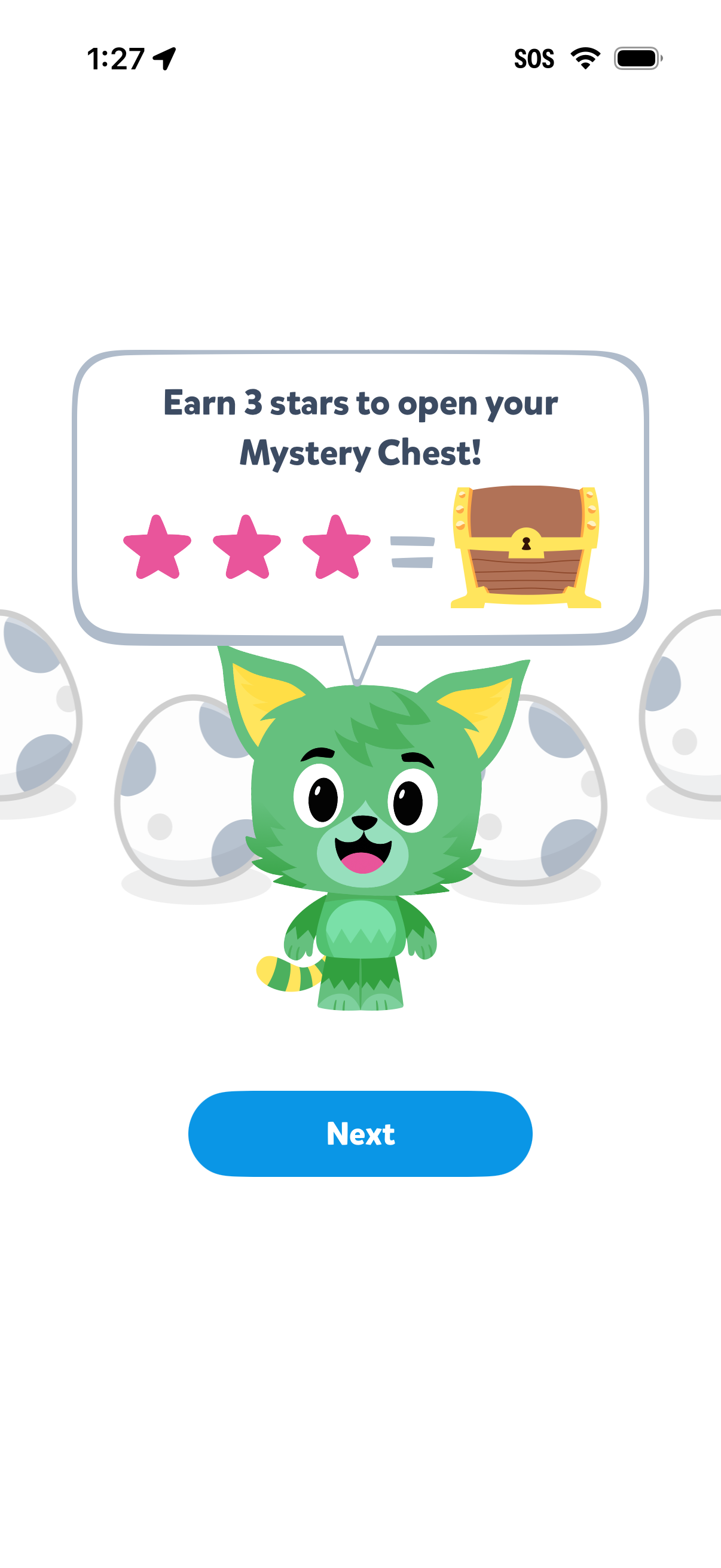
Gamified onboarding or tutorial screen explaining a rewards mechanic: earn 3 stars to unlock a “Mystery Chest,” illustrated with star icons and a chest graphic. A single primary CTA button (“Next”) advances to the next step.
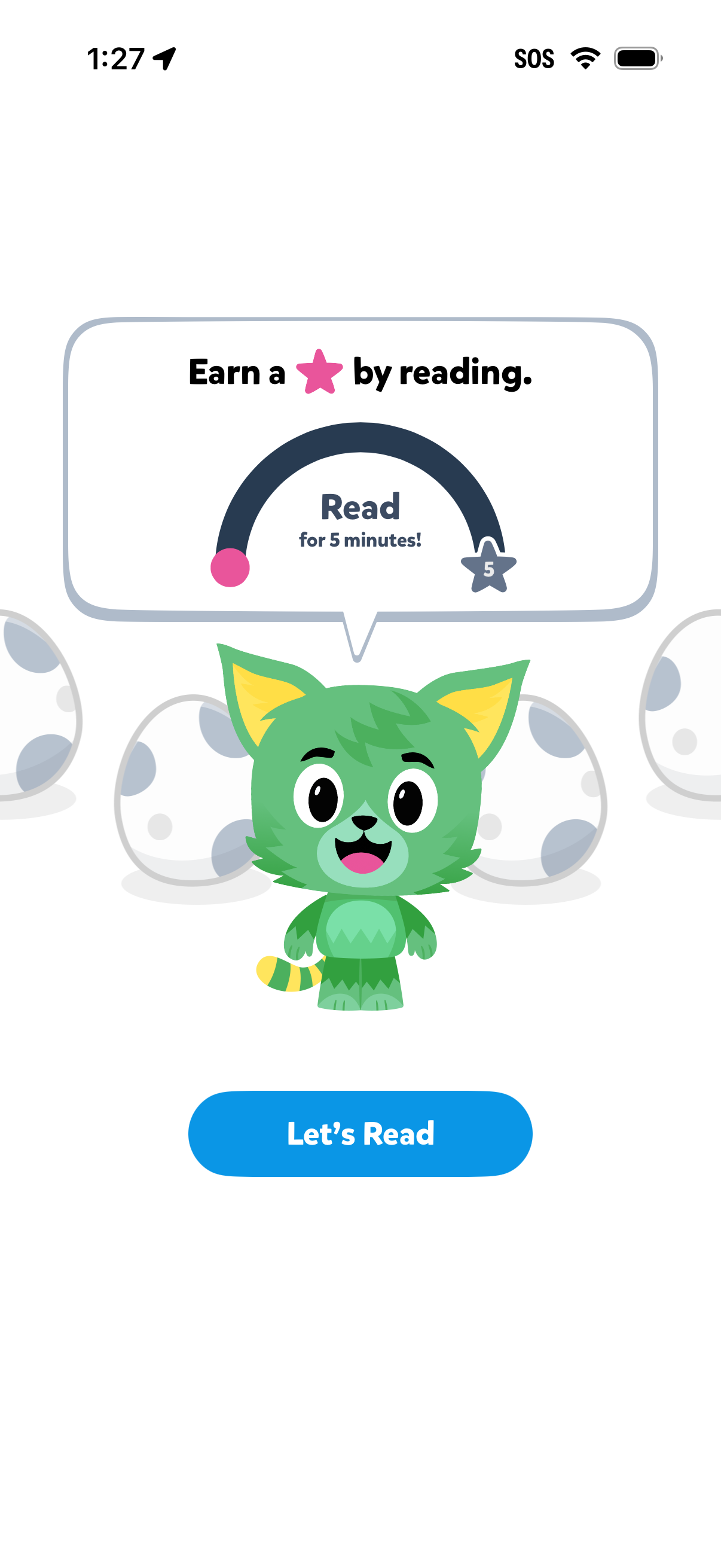
Kids reading app gamification prompt encouraging the user to read for 5 minutes to earn a star reward, shown with a progress arc and star goal indicator. Primary CTA button “Let’s Read” starts the timed reading session.
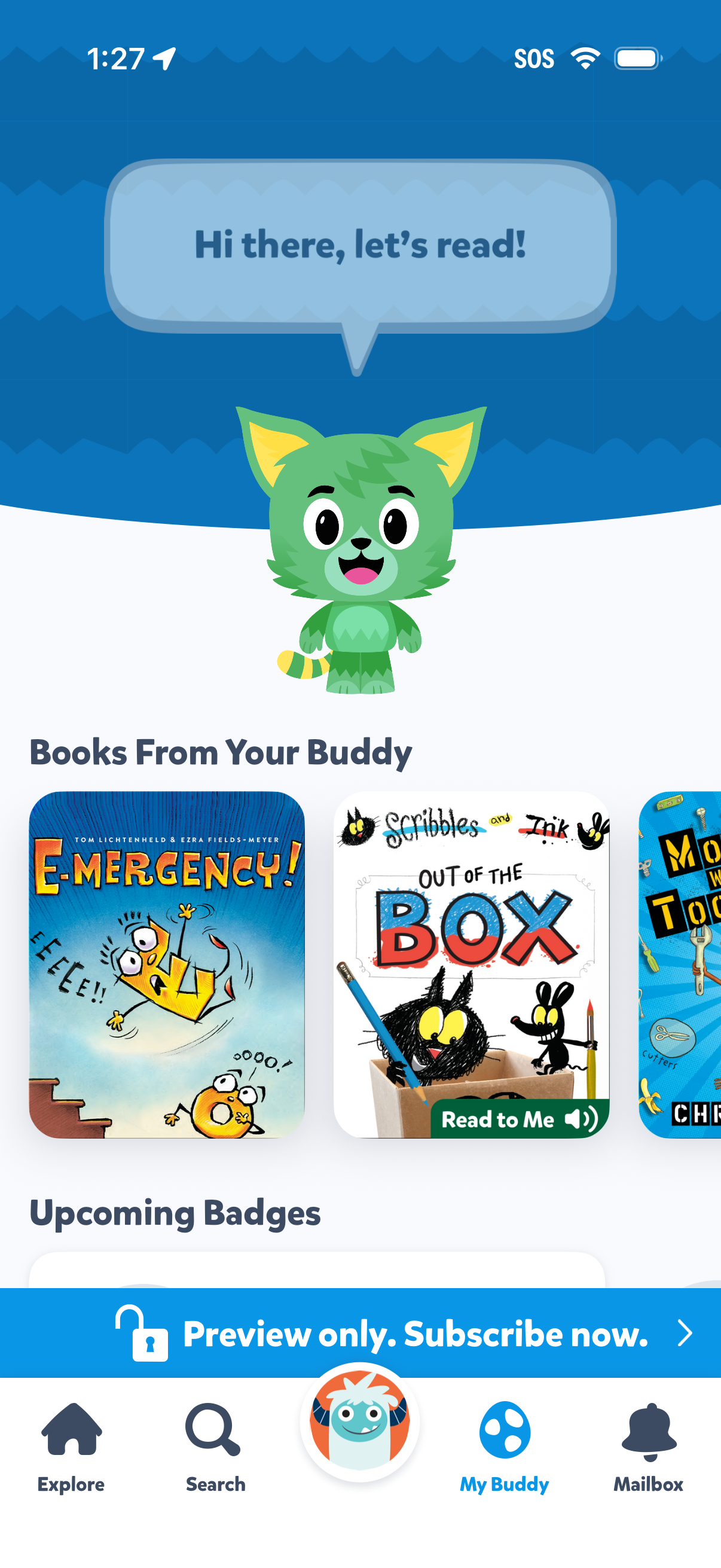
Kids reading app home screen featuring a mascot buddy with a greeting prompt and a carousel of recommended books from your buddy, including a “Read to Me” audio read-aloud option on book cards. Shows an upcoming badges section for progress rewards and a bottom navigation bar (Explore, Search, My Buddy, Mailbox) plus a subscription upsell banner indicating preview-only access.