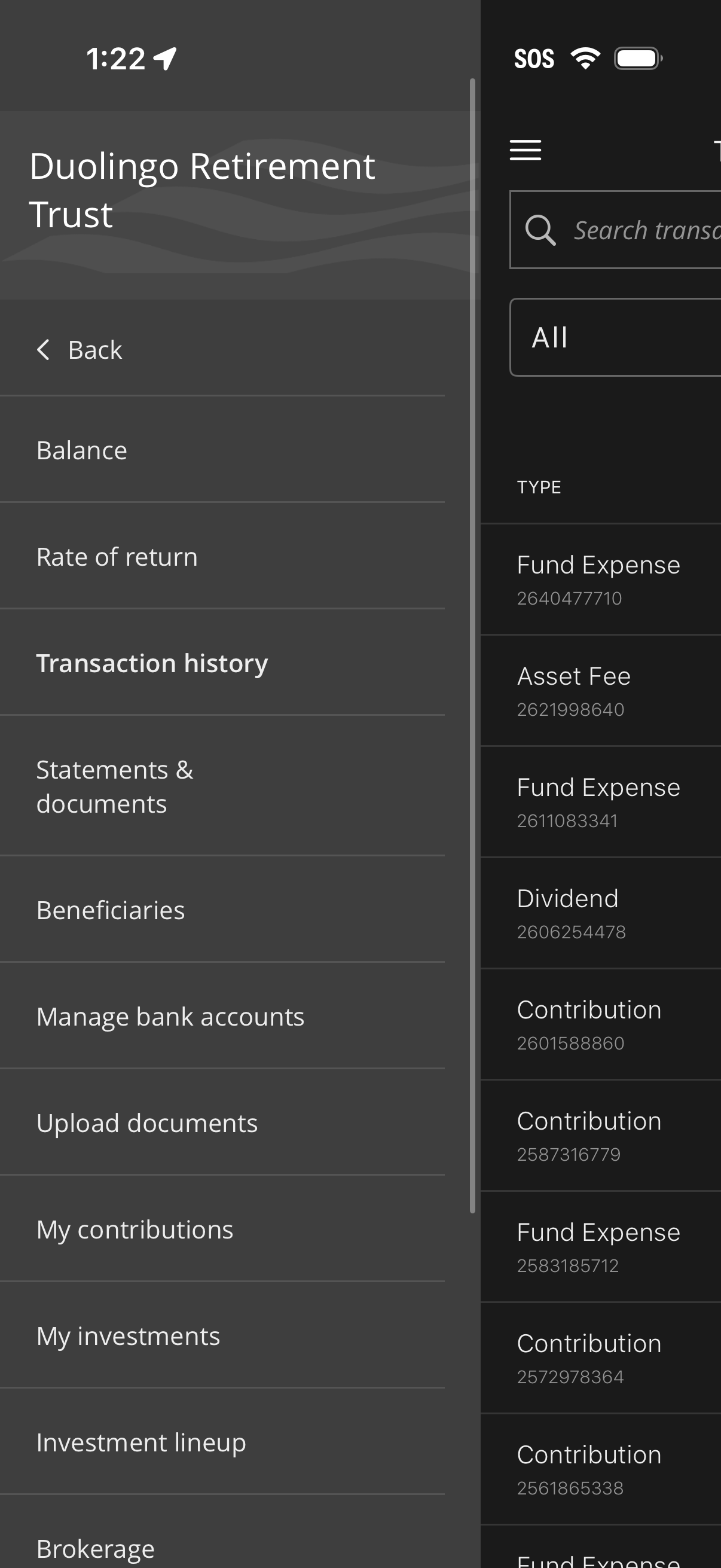
Retirement account detail menu showing options to view balance and rate of return, browse transaction history, access statements and documents, manage beneficiaries and linked bank accounts, upload documents, and review contributions and investments. A transaction list screen supports searching and filtering transactions by type (e.
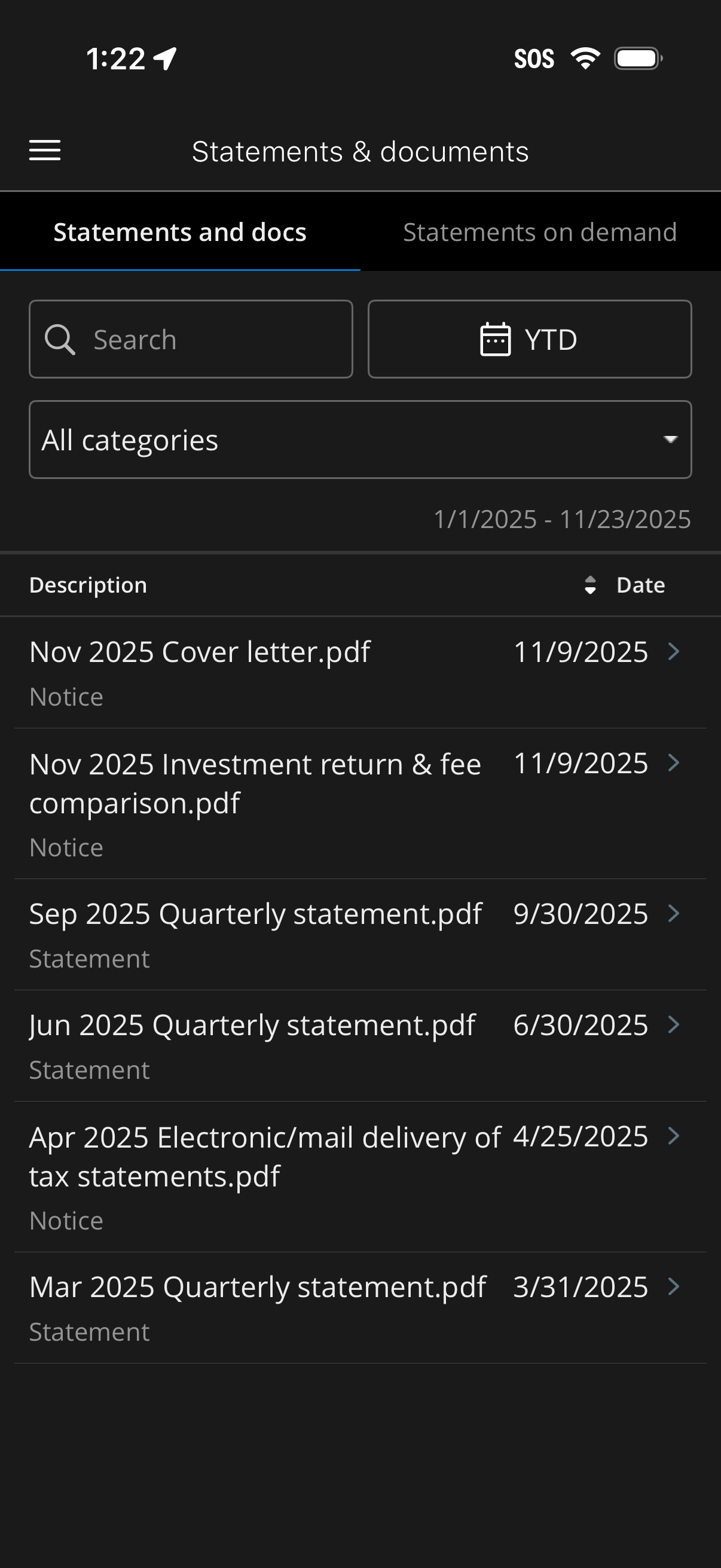
Mobile banking “Statements & documents” screen showing a searchable, filterable list of PDF statements and notices. Users can filter by date range (e.
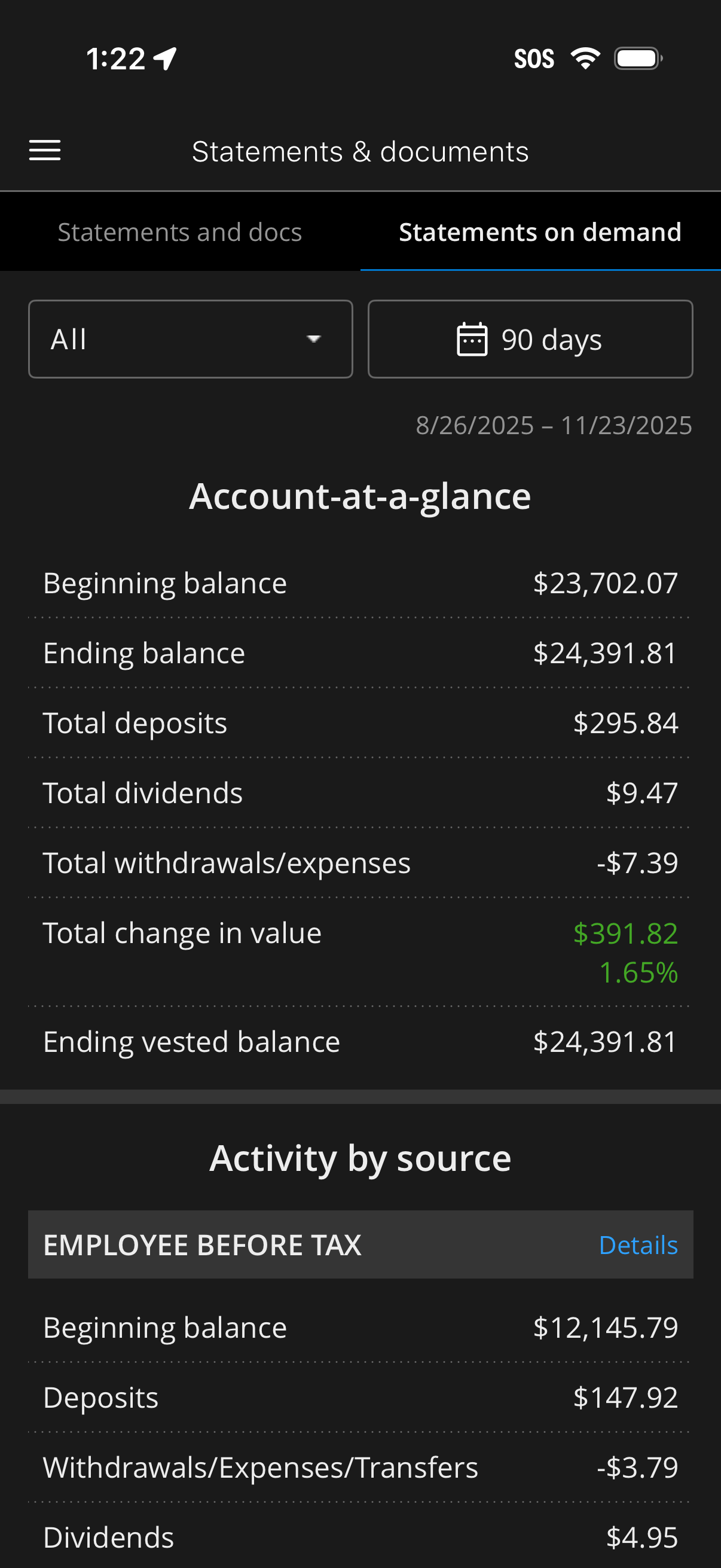
Investment or retirement account “Statements & documents” screen showing on-demand statements with filters for statement type and date range (e. g.
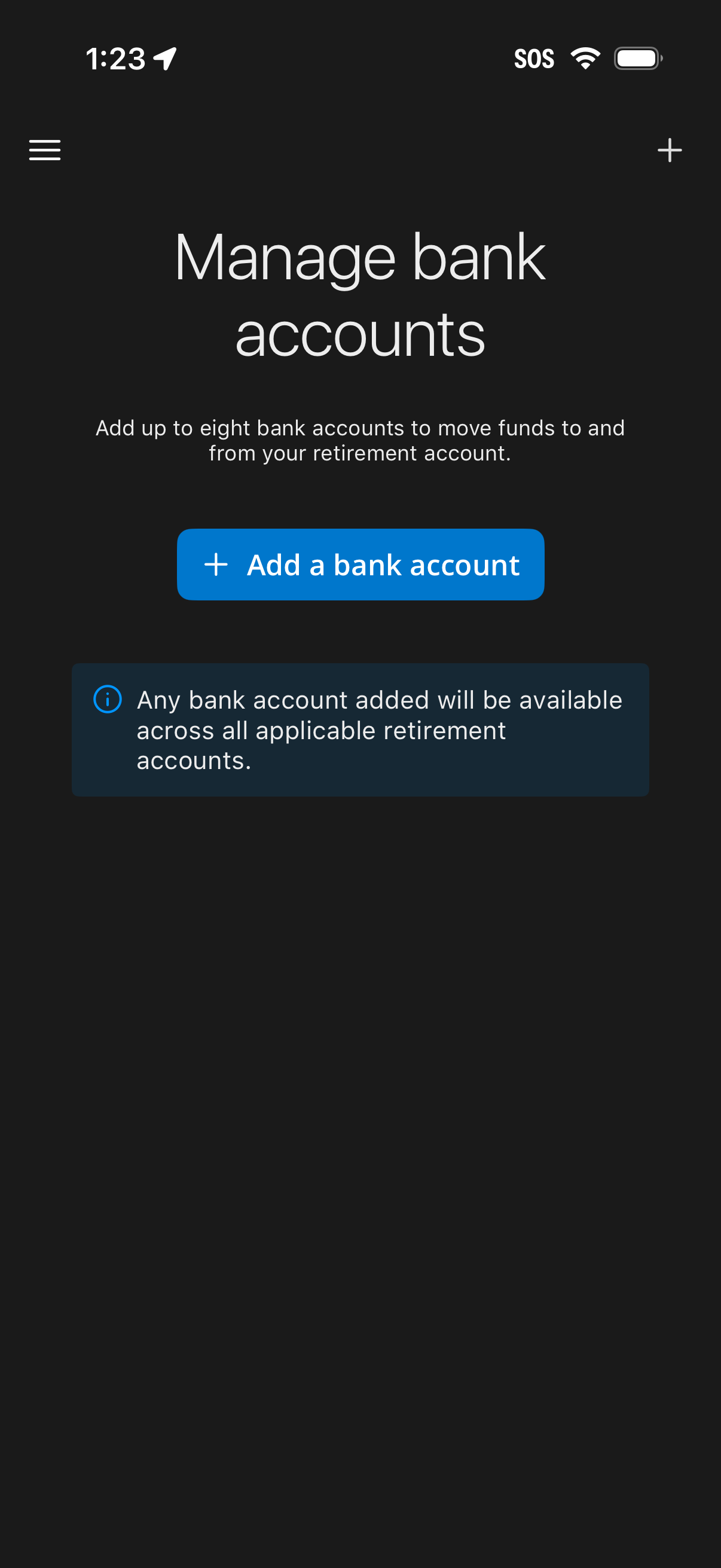
Bank account management screen for a retirement/finance app that lets users link up to eight external bank accounts to move funds to and from their retirement account. Primary action is a prominent “Add a bank account” button, with an info note explaining linked accounts are available across applicable retirement accounts.
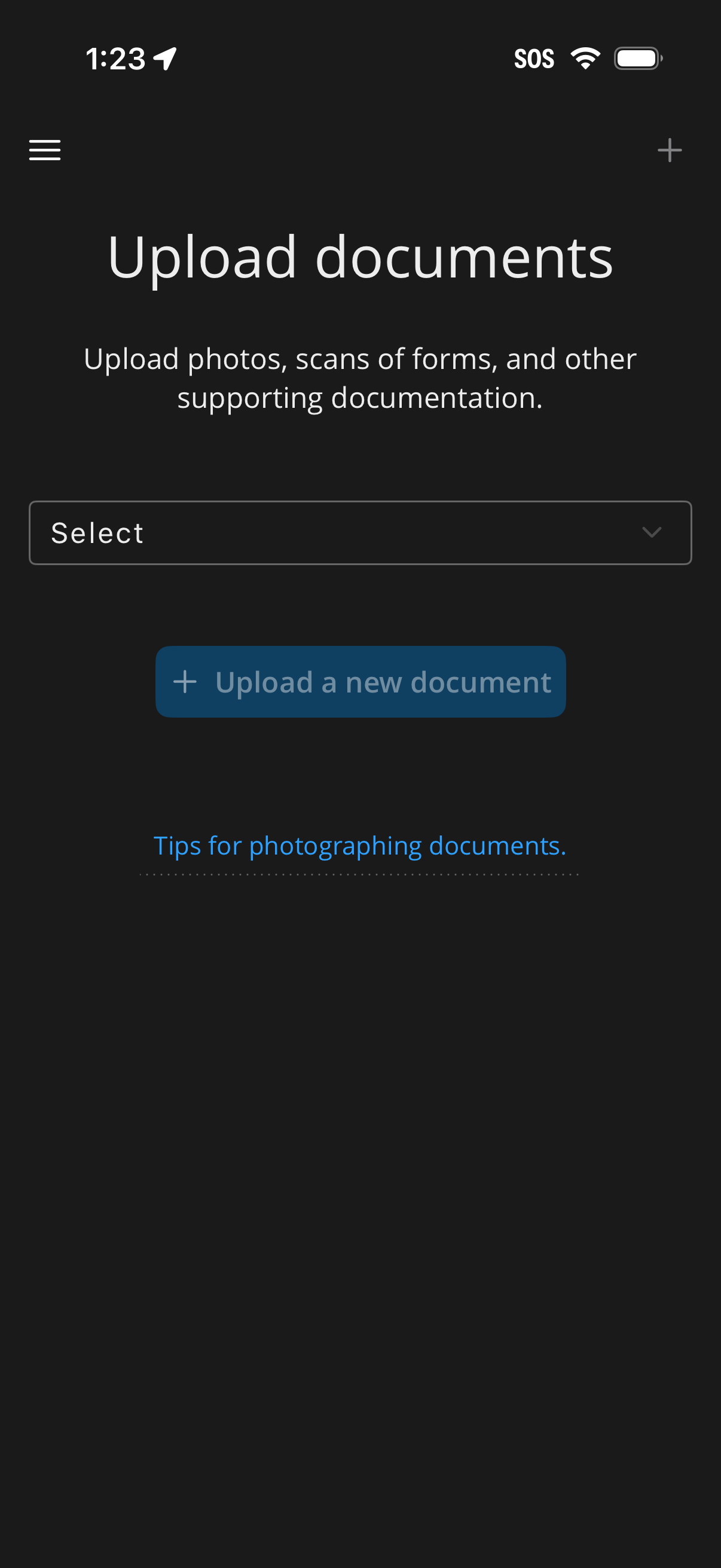
Document upload screen for submitting supporting documentation like photos or scanned forms, with a dropdown to select the document type and a primary action button to upload a new document. Includes a link to tips for photographing documents and navigation controls (menu and add).