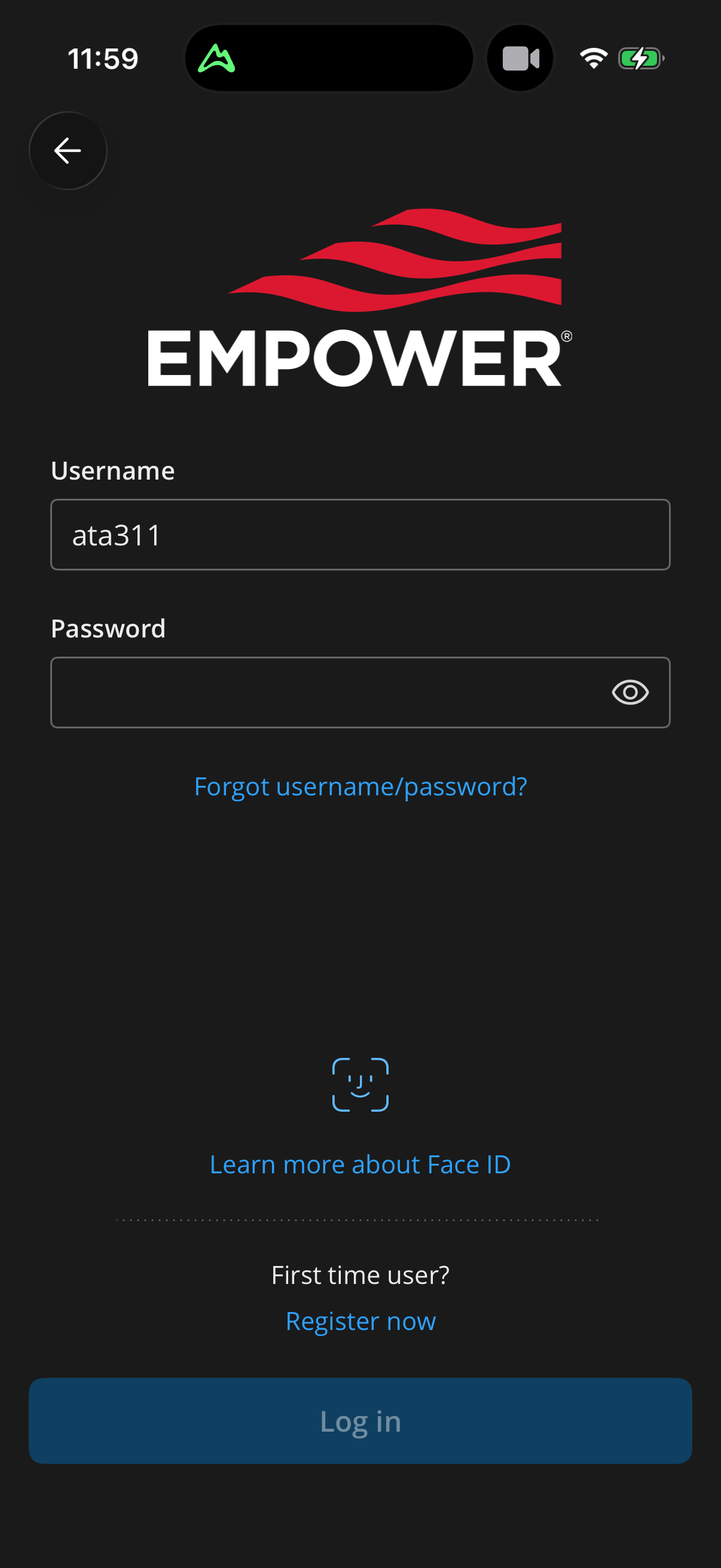
sign in with verification
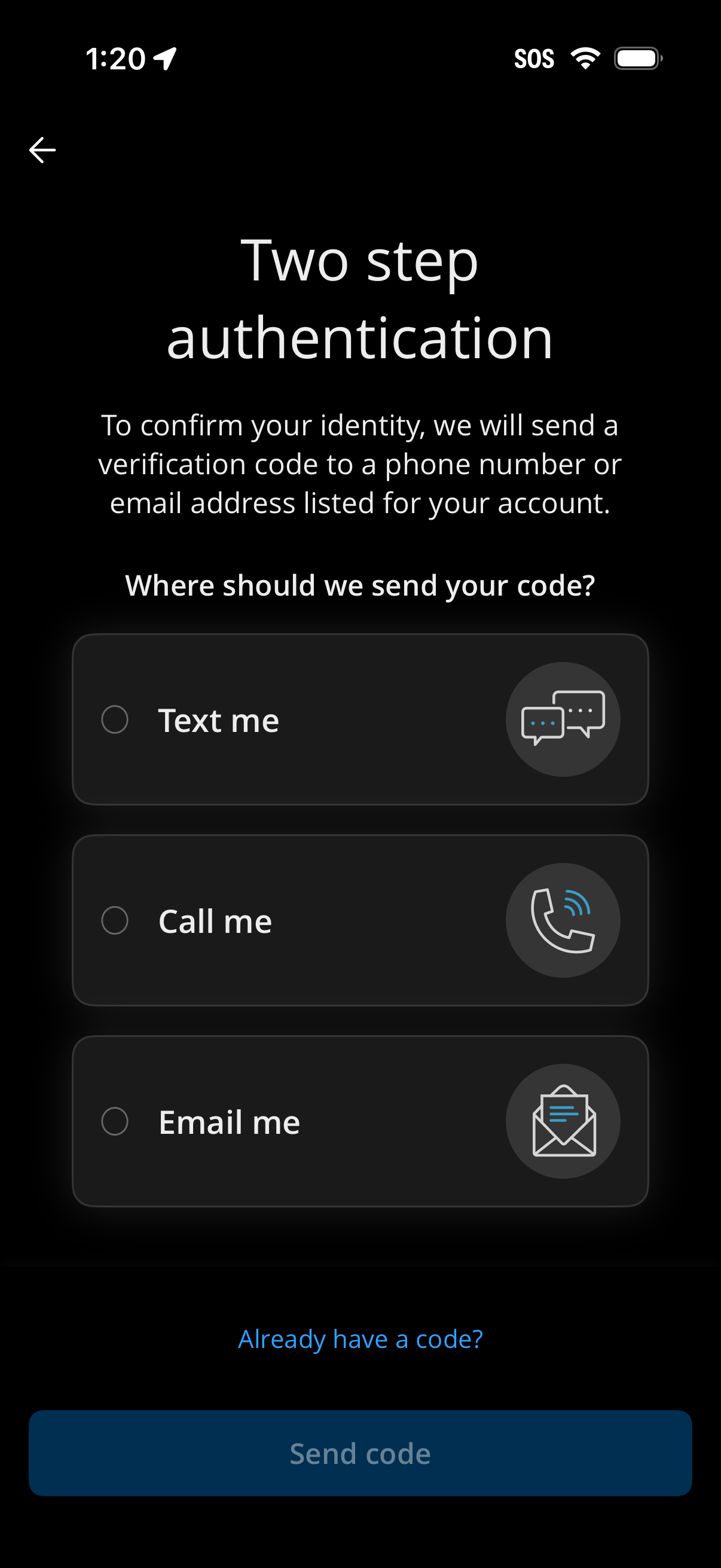
Two-step authentication screen prompting the user to choose how to receive a verification code, with radio options to text, call, or email the code. Includes a link for users who already have a code and a primary “Send code” button to initiate delivery.
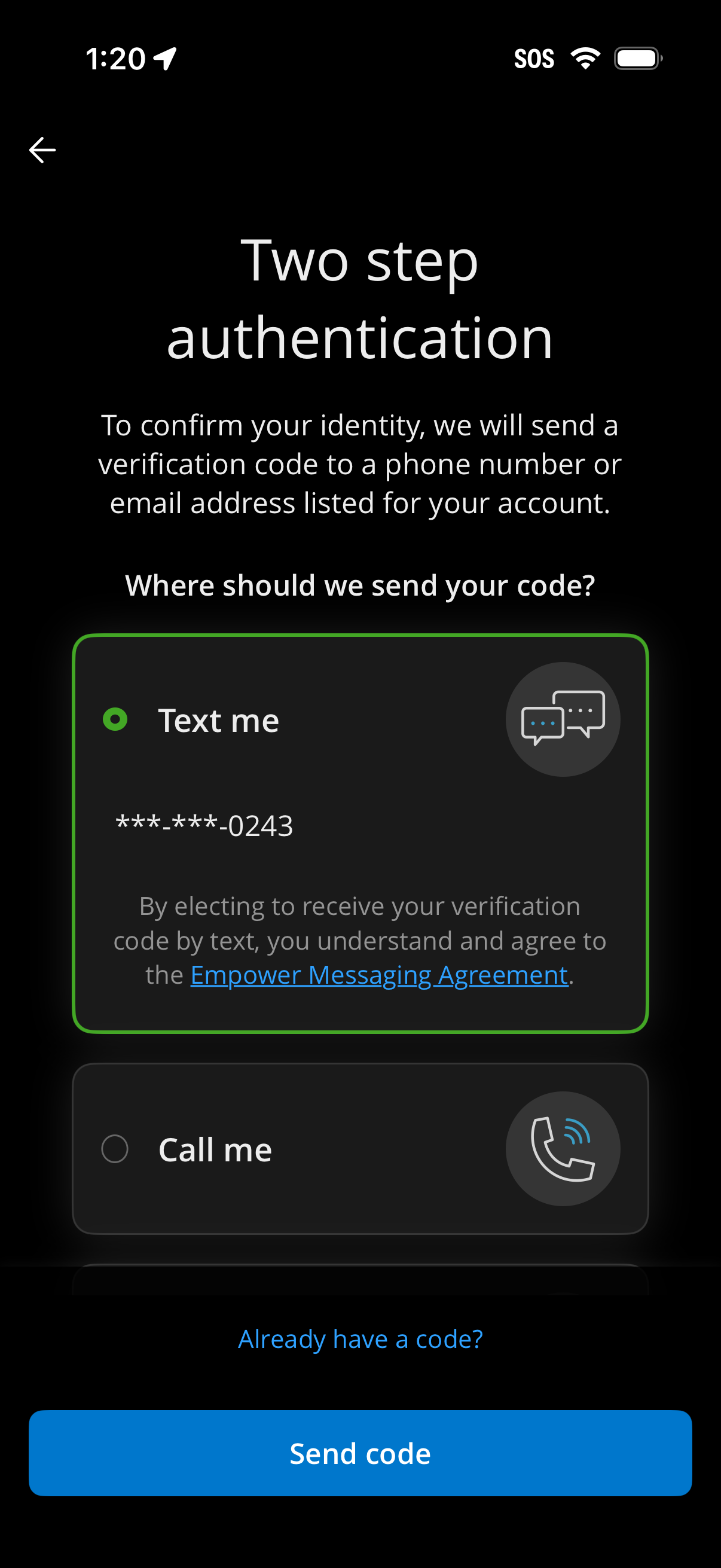
Two-step authentication screen prompting the user to choose how to receive a verification code, with selectable options to get the code by SMS text or phone call to a masked number. Includes an “Already have a code?
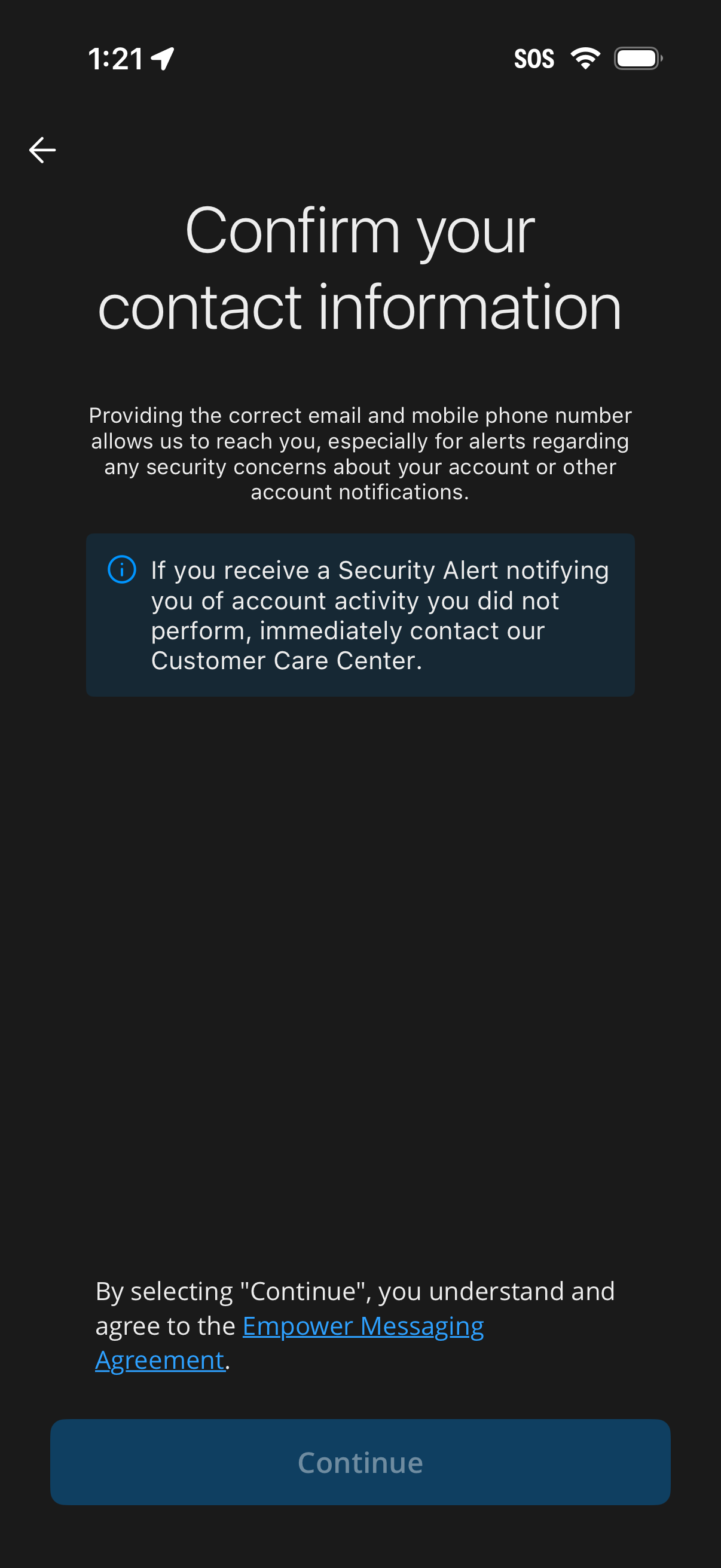
Screen prompting the user to confirm their contact information (email and mobile number) to receive security alerts and account notifications, with an informational warning about reporting suspicious activity. Includes a link to a messaging agreement and a primary Continue button to proceed.