1
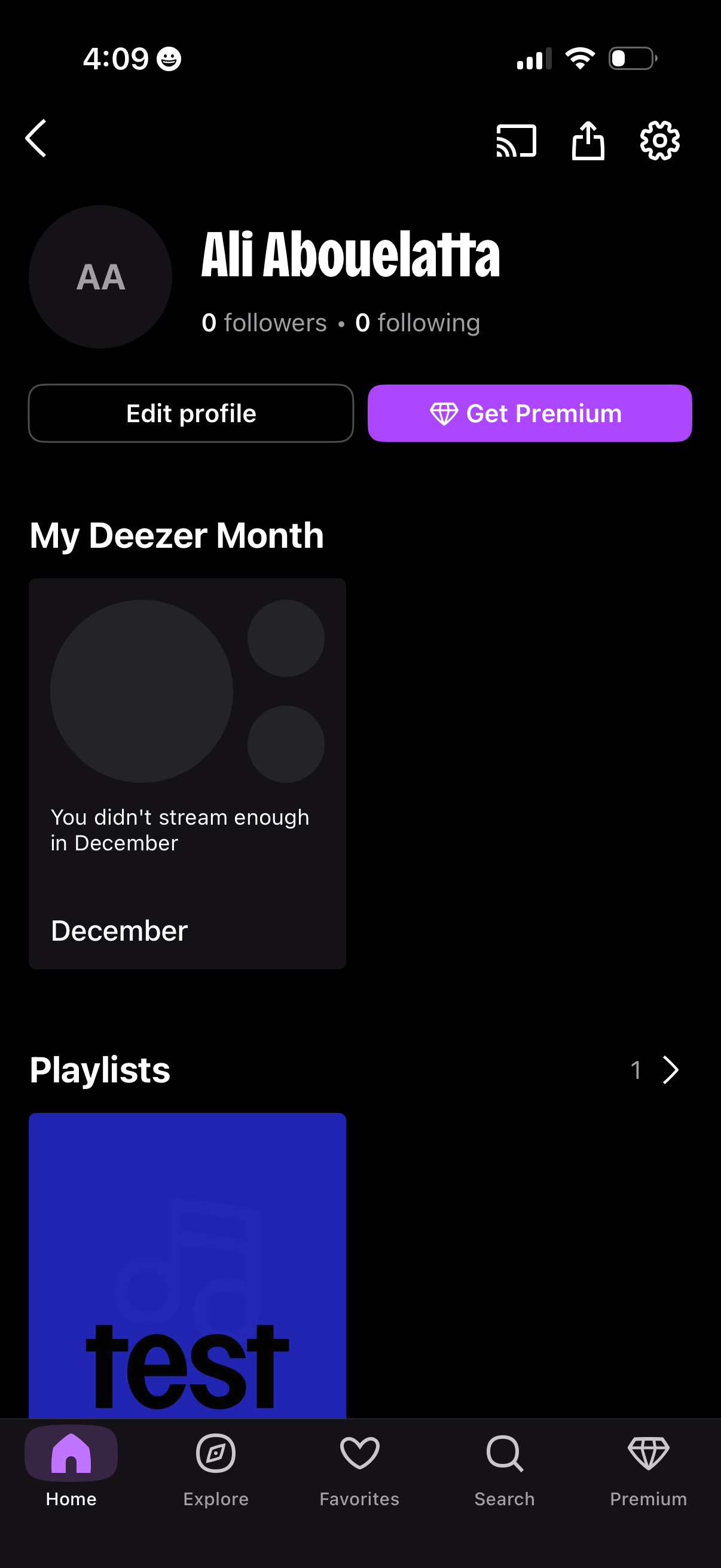
Music streaming app profile screen showing the user’s avatar, name, and follower/following counts with primary actions to edit profile and upgrade to Premium. Below, it highlights a monthly listening recap card (“My Deezer Month”) and a Playlists section with navigation to casting/share/settings and a bottom tab bar.
2
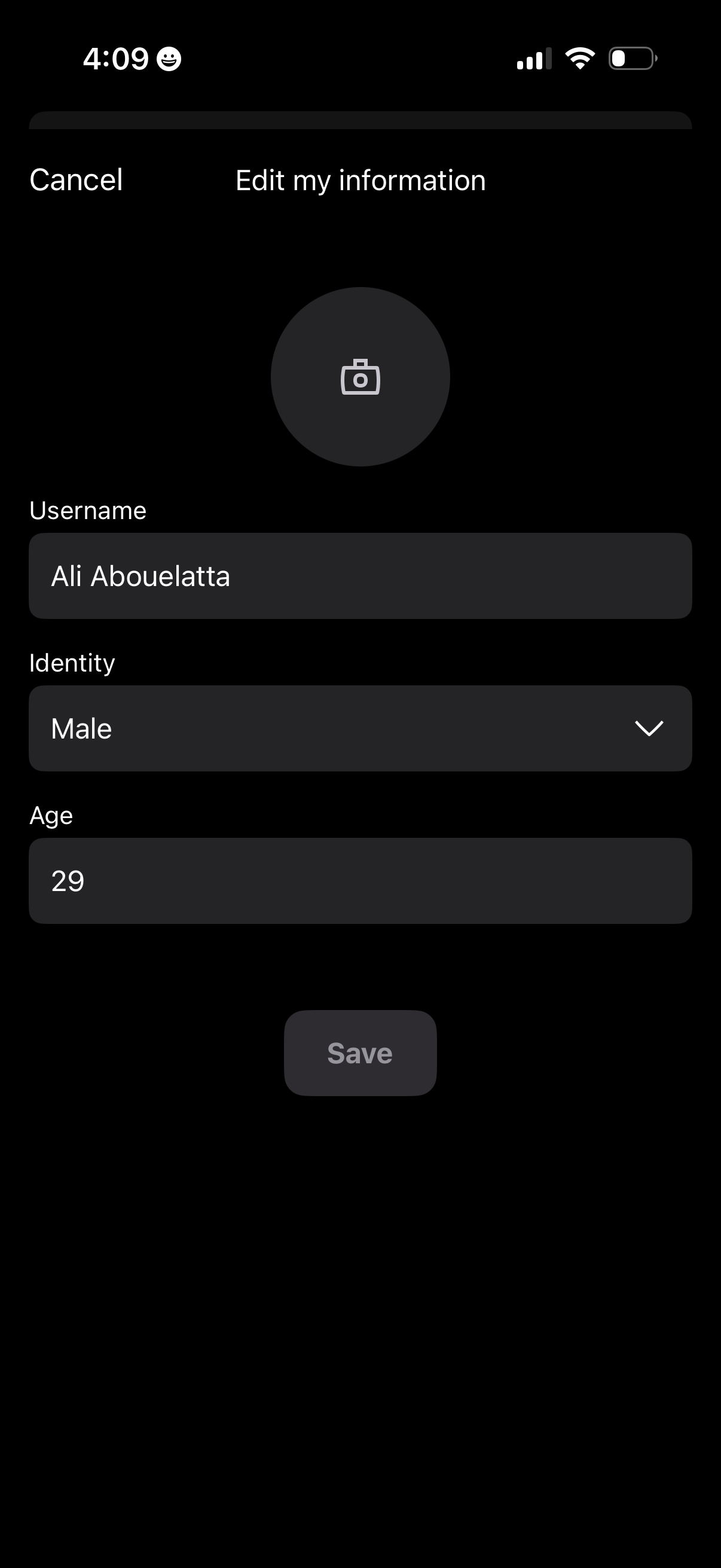
Profile edit screen for updating personal information, with an option to change profile photo plus form fields for username, identity/gender dropdown, and age. Includes Cancel navigation and a Save button to confirm changes.