browse artist discography
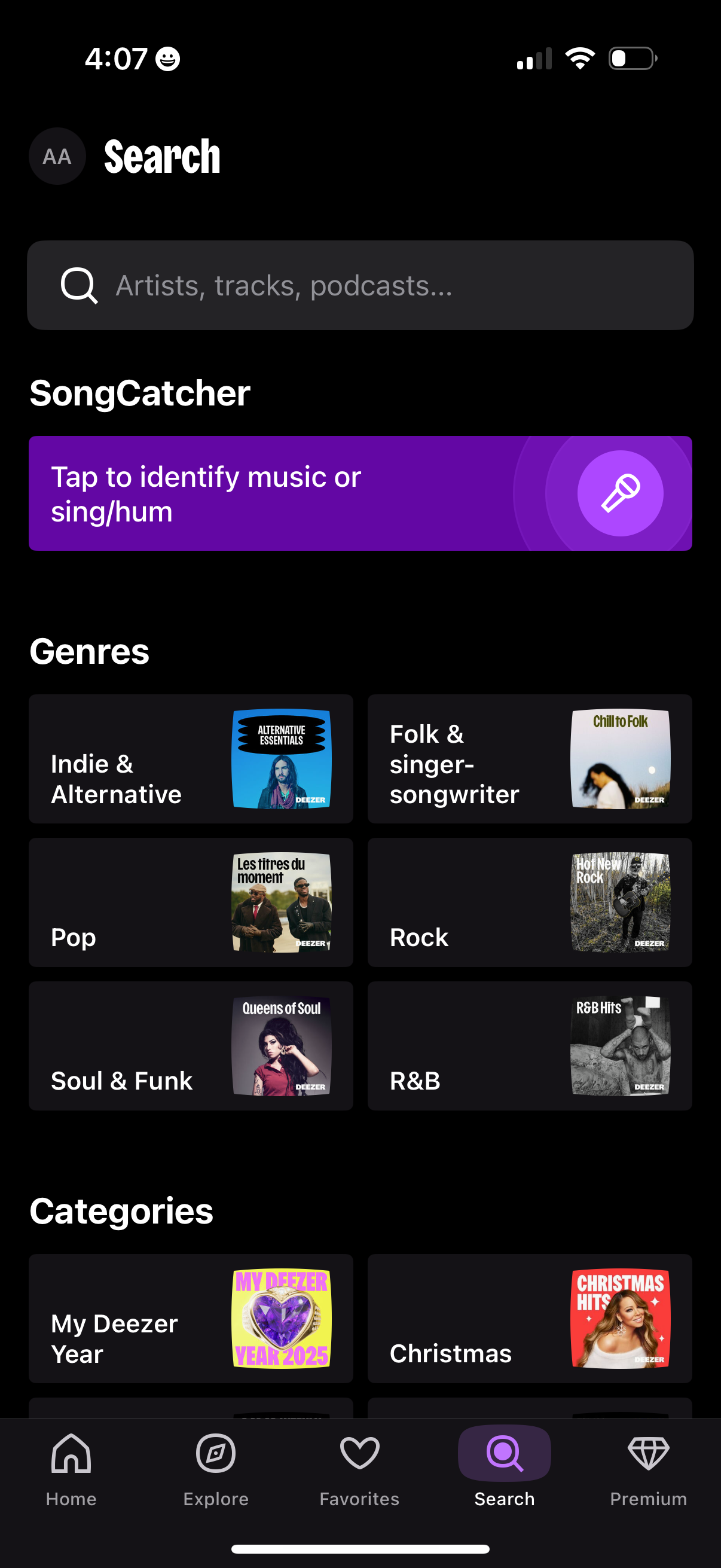
Music streaming app search/explore screen with a global search bar for artists, tracks, and podcasts plus a “SongCatcher” button to identify a song by listening or humming. Below, users can browse genre and category tiles (e.
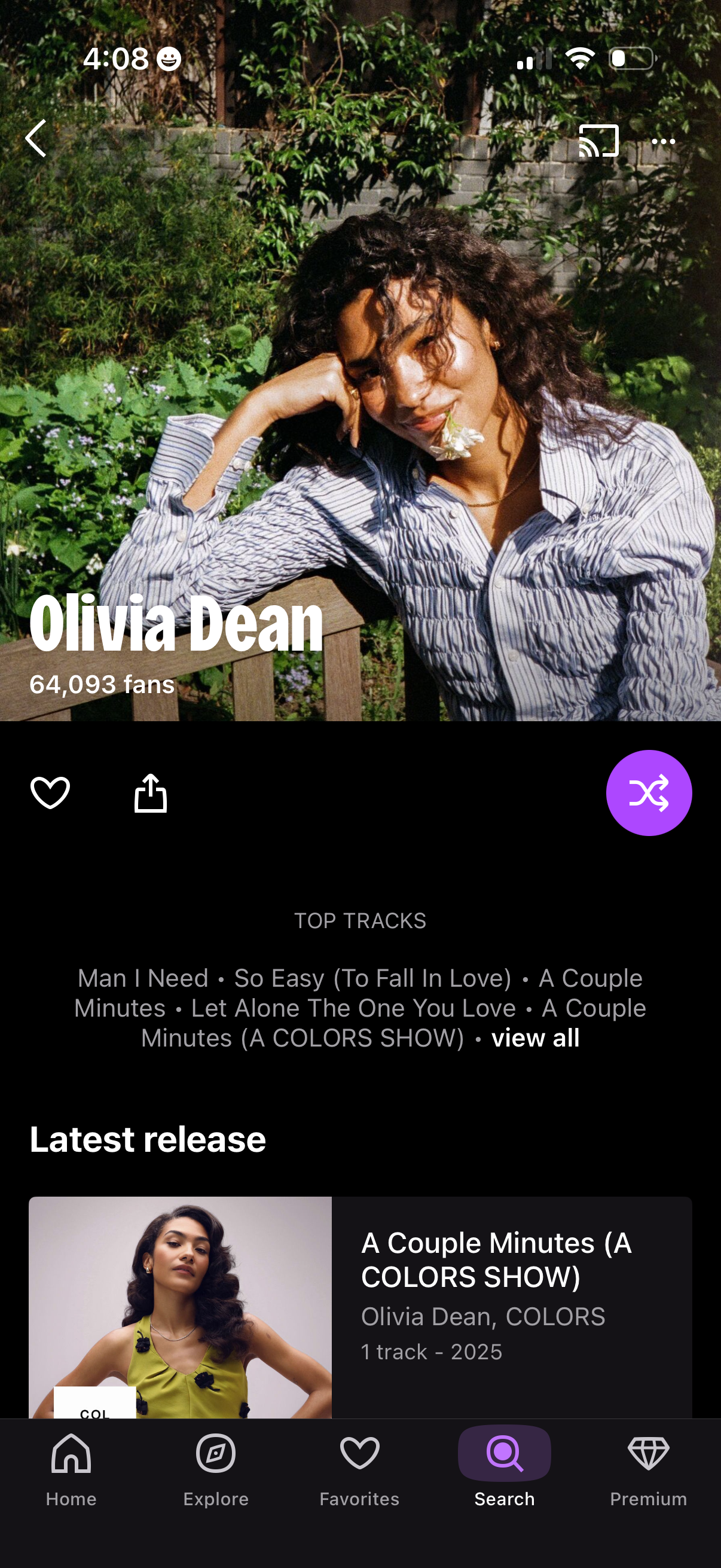
Music artist profile page showing a header photo, artist name and fan count, with primary actions to favorite/like, share, and start shuffle play. Below are sections for Top Tracks with a “view all” link and the Latest release card, with bottom navigation for home, explore, favorites, search, and premium.
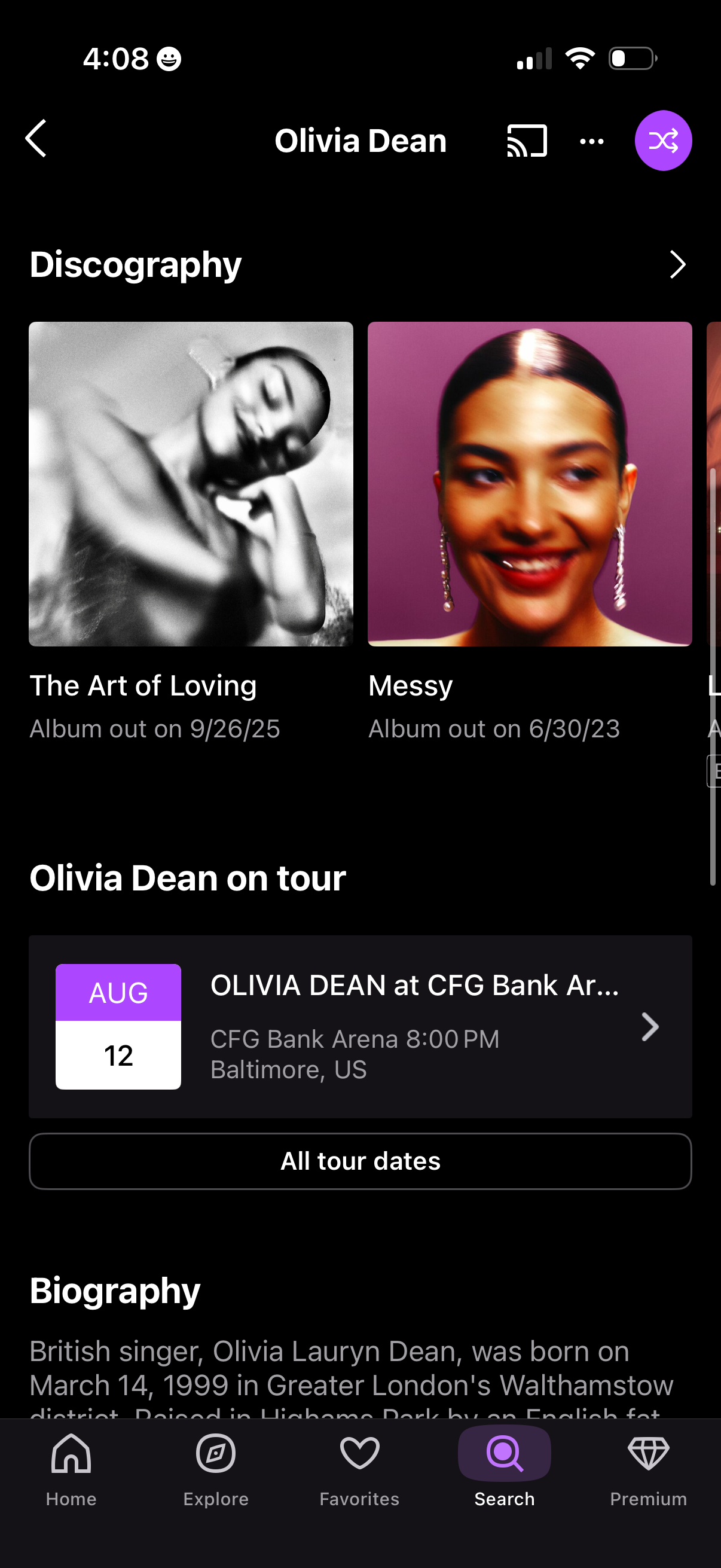
Artist profile screen in a music streaming app showing discography with album cards and release dates, plus an “on tour” section with upcoming concert details and a button to view all tour dates. Includes a biography section and top navigation actions for back, casting, and more options.
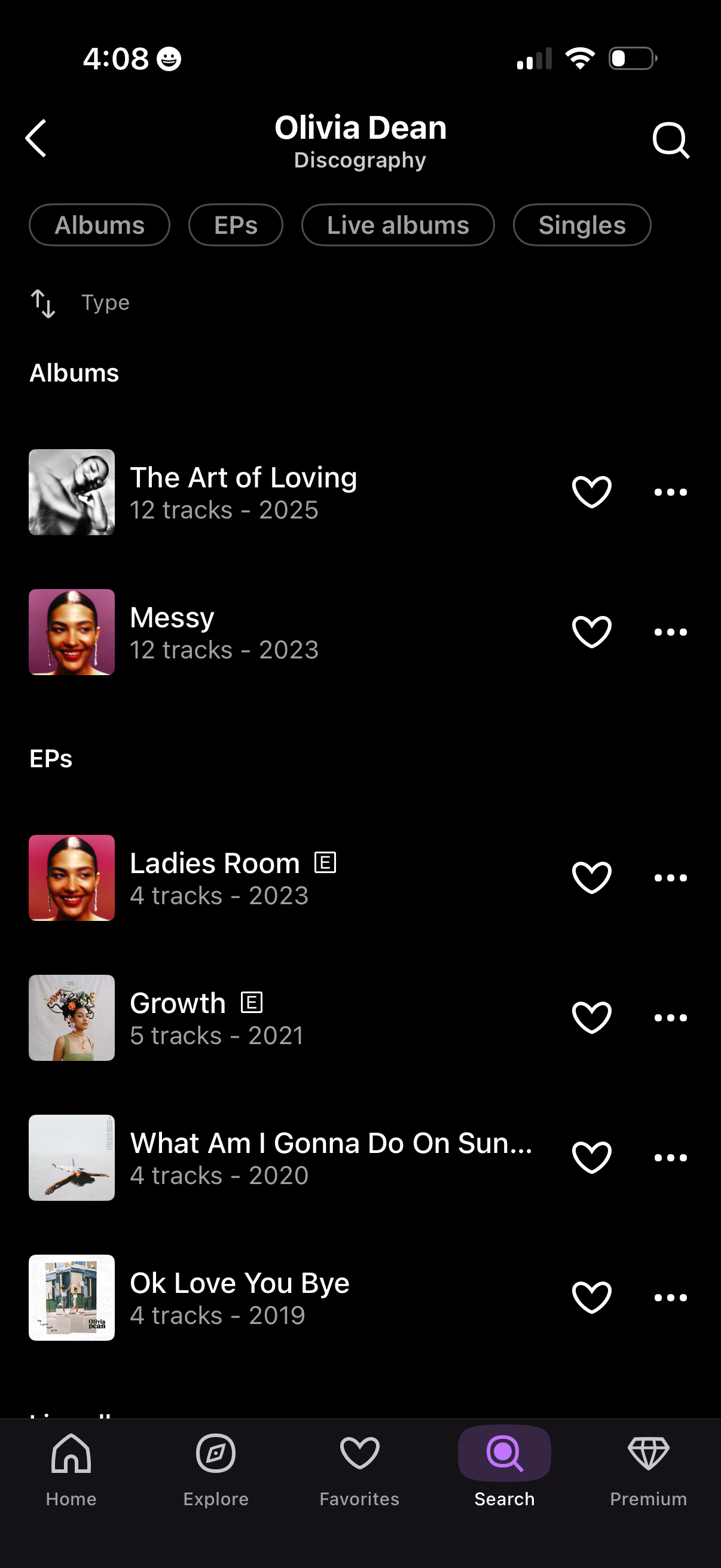
Artist discography screen in a music streaming app showing filter tabs for Albums, EPs, Live albums, and Singles and a sortable list of releases with cover art, track count, and year. Each release row includes actions to favorite/like and open an overflow menu, with back navigation and search.
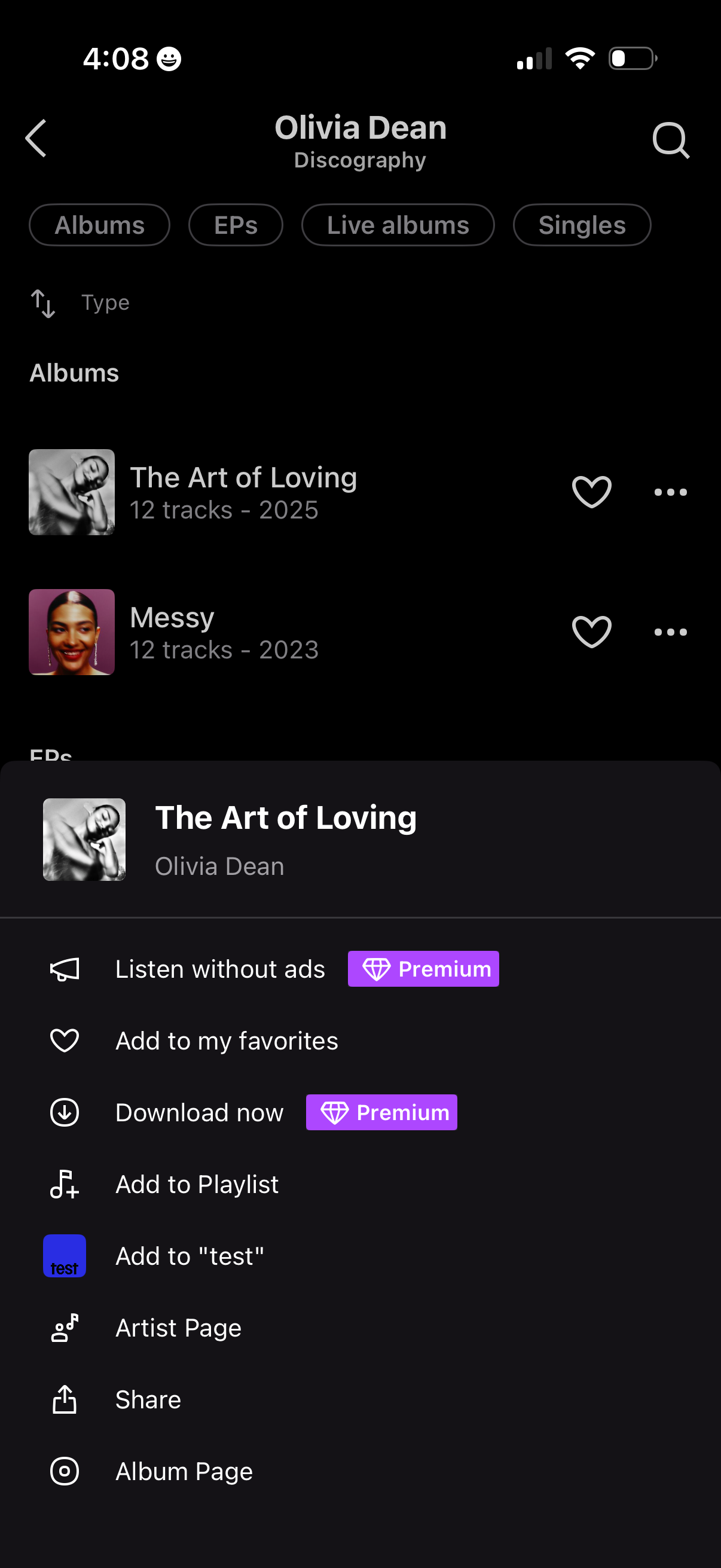
Artist discography screen in a music streaming app with tabs to browse Albums, EPs, Live albums, and Singles, showing a list of releases with favorite and overflow actions plus search. A bottom sheet action menu for a selected album offers options like listen without ads (premium), add to favorites, download (premium), add to playlist, go to artist/album page, and share.
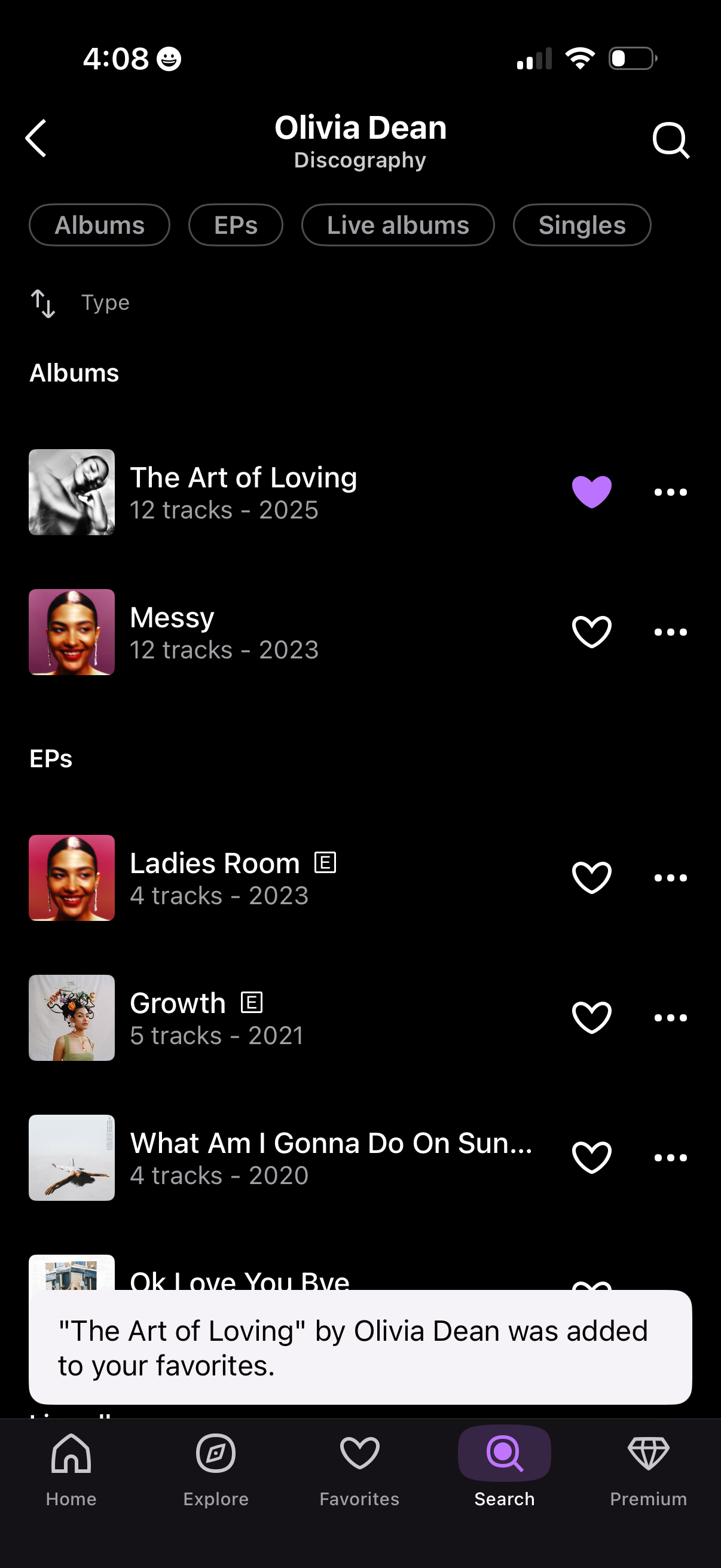
Artist discography screen in a music streaming app showing a categorized list of releases (Albums, EPs, Live albums, Singles) with cover art, track counts, and year, plus search and sorting. Users can favorite an album with a heart icon, open more actions via an overflow menu, and see a confirmation toast when something is added to favorites.
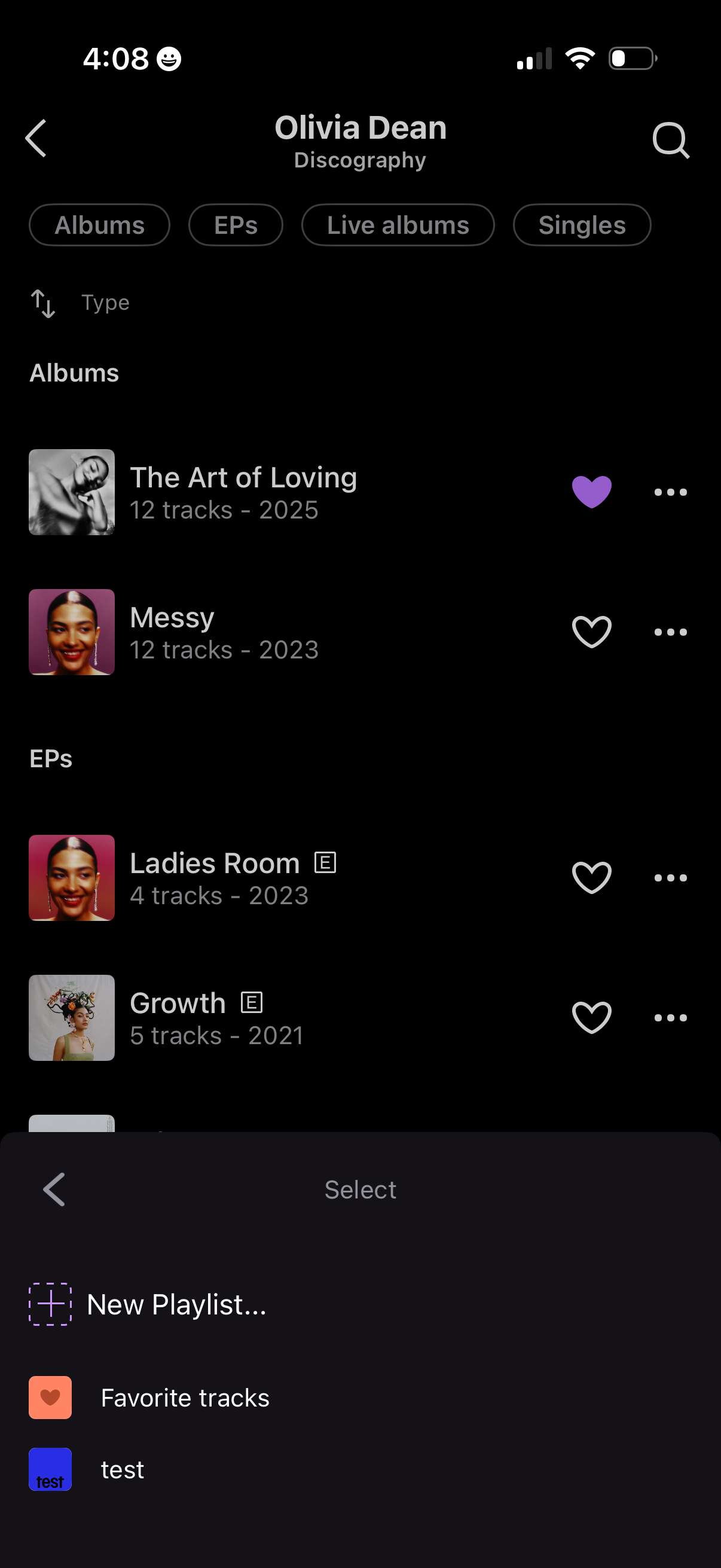
Artist discography screen in a music streaming app showing tabs to filter releases by Albums, EPs, Live albums, and Singles, with a list of releases including cover art, track count, year, and options to favorite or open more actions. A bottom sheet “Select” menu is open to add the item to a playlist, offering choices like creating a new playlist or selecting existing playlists.
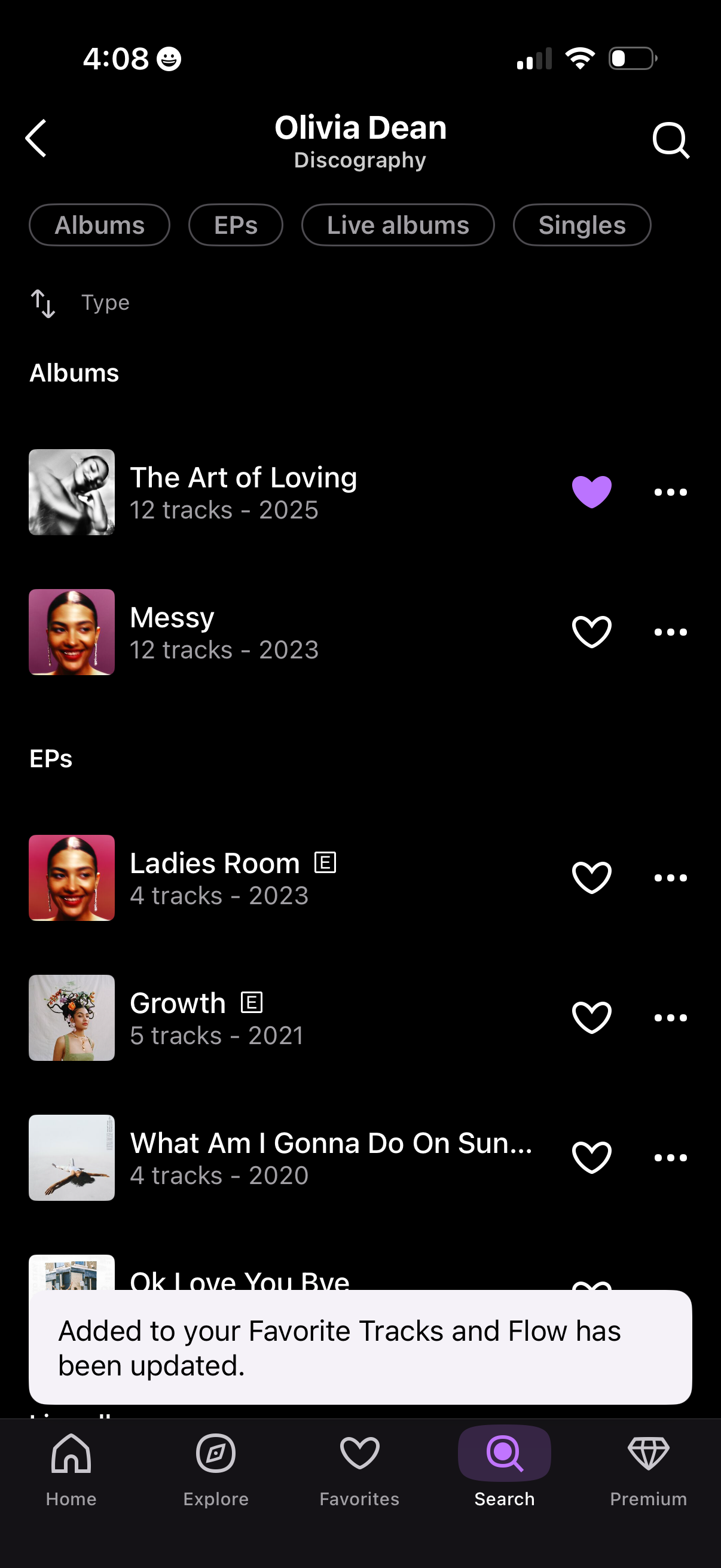
Artist discography screen showing a categorized list of releases with tabs for Albums, EPs, Live albums, and Singles, plus search and type sorting. Each release row includes cover art, title, track count and year, with actions to favorite/like and open more options, and a toast confirming it was added to favorite tracks.
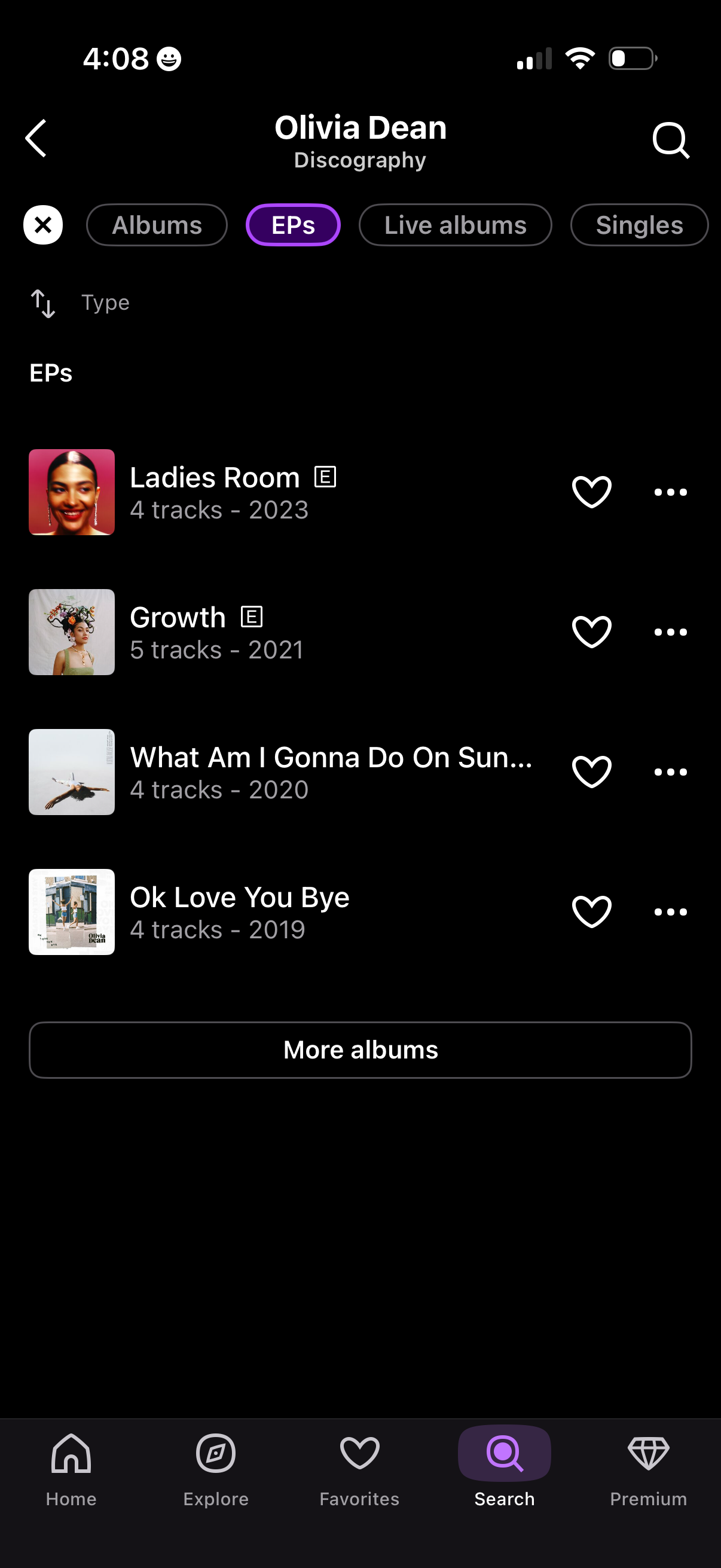
Artist discography screen in a music streaming app showing a tabbed filter for Albums, EPs, Live albums, and Singles with sorting options and search. Displays a list of EP releases with cover art, track count and year, plus actions to favorite/save or open more options, and a “More albums” button to load additional releases.
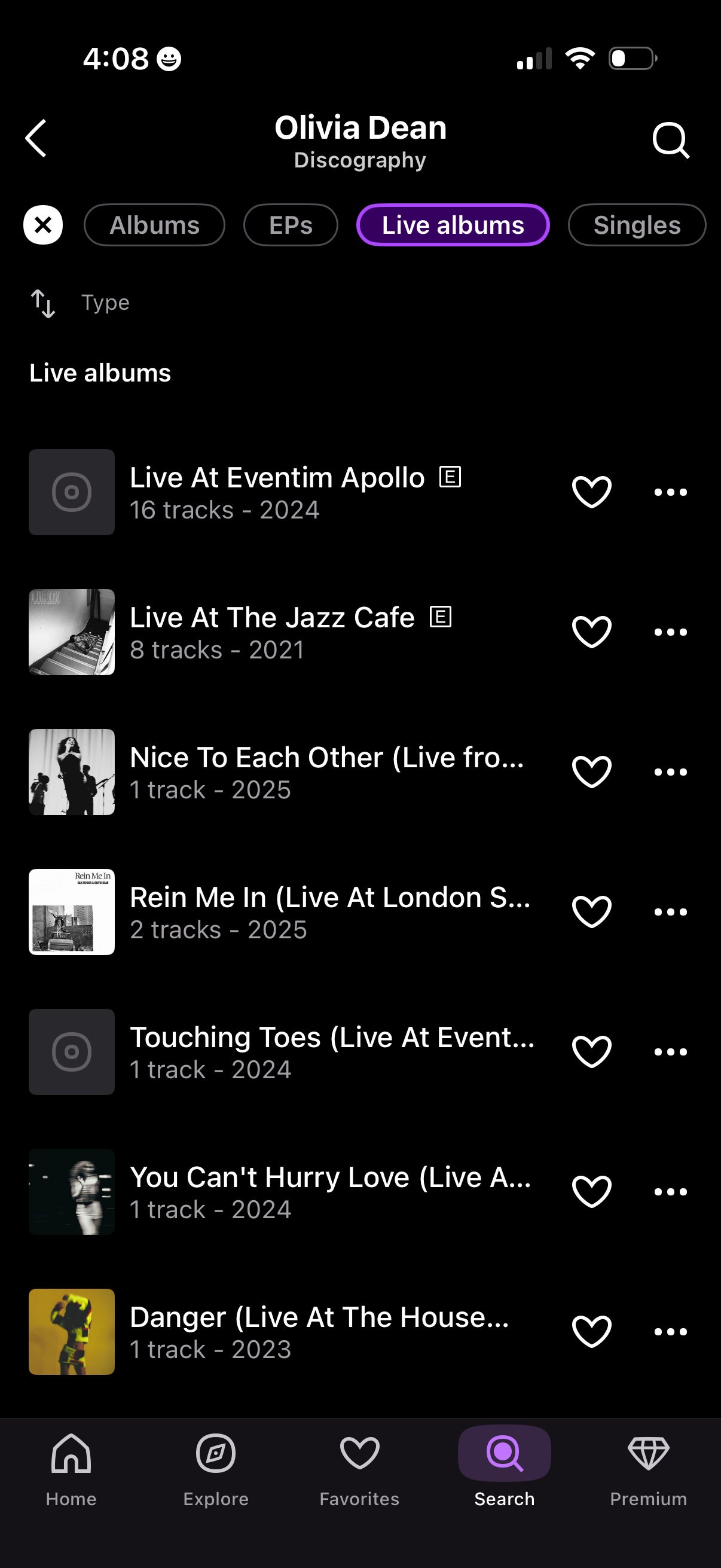
Artist discography screen in a music streaming app showing the “Live albums” tab with filter chips for Albums, EPs, Live albums, and Singles plus a search icon. A scrollable list displays live releases with cover art, track count and year, and actions to favorite (heart) or open a more-options menu for each item.
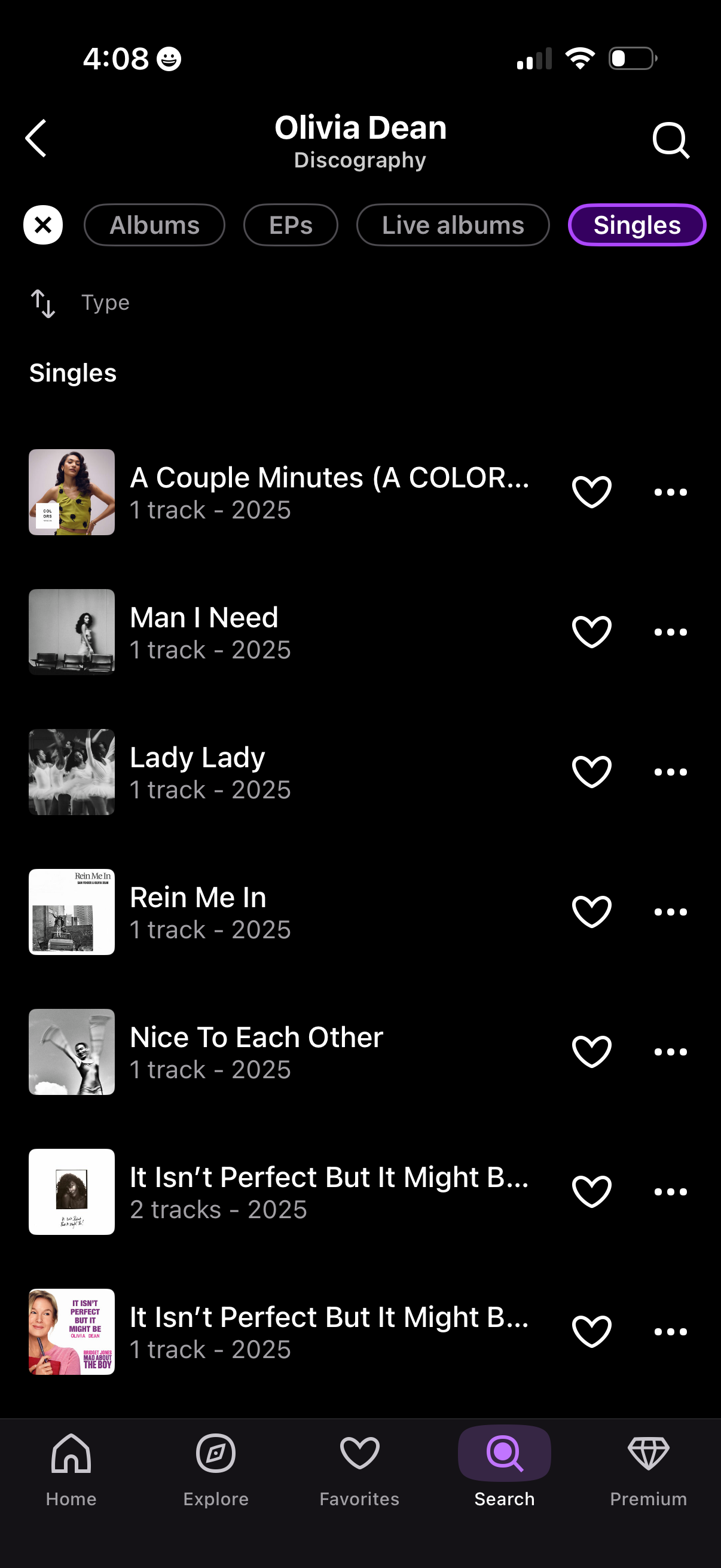
Artist discography screen in a music streaming app showing a scrollable list of the artist’s Singles with cover art, track count, and release year. Users can switch between Albums/EPs/Live albums/Singles tabs, search within the discography, favorite items with a heart button, and open a more options menu for each release.