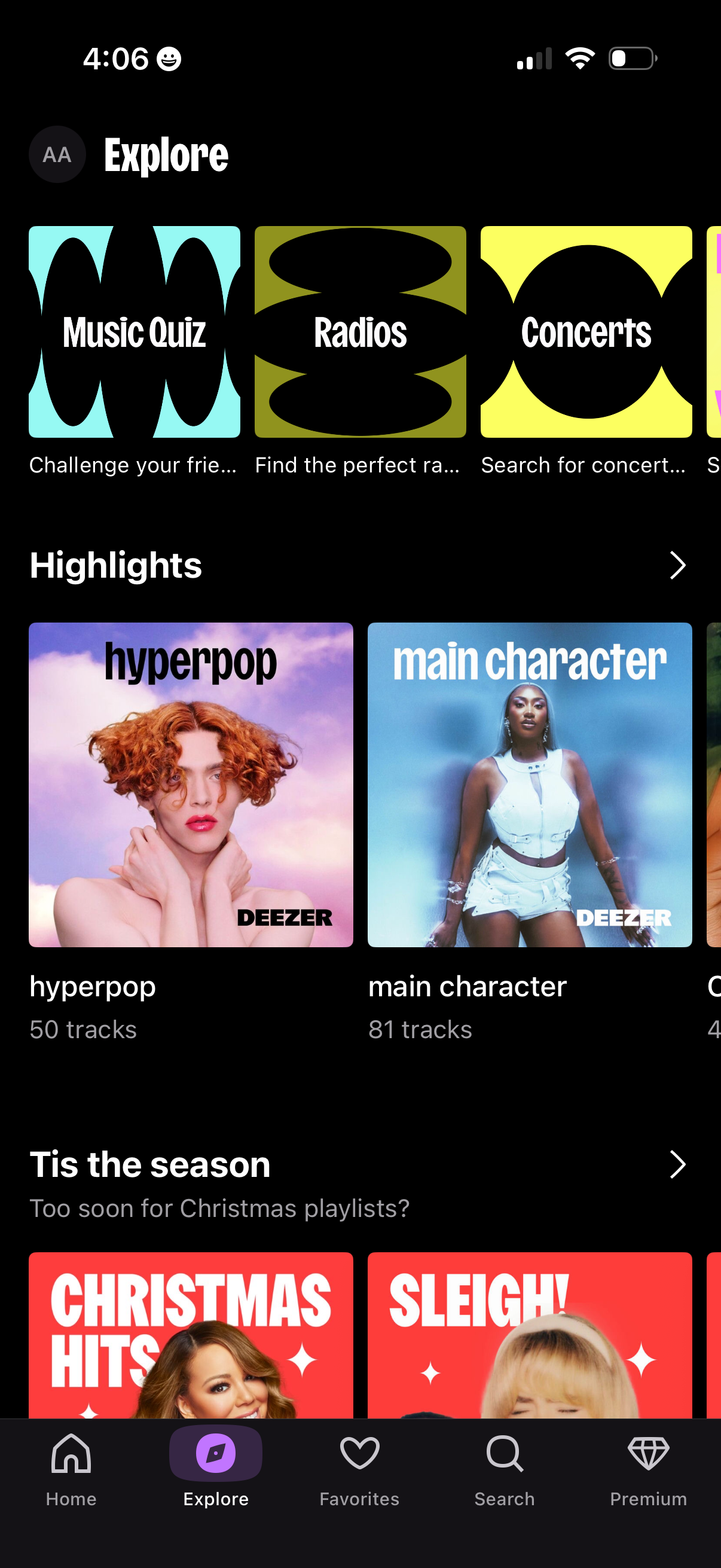
Music streaming app Explore/Browse tab showing feature tiles for Music Quiz, Radios, and Concerts, plus scrollable curated playlist highlights with cover art and track counts. Bottom navigation provides tabs for Home, Explore, Favorites, Search, and Premium.
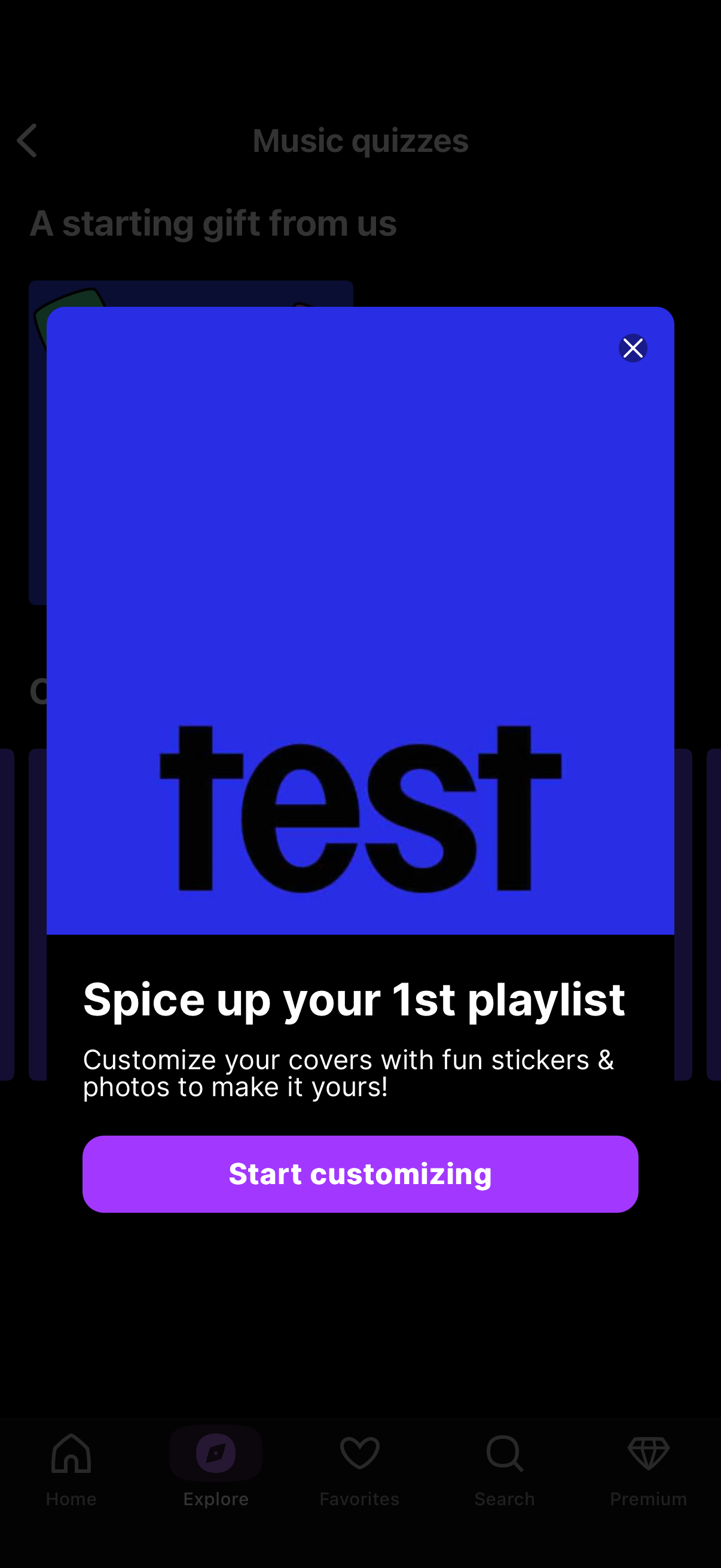
Promotional modal pop-up encouraging users to customize their first playlist cover with stickers and photos, featuring a large preview image area. Provides a primary “Start customizing” call-to-action and a close (X) button to dismiss the overlay.
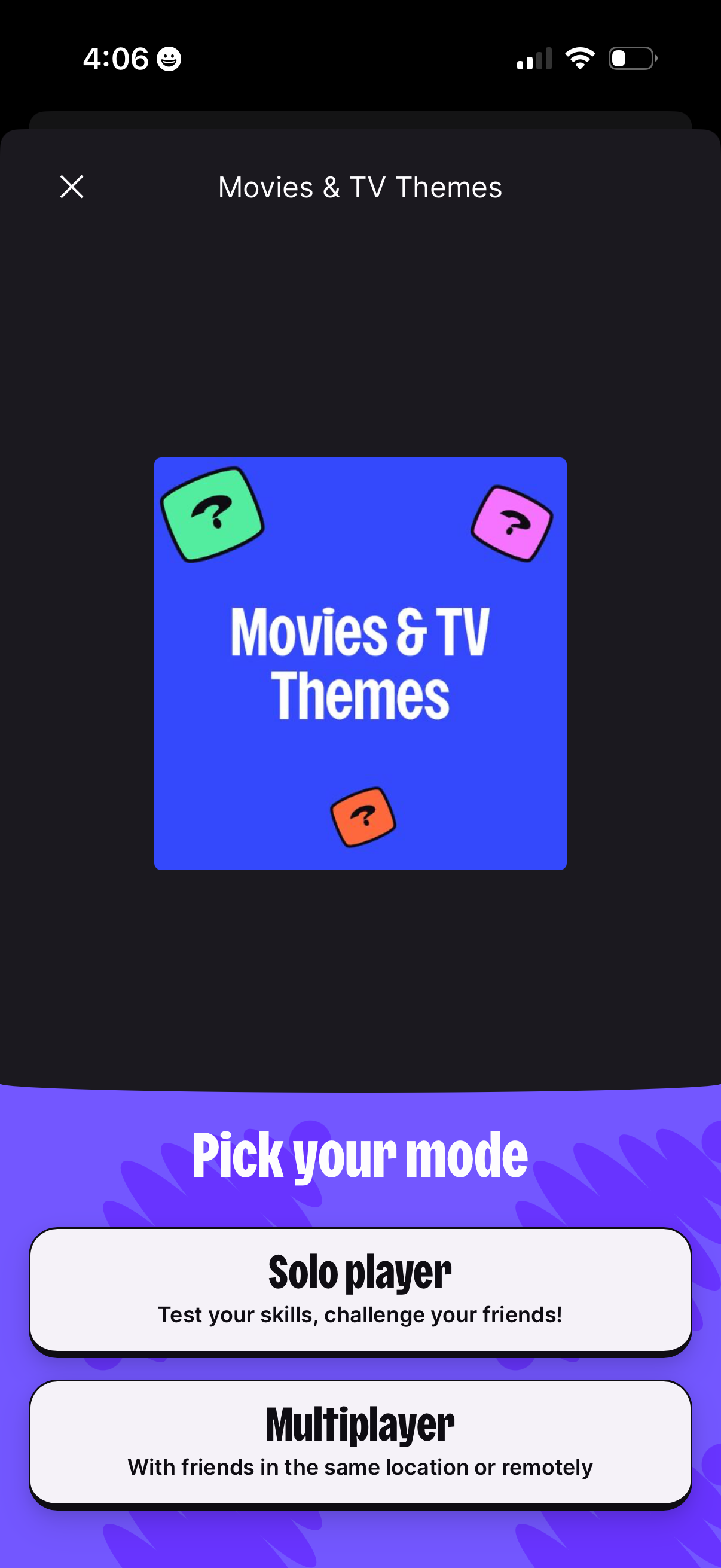
A trivia game category screen for “Movies & TV Themes” with a close button and a “Pick your mode” section. Users choose between Solo player or Multiplayer to start the game.
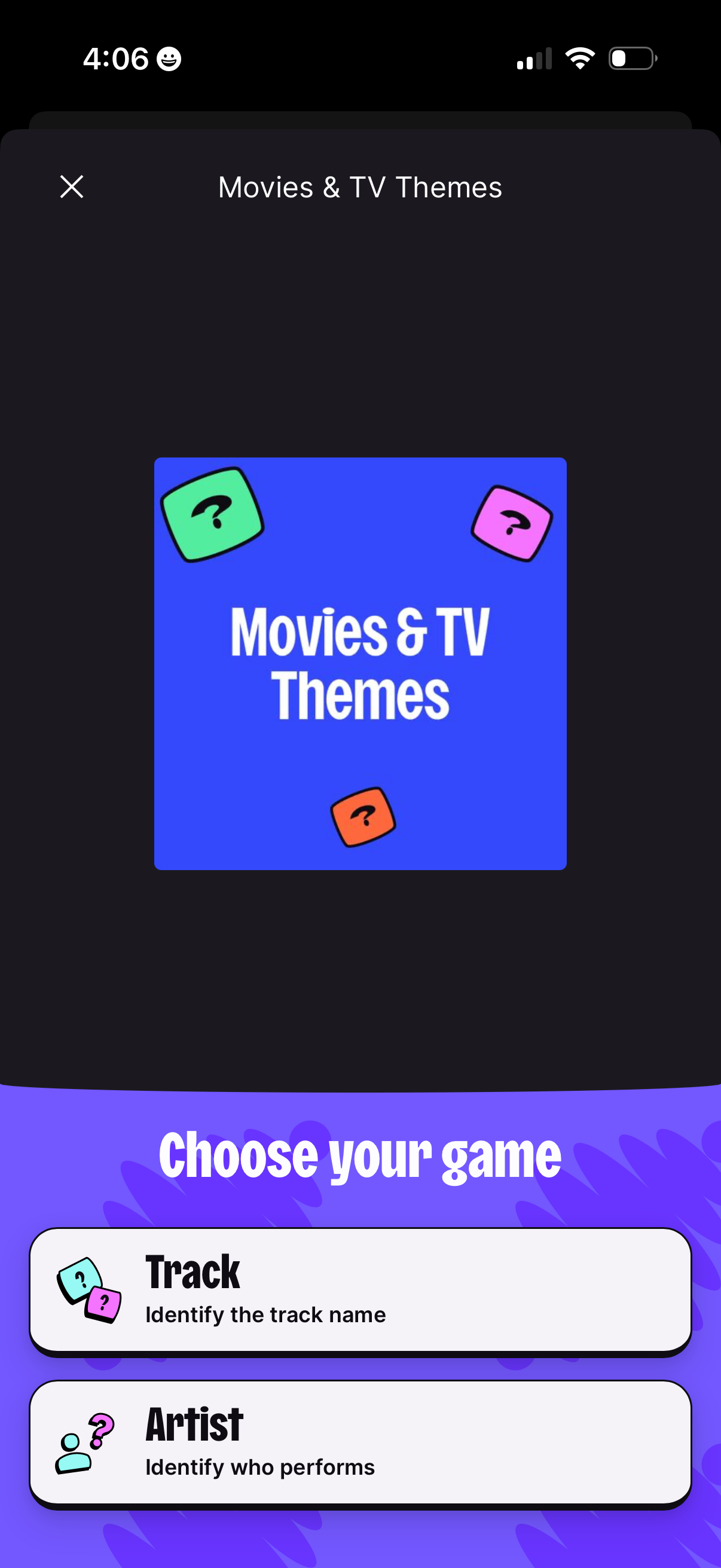
Modal game selection screen for a “Movies & TV Themes” music quiz, with a close button and a “Choose your game” section offering options like Track (identify the track name) and Artist (identify who performs). Users choose a quiz mode to start playing.
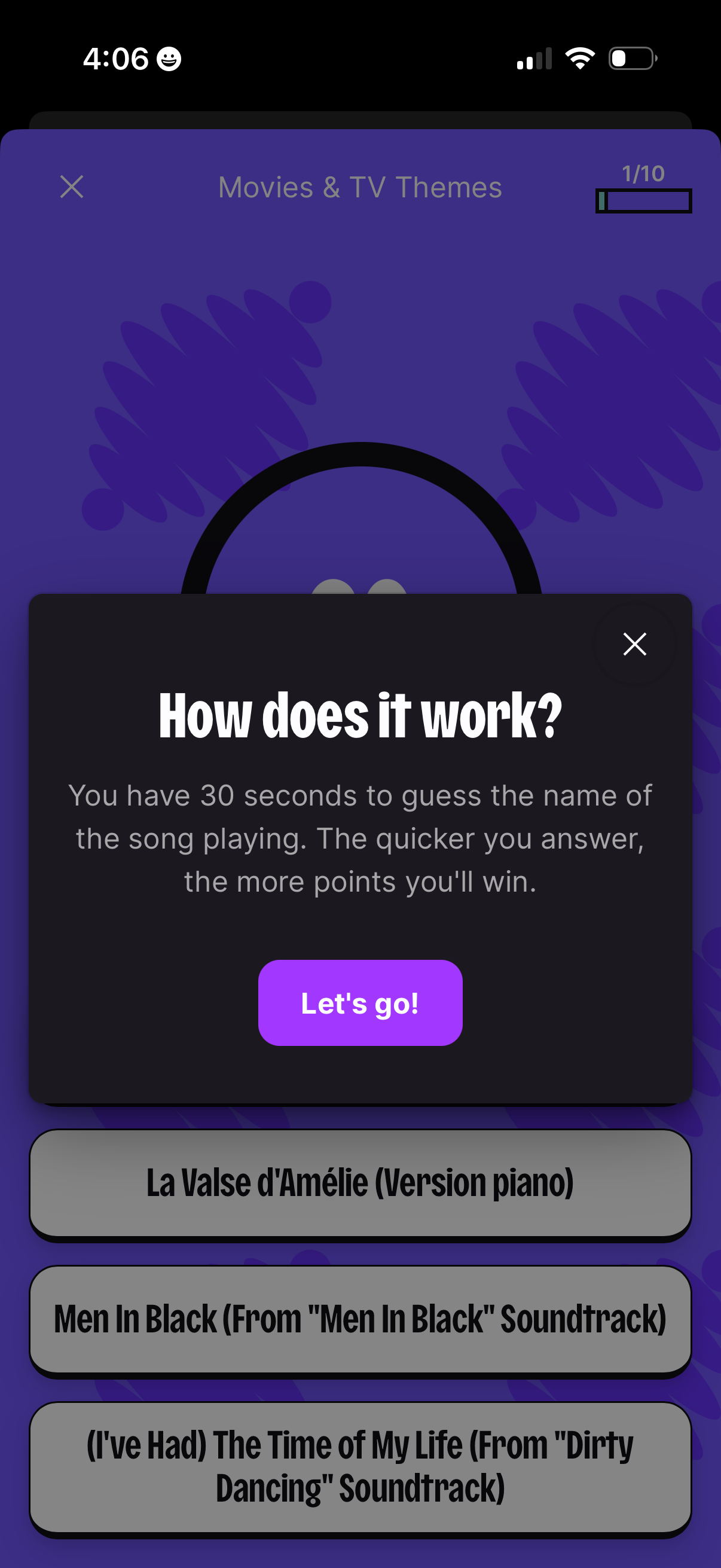
Modal tutorial overlay for a music quiz game explaining the rules: you have 30 seconds to guess the song playing and earn more points by answering faster. The popup has a close icon and a primary “Let’s go!
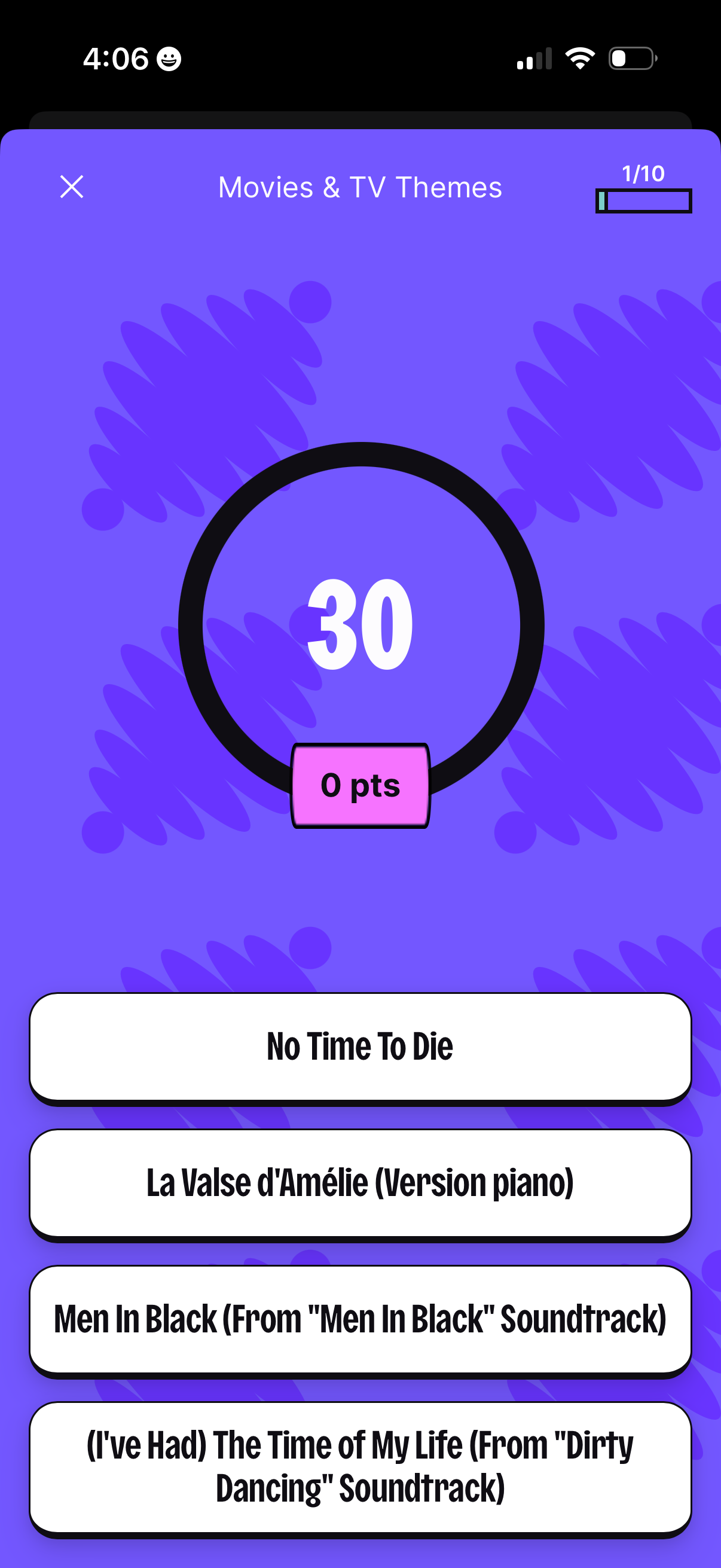
Multiple-choice trivia quiz question screen for “Movies & TV Themes” showing a 30-second countdown timer, current points, and question progress (1/10). Users select one of four song/title answer options, with an option to close the quiz.