browse genre playlists
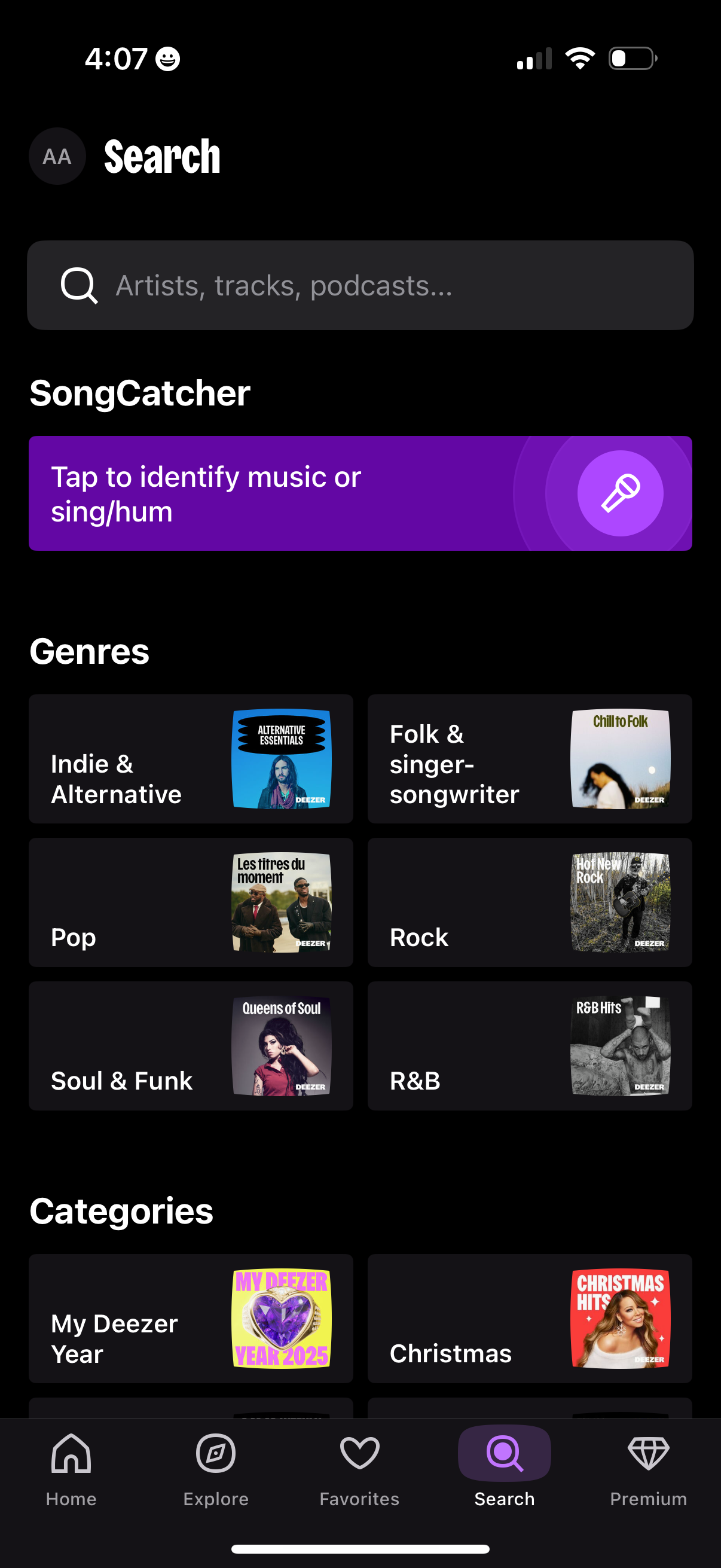
Music streaming app search/explore screen with a global search bar for artists, tracks, and podcasts plus a “SongCatcher” button to identify a song by listening or humming. Below, users can browse genre and category tiles (e.
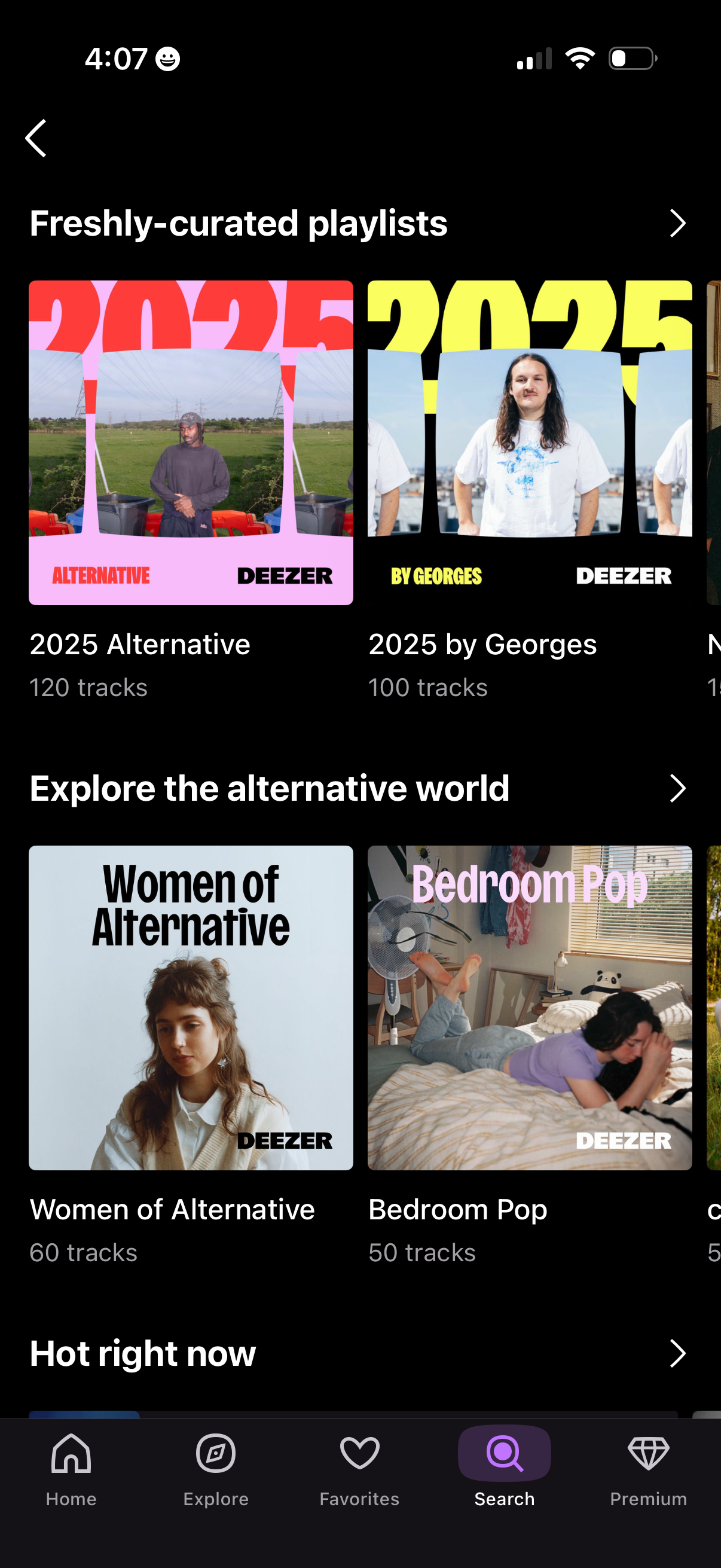
Music streaming search/browse page showcasing curated playlist collections, with horizontal carousels like “Freshly-curated playlists” and “Explore the alternative world” showing playlist cover art, titles, and track counts. Users can tap a playlist to open it, use section chevrons to view more, and navigate via the bottom tab bar (Home, Explore, Favorites, Search, Premium).
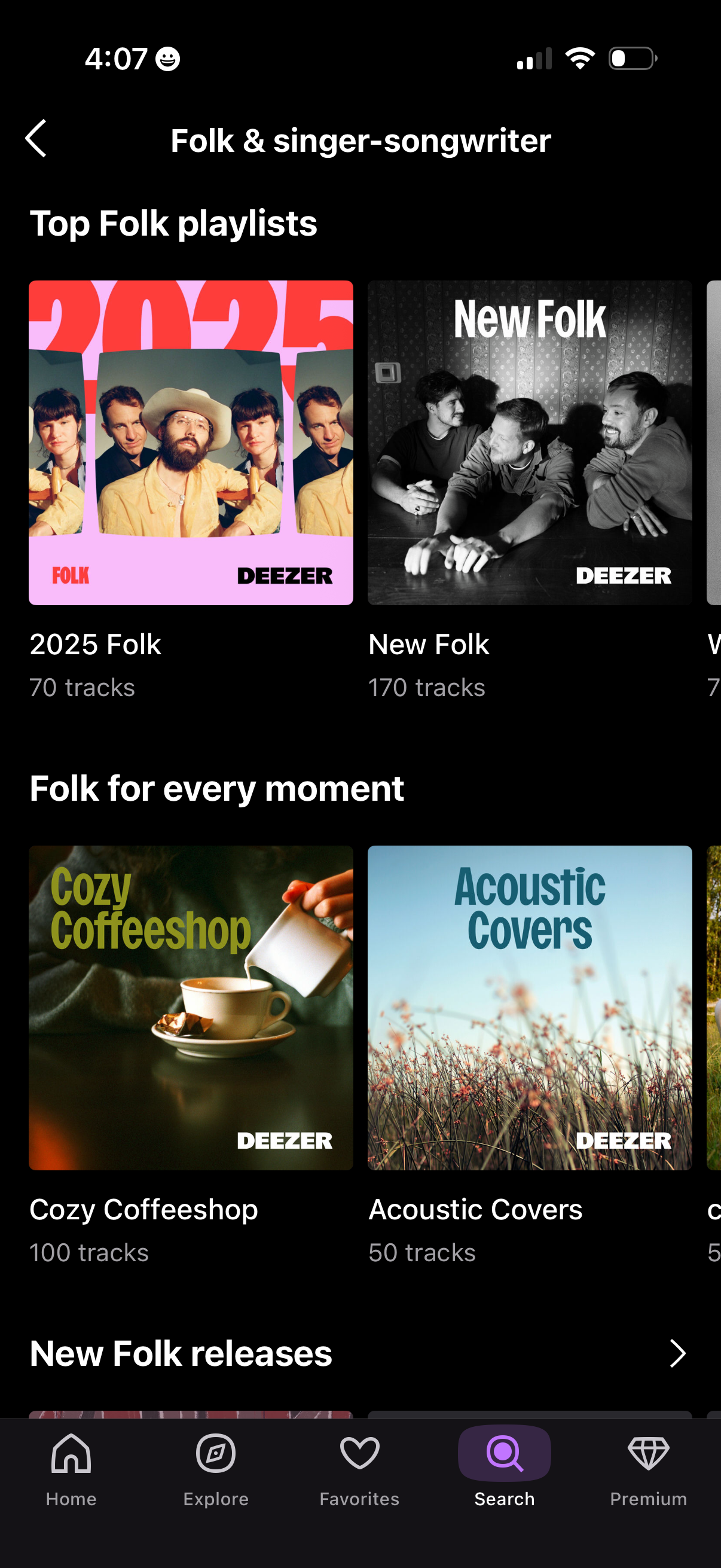
Music genre browsing screen for “Folk & singer-songwriter” showing curated folk playlists in a grid with cover art and track counts. Users can tap a playlist to start listening, navigate back, and switch tabs via the bottom navigation (Home, Explore, Favorites, Search, Premium).
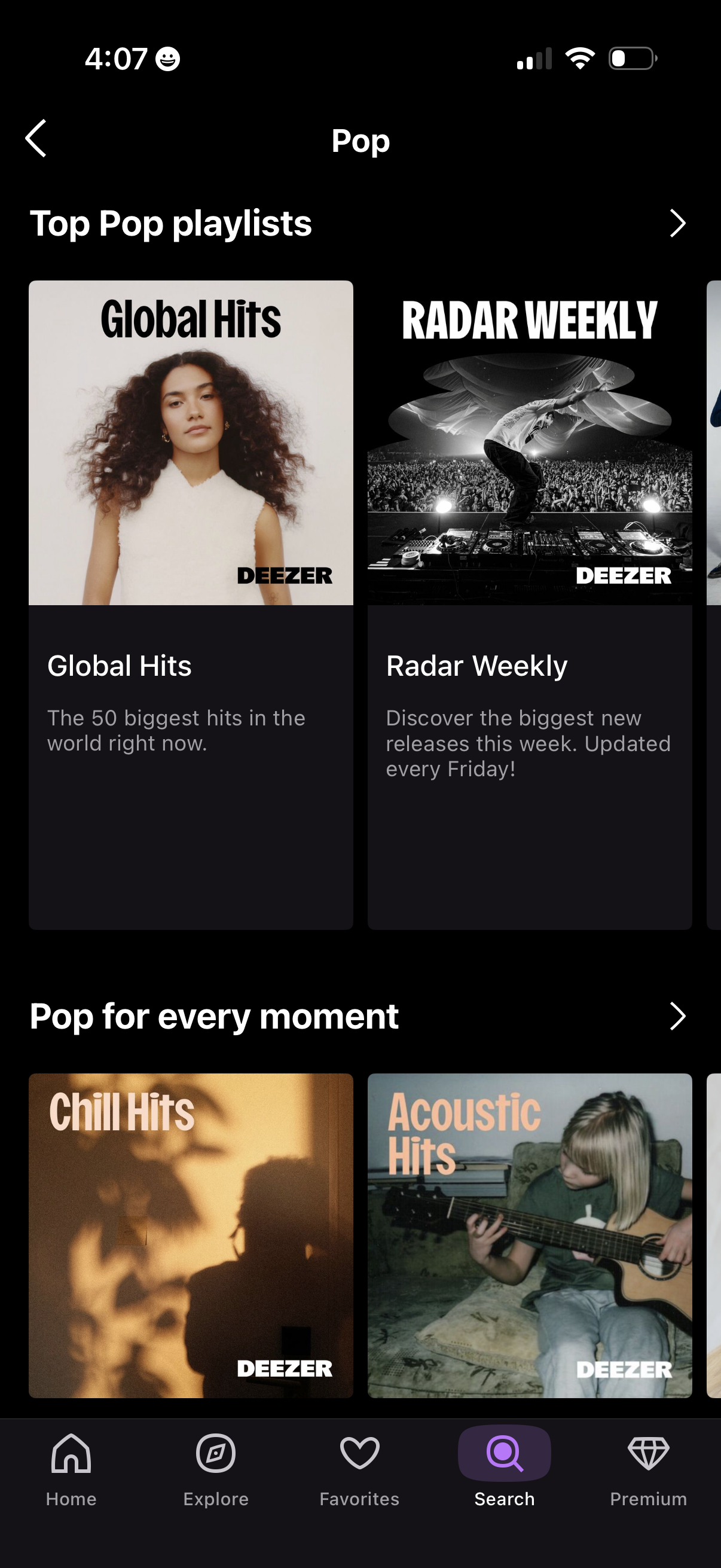
Music streaming genre browse screen for Pop, showing curated playlist collections like “Top Pop playlists” and “Pop for every moment” with large playlist cover cards and descriptions. Users can tap a playlist to open it, navigate back, and switch tabs via the bottom navigation (Home, Explore, Favorites, Search, Premium).