view publishing analytics prompt
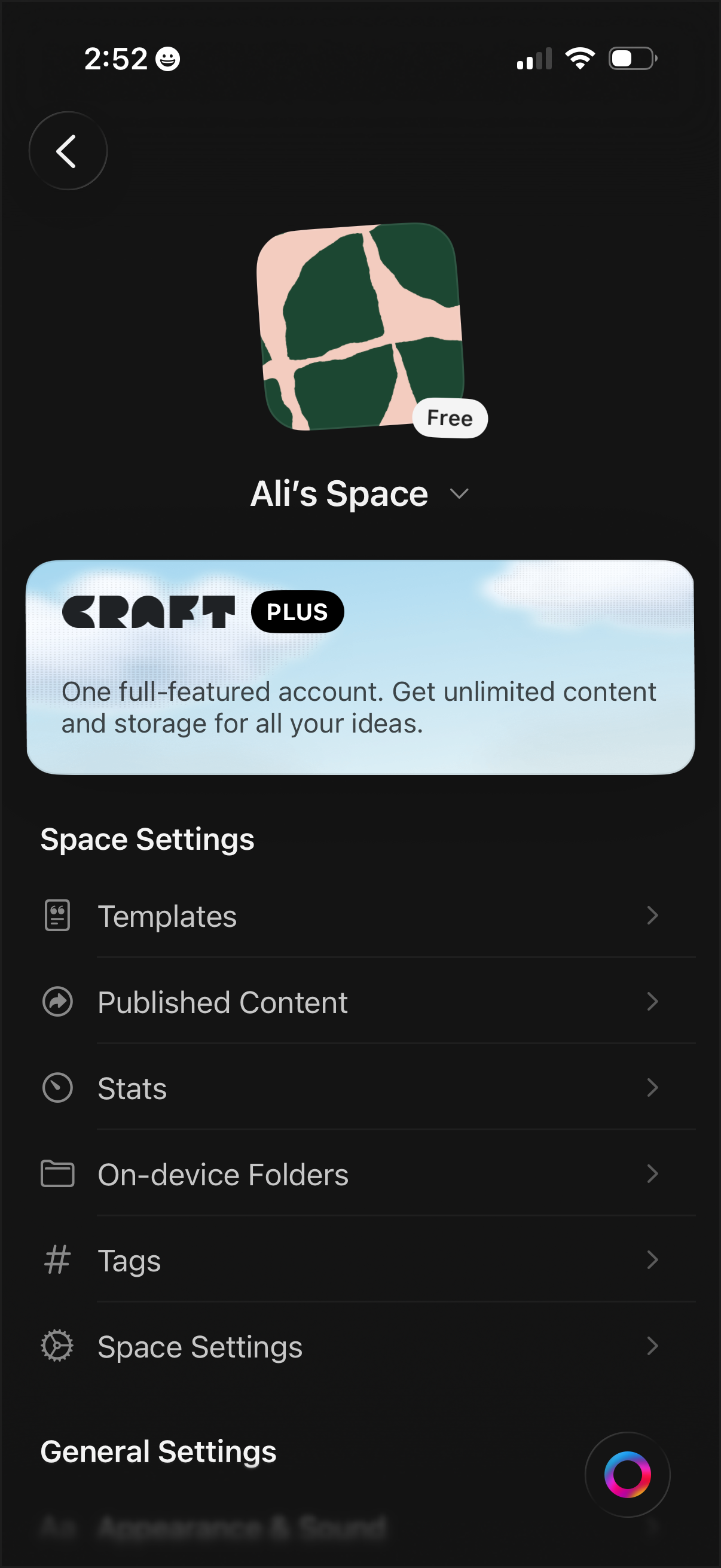
Workspace/space settings screen for a notes or document app showing the current space name, icon, and plan status, with an upsell banner for a premium subscription. Provides navigation to manage templates, published content, stats, on-device folders, tags, and additional space/general settings.
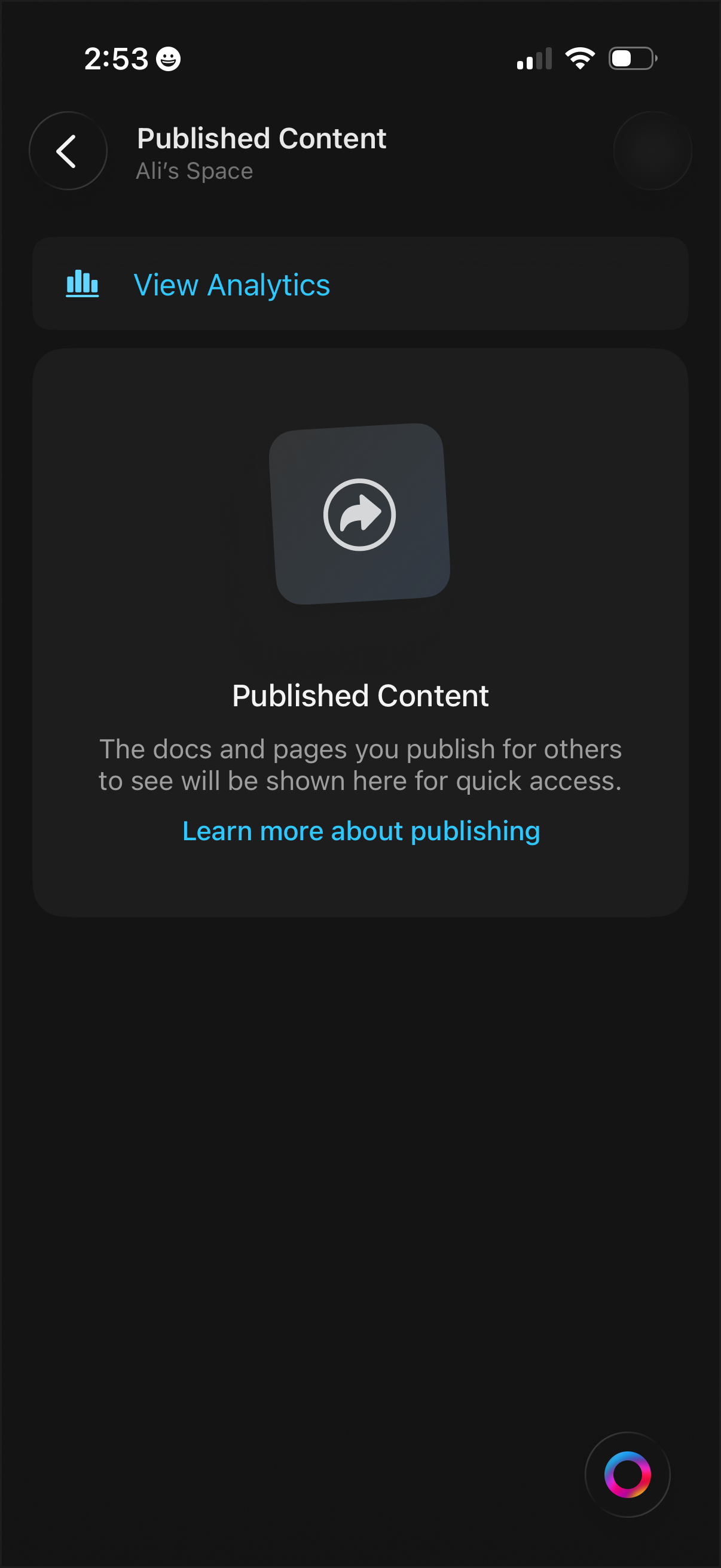
Published content management screen for a workspace/space showing where shared docs and pages will appear, with quick access to publishing resources. Primary actions include viewing analytics for published items and opening a “learn more about publishing” help link.
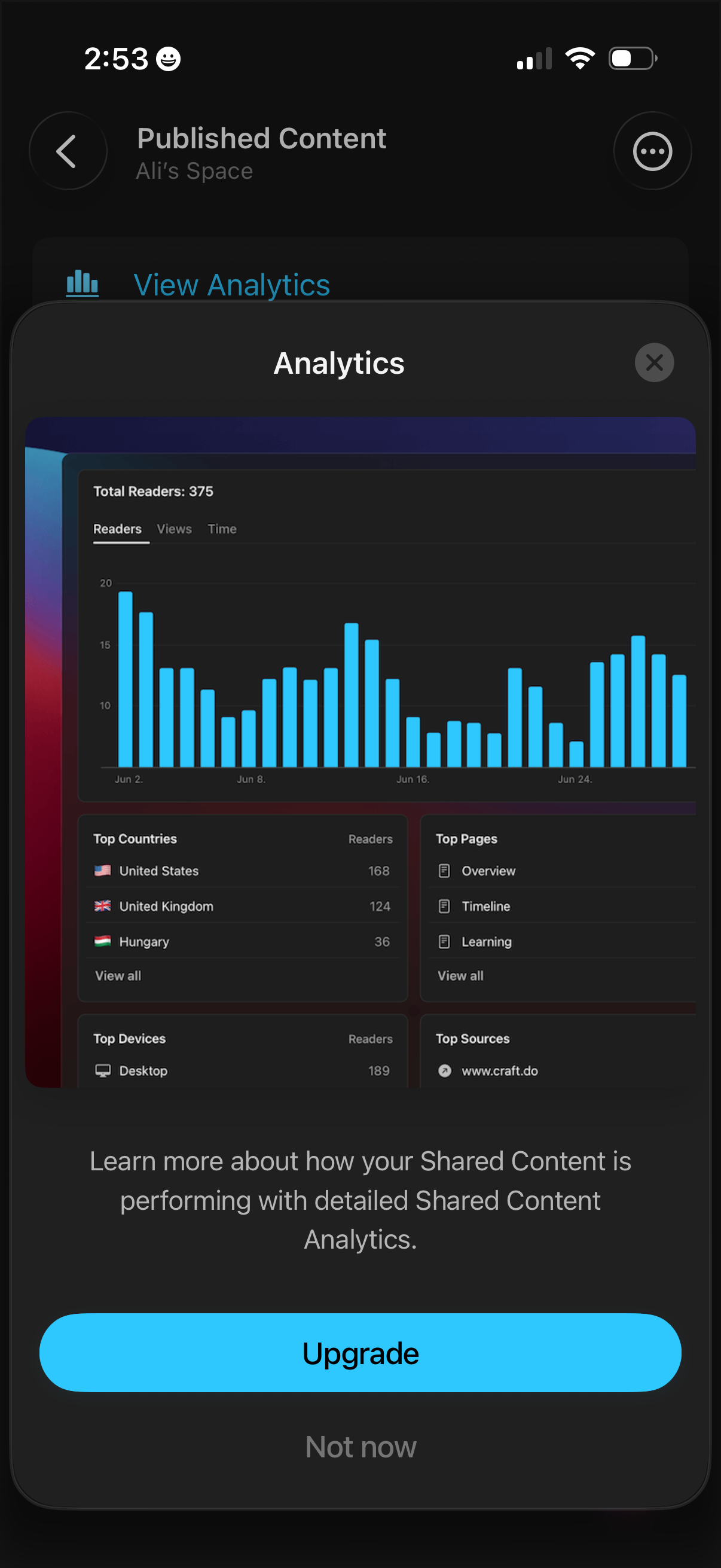
Modal upsell overlay for published content analytics, previewing a dashboard with reader/view/time charts and breakdowns by top countries, pages, devices, and sources. Users can close the modal or choose between primary Upgrade and secondary Not now actions to access detailed performance analytics.