1
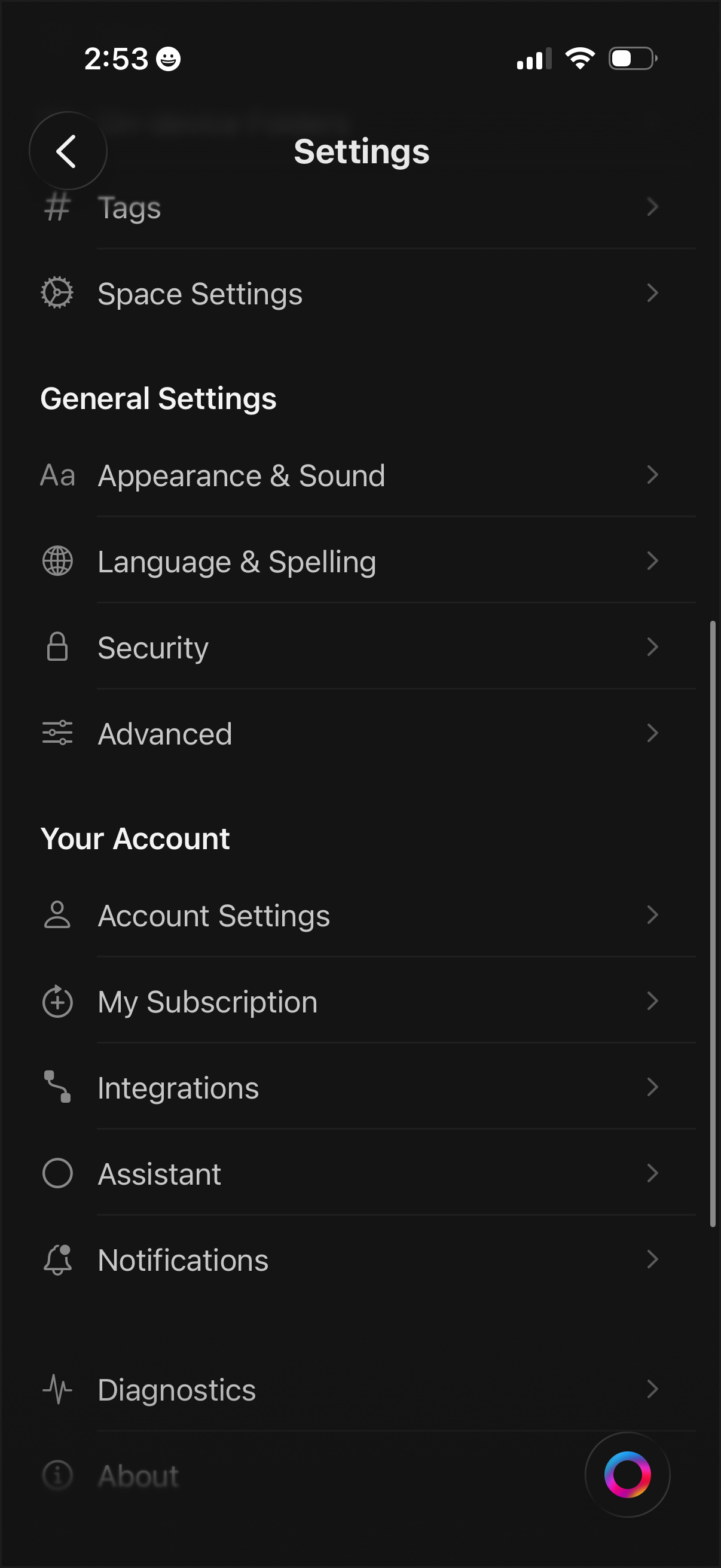
Settings menu screen with a categorized list for managing app and workspace preferences, including Tags, Space Settings, Appearance & Sound, Language & Spelling, Security, and Advanced options. Includes account-related sections to access Account Settings, subscription management, integrations, assistant, notifications, diagnostics, and about pages.
2
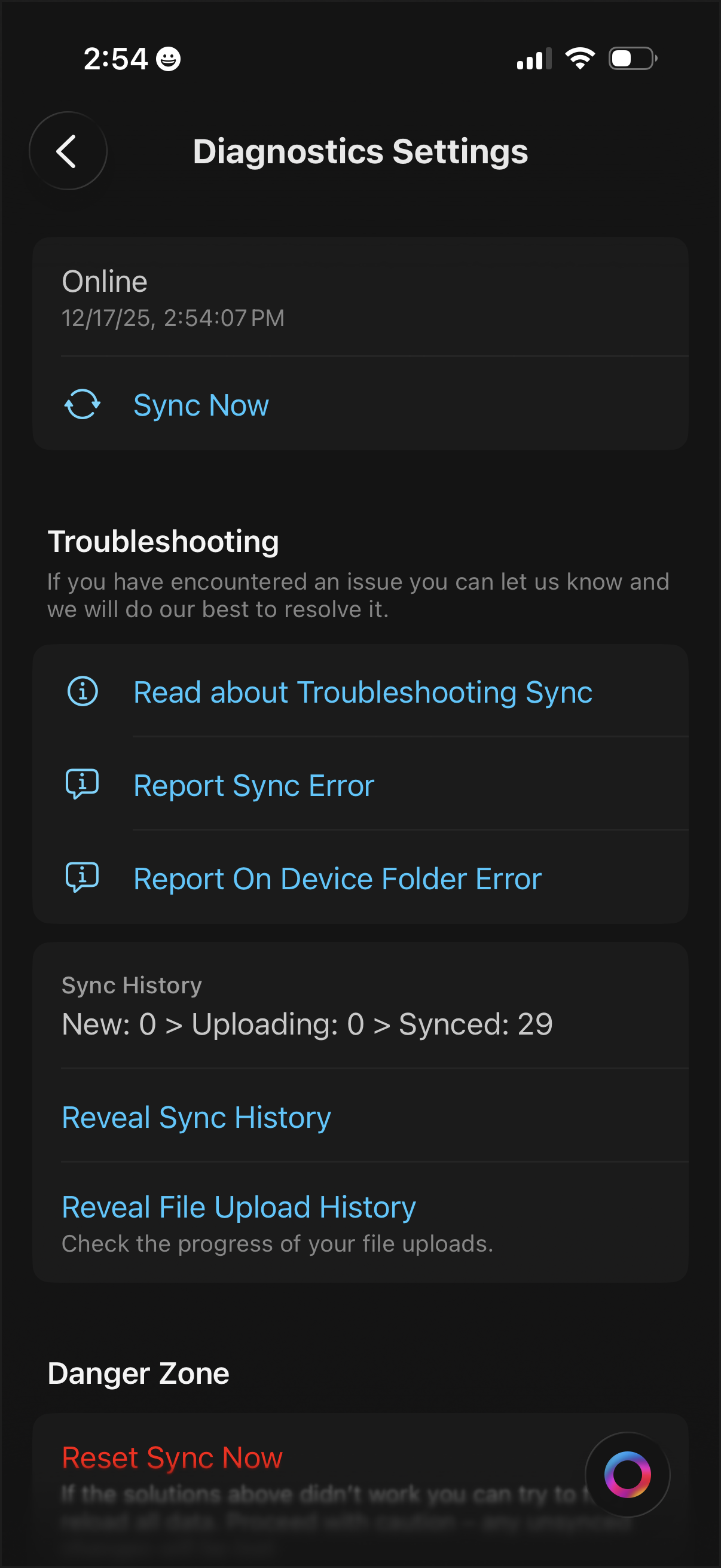
Diagnostics settings screen for data sync showing current online status and last sync time with a primary “Sync Now” action. Includes troubleshooting options to read help and report sync or on-device folder errors, buttons to reveal sync and file upload history, and a “Danger Zone” section to reset sync.