1
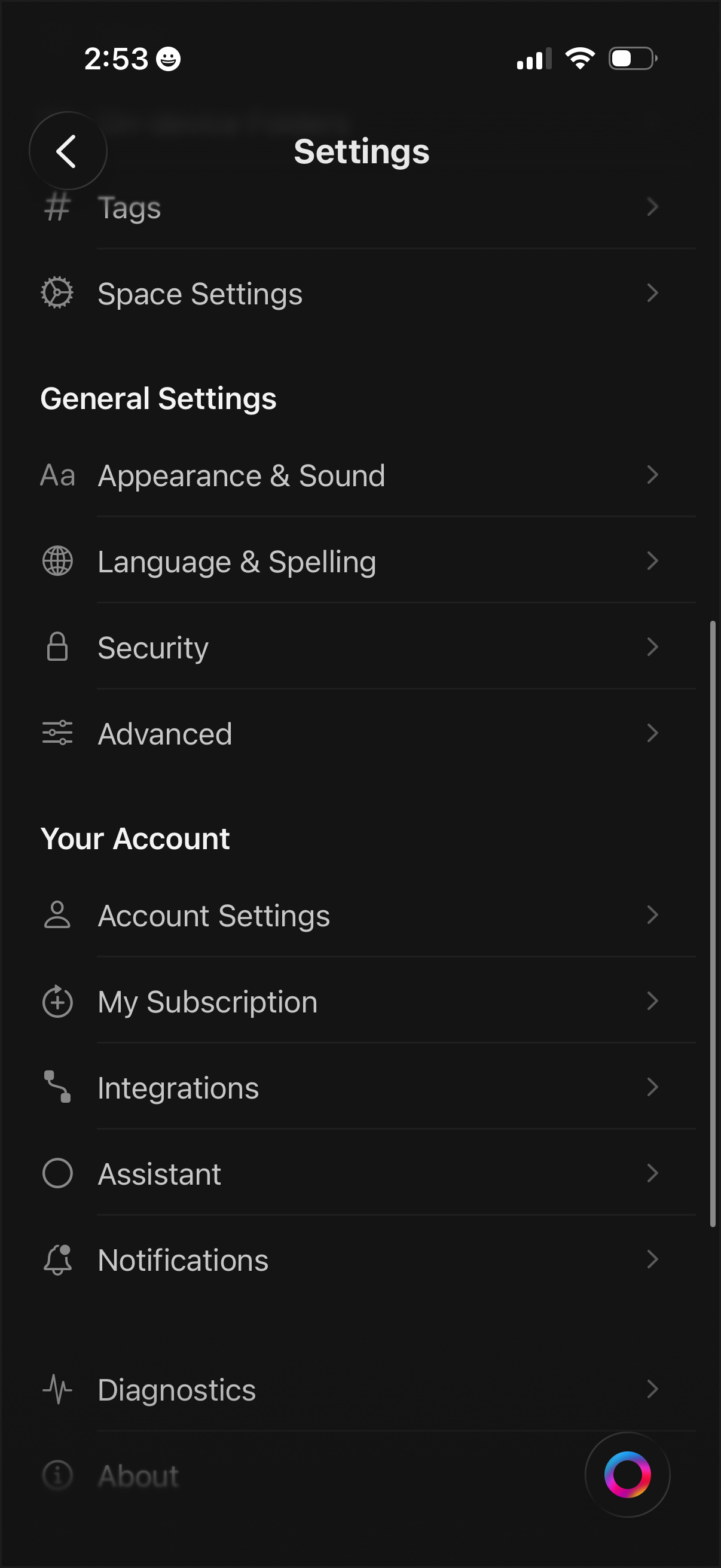
Settings menu screen with a categorized list for managing app and workspace preferences, including Tags, Space Settings, Appearance & Sound, Language & Spelling, Security, and Advanced options. Includes account-related sections to access Account Settings, subscription management, integrations, assistant, notifications, diagnostics, and about pages.
2
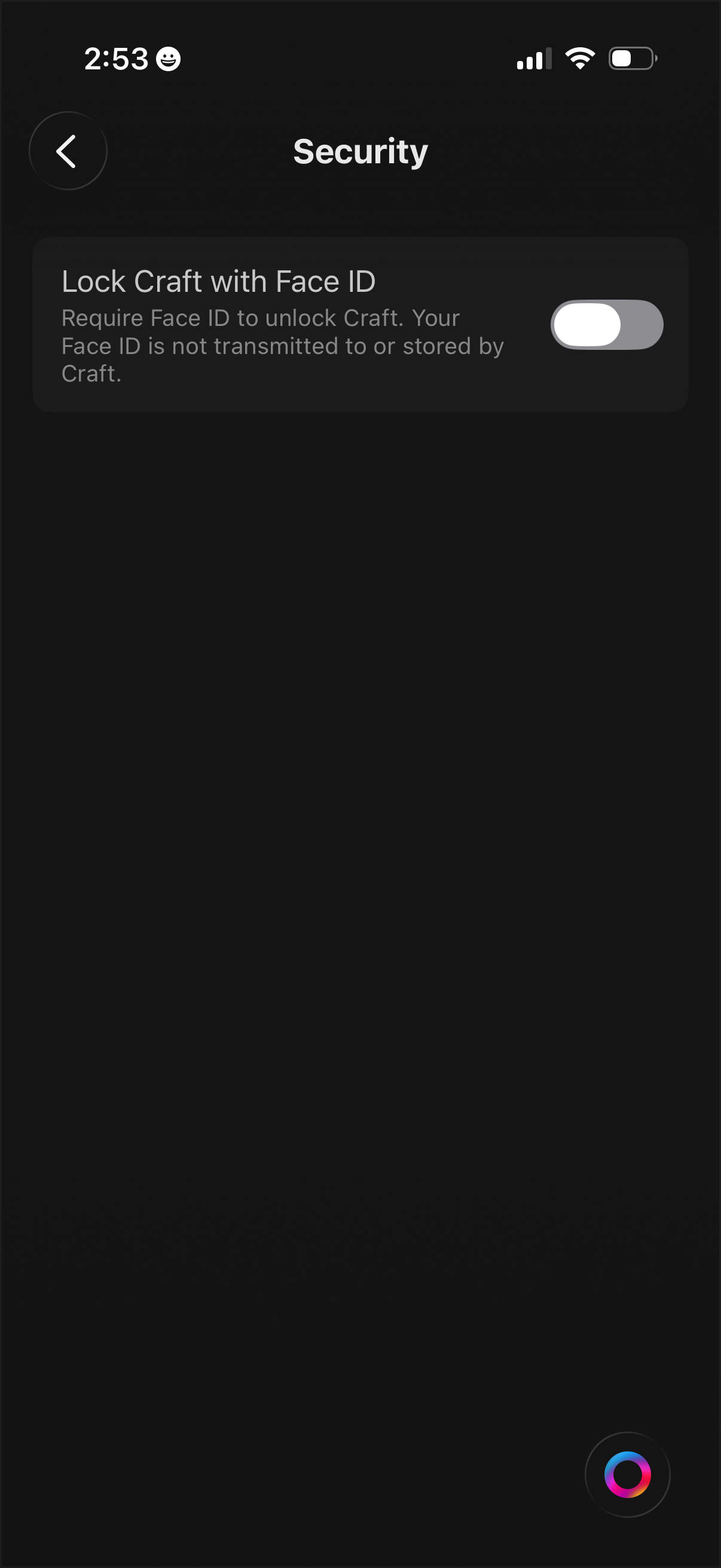
Security settings screen with an option to lock the app using Face ID, including explanatory privacy text and a toggle switch to enable or disable biometric unlocking. Includes a back button for navigation.