adjust appearance and sound
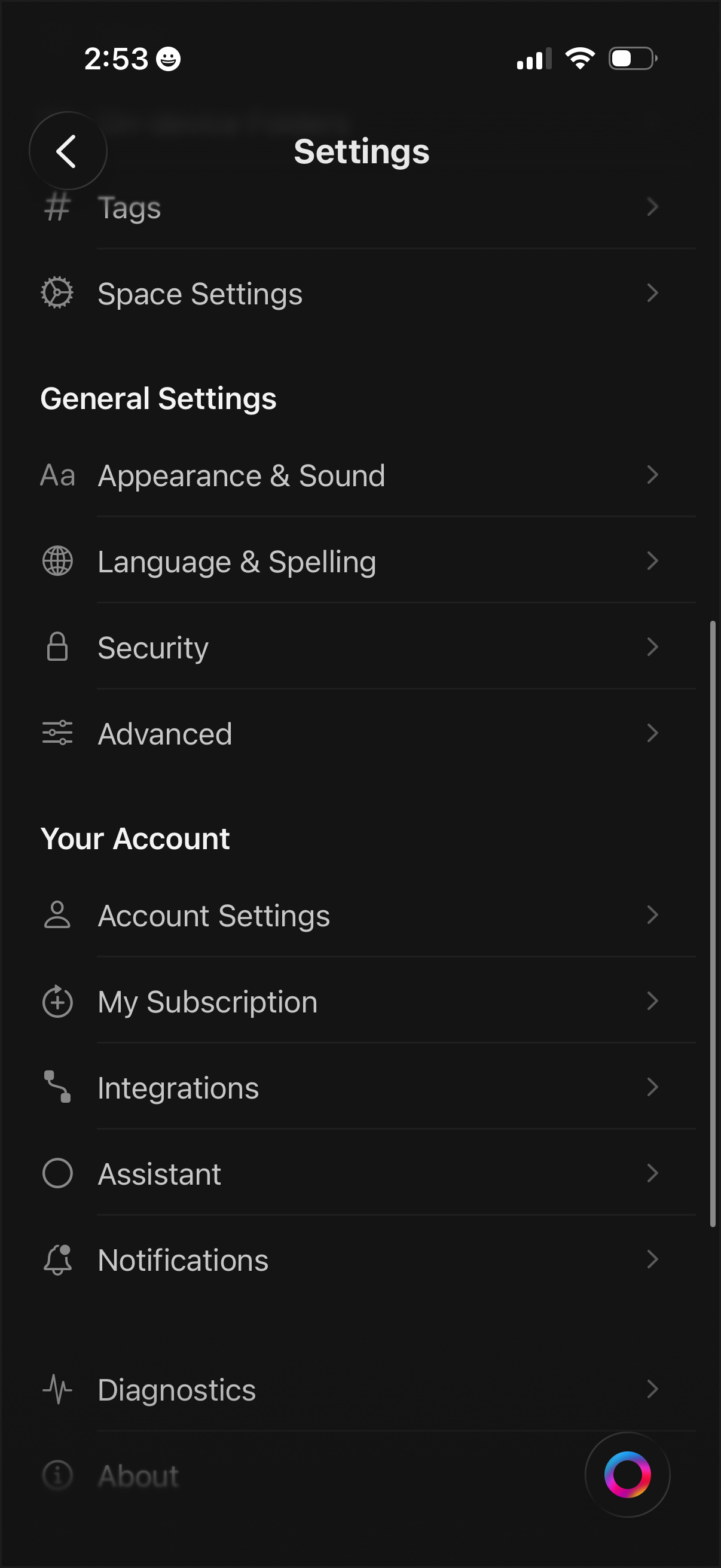
Settings menu screen with a categorized list for managing app and workspace preferences, including Tags, Space Settings, Appearance & Sound, Language & Spelling, Security, and Advanced options. Includes account-related sections to access Account Settings, subscription management, integrations, assistant, notifications, diagnostics, and about pages.
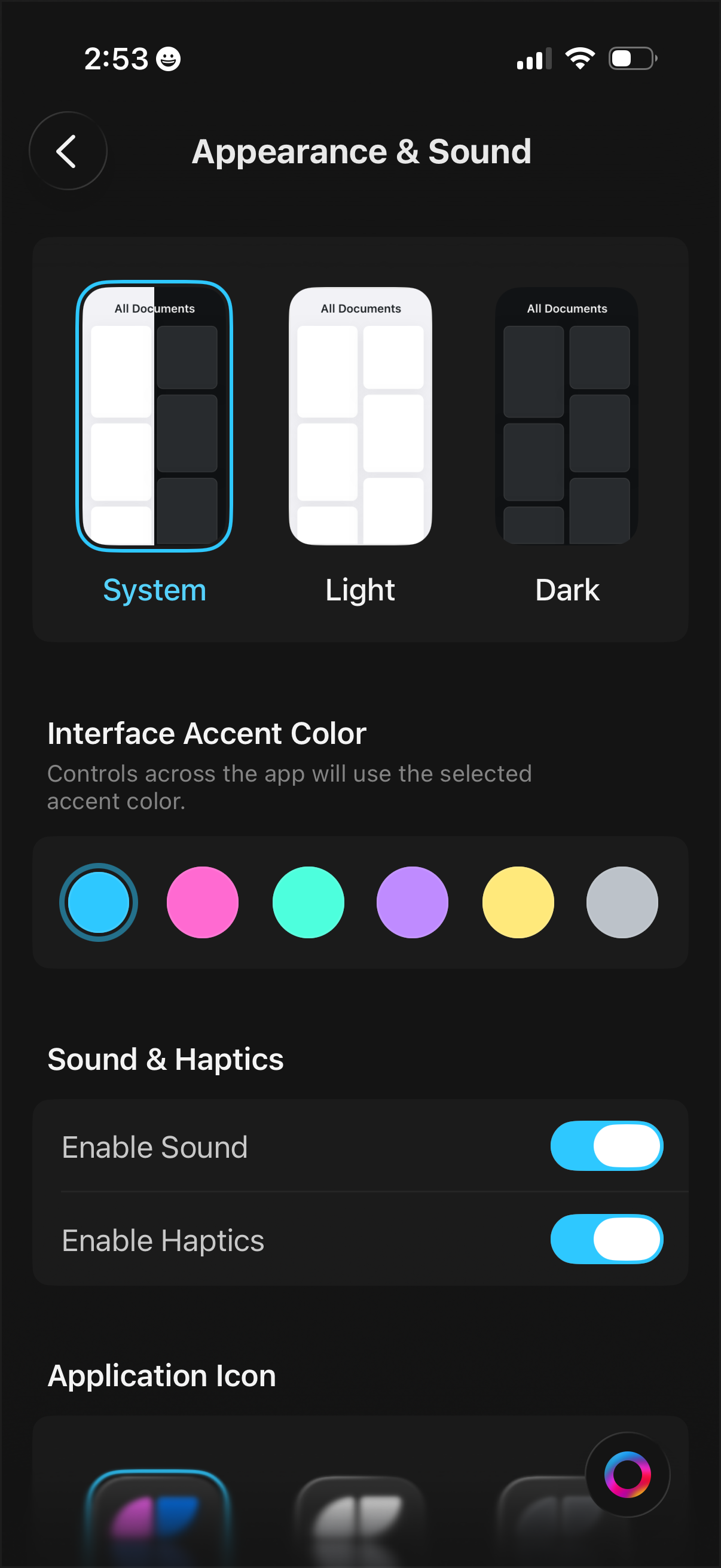
Settings screen for Appearance & Sound that lets users choose the app theme (follow system, light, or dark mode), pick an interface accent color from a color palette, and toggle sound and haptics on or off, with an additional section to customize the application icon.
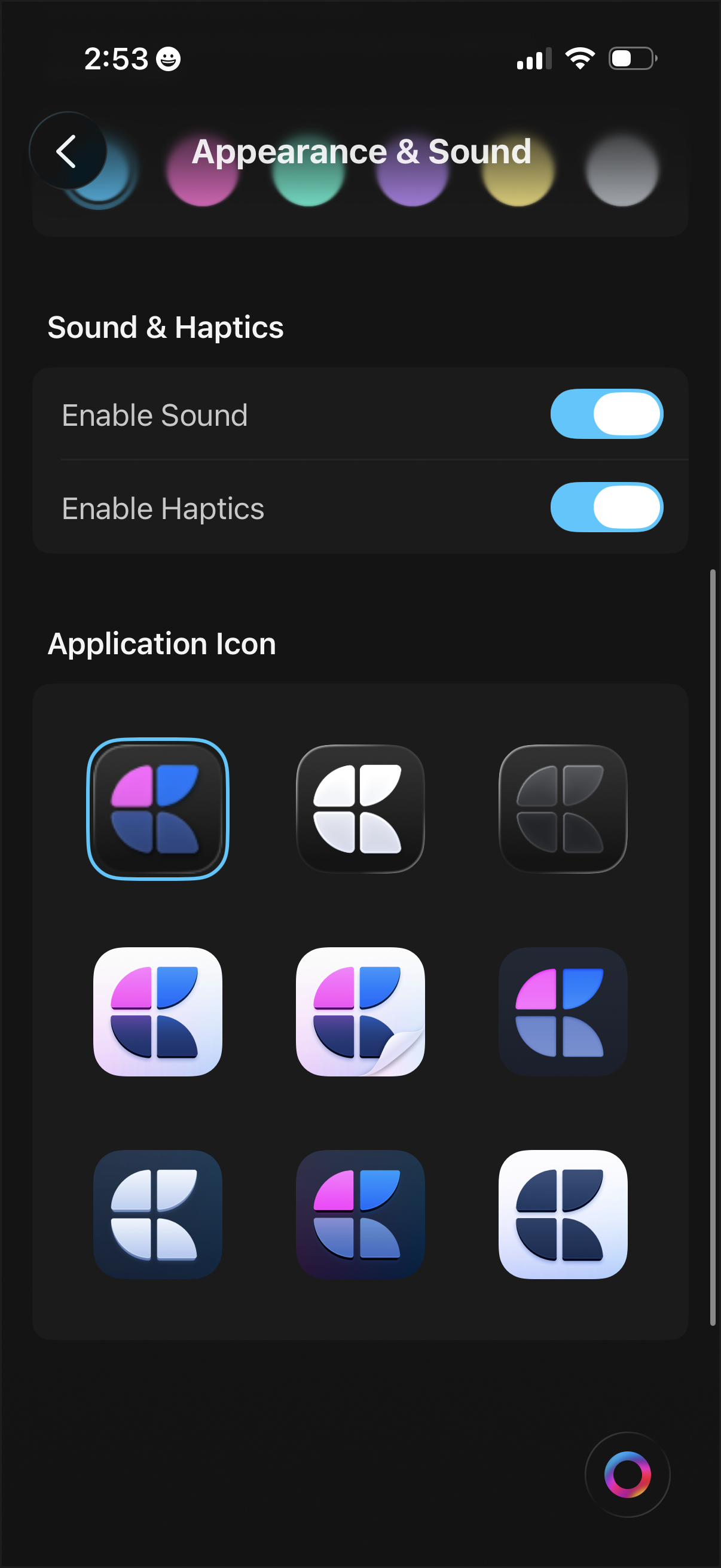
Appearance & Sound settings screen where users can toggle sound and haptics on/off and customize the app’s look. Includes a selectable grid of alternative application icons (with one highlighted) and a theme color picker option.