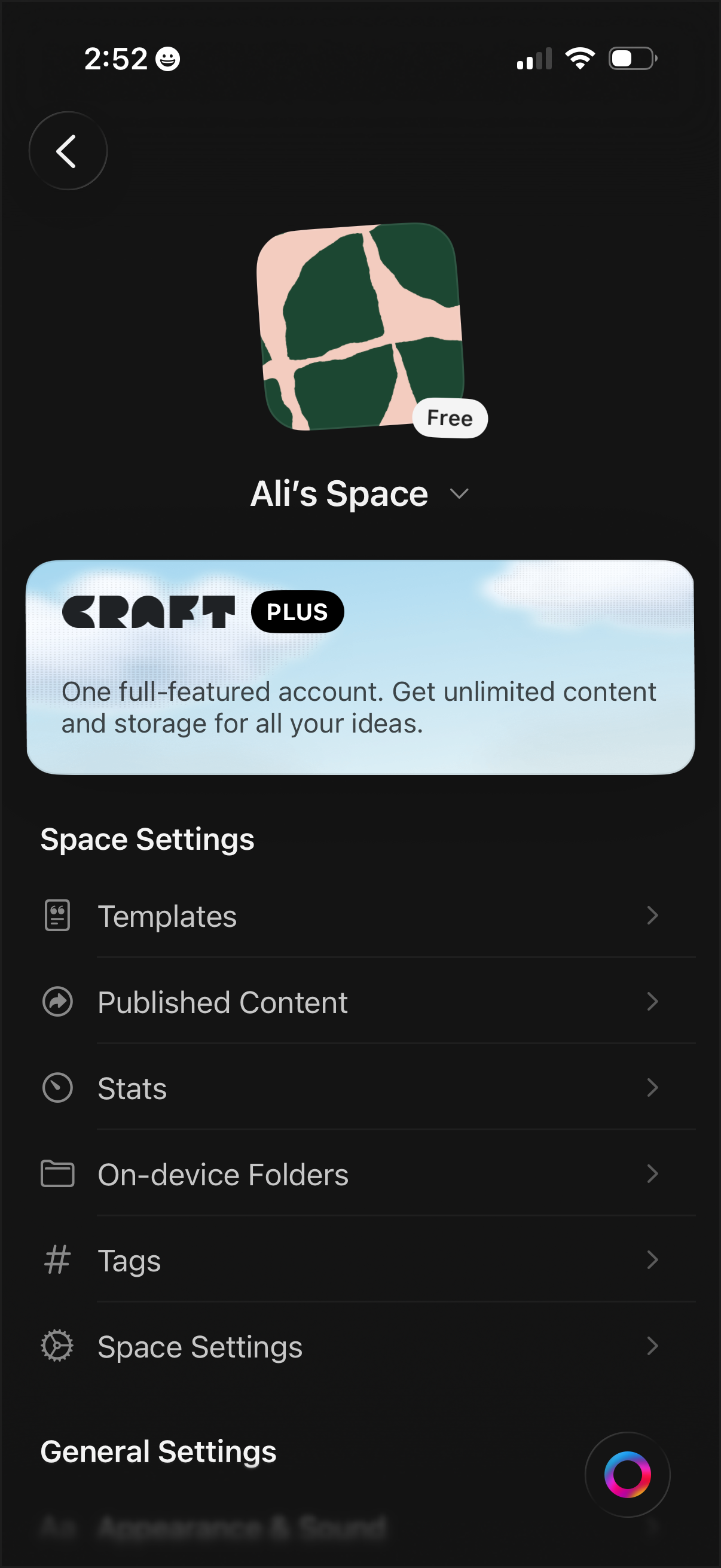
Workspace/space settings screen for a notes or document app showing the current space name, icon, and plan status, with an upsell banner for a premium subscription. Provides navigation to manage templates, published content, stats, on-device folders, tags, and additional space/general settings.
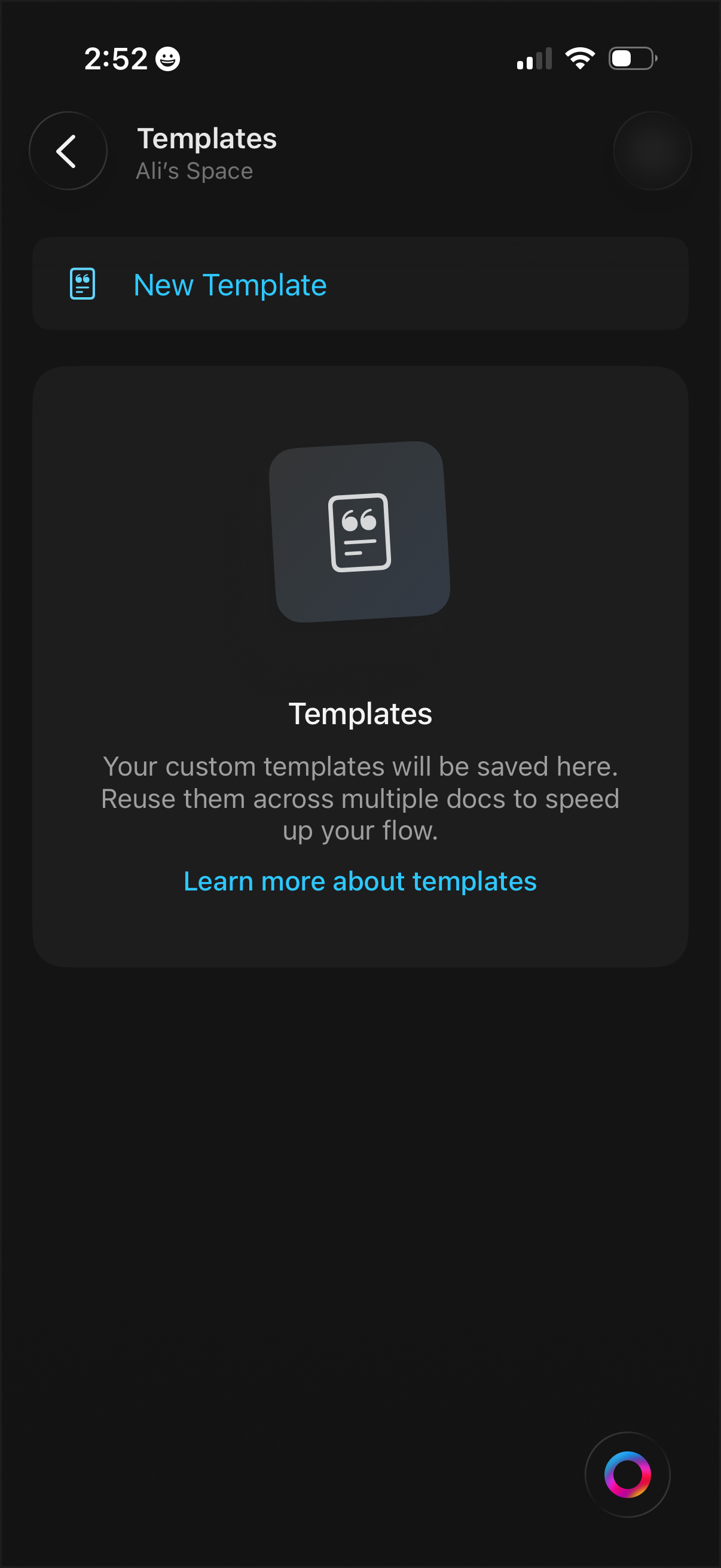
Templates management screen in a productivity/workspace app showing an empty state with explanation of reusable custom templates. Primary actions include creating a New Template and opening a “Learn more about templates” help link, with back navigation.
Dark-mode note editor screen for creating or renaming a page, with a single text field to enter the page title. Includes a back button to cancel and a prominent checkmark action to save/confirm the new title while the keyboard is open.
Minimal dark-mode text entry screen for creating or renaming an item, with a single title field and keyboard input. Top navigation includes a back button and a prominent checkmark button to save/confirm the text.
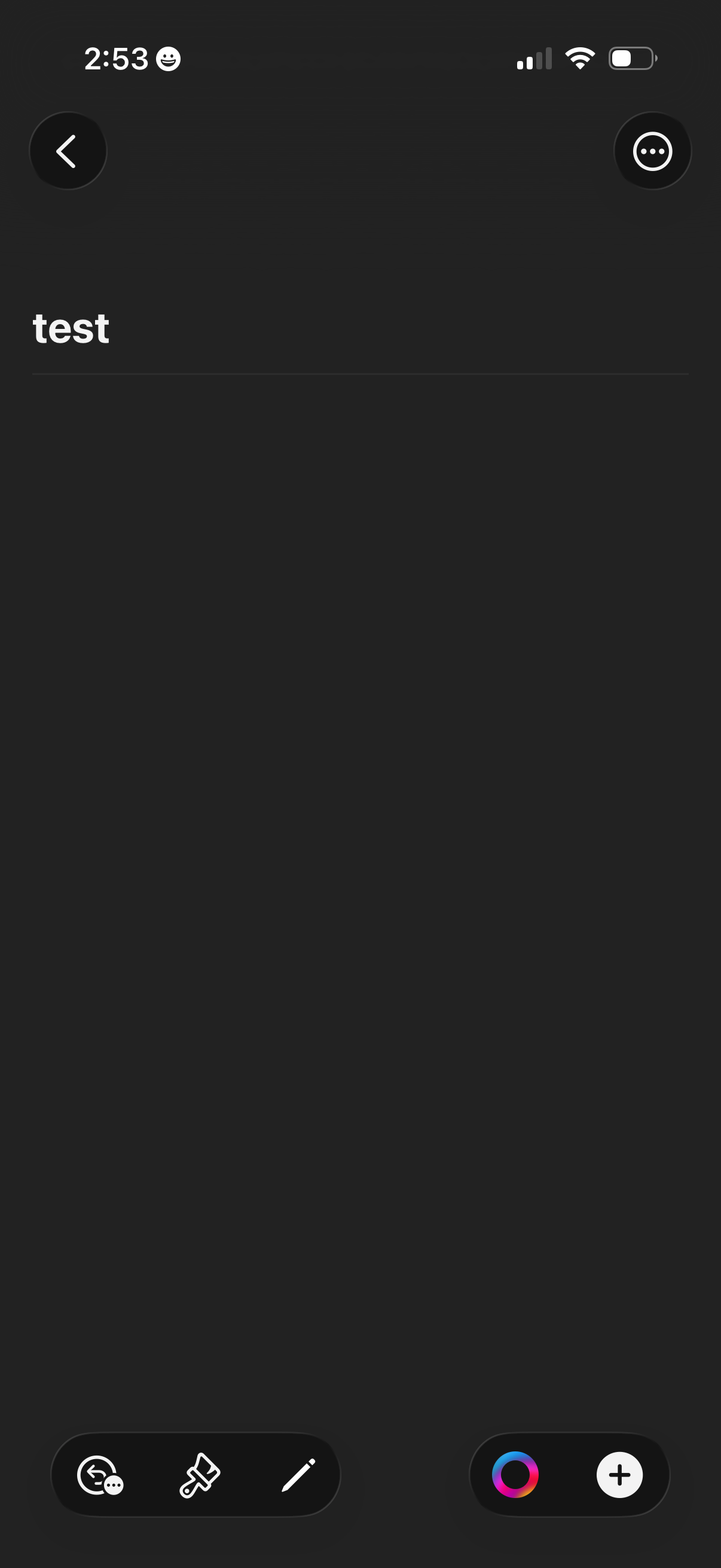
Dark-themed note or document editor screen showing a title field and blank content area, with a back button and overflow menu in the header. Bottom toolbar provides actions like comment/feedback, formatting or paint tools, edit with pencil, color picker, and add/create via a plus button.