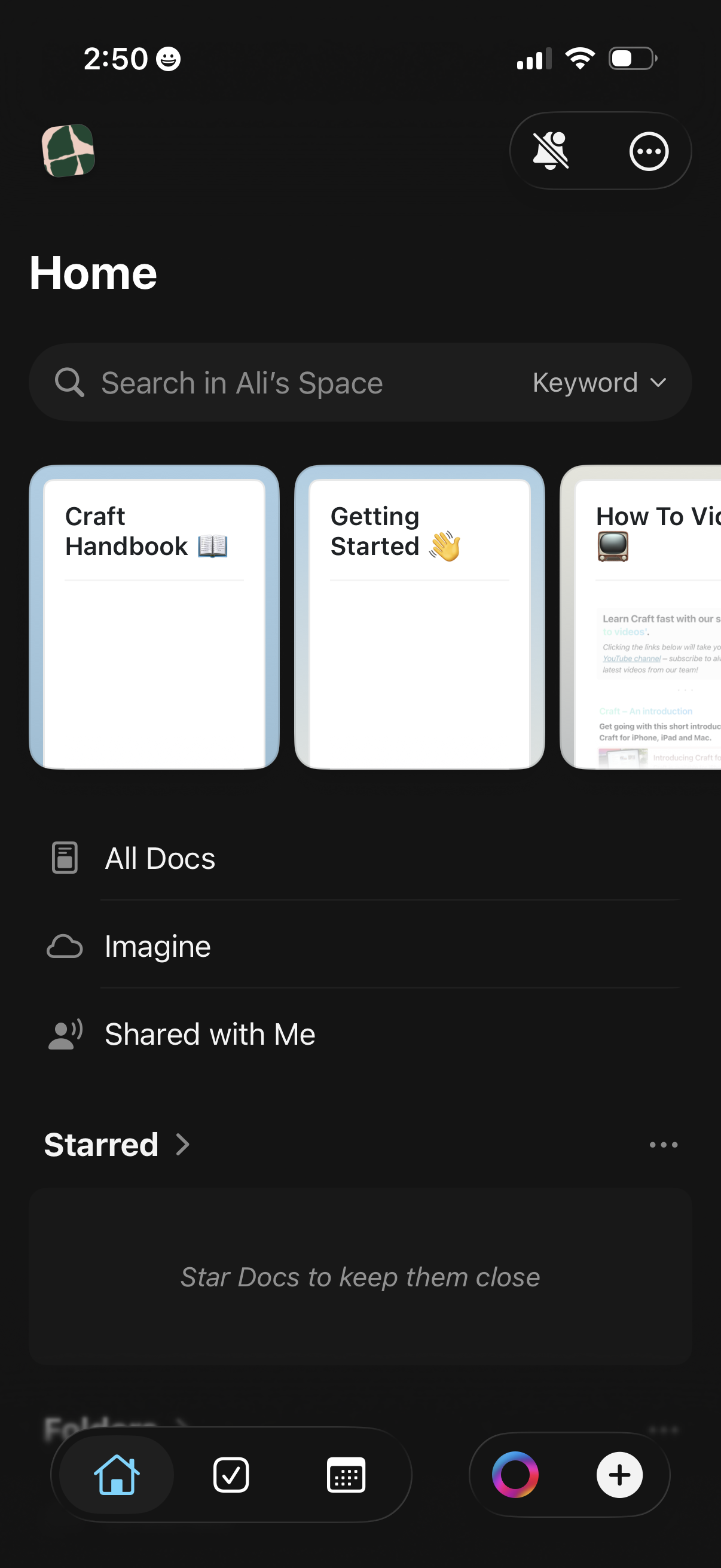
Dark-mode document workspace home screen with a global search bar and keyword filter, plus quick-access cards for recent docs. Provides navigation to All Docs, AI “Imagine,” Shared with Me, and Starred sections, with bottom tabs for home, tasks, grid view, and create/add new content.
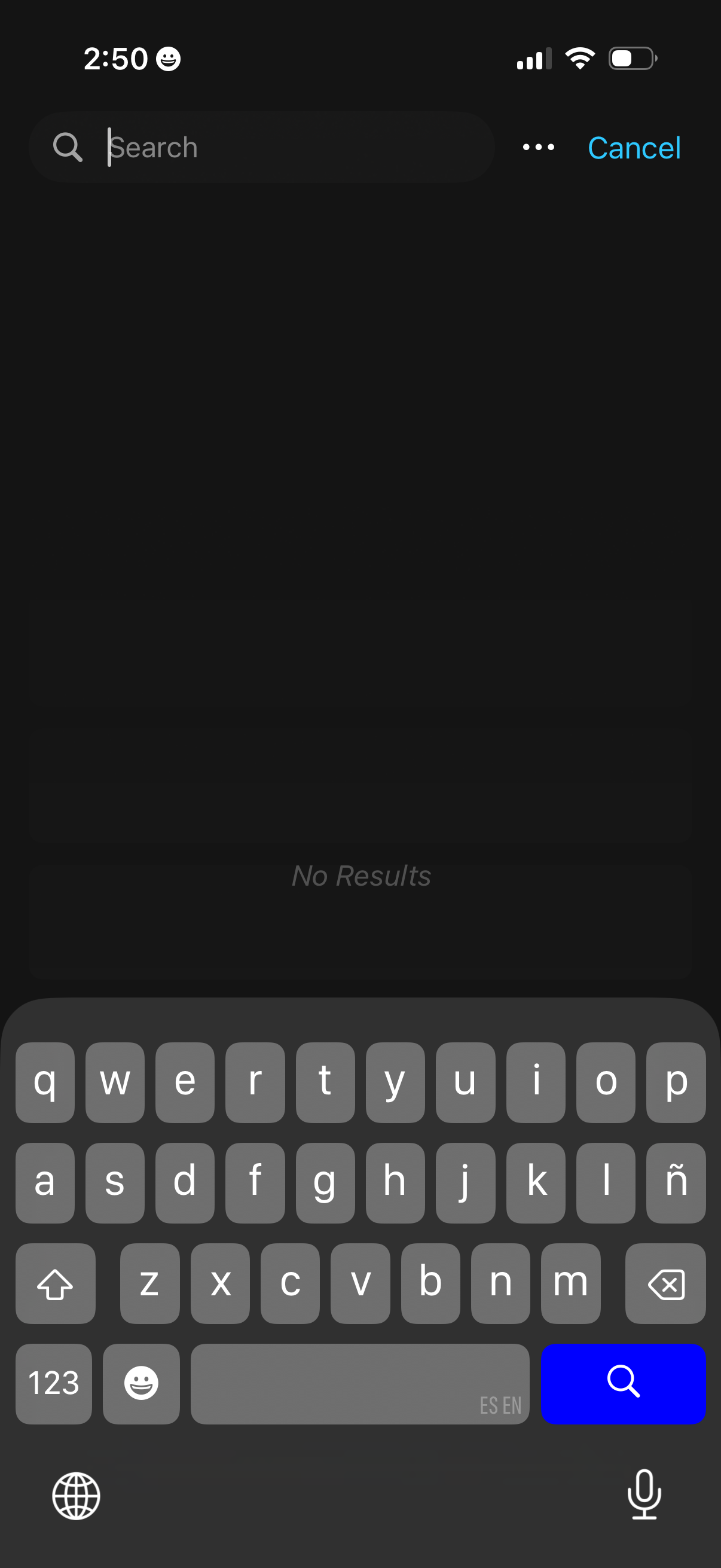
Dark-mode search screen with a top search bar and Cancel action, showing an empty state message “No Results” while the keyboard is open for typing a query. Designed for searching within an app and returning matching results, with options menu access via a three-dot icon.
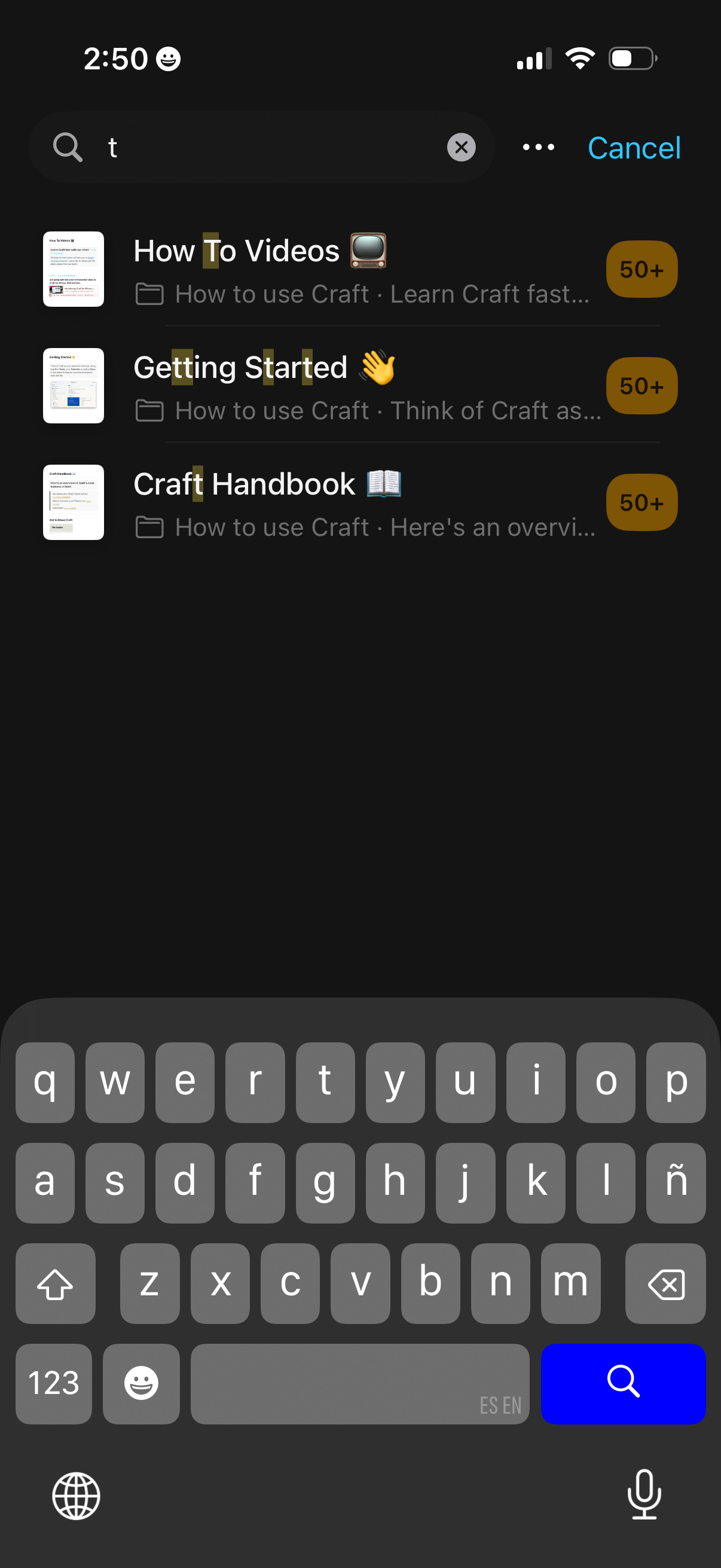
In-app search screen in dark mode showing a search bar with typed query and results list of documentation/resources, each with a thumbnail, title, brief subtitle, and a badge indicating 50+ items. Includes actions to clear the search, open more options, and cancel, with the keyboard visible for continuing the search.
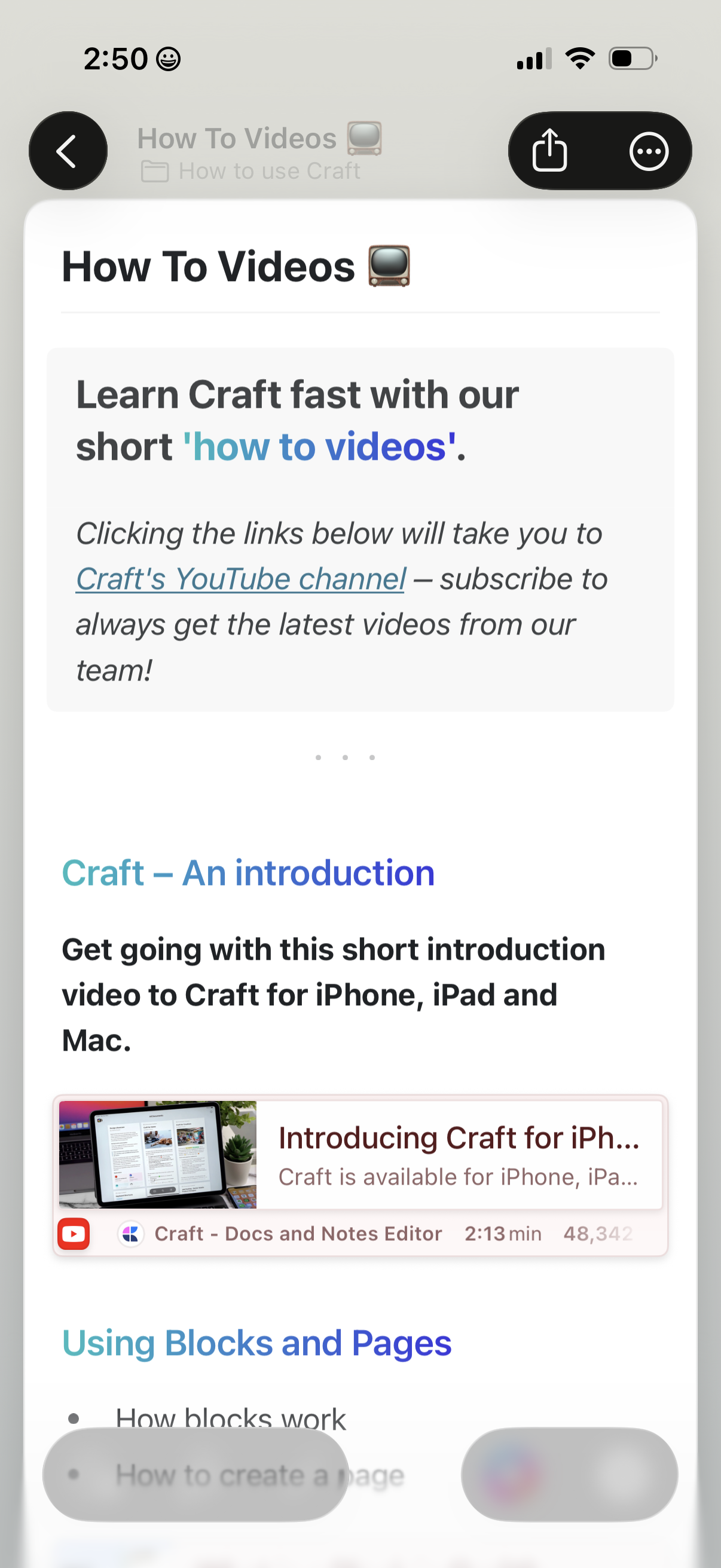
In-app help and learning hub showing a “How To Videos” page with an introduction and links that open the product’s YouTube tutorial channel. Users can browse tutorial sections and tap a video card to watch an introductory video, with back navigation and share/more actions in the header.